Prompt
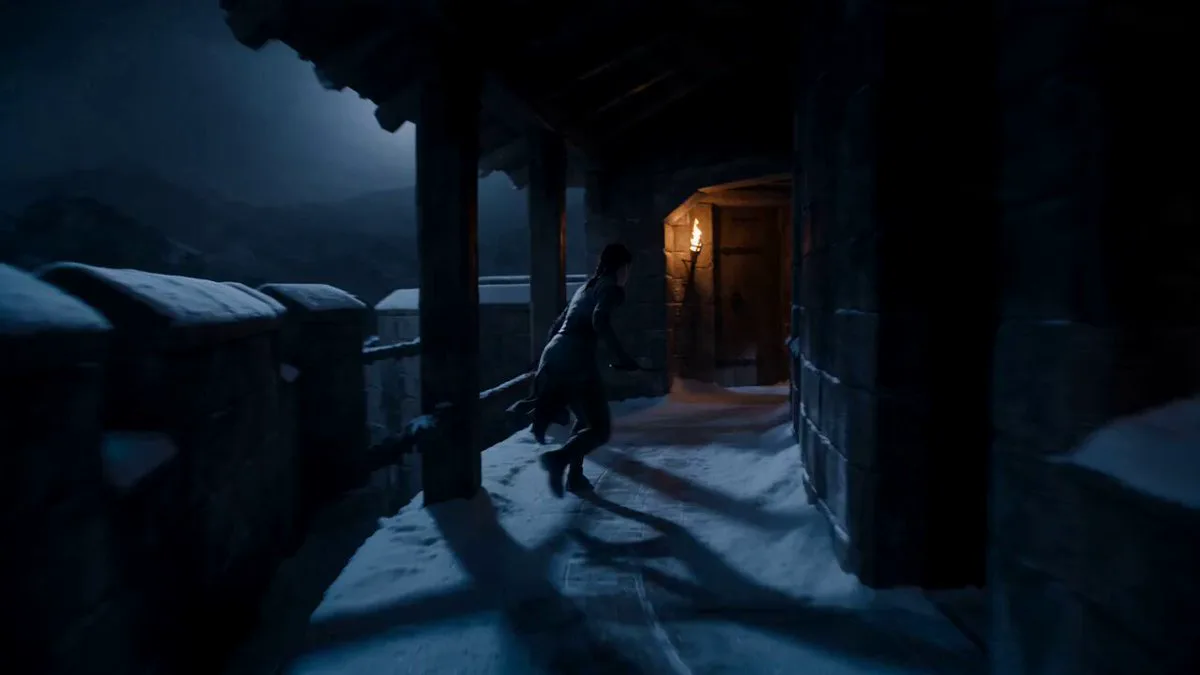
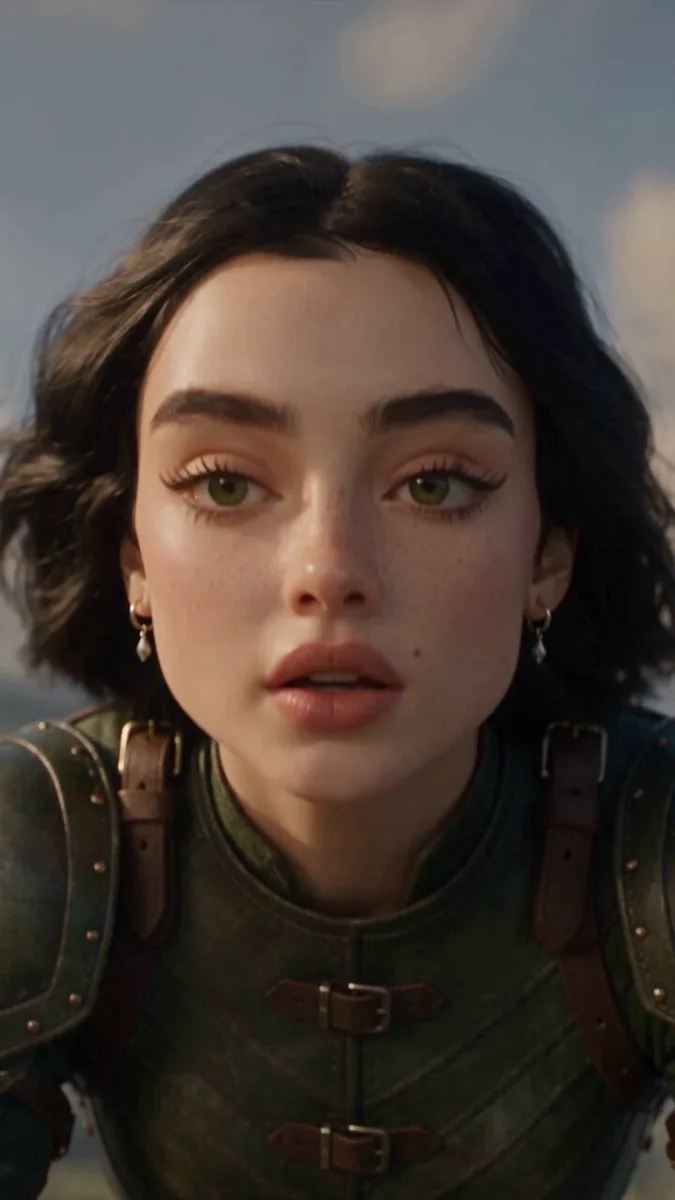
397 wordsDuration: 10 seconds Style: Ultra-cinematic, photorealistic large-format cinema realism, continuous single shot, no cuts. --- Character & Setup Use @Image1 as the identity reference. Preserve the exact facial identity, facial structure, hairstyle, skin tone, and proportions throughout the entire sequence. His face is bruised with a small streak of blood at the corner of his mouth. He looks exhausted after battle. During the transformation, he shows restrained pain with only a slight frown—no exaggerated screaming. Armor design is inspired by @Image2. His clothing is battle-damaged, torn, dusty, and partially burned. In his right hand he tightly grips a glowing Holy Ring Crystal Core radiating intense white-blue divine energy. Environment Apocalyptic Jakarta under a dark overcast sky. Ruined skyscrapers, burning buildings, drifting ash, smoke, flying debris, distant fires, and flaming meteors crossing the sky. Cold grey-blue cinematic color palette with dramatic atmosphere. Visual Style Photorealistic cinematic realism, large-format cinema-quality visuals, 35mm Panavision lens, handheld camera with subtle breathing movement, compressed shadows, highly detailed textures, slight edge softness, natural film grain, grounded realism. Thousands of glowing feathers physically assemble the armor with a powerful divine aura, combining biological pain with advanced alien technology. --- 0–2.5s — Fall The hero crashes violently into broken concrete and rubble, creating a powerful dust explosion. The handheld camera shakes from the impact. He slowly rises to one knee, breathing heavily while staring at the glowing Holy Ring Crystal Core in his right hand. 2.5–5s — Awakening He quietly whispers, "Berubah!", then crushes the crystal. A blinding white-blue beam erupts into the sky. Thousands of glowing feathers materialize and spiral around him. They wrap around his arm, chest, and entire body. His eyes become pure white as a faint golden halo symbol briefly appears behind him. 5–7.5s — Transformation Sacred energy explodes outward. White smoke, golden sparks, and streams of blue energy surround him. Feather light solidifies into mechanical armor components that rapidly lock onto his torso, arms, legs, and shoulders with satisfying metallic clicks. The camera circles smoothly around him during the transformation. 7.5–10s — Completion The transformation completes into magnificent white-platinum armor with pearl-like metallic surfaces, elegant golden engravings, and glowing blue energy flowing through every armor seam. Massive mechanical angel wings unfold dramatically, scattering thousands of glowing feathers. A radiant halo appears behind him while a transparent energy helmet forms over his face. Two blazing holy energy blades materialize in hi
About this prompt
Celestial Warrior Cinematic Transformation is a VFX Seedance 2.0 prompt with 397 words, structured around shot timing, camera direction, motion cues, and remixable scene details.
Use the preview clip when available to understand pacing, then treat the prompt text as a production brief you can adapt for your own subject, brand, or story.
Video prompt structure
Use it for VFX videos
Best for Seedance 2.0 generations that need VFX, Multi-Shot, Dialogue. Replace the subject, setting, product, dialogue, music, and timing before sending it to the generator.
Customize before generating
- Swap the subject. Keep the camera and timing structure, but change the character, product, or environment.
- Tighten the timeline. Shorten or expand shot blocks so they match the duration you want to render.
- Add reference media. Use first frames, last frames, images, video, or audio when the prompt depends on a specific look or rhythm.
More Seedance paths to explore
Browse adjacent styles and techniques from the same Seedance 2.0 prompt library.
How to use it
- Step 1
Copy or start from this prompt
Use the full prompt as a structured draft rather than rewriting the whole video brief.
- Step 2
Open Seedance 2.0
Send the text into the Seedance generator and choose text, image, or reference mode.
- Step 3
Adapt and render
Tune duration, aspect ratio, reference media, camera notes, and dialogue before generating.
Make it a Seedance video
Start from this prompt in the Seedance 2.0 generator, then adjust the scene, duration, aspect ratio, and reference media.