Prompt
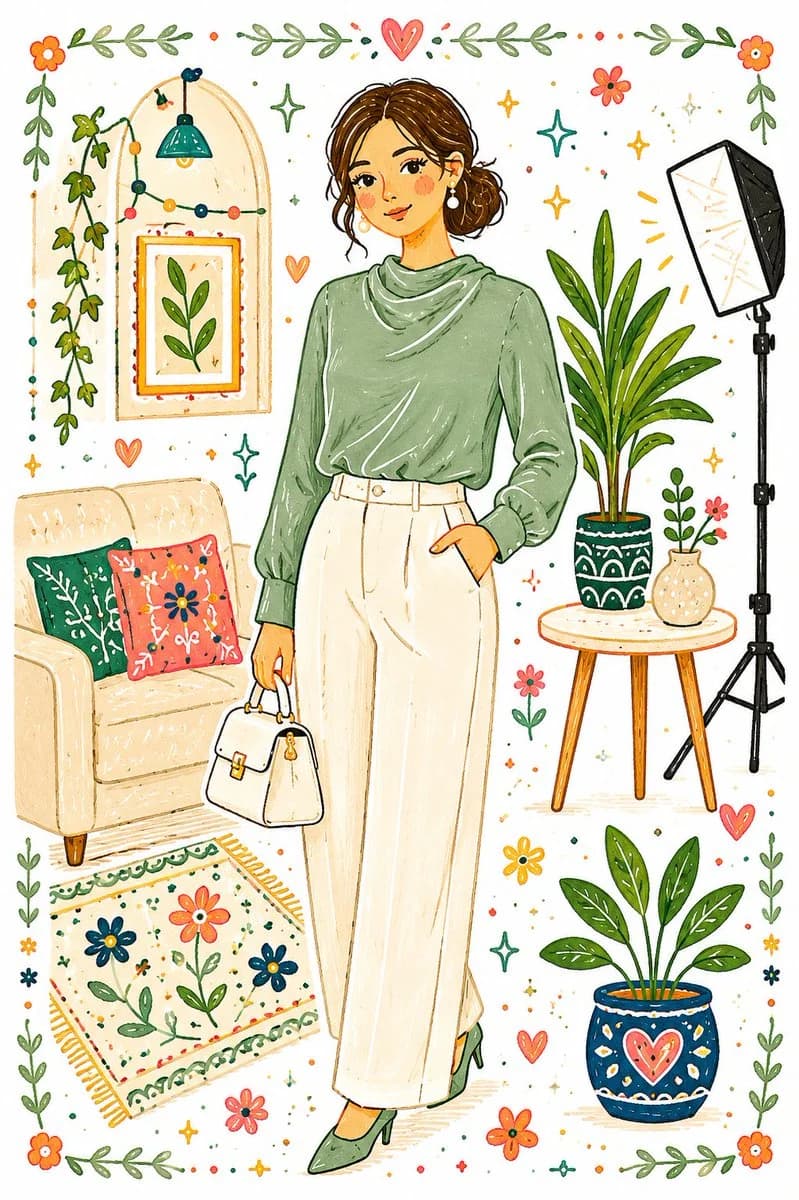
91 wordsReimagine the full image as a whimsical handcrafted folk-art illustration filled with playful doodle aesthetics. Replace the original colors with a fresh, vibrant palette featuring bold contrasting tones and cheerful accents. Convert every object and detail into simplified flat forms with soft irregular outlines, textured brush-like fills, and an intentionally imperfect handmade appearance, as if sketched and colored on clean white paper with markers and paint pens. The final artwork should feel charming, naïve, and storybook-inspired, combining decorative folk patterns, quirky shapes, and lighthearted visual energy in a cute, imaginative style.
About this prompt
Whimsical Folk Doodle Illustration is a ready-to-use ui mockup prompt for GPT Image 2 on Image 2. Copy the 91 words below, paste them into the Create form, and you will get a result close to the preview above. Tweak the UI, Mockup, Watercolor tag if you want to push it somewhere new.
Use it as a starting point and keep iterating: change the subject, lighting, or composition until it looks right. The credit cost stays the same whether you run it as-is or remix it.
Use case
A strong starting point for UI Mockup
Start here when you want a ui mockup image in the same direction as Whimsical Folk Doodle Illustration. The prompt already sets the look and structure; swap in your own subject, product, colors, or scene details for the brief you have in mind.
Easy places to tweak
- Subject Swap in your person, product, place, or object without changing the overall composition.
- Look and mood Tune the lighting, palette, camera angle, or materials so the image fits your brand.
- Final format Set the aspect ratio, background, text, or layout notes before you generate.
More prompt paths to explore
Find more GPT Image 2 prompts with a similar style, use case, or subject.
How to use it
- Step 1
Copy the prompt
Hit the Copy button above to grab the full text.
- Step 2
Open Image 2 Create
Head to the Create form and paste it in.
- Step 3
Generate
Hit Generate. Your version lands in seconds.
Make it yours
Load the prompt into the Create form with one click, then start tweaking.