Prompt
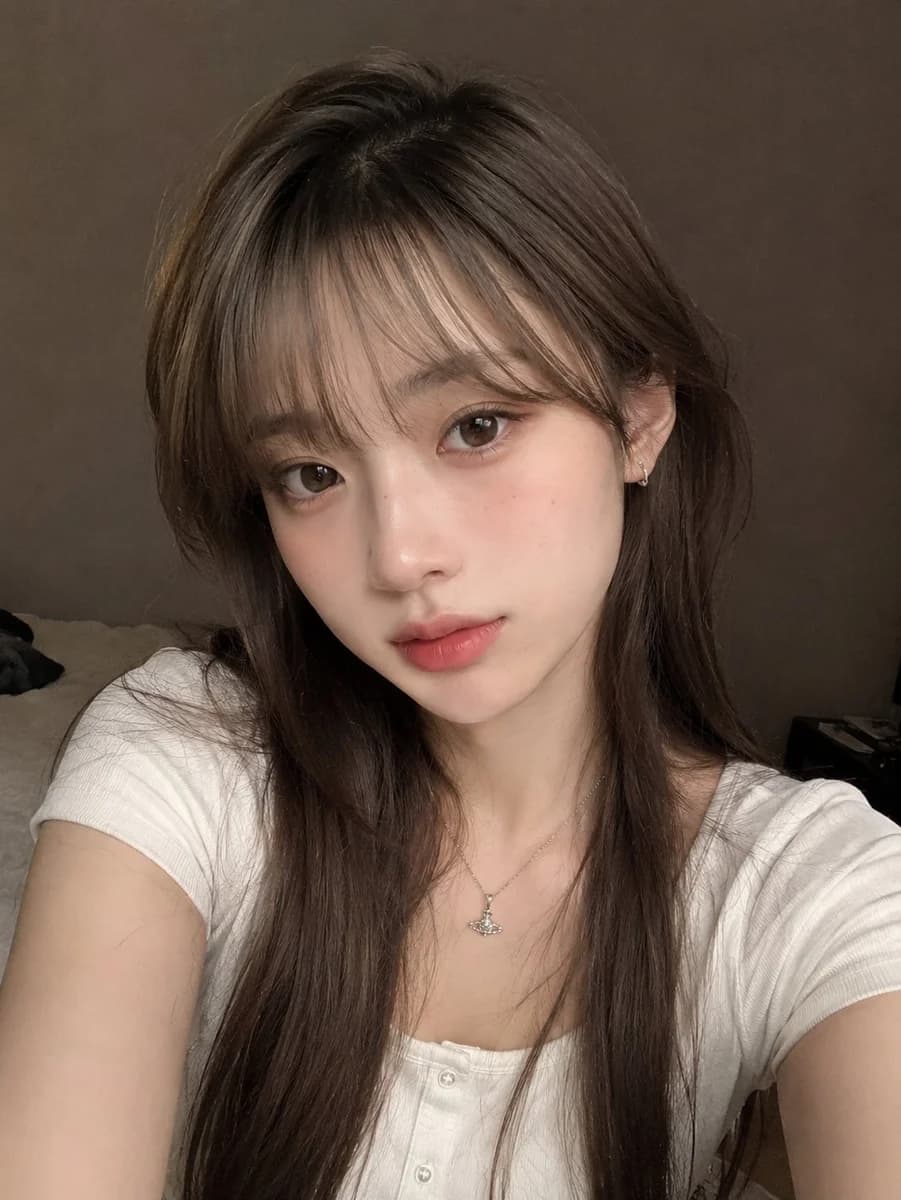
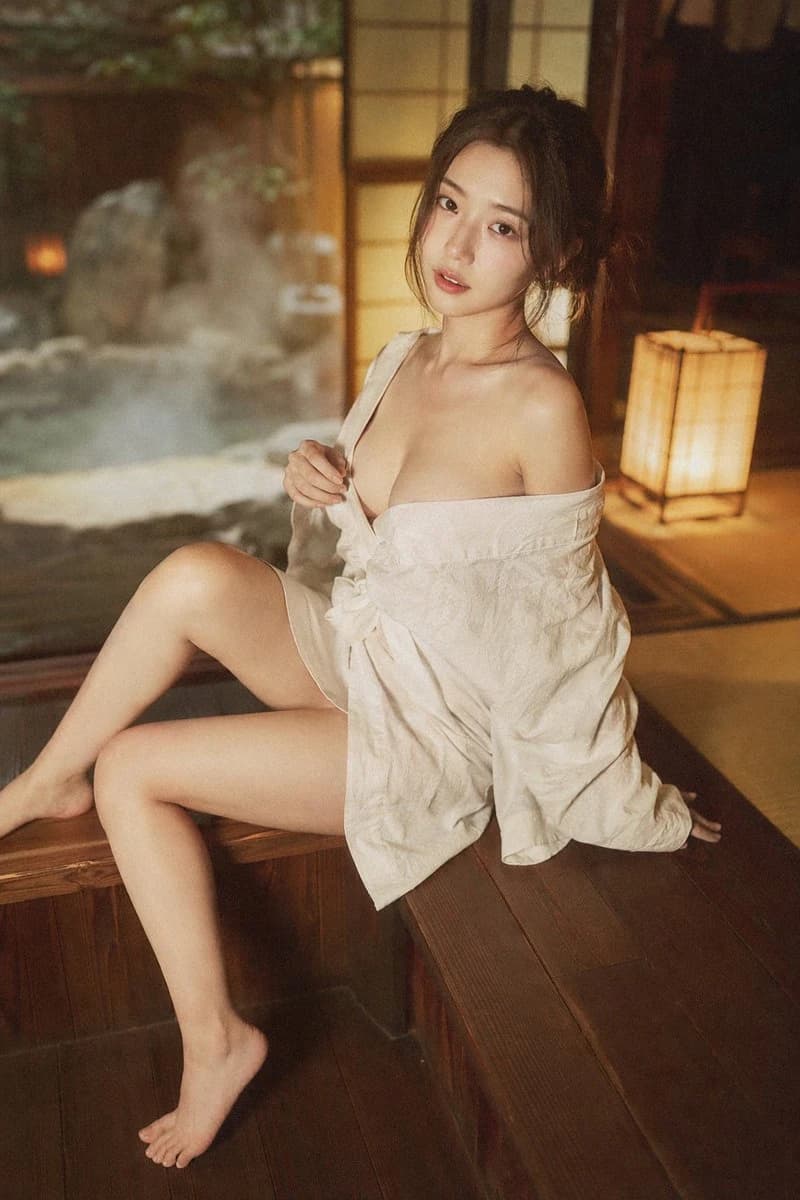
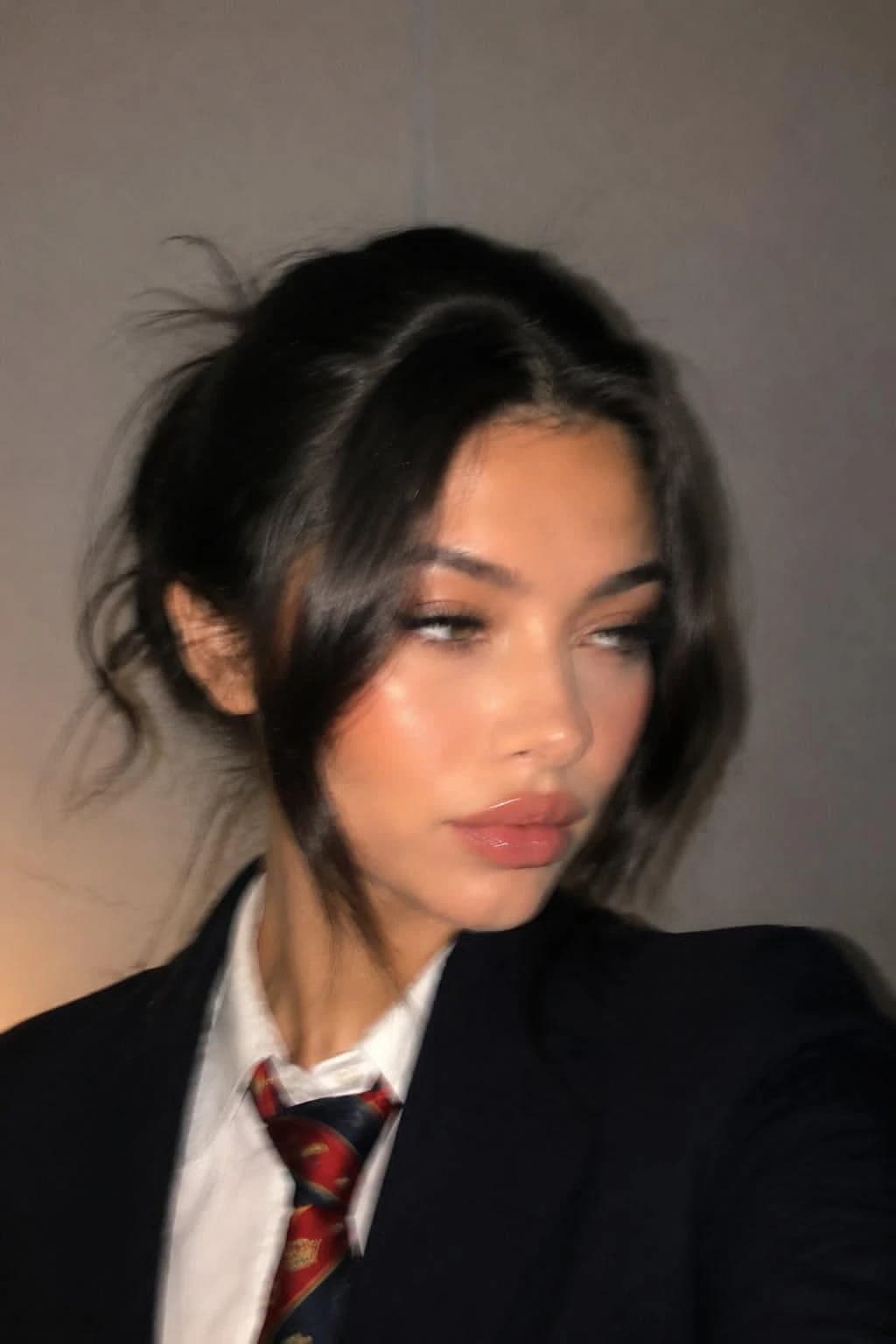
217 wordsUltra-realistic, almost indistinguishable-from-real close-up portrait in a casual phone photo style. Use the uploaded image as the identity reference, fully preserving the natural appearance and atmosphere of the same woman. The face and overall appearance must remain 100% identical to the reference image, without altering any facial proportions or features. Do not change: Lip shape or lip size Eyes Nose Face shape Overall facial harmony and identity Full photorealism. No AI-generated feeling — it should look like a random candid photo taken on a mobile phone. Not a polished glossy beauty shoot, but a natural, slightly imperfect phone snapshot. Close-up portrait framed to shoulder level. Soft and elegant pose. Face slightly turned to the side. No direct eye contact with the camera — natural sideways gaze. Expression calm, natural, almost neutral. The image should feel like a spontaneously captured moment rather than a posed photoshoot. Hair styled in a natural slightly messy updo. Face-framing bangs and loose strands around the face. A few flyaway hairs and subtle disheveled texture. Effortless beauty aesthetic with imperfectly styled hair. Ultra-natural skin texture with realistic pores and subtle imperfections. Soft mobile-phone lighting, realistic shadows, natural tonal range, authentic candid atmosphere. The overall result should resemble a genuine smartphone portrait captured casually in real life, with cinematic realism and natural feminine elegance.
About this prompt
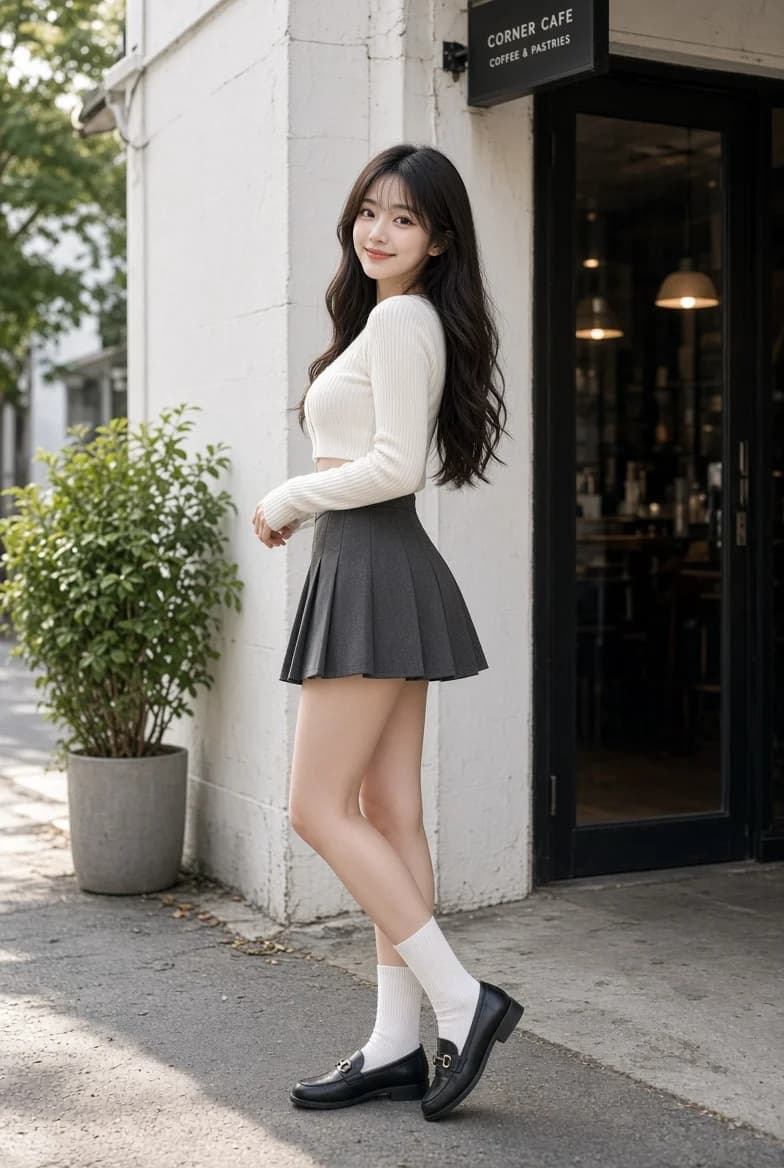
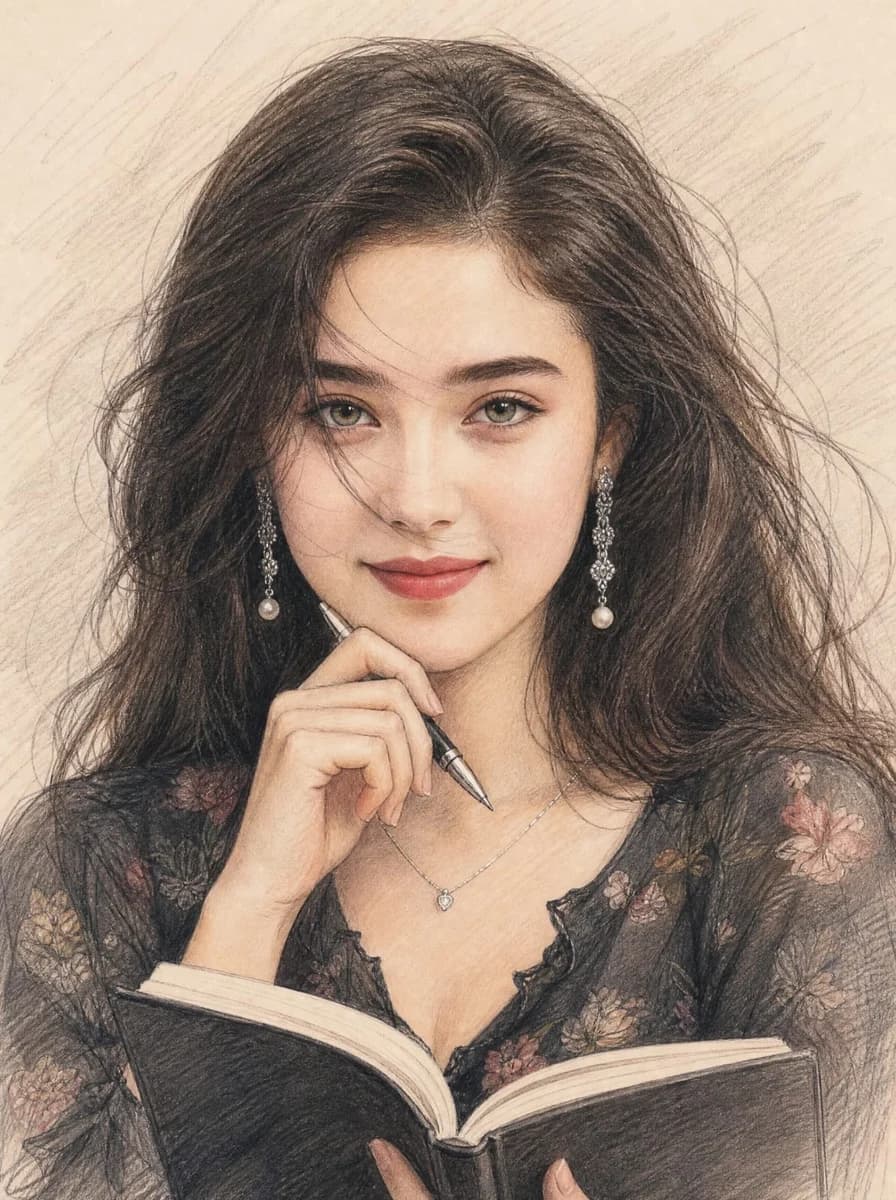
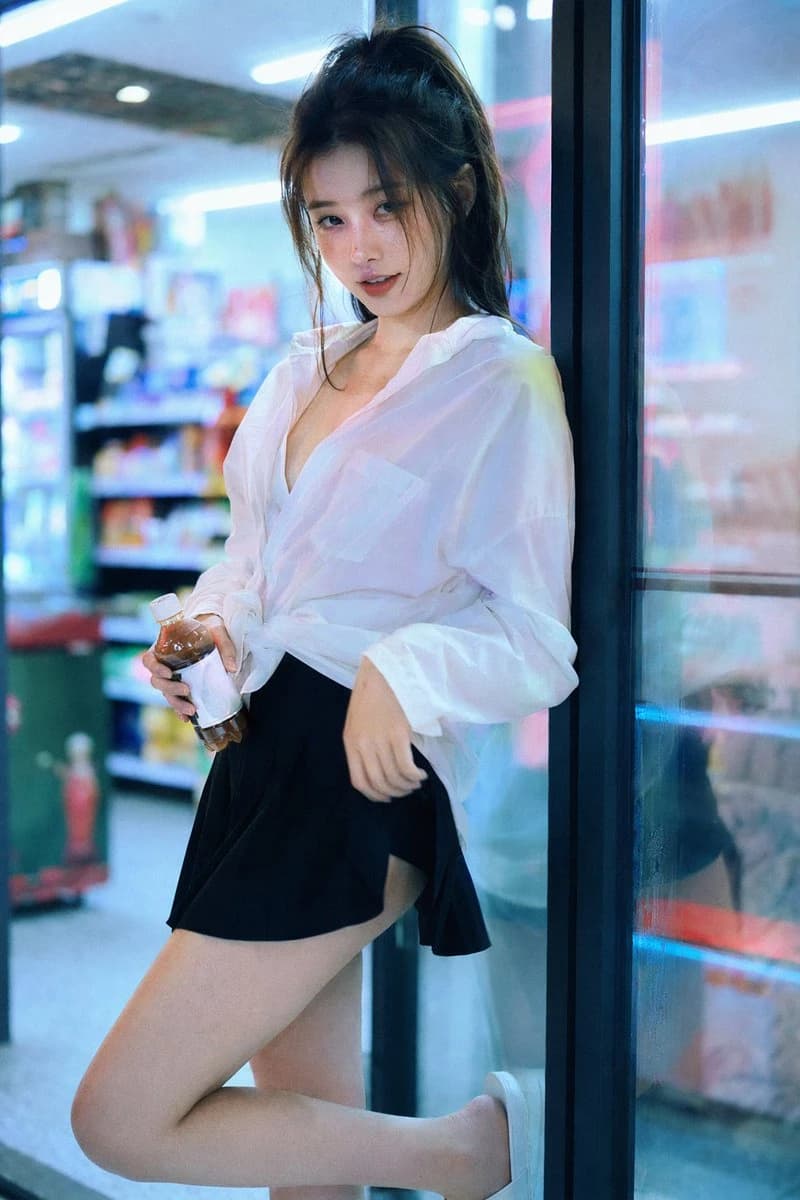
Ultra-Realistic Phone-Style Portrait is a ready-to-use portrait prompt for GPT Image 2 on Image 2. Copy the 217 words below, paste them into the Create form, and you will get a result close to the preview above. Tweak the Portrait, Beauty tag if you want to push it somewhere new.
Use it as a starting point, then adjust the subject, lighting, or composition to suit your idea. The credit cost stays the same whether you use it as written or customize it.
Use case
A strong starting point for Portrait
Start here when you want a portrait image inspired by Ultra-Realistic Phone-Style Portrait. The prompt already sets the look and composition; replace the subject, product, colors, or scene details to match your project.
Easy places to tweak
- Subject Swap in your person, product, place, or object without changing the overall composition.
- Look and mood Tune the lighting, palette, camera angle, or materials so the image fits your brand.
- Final format Set the aspect ratio, background, text, or layout notes before you generate.
More prompt paths to explore
Find more GPT Image 2 prompts with a similar style, use case, or subject.
How to use it
- Step 1
Copy the prompt
Hit the Copy button above to grab the full text.
- Step 2
Open Image 2 Create
Head to the Create form and paste it in.
- Step 3
Generate
Hit Generate. Your version lands in seconds.
Make it yours
Load the prompt into the Create form with one click, then start tweaking.