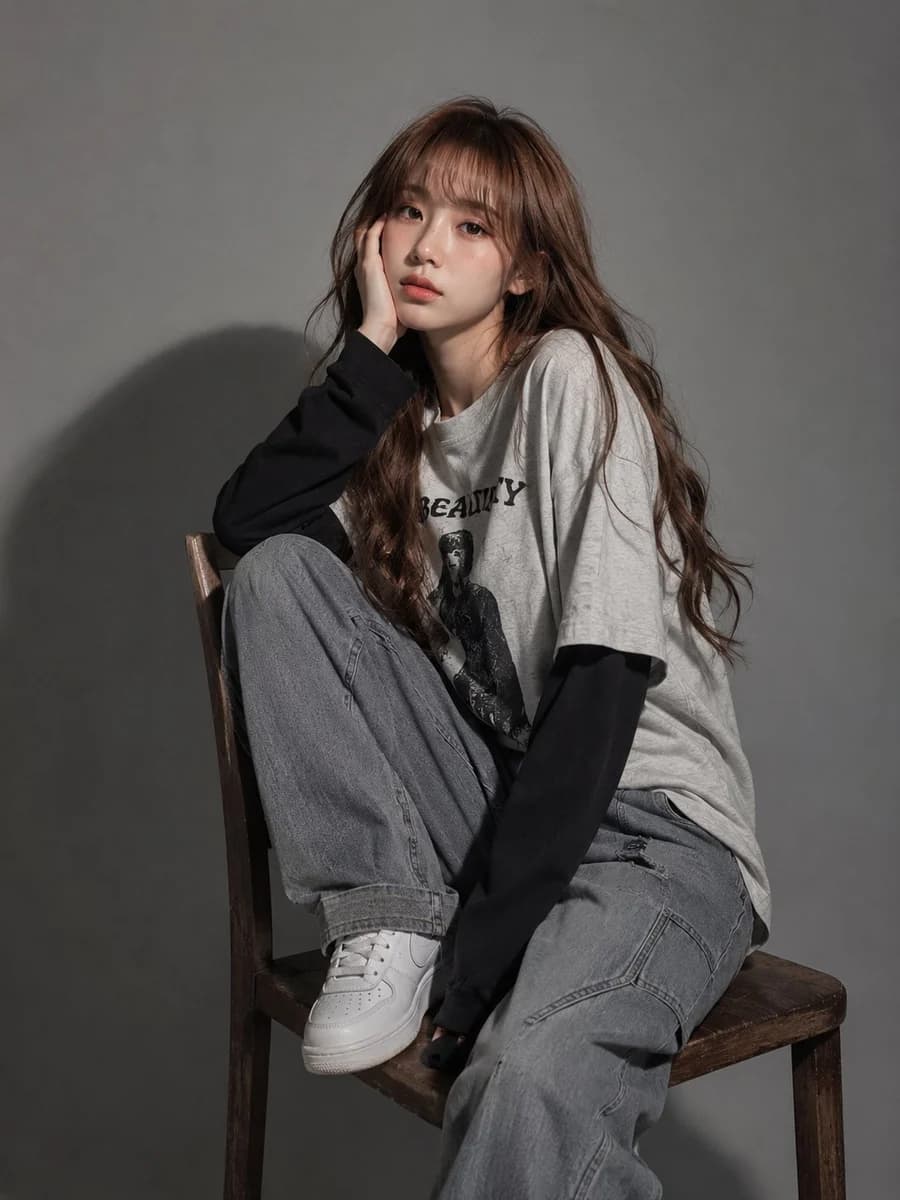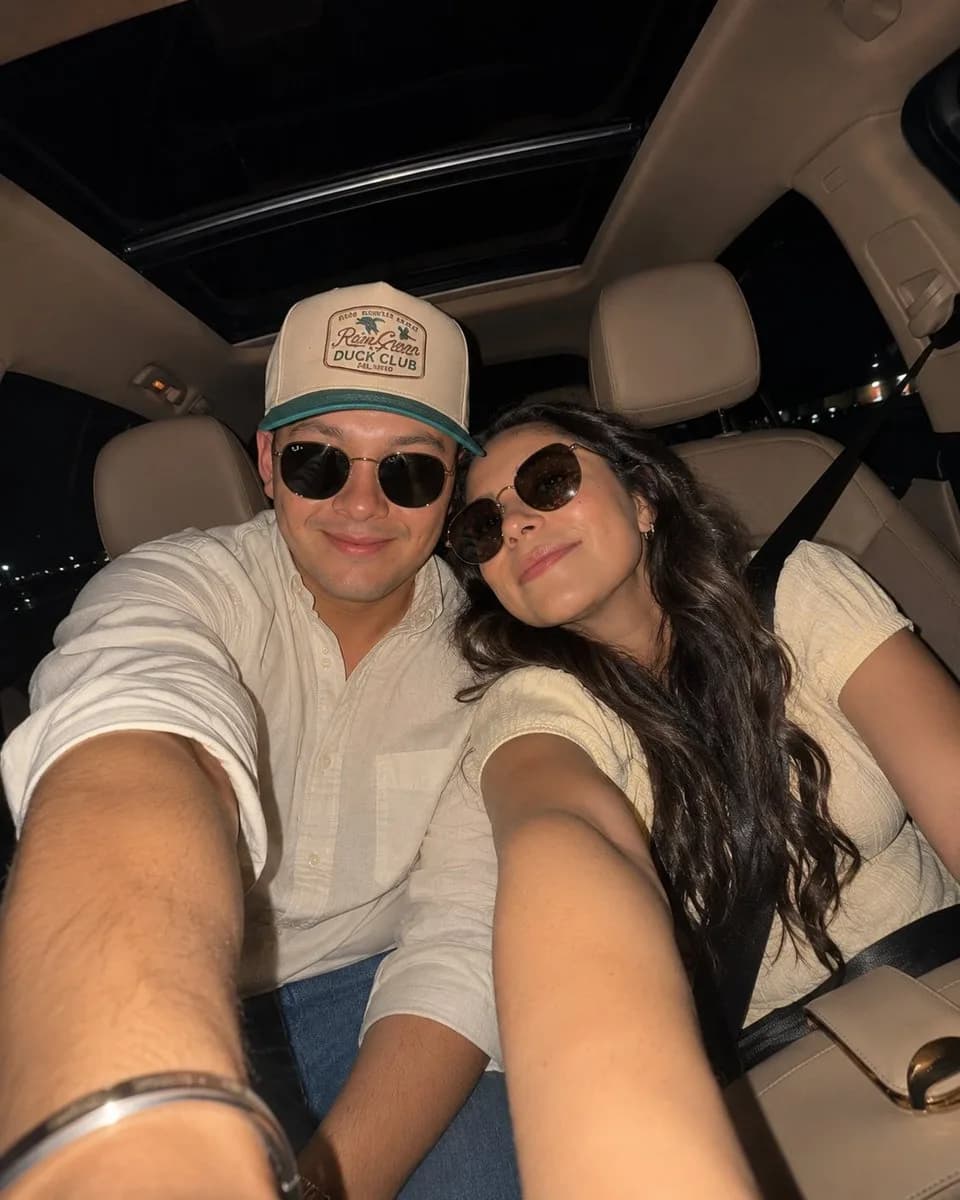
Prompt
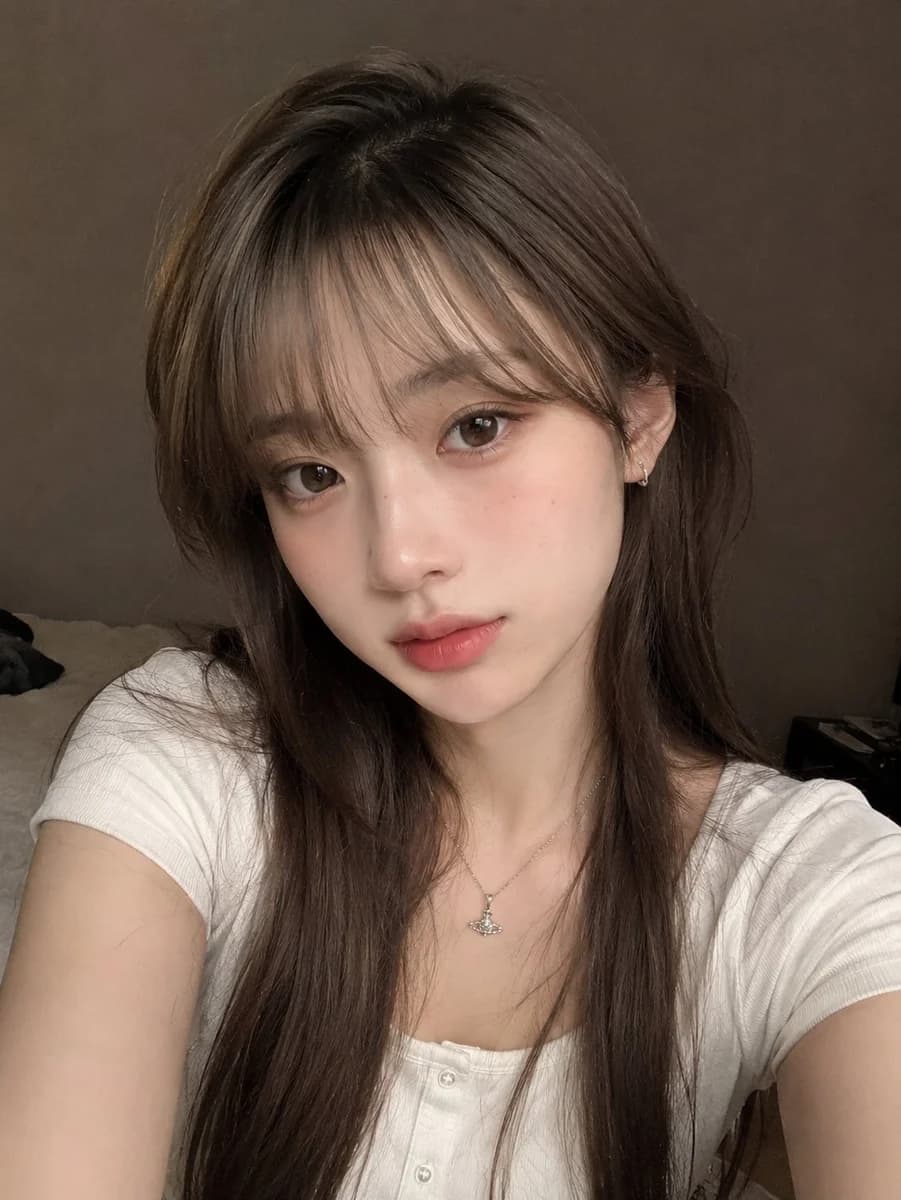
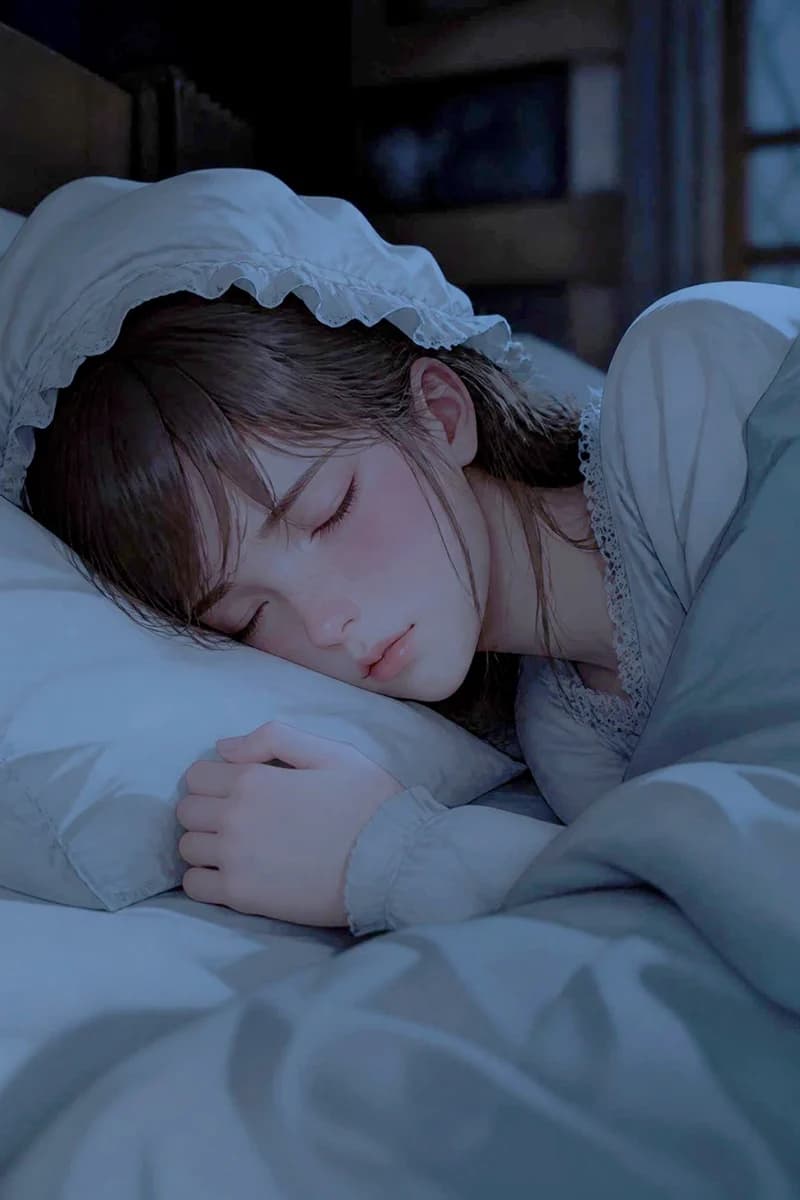
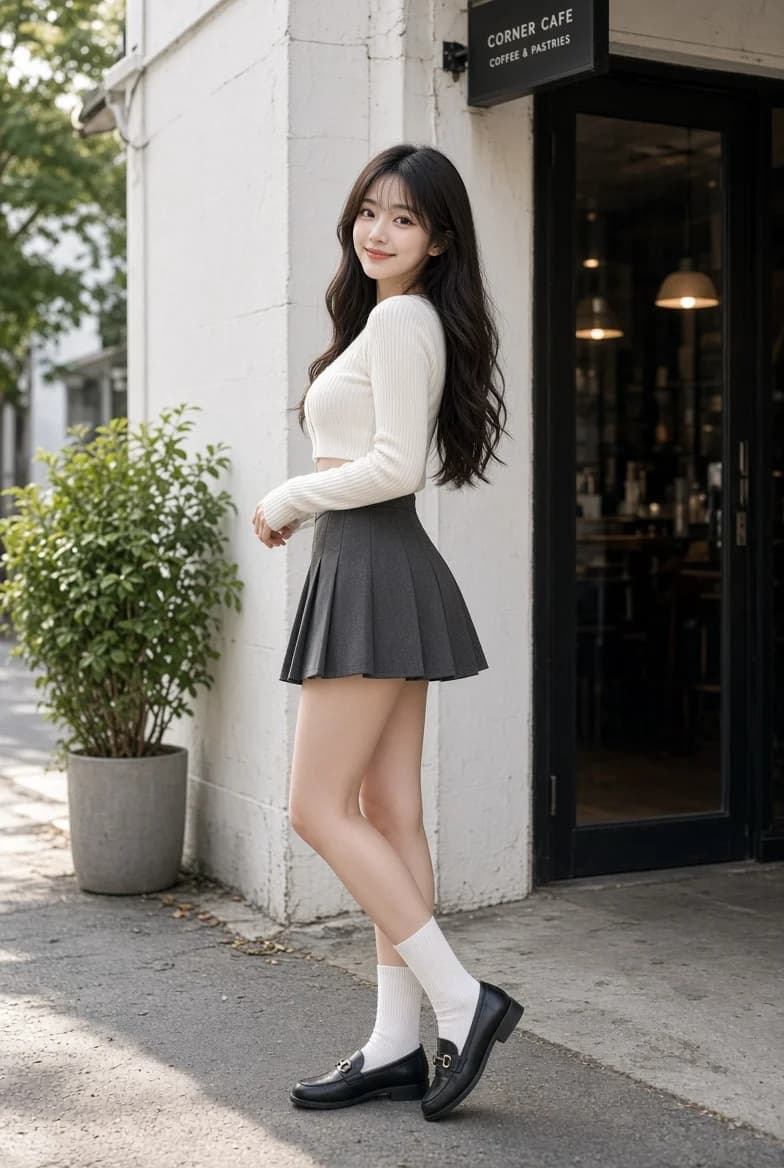
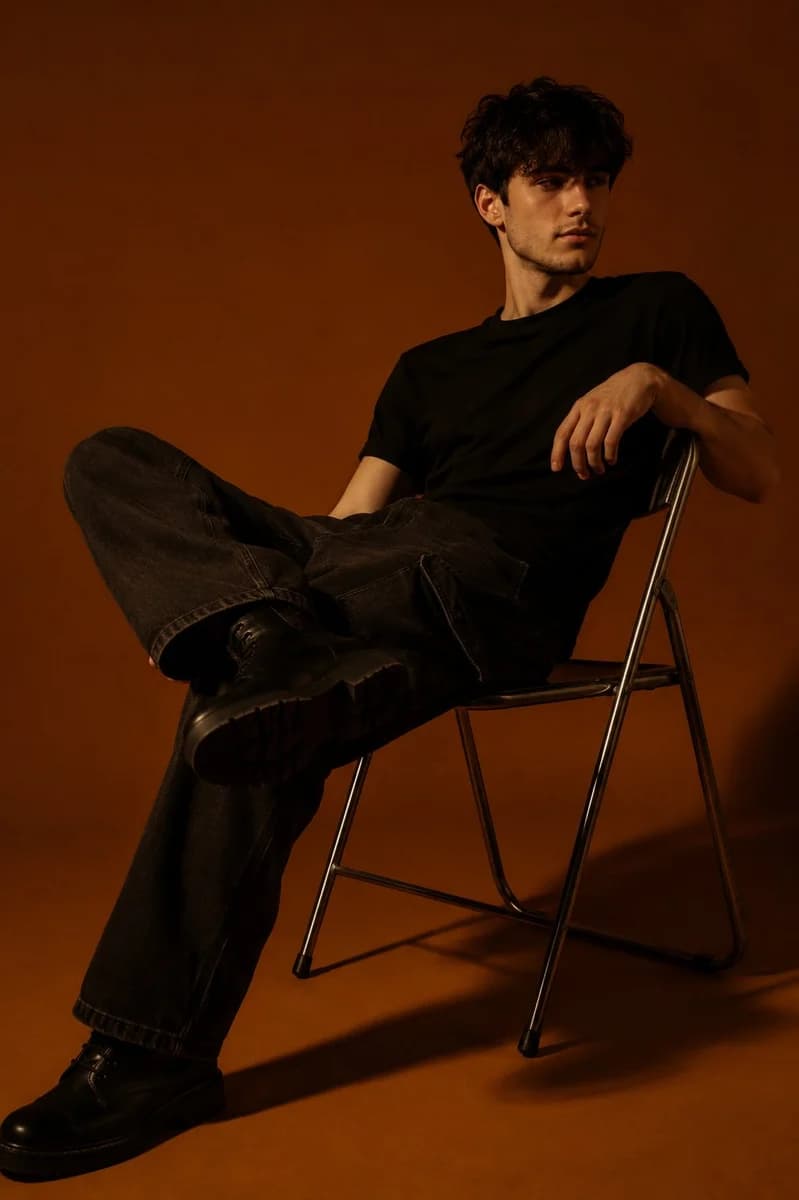
125 wordsTurn the uploaded image into a funny toddler-style crayon drawing, like it was made by a 3–4 year old kid who tried their best but had absolutely no idea what they were doing Keep the drawing messy, clumsy, uneven, and adorably inaccurate. The lines should look rough and scribbly, shapes should feel awkward, proportions can be completely wrong, and details should be super simplified. It should feel like a child quickly drew the scene from memory using random crayons. Avoid realistic anatomy, clean outlines, perfect symmetry, professional shading, or polished illustration styles. The charm should come from how silly, chaotic, and unintentionally funny the drawing looks. Style: messy wax crayon art, childish doodles, random proportions, uneven coloring, simple shapes, loose interpretation of the original image.
About this prompt
Toddler Crayon Drawing Style is a ready-to-use portrait prompt for GPT Image 2 on Image 2. Copy the 125 words below, paste them into the Create form, and you will get a result close to the preview above. Tweak the Portrait tag if you want to push it somewhere new.
Use it as a starting point, then adjust the subject, lighting, or composition to suit your idea. The credit cost stays the same whether you use it as written or customize it.
Use case
A strong starting point for Portrait
Start here when you want a portrait image inspired by Toddler Crayon Drawing Style. The prompt already sets the look and composition; replace the subject, product, colors, or scene details to match your project.
Easy places to tweak
- Subject Swap in your person, product, place, or object without changing the overall composition.
- Look and mood Tune the lighting, palette, camera angle, or materials so the image fits your brand.
- Final format Set the aspect ratio, background, text, or layout notes before you generate.
More prompt paths to explore
Find more GPT Image 2 prompts with a similar style, use case, or subject.
How to use it
- Step 1
Copy the prompt
Hit the Copy button above to grab the full text.
- Step 2
Open Image 2 Create
Head to the Create form and paste it in.
- Step 3
Generate
Hit Generate. Your version lands in seconds.
Make it yours
Load the prompt into the Create form with one click, then start tweaking.