Prompt
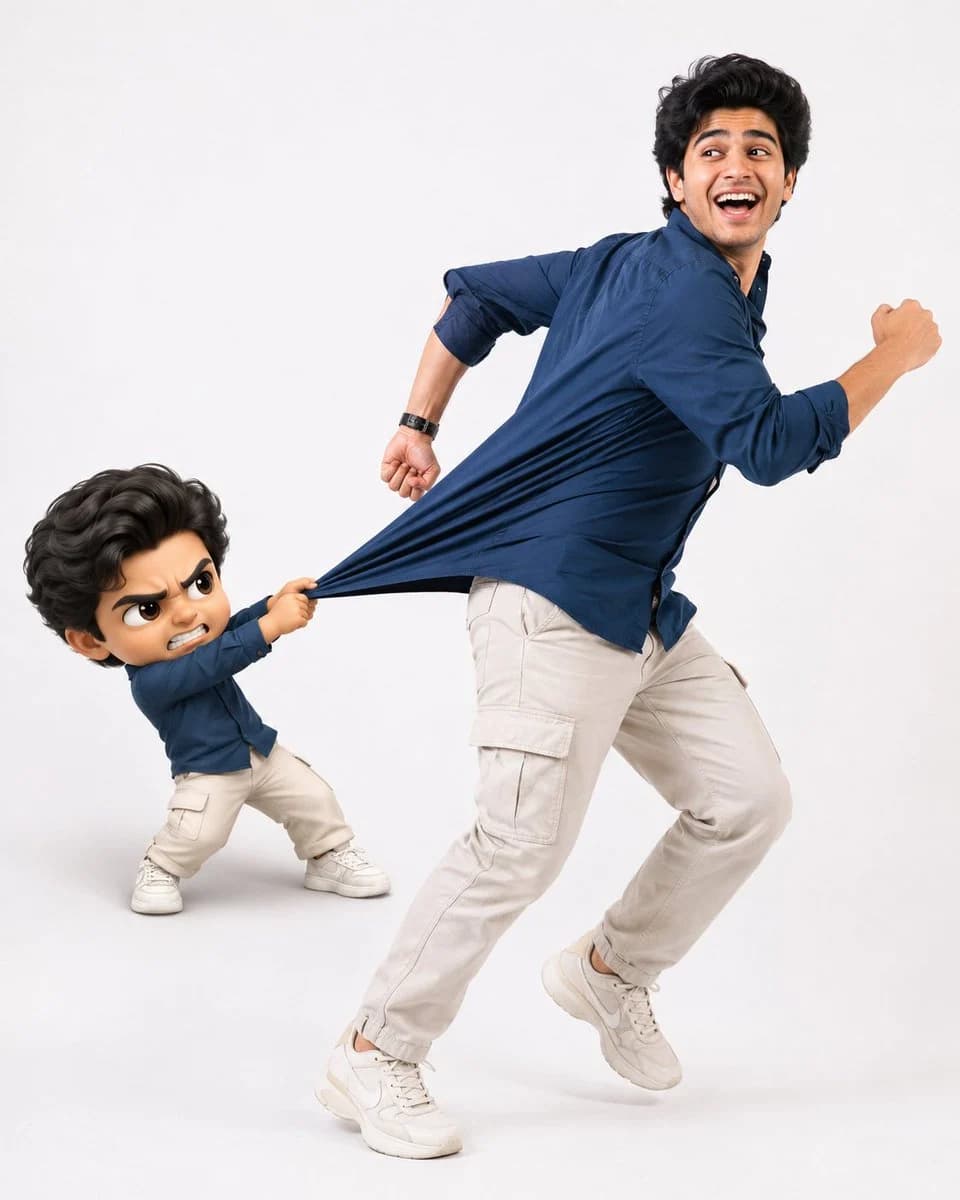
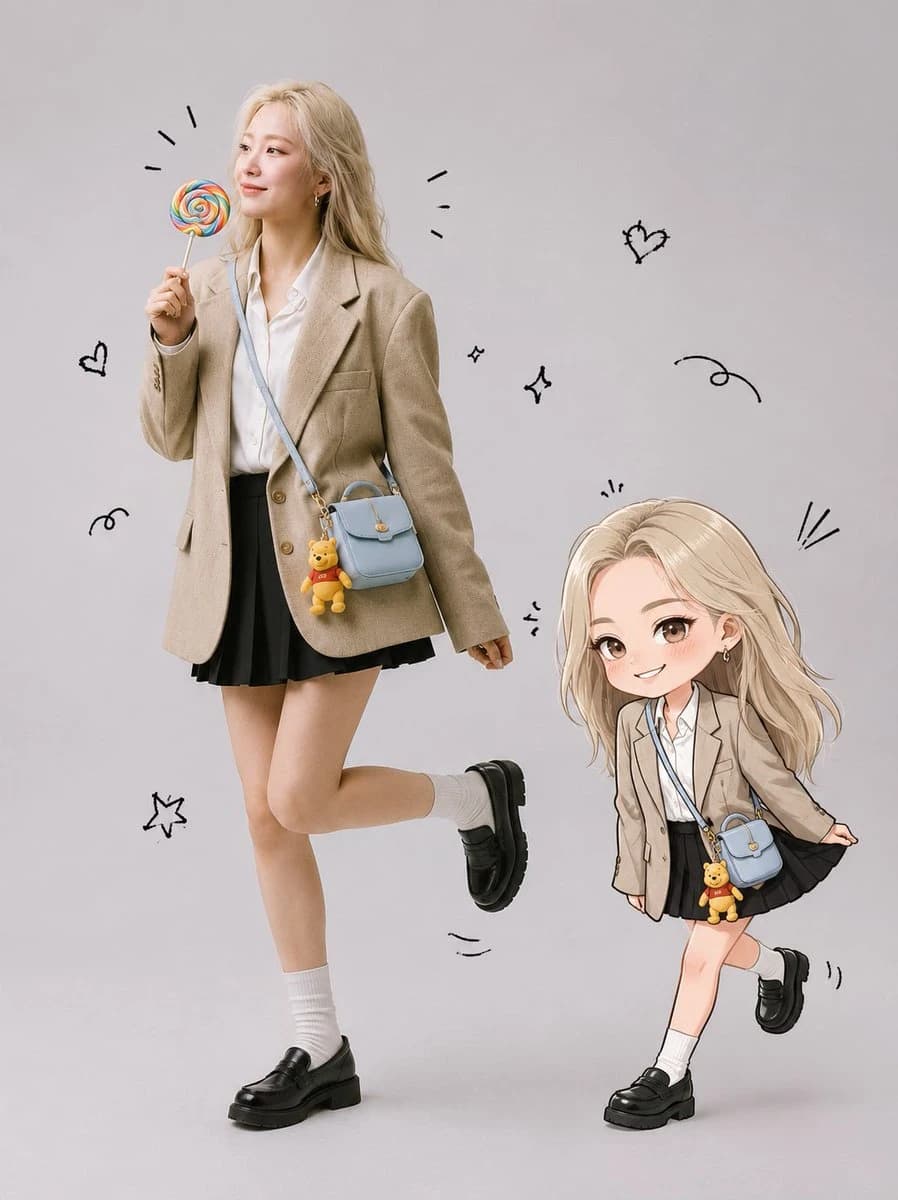
196 wordsCreate a full-body ultra-realistic studio portrait using the uploaded photo as the exact face reference. Preserve the person’s face Identity with no modifications to facial structure, eyes, nose, lips, cheeks, jawline, skin tone, hairstyle, or bangs. Keep the expression natural and cute. Place the person in a {argument name="studio background" default="clean light gray seamless studio background"}. She is standing in a playful pose with one leg lifted slightly behind her, smiling naturally while holding a {argument name="prop" default="colorful rainbow lollipop"} in . Add a {argument name="accessory" default="pastel blue crossbody bag with a small Winnie the Pooh keychain"} hanging from it. Keep her hair exactly as in the original photo. Beside her, create a cute chibi illustration version of the same person with identical hairstyle and bangs, wearing the same outfit and blue bag. The chibi is playfully pulling the hem of her skirt while smiling mischievously. Add hand-drawn black doodles around both characters, including motion lines, excitement marks, tiny sparkles, and playful accents. The overall style should combine a realistic fashion studio photograph with a kawaii hand-drawn illustration. Bright, soft lighting, clean composition, adorable, cheerful, {argument name="aesthetic" default="modern Korean-inspired"} aesthetic, ultra detailed, high resolution, premium quality.About this prompt
Realistic Portrait and Chibi Combo is a ready-to-use portrait prompt for GPT Image 2 on Image 2. Copy the 196 words below, paste them into the Create form, and you will get a result close to the preview above. Tweak the Portrait, Fashion, Beauty tag if you want to push it somewhere new.
Use it as a starting point, then adjust the subject, lighting, or composition to suit your idea. The credit cost stays the same whether you use it as written or customize it.
Use case
A strong starting point for Portrait
Start here when you want a portrait image inspired by Realistic Portrait and Chibi Combo. The prompt already sets the look and composition; replace the subject, product, colors, or scene details to match your project.
Easy places to tweak
- Subject Swap in your person, product, place, or object without changing the overall composition.
- Look and mood Tune the lighting, palette, camera angle, or materials so the image fits your brand.
- Final format Set the aspect ratio, background, text, or layout notes before you generate.
More prompt paths to explore
Find more GPT Image 2 prompts with a similar style, use case, or subject.
How to use it
- Step 1
Copy the prompt
Hit the Copy button above to grab the full text.
- Step 2
Open Image 2 Create
Head to the Create form and paste it in.
- Step 3
Generate
Hit Generate. Your version lands in seconds.
Make it yours
Load the prompt into the Create form with one click, then start tweaking.