Prompt
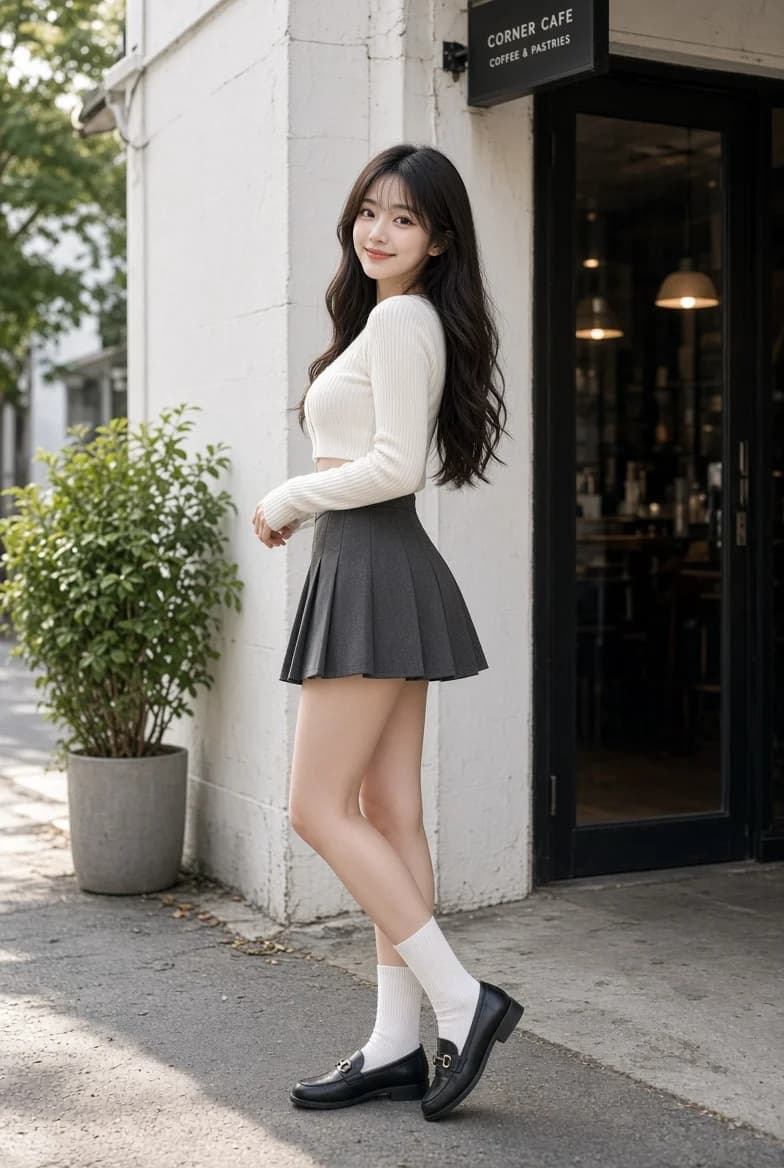
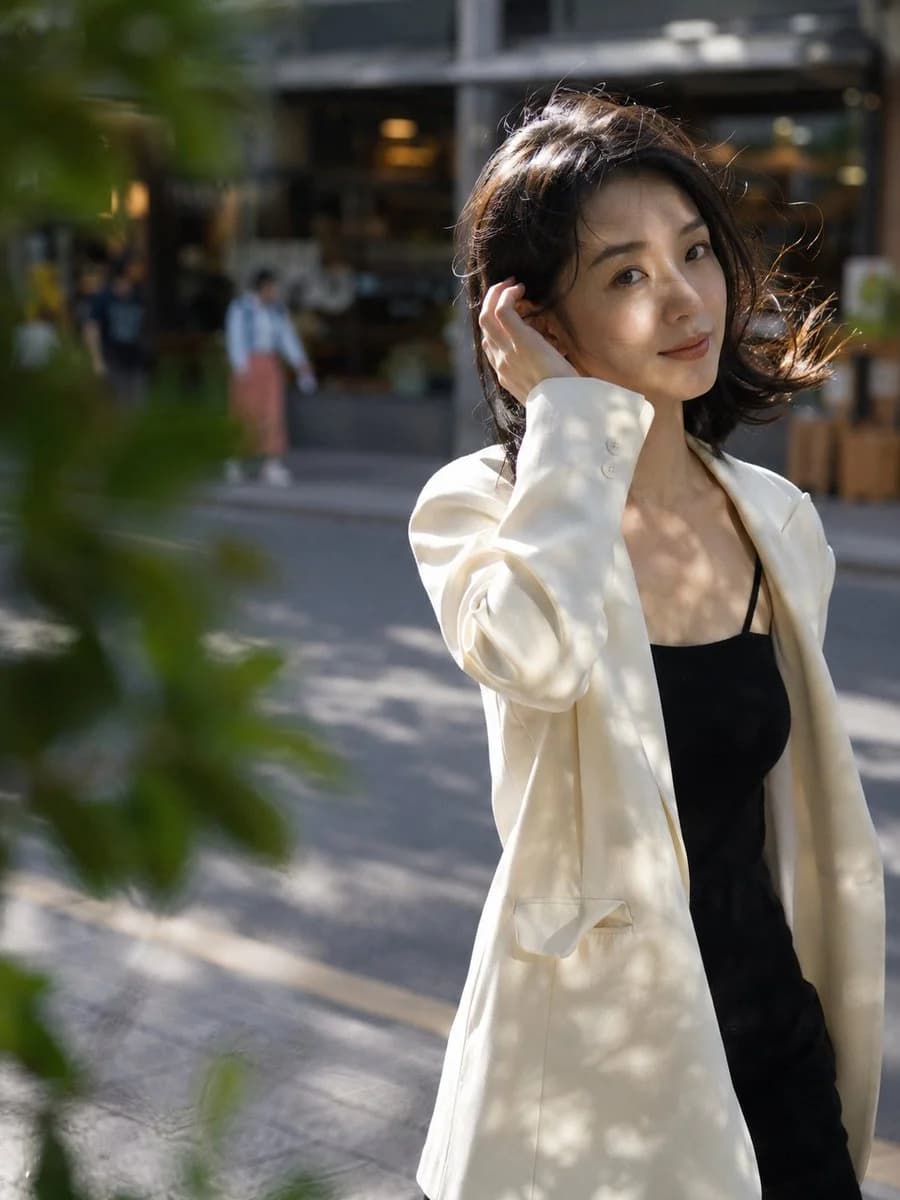
168 wordsSubject: A {argument name="age and ethnicity" default="25-year-old Chinese woman"} with an oval face and black shoulder-length wavy hair blowing in the wind, wearing {argument name="clothing" default="an off-white oversized blazer with a black camisole"}, visible collarbones.
Action and Pose: A candid moment on a sidewalk, one hand gently tucking hair behind her ear, body slightly turned, walking naturally.
Expression and Gaze: Glancing casually at the camera with a subtle smile and a relaxed, authentic expression.
Setting: A {argument name="setting" default="city street"} at 4 PM with sycamore tree shadows on the pavement, blurred coffee shop windows and passersby in the background.
Camera: Medium shot, 85mm lens, shallow depth of field (DOF), subject positioned in the right third, blurred leaves in the foreground.
Lighting: Afternoon backlighting highlighting the hair, with dappled light on the face, natural and soft.
Style: Realistic street photography, Fujifilm tones, slight grain.
Material Details: Visible skin pores and natural texture, woven blazer fabric, distinct hair strands.
Constraints: No text watermarks, no deformed fingers, avoid over-smoothed plastic skin.About this prompt
Realistic Chinese Female Street Photography is a ready-to-use portrait prompt for GPT Image 2 on Image 2. Copy the 168 words below, paste them into the Create form, and you will get a result close to the preview above. Tweak the Portrait, Food, Fashion tag if you want to push it somewhere new.
Use it as a starting point, then adjust the subject, lighting, or composition to suit your idea. The credit cost stays the same whether you use it as written or customize it.
Use case
A strong starting point for Portrait
Start here when you want a portrait image inspired by Realistic Chinese Female Street Photography. The prompt already sets the look and composition; replace the subject, product, colors, or scene details to match your project.
Easy places to tweak
- Subject Swap in your person, product, place, or object without changing the overall composition.
- Look and mood Tune the lighting, palette, camera angle, or materials so the image fits your brand.
- Final format Set the aspect ratio, background, text, or layout notes before you generate.
More prompt paths to explore
Find more GPT Image 2 prompts with a similar style, use case, or subject.
How to use it
- Step 1
Copy the prompt
Hit the Copy button above to grab the full text.
- Step 2
Open Image 2 Create
Head to the Create form and paste it in.
- Step 3
Generate
Hit Generate. Your version lands in seconds.
Make it yours
Load the prompt into the Create form with one click, then start tweaking.