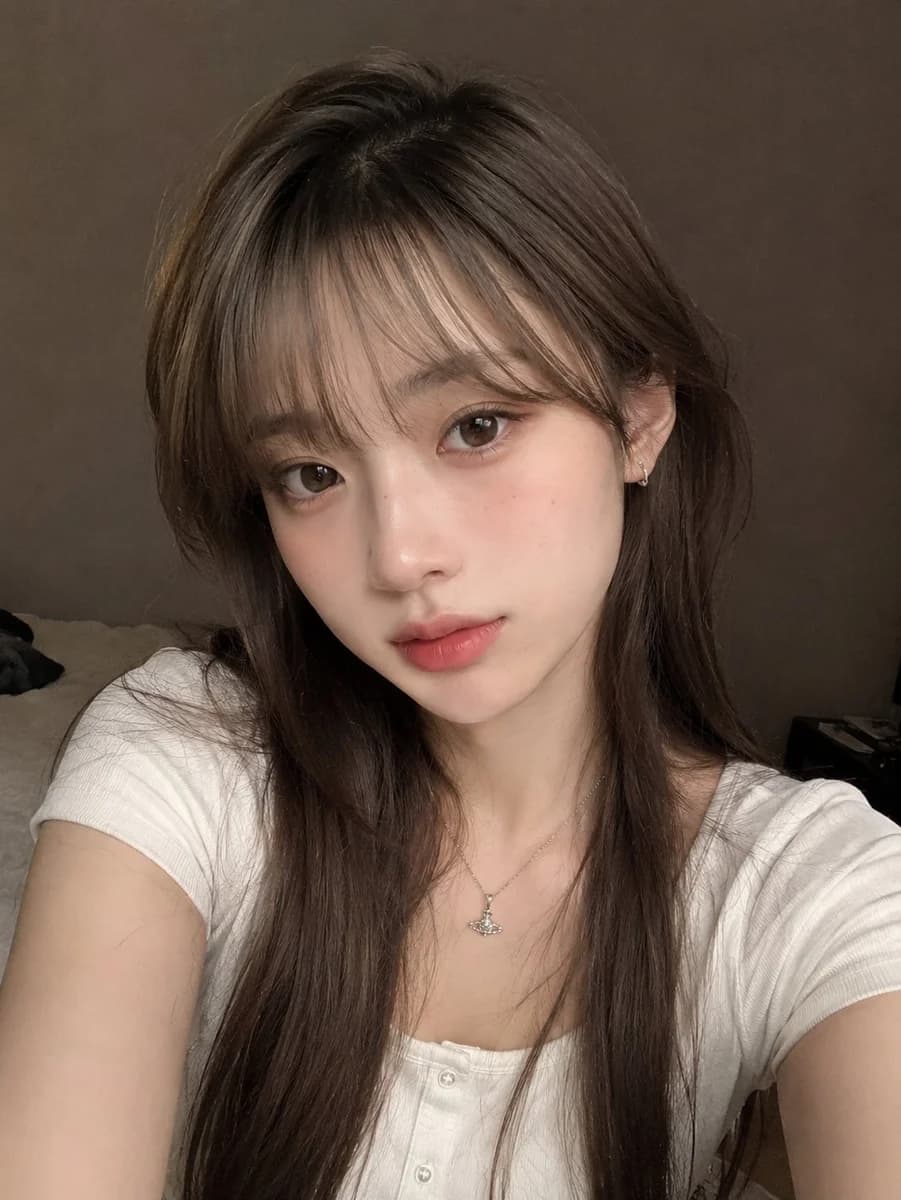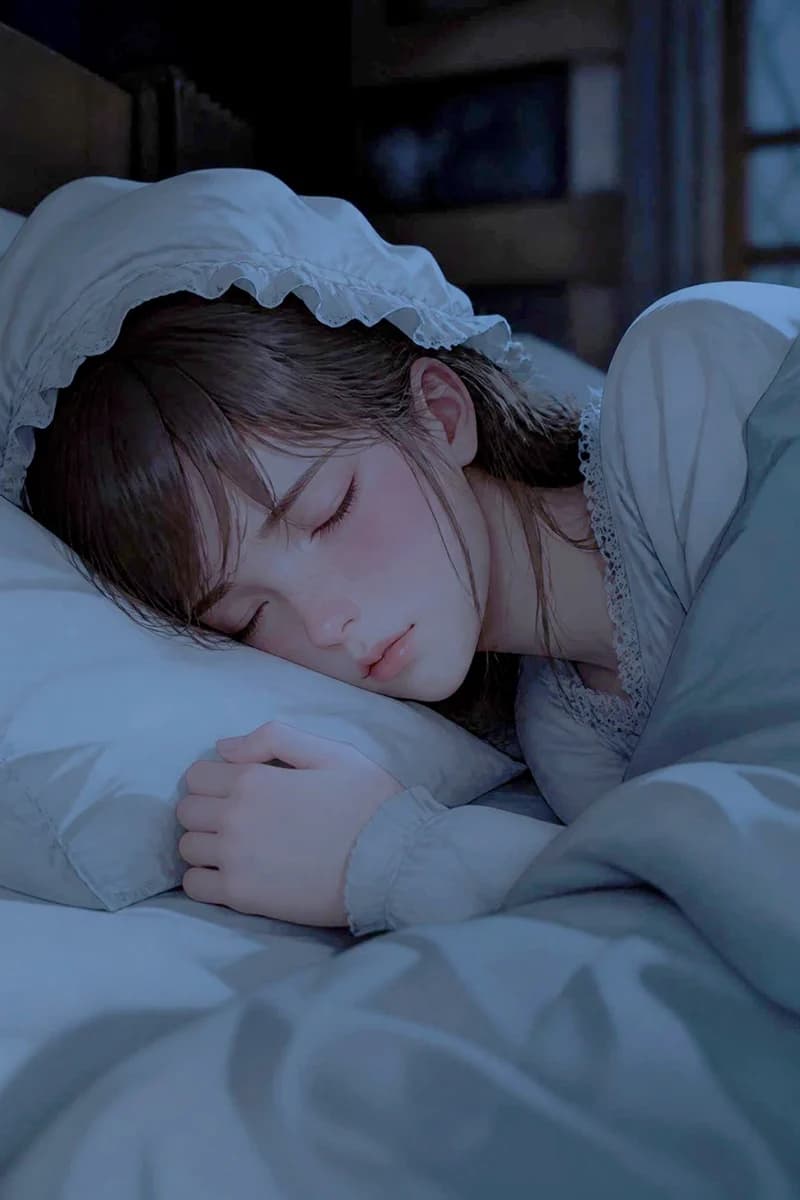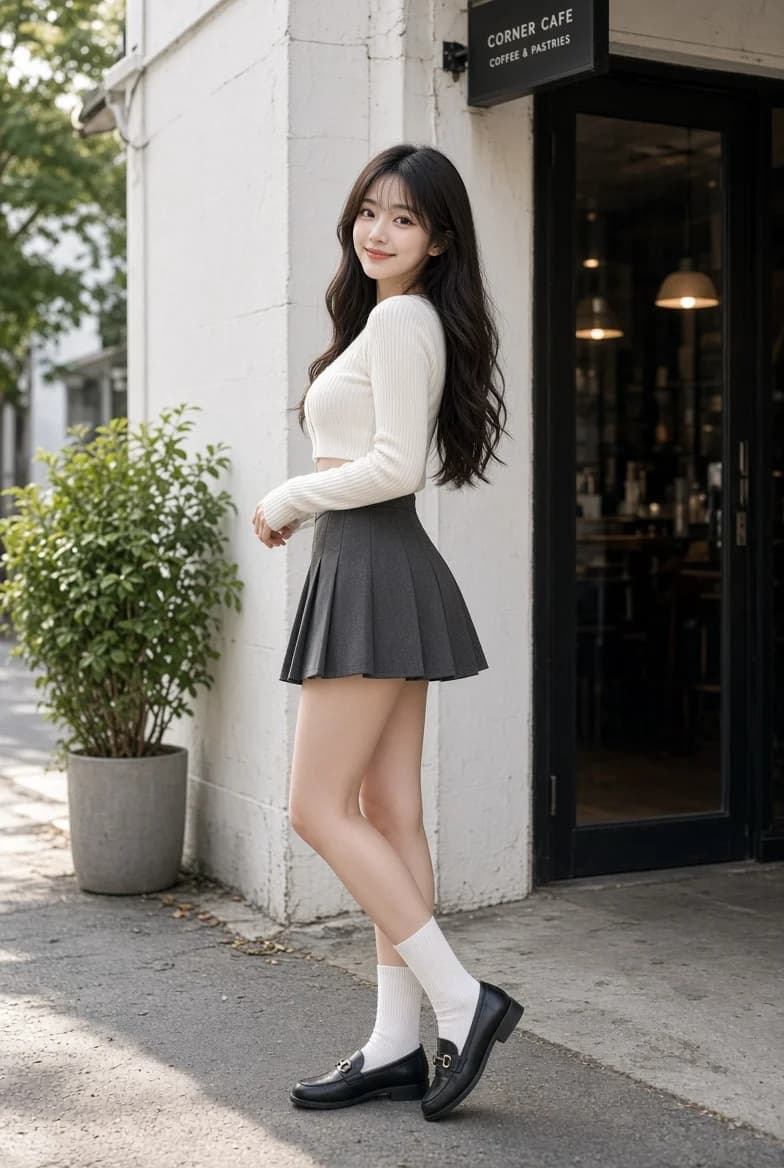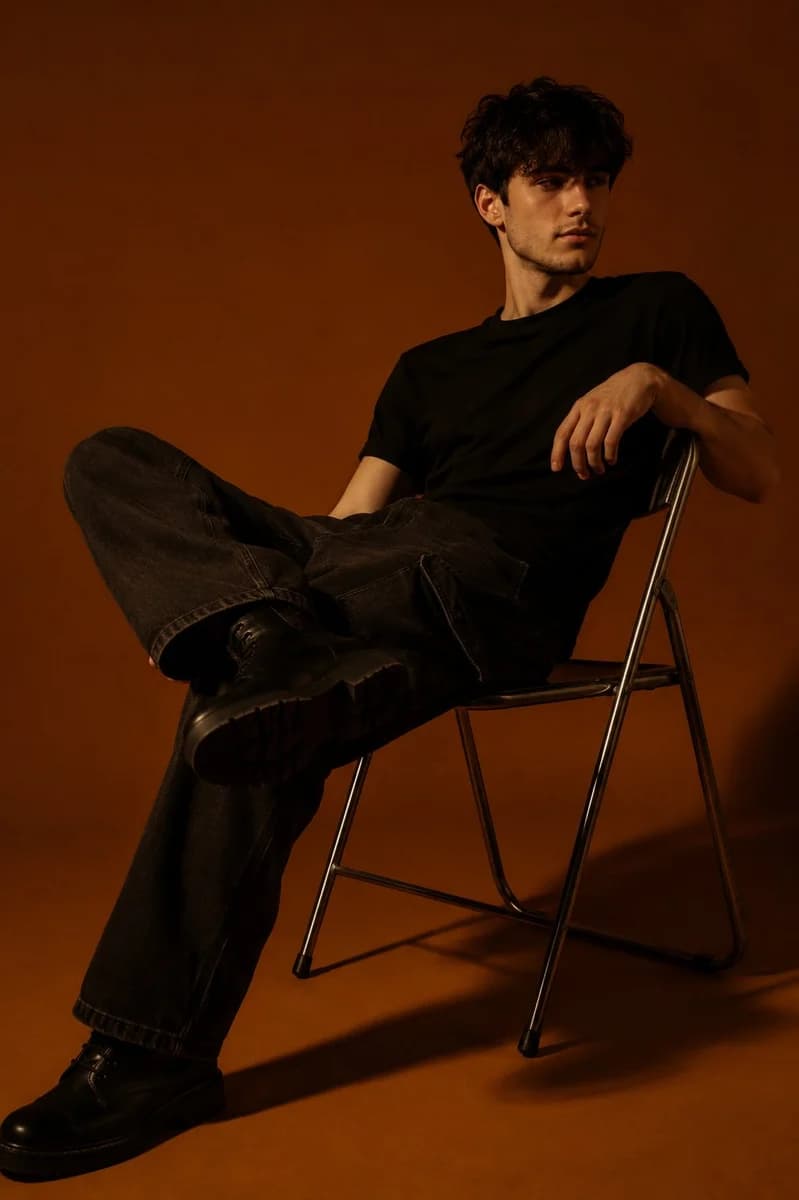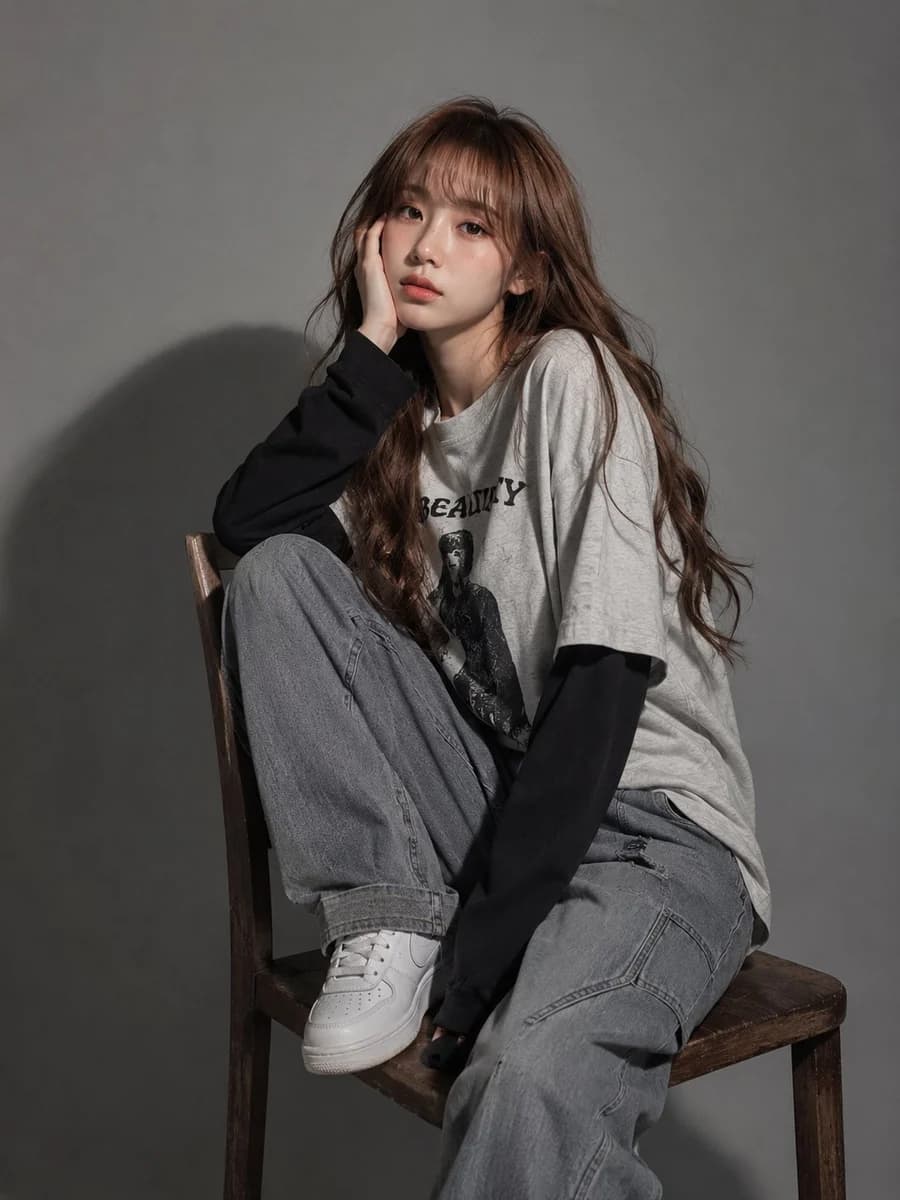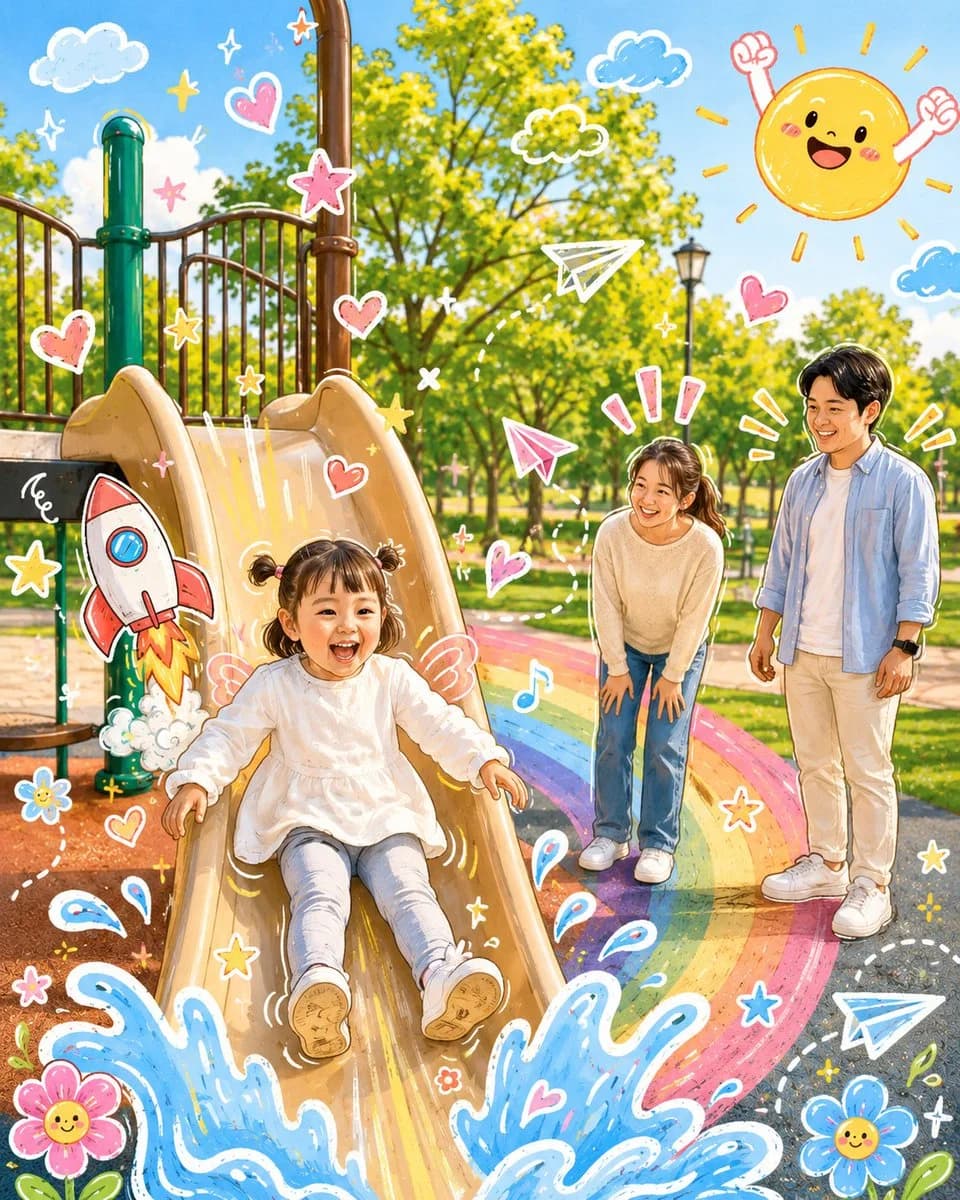
Prompt
7 wordsGPT Image 2提示词分享 步骤1: 分析上传的图片,保留原图的主体、构图和光线。请勿改变主角的身份或面部结构。添加一些与照片主体直接互动的趣味手绘涂鸦元素。这些涂鸦可以模仿、跟随或夸张现有的形状、姿势或动作——例如勾勒姿势轮廓、延伸手臂或腿部、添加动态线条,或创作一些与主体“互动”的富有想象力的元素,想象力需要大胆一些。 步骤2: 将整个图像转化为可爱的卡通风格插图,带有可爱的涂鸦美学。保持原始场景和角色细节,同时应用生动、柔和且俏皮的卡通外观。
About this prompt
照片趣味涂鸦互动 is a ready-to-use portrait prompt for GPT Image 2 on Image 2. Copy the 7 words below, paste them into the Create form, and you will get a result close to the preview above. Tweak the Portrait tag if you want to push it somewhere new.
Use it as a starting point, then adjust the subject, lighting, or composition to suit your idea. The credit cost stays the same whether you use it as written or customize it.
Use case
A strong starting point for Portrait
Start here when you want a portrait image inspired by 照片趣味涂鸦互动. The prompt already sets the look and composition; replace the subject, product, colors, or scene details to match your project.
Easy places to tweak
- Subject Swap in your person, product, place, or object without changing the overall composition.
- Look and mood Tune the lighting, palette, camera angle, or materials so the image fits your brand.
- Final format Set the aspect ratio, background, text, or layout notes before you generate.
More prompt paths to explore
Find more GPT Image 2 prompts with a similar style, use case, or subject.
How to use it
- Step 1
Copy the prompt
Hit the Copy button above to grab the full text.
- Step 2
Open Image 2 Create
Head to the Create form and paste it in.
- Step 3
Generate
Hit Generate. Your version lands in seconds.
Make it yours
Load the prompt into the Create form with one click, then start tweaking.