Prompt
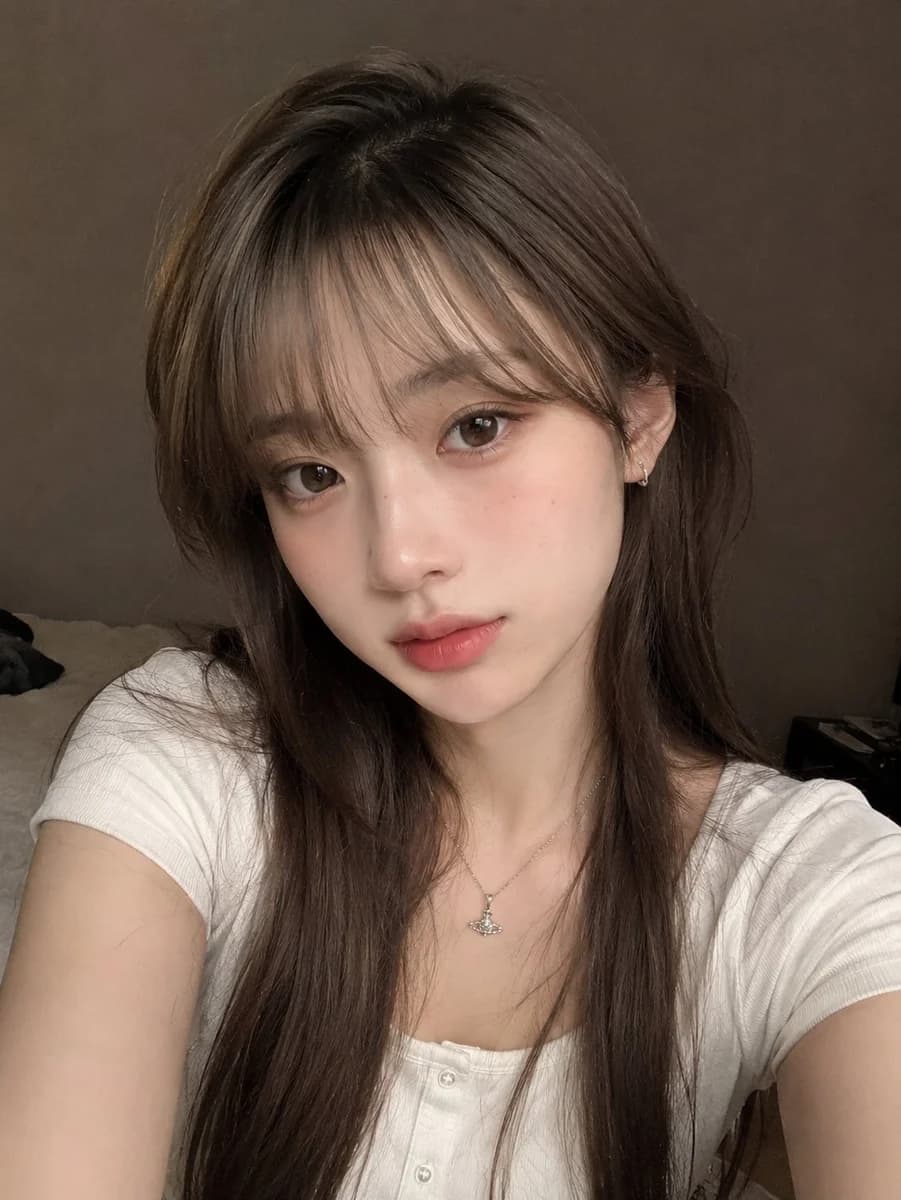
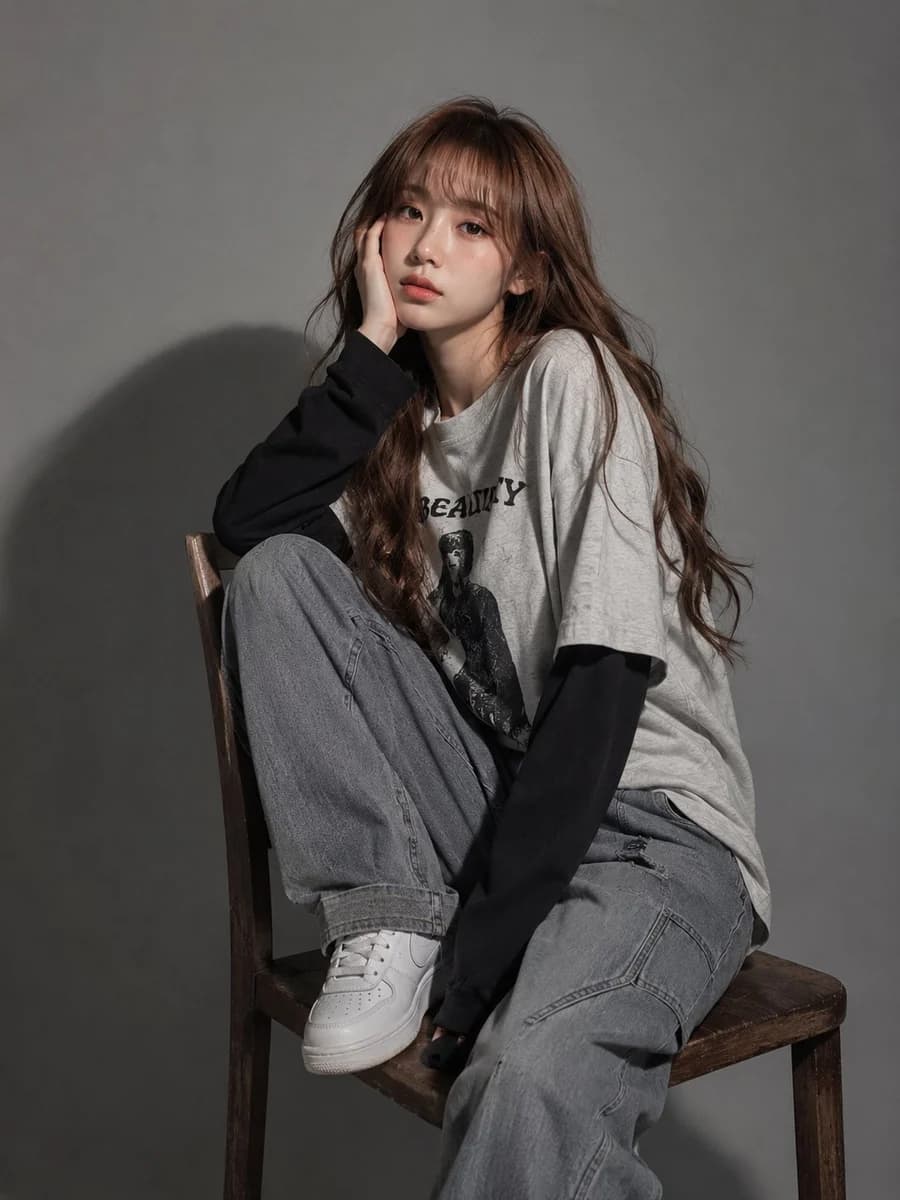
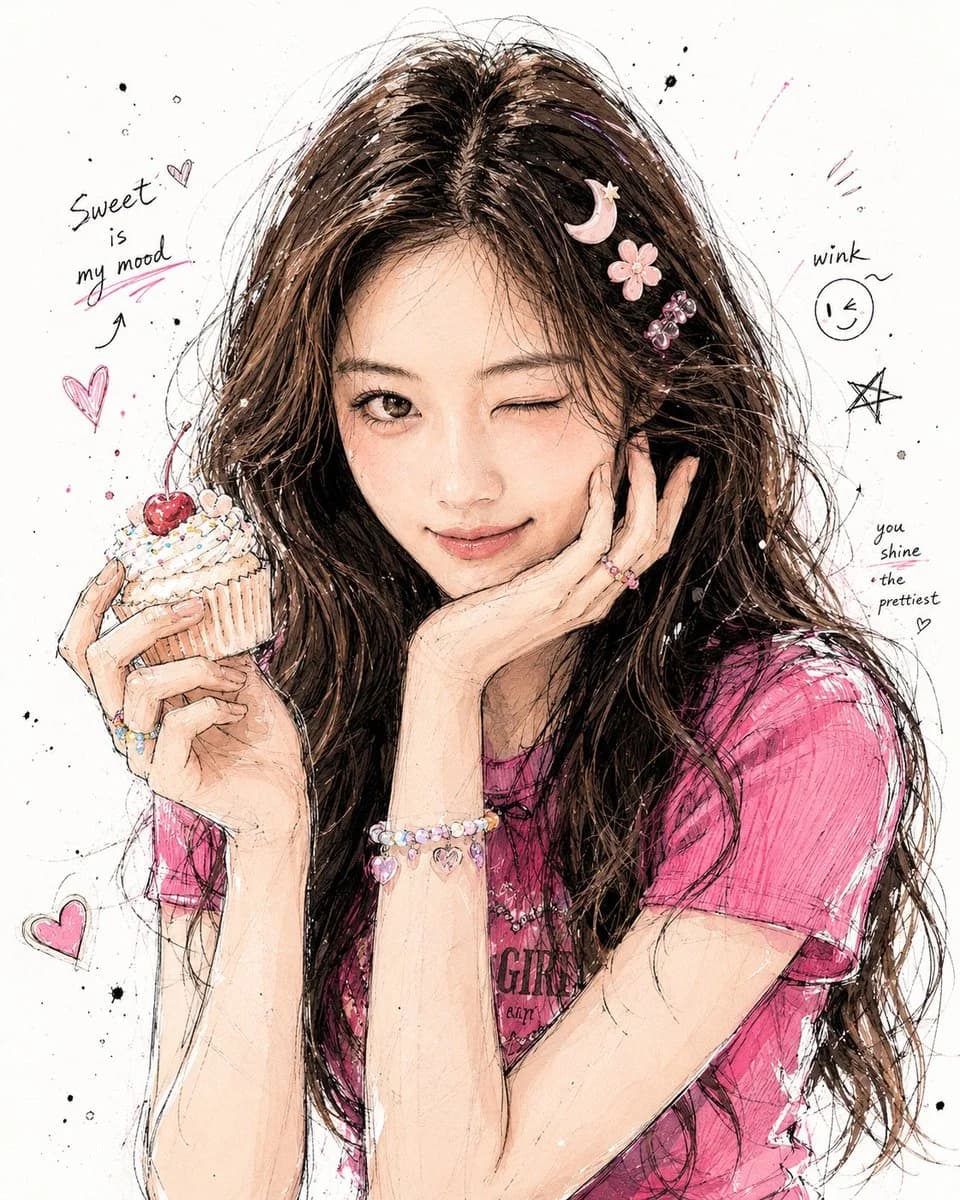
11 words分分钟把自己的照片改成插画头像啊! GPT Image 2 提示词分享: 请基于用户上传的照片,创作一张韩风手绘涂鸦插画感人物海报。保留人物真实身份特征与整体气质,但整体表现要明显偏插画化,而不是写实转绘。 风格参考:韩风半写实插图、鲜明角色感、自然有表现力的面部情绪、半身构图、轻微动态姿势。强调松散自发的手绘线条、黑色墨水勾线、墨迹飞溅、草稿感笔触、可见笔刷纹理,以及柔和粉彩色调与墨水阴影的混合,呈现漫画草图般的质感。 不要做成高度写实插画,不要太像照片。要更有“画出来”的感觉,线条自由、边缘松弛、局部略带未完成感,头发和服装细节丰富,整体精致但有随性涂鸦感。 背景保持简约,可以是纯白或浅色纸张质感,围绕人物自由加入少量手写短句、星星、爱心、箭头、墨点、小贴纸等象征性装饰元素。文案和背景氛围请根据人物气质自由发挥。整体要高级、轻盈、灵动,像 X 上会火的韩系手绘人物海报。
About this prompt
韩风手绘涂鸦插画头像 is a ready-to-use portrait prompt for GPT Image 2 on Image 2. Copy the 11 words below, paste them into the Create form, and you will get a result close to the preview above. Tweak the Portrait tag if you want to push it somewhere new.
Use it as a starting point, then adjust the subject, lighting, or composition to suit your idea. The credit cost stays the same whether you use it as written or customize it.
Use case
A strong starting point for Portrait
Start here when you want a portrait image inspired by 韩风手绘涂鸦插画头像. The prompt already sets the look and composition; replace the subject, product, colors, or scene details to match your project.
Easy places to tweak
- Subject Swap in your person, product, place, or object without changing the overall composition.
- Look and mood Tune the lighting, palette, camera angle, or materials so the image fits your brand.
- Final format Set the aspect ratio, background, text, or layout notes before you generate.
More prompt paths to explore
Find more GPT Image 2 prompts with a similar style, use case, or subject.
How to use it
- Step 1
Copy the prompt
Hit the Copy button above to grab the full text.
- Step 2
Open Image 2 Create
Head to the Create form and paste it in.
- Step 3
Generate
Hit Generate. Your version lands in seconds.
Make it yours
Load the prompt into the Create form with one click, then start tweaking.