Prompt
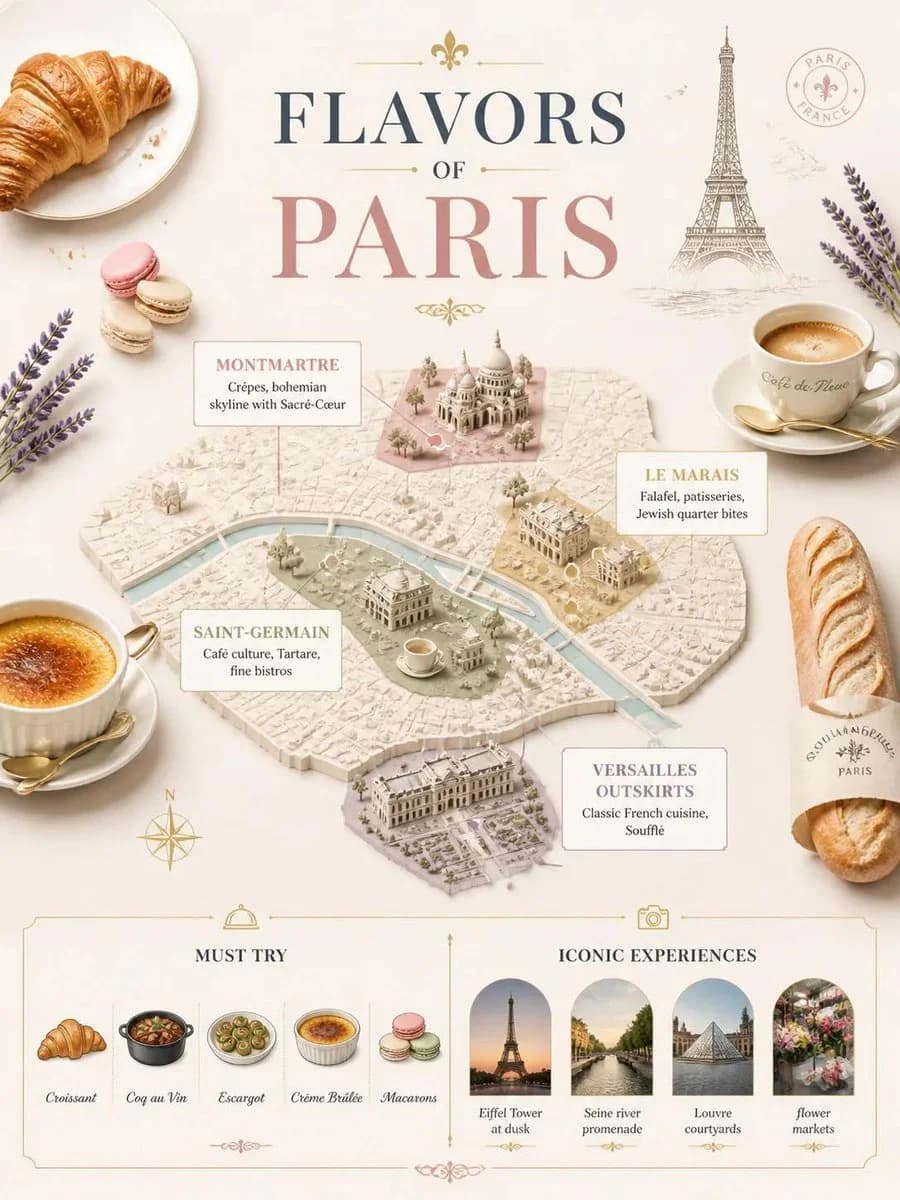
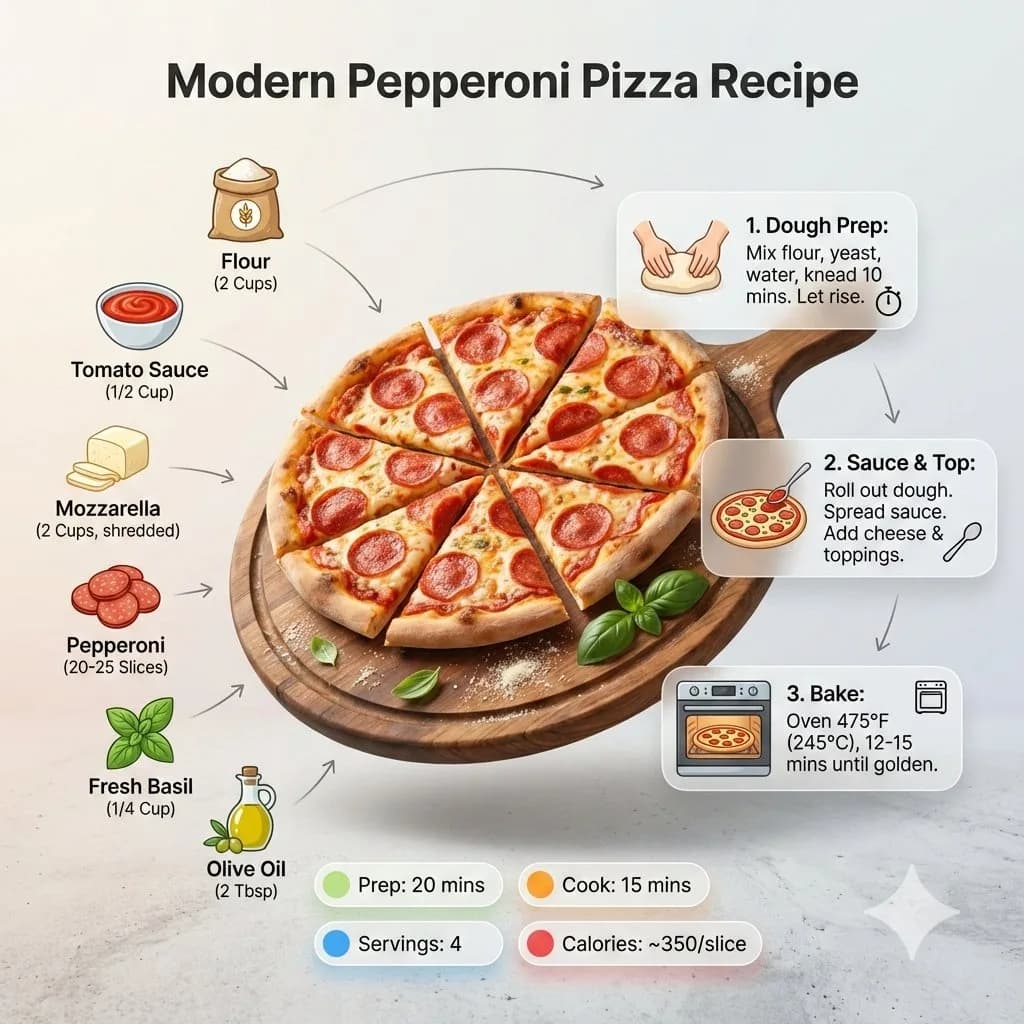
183 wordsUltra-clean modern recipe infographic. Showcase your dish in a visually appealing finished form, sliced, plated, or portioned, floating slightly in perspective or angled view. Arrange ingredients, steps, and tips around the dish in a dynamic editorial layout, not top-down. Ingredients: include icons or mini illustrations for each ingredient with quantities, arranged in clusters, lists, or circular flows connected visually to the dish. Steps: show preparation steps with numbered panels, arrows, or lines forming a logical flow. Include small cooking icons (knife, pan, oven, timer) where helpful. Optional info: total calories, prep/cook time, servings, spice level displayed as clean bubbles or badges. Visual style: editorial infographic meets lifestyle food photography. Vibrant natural food colors, subtle drop shadows, clean vector icons, modern typography, soft gradients or glassmorphism for step panels. Accent colors highlight key info. Composition: finished meal as hero visual (perspective or angled), ingredients and steps flow dynamically around the dish, clear visual hierarchy, enough negative space to keep design airy and readable. Lighting: soft natural studio lighting, minimal textured or gradient background for premium editorial feel. Output: 1080x1080, ultra-crisp, social-feed optimized. Full prompt:
About this prompt
Modern Recipe Infographic Board is a ready-to-use ui mockup prompt for GPT Image 2 on Image 2. Copy the 183 words below, paste them into the Create form, and you will get a result close to the preview above. Tweak the Infographic, UI, Mockup tag if you want to push it somewhere new.
Use it as a starting point and keep iterating: change the subject, lighting, or composition until it looks right. The credit cost stays the same whether you run it as-is or remix it.
Use case
A strong starting point for UI Mockup
Start here when you want a ui mockup image in the same direction as Modern Recipe Infographic Board. The prompt already sets the look and structure; swap in your own subject, product, colors, or scene details for the brief you have in mind.
Easy places to tweak
- Subject Swap in your person, product, place, or object without changing the overall composition.
- Look and mood Tune the lighting, palette, camera angle, or materials so the image fits your brand.
- Final format Set the aspect ratio, background, text, or layout notes before you generate.
More prompt paths to explore
Find more GPT Image 2 prompts with a similar style, use case, or subject.
How to use it
- Step 1
Copy the prompt
Hit the Copy button above to grab the full text.
- Step 2
Open Image 2 Create
Head to the Create form and paste it in.
- Step 3
Generate
Hit Generate. Your version lands in seconds.
Make it yours
Load the prompt into the Create form with one click, then start tweaking.