Prompt
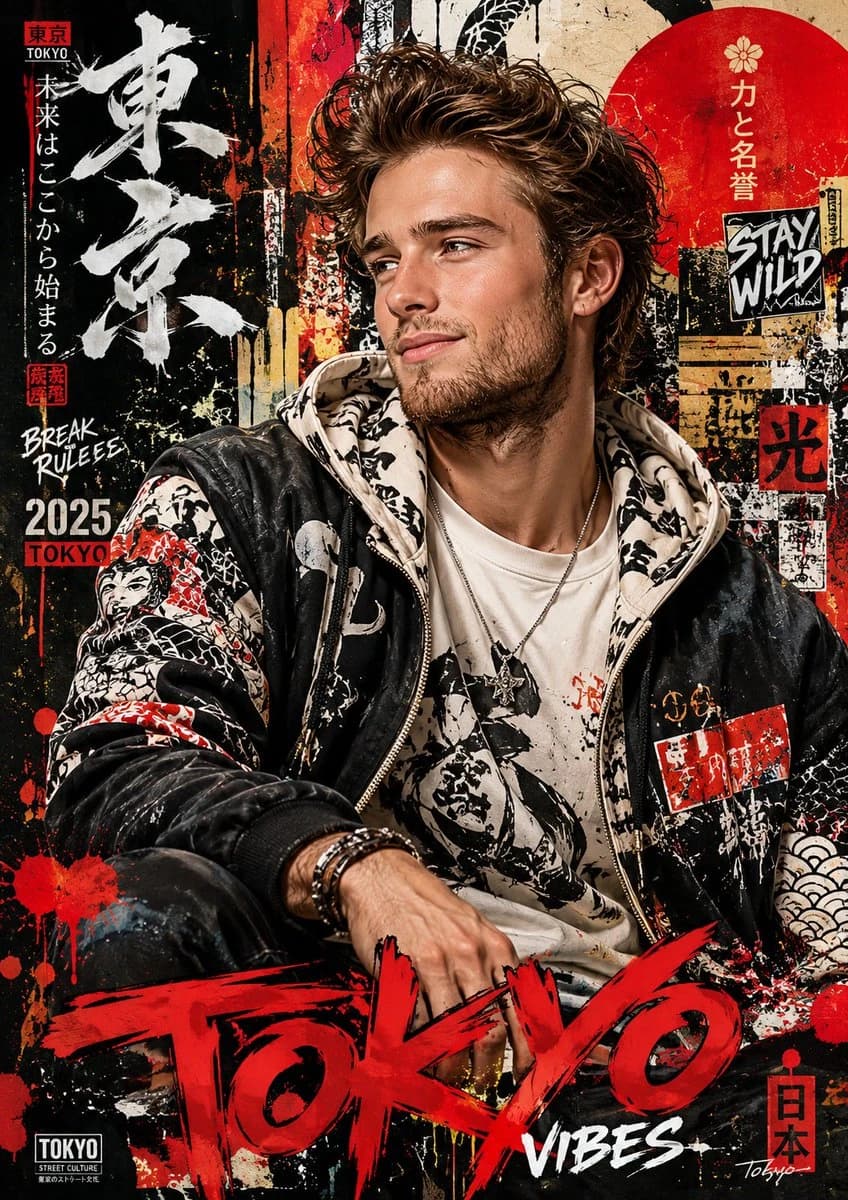
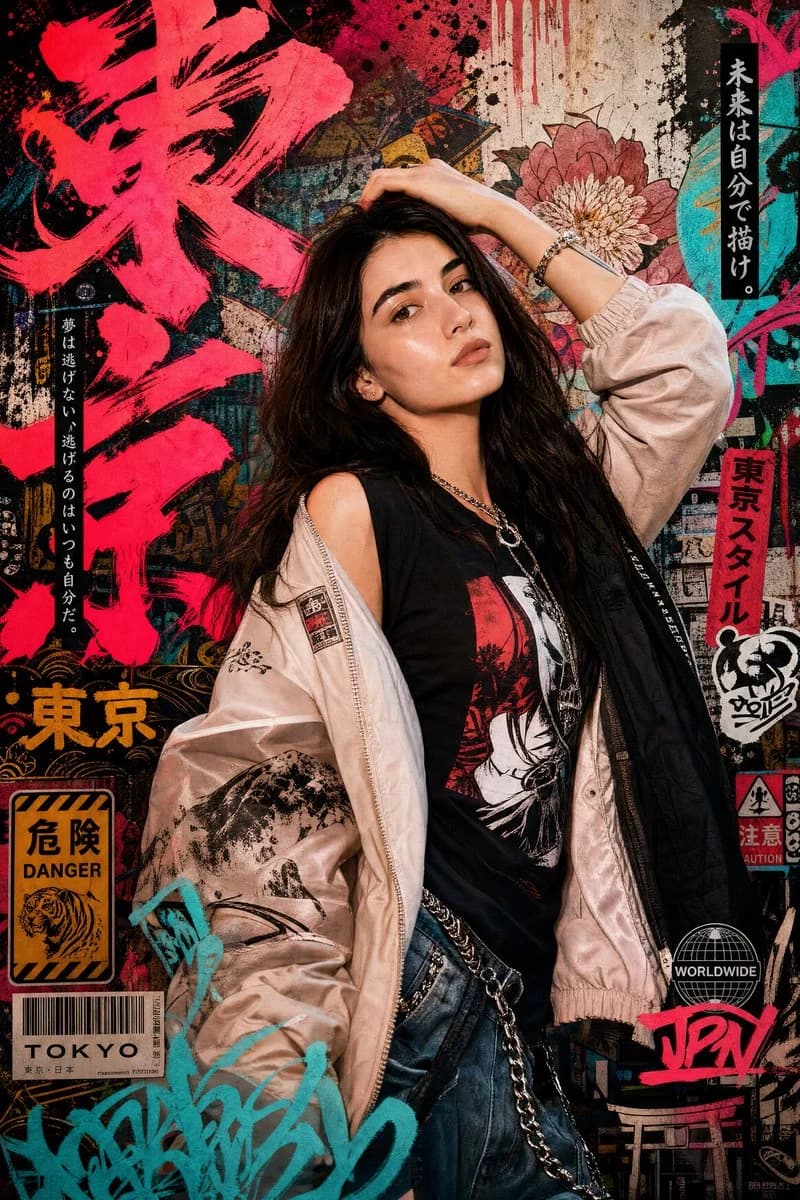
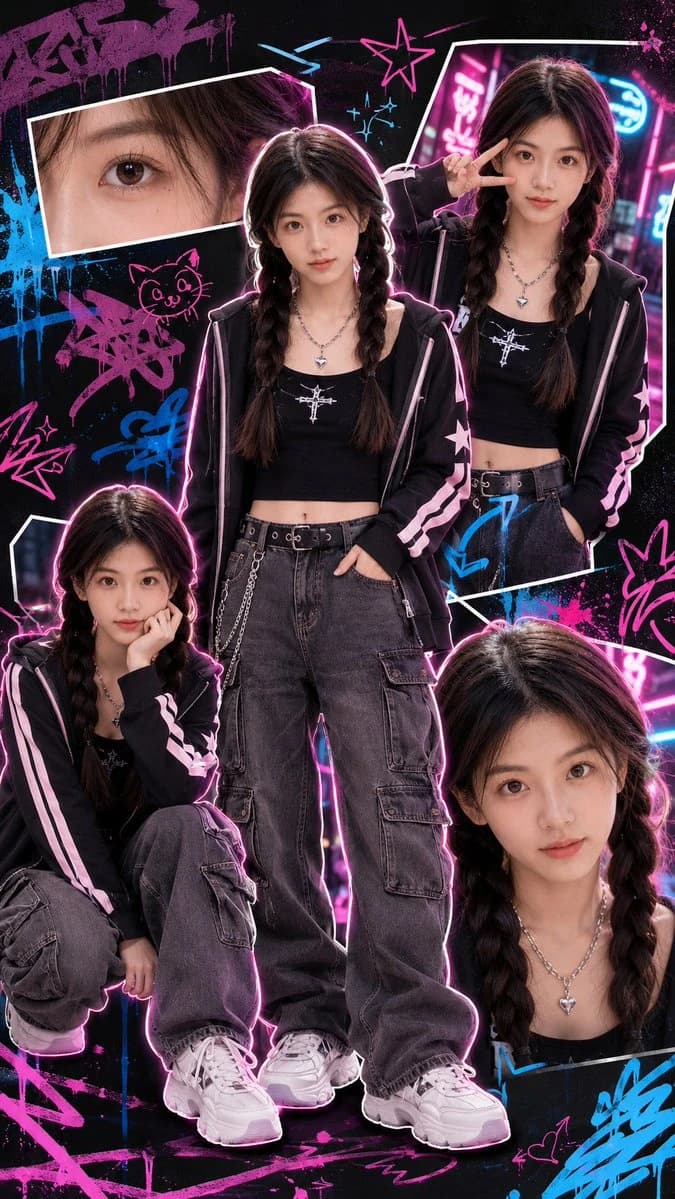
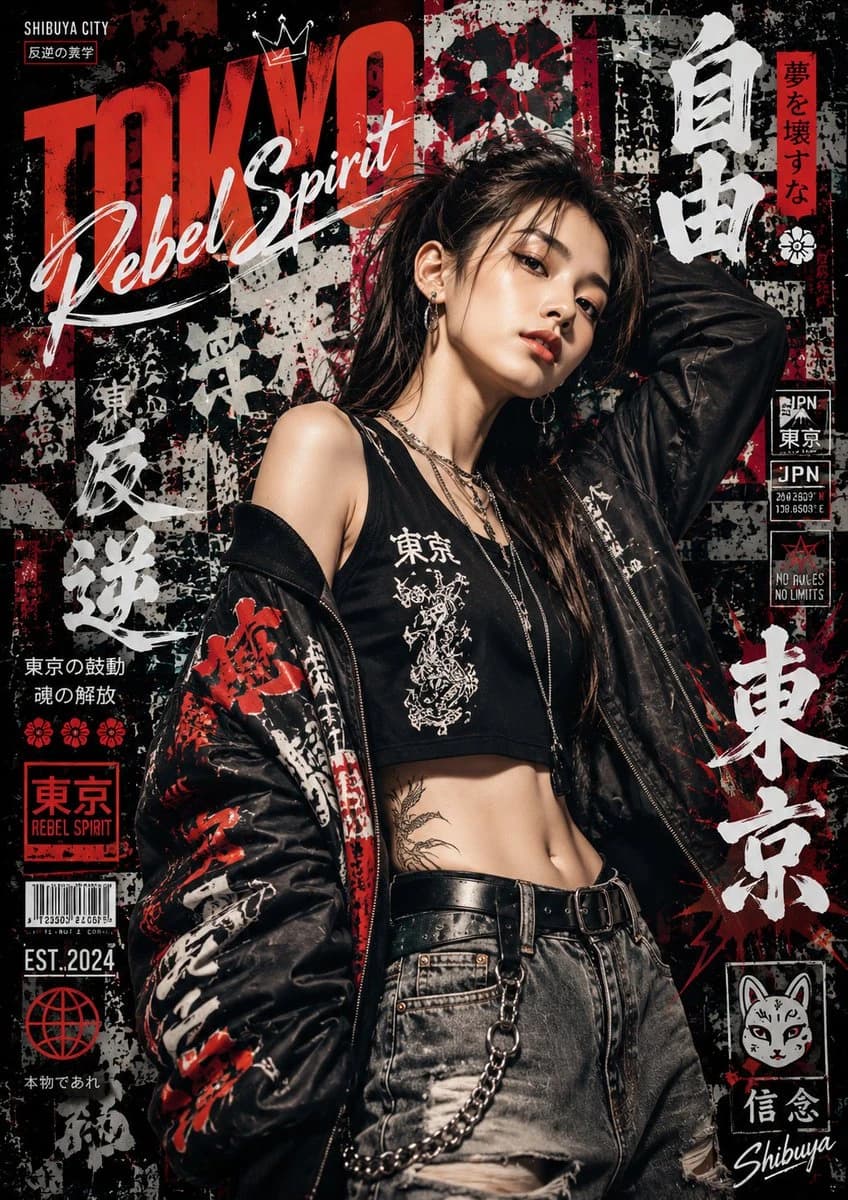
323 wordsDesign a high-detail portrait poster in a bold Japanese graffiti-inspired art style that fuses modern urban street aesthetics with expressive Japanese visual culture. Pack the poster with dynamic graffiti typography, layered spray-paint textures, hand-drawn motifs, abstract paint splashes, neon brush strokes, urban sticker elements, Japanese calligraphy accents, and decorative ornaments that amplify the energetic mood. Keep the overall composition artistic, rebellious, fashionable, and visually striking, yet still polished to premium editorial poster quality, never messy or overdone. The subject should NOT copy the exact pose or expression from any reference image. Instead, invent an entirely new pose that feels natural, confident, and alive. The expression should read as emotionally expressive, charismatic, and engaging, never stiff, awkward, flat, or blank. The pose should carry the elegance and sophistication of an international fashion model, with stylish posture, natural movement, and a subtle attitude that elevates the cinematic fashion vibe. The outfit must be contemporary, stylish, casual fashion with strong visual appeal. Skip plain or repetitive clothing. Lean into fashionable layering, modern streetwear inspiration, premium casual styling, and a balanced mix of colors, patterns, textures, and fabrics for a rich, non-monotonous look. The clothing should feel trendy, fashionable, youthful, and visually premium, while still belonging inside the Japanese graffiti poster concept. Fill the background and poster decorations with thematic urban Japanese-inspired elements: graffiti walls, spray textures, painted symbols, urban signage, layered stickers, modern Japanese graphic motifs, abstract shapes, paint drips, street fashion aesthetics, and stylish decorative compositions that deepen the artistic intensity without distracting from the subject. Lighting should feel cinematic and fashionable, with strong contrast, clean highlights, realistic skin texture, and high-end editorial poster quality. The final result must look like a premium modern street-fashion campaign poster, with highly detailed textures, balanced composition, vibrant color harmony, realistic proportions, ultra-sharp focus, and immersive visual storytelling. Ultra-detailed, highly aesthetic, premium composition, realistic texture rendering, fashionable urban atmosphere, cinematic quality, poster-ready design, 8K ultra high resolution. #AIart #GPTImage2
About this prompt
Japanese Graffiti Portrait is a ready-to-use portrait prompt for GPT Image 2 on Image 2. Copy the 323 words below, paste them into the Create form, and you will get a result close to the preview above. Tweak the Product Ad, Portrait, Fashion tag if you want to push it somewhere new.
Use it as a starting point and keep iterating: change the subject, lighting, or composition until it looks right. The credit cost stays the same whether you run it as-is or remix it.
Use case
A strong starting point for Portrait
Start here when you want a portrait image in the same direction as Japanese Graffiti Portrait. The prompt already sets the look and structure; swap in your own subject, product, colors, or scene details for the brief you have in mind.
Easy places to tweak
- Subject Swap in your person, product, place, or object without changing the overall composition.
- Look and mood Tune the lighting, palette, camera angle, or materials so the image fits your brand.
- Final format Set the aspect ratio, background, text, or layout notes before you generate.
More prompt paths to explore
Find more GPT Image 2 prompts with a similar style, use case, or subject.
How to use it
- Step 1
Copy the prompt
Hit the Copy button above to grab the full text.
- Step 2
Open Image 2 Create
Head to the Create form and paste it in.
- Step 3
Generate
Hit Generate. Your version lands in seconds.
Make it yours
Load the prompt into the Create form with one click, then start tweaking.