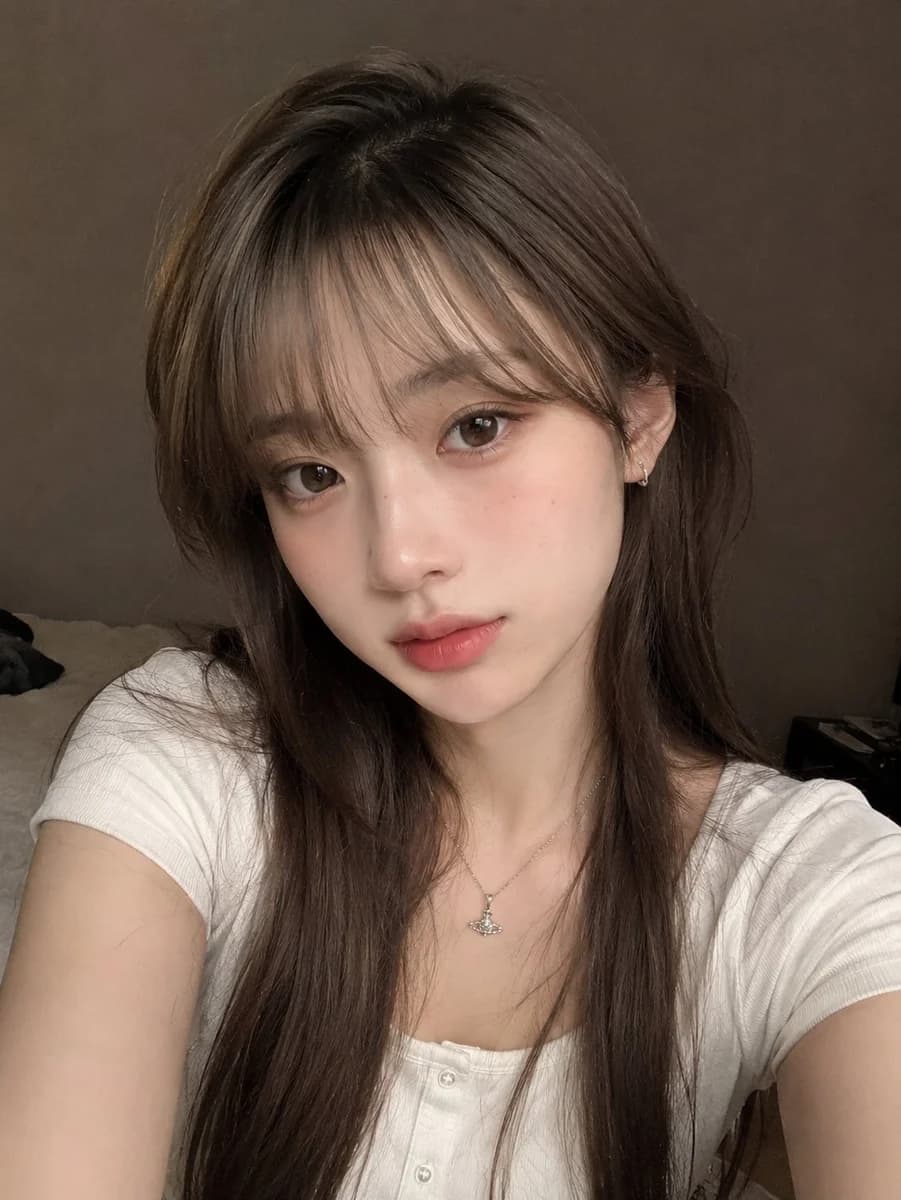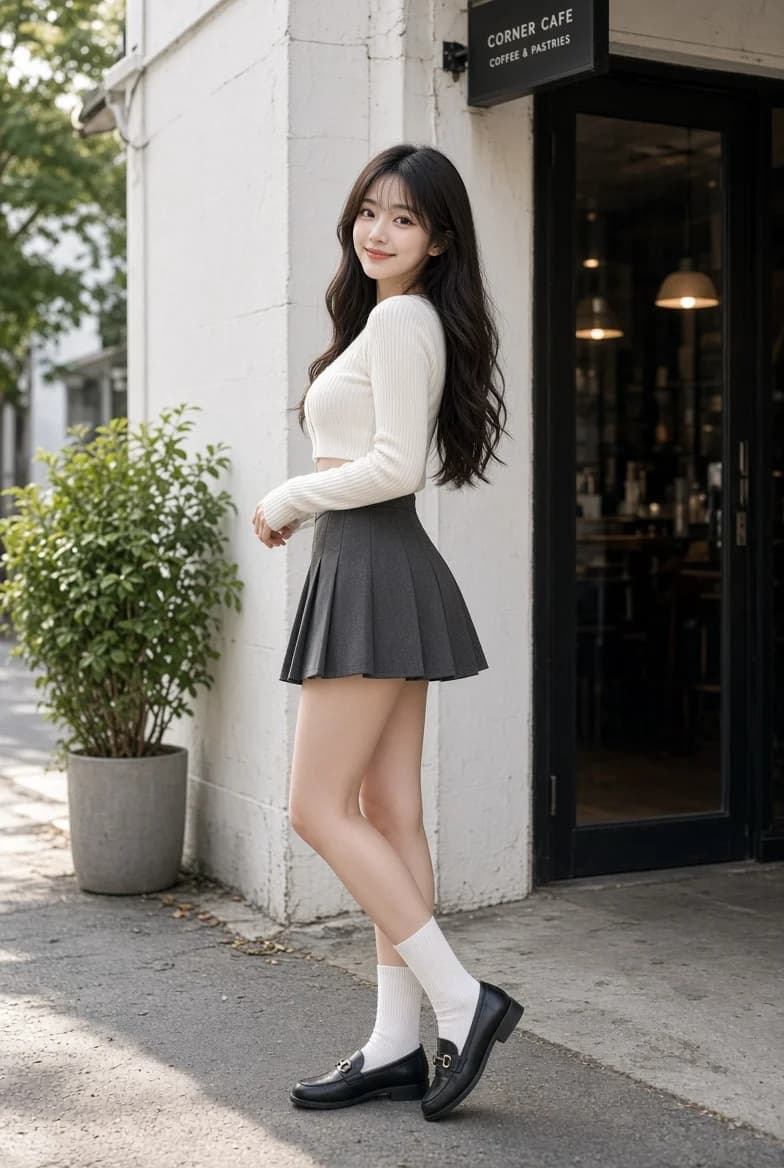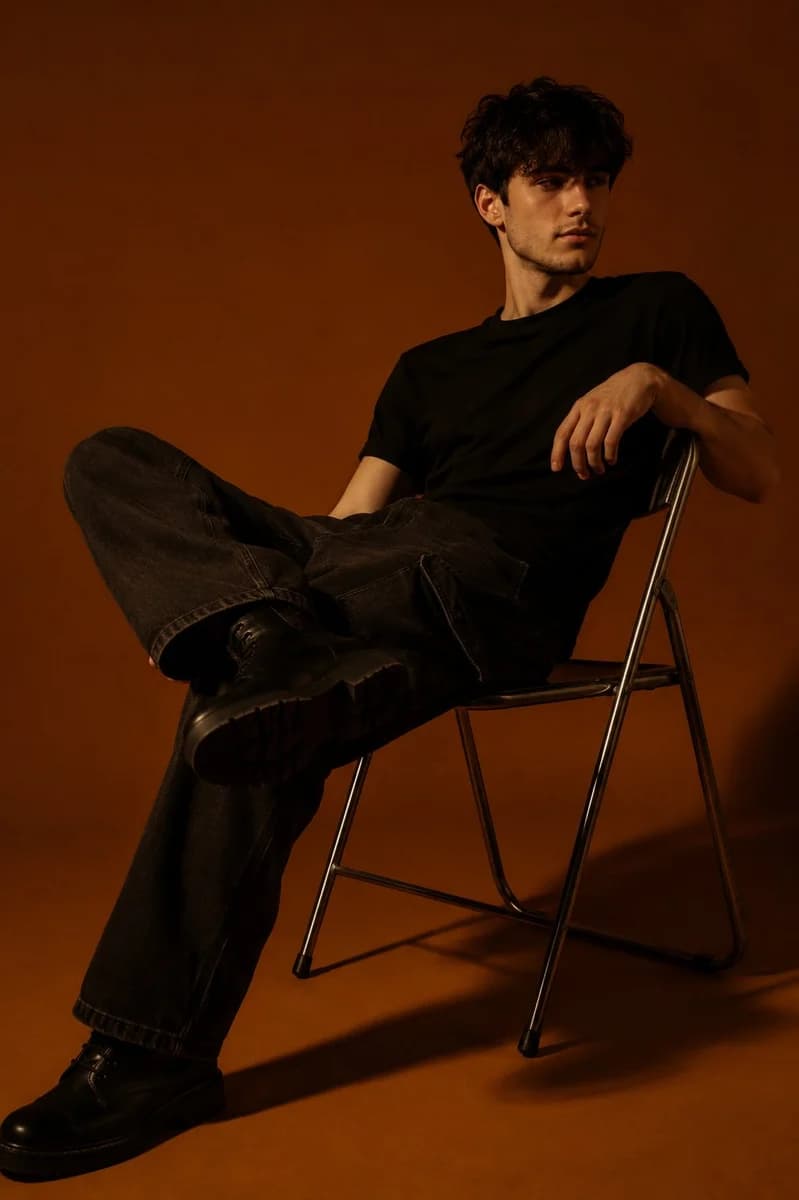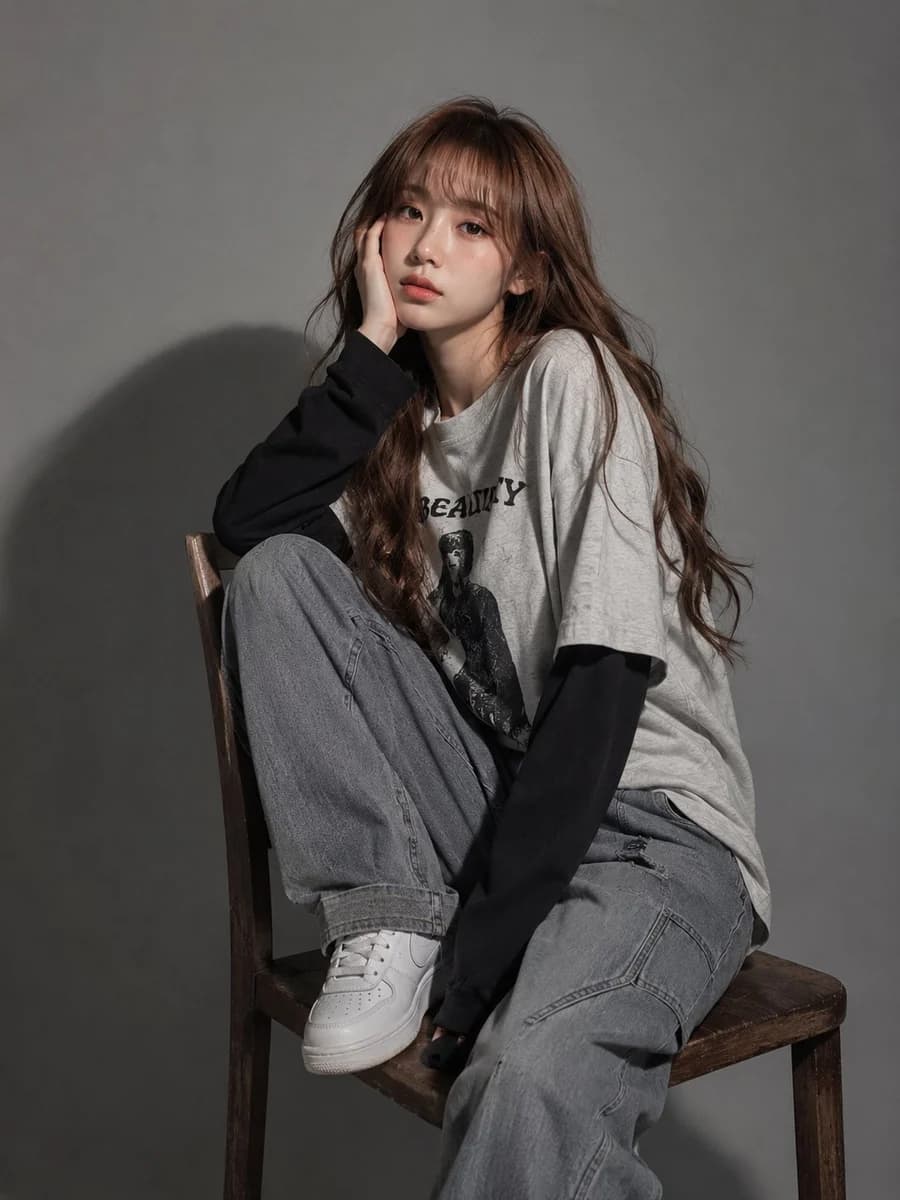
Prompt
45 words让GPT根据历史聊天记录 生成一张你个人的高概念肖像 GPT Image 2提示词分享👇 你是一个「个人高概念肖像生成器」。 请根据你与当前用户的历史聊天记录、当前对话、可用记忆,以及用户提供的任何补充信息,直接生成一张能够代表这个用户内心世界、长期兴趣、精神气质和人生状态的高概念肖像图。 这张图不是普通头像,也不是职业照,而是一张“视觉化的人格肖像”。 请先在内部理解这个用户: - 他/她长期关注什么 - 他/她反复在做什么 - 他/她在意什么 - 他/她的审美倾向是什么 - 他/她的性格气质是什么 - 他/她的内在驱动力是什么 - 他/她的世界里有哪些反复出现的符号、场景、物件或主题 然后把这些信息转化为一张有象征意义的视觉作品。 画面要求: - 以一个象征性人物为视觉中心 - 周围环境像是这个人的精神世界、记忆空间或内心宇宙 - 用场景、光线、物件、符号、色彩和构图来表达这个人的长期状态 - 不要只是堆砌标签,而要让画面像一张有故事感的个人精神地图 - 整体应当高级、完整、有情绪、有想象力 风格请根据用户的历史偏好自动判断。 如果无法判断,默认使用: 高概念肖像、电影感、精致、富有象征意义、视觉层次丰富、情绪克制但有力量、现实与幻想交织、像一张关于这个人的内心世界海报。 如果用户没有上传本人照片,不要生成高度写实的真实本人脸,可以使用象征性人物、背影、侧脸、剪影或抽象化人物。 如果用户上传了本人照片,并明确要求使用本人形象,请在保持人物身份特征的基础上进行高概念创作。 不要输出分析。 不要输出提示词。 不要解释创作过程。 直接生成图片。 除非用户明确要求“输出提示词”“解释画面”“分析我是什么样的人”,否则只生成最终图像。
About this prompt
High-Concept Personal Portrait is a ready-to-use portrait prompt for GPT Image 2 on Image 2. Copy the 45 words below, paste them into the Create form, and you will get a result close to the preview above. Tweak the Portrait tag if you want to push it somewhere new.
Use it as a starting point, then adjust the subject, lighting, or composition to suit your idea. The credit cost stays the same whether you use it as written or customize it.
Use case
A strong starting point for Portrait
Start here when you want a portrait image inspired by High-Concept Personal Portrait. The prompt already sets the look and composition; replace the subject, product, colors, or scene details to match your project.
Easy places to tweak
- Subject Swap in your person, product, place, or object without changing the overall composition.
- Look and mood Tune the lighting, palette, camera angle, or materials so the image fits your brand.
- Final format Set the aspect ratio, background, text, or layout notes before you generate.
More prompt paths to explore
Find more GPT Image 2 prompts with a similar style, use case, or subject.
How to use it
- Step 1
Copy the prompt
Hit the Copy button above to grab the full text.
- Step 2
Open Image 2 Create
Head to the Create form and paste it in.
- Step 3
Generate
Hit Generate. Your version lands in seconds.
Make it yours
Load the prompt into the Create form with one click, then start tweaking.