Prompt
175 words{
"title": "The Man Who Sold Tomorrow",
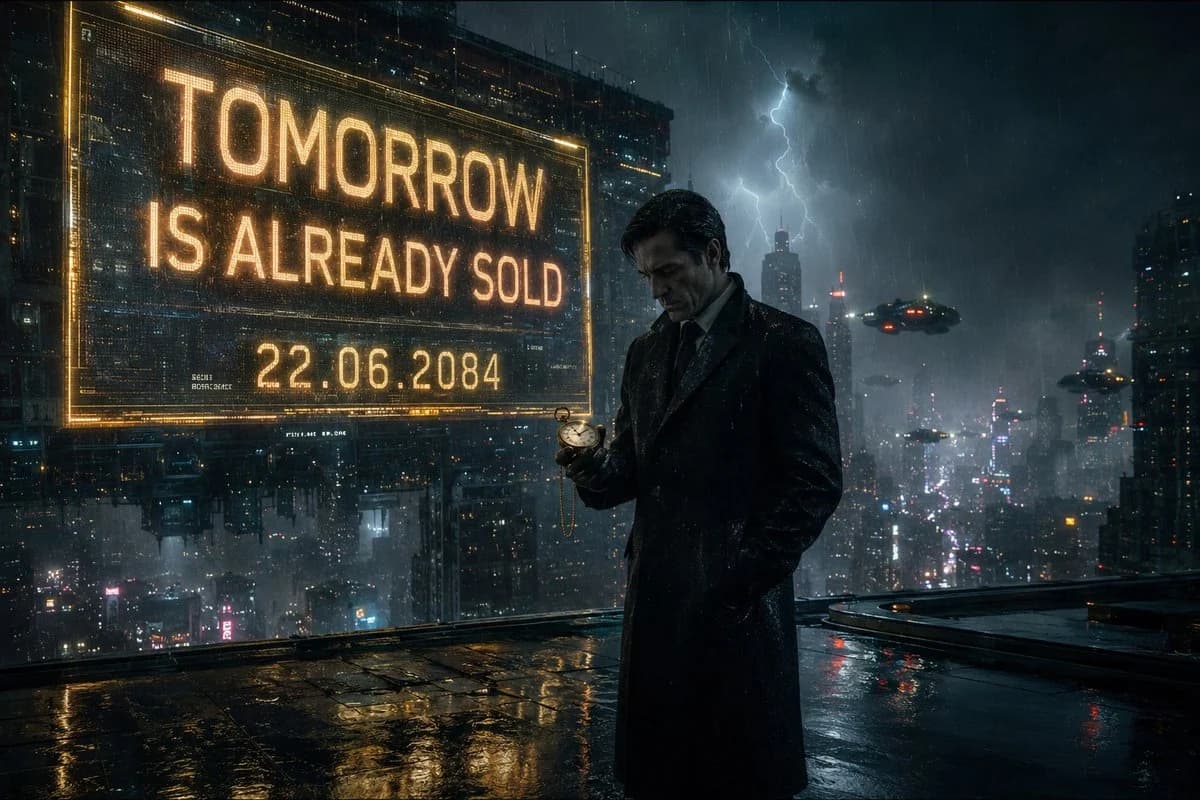
"image_description": "A cinematic neo-noir scene set in a futuristic city during heavy rain. A mysterious businessman stands alone beneath a glowing holographic billboard 500 stories above the city. Countless neon lights reflect across the wet rooftop surface. Flying vehicles drift silently through dense fog between skyscrapers. The man wears a perfectly tailored black overcoat and leather gloves. In his hand is a small golden pocket watch. The watch displays tomorrow's date. His expression is calm but deeply troubled, as if he knows something nobody else does. Lightning briefly illuminates the city skyline behind him.",
"subject": {
"character": "Mysterious businessman",
"appearance": "Elegant black overcoat, leather gloves, sharp facial features",
"expression": "Melancholic, thoughtful, secretive",
"pose": "Standing at the edge of a skyscraper rooftop"
},
"environment": {
"location": "Cyberpunk megacity rooftop",
"weather": "Heavy rain",
"atmosphere": "Fog, neon reflections, distant flying vehicles"
},
"cinematography": {
"camera_angle": "Low angle",
"shot_type": "Medium wide shot",
"lens": "85mm anamorphic lens"
},
"quality": {
"style": "Denis Villeneuve inspired sci-fi cinema",
"realism": "Ultra photorealistic",
"resolution": "8K"
}
}About this prompt
Cinematic Cyberpunk Neo-Noir Scene is a ready-to-use poster prompt for GPT Image 2 on Image 2. Copy the 175 words below, paste them into the Create form, and you will get a result close to the preview above. Tweak the Poster, Architecture, Cinematic tag if you want to push it somewhere new.
Use it as a starting point, then adjust the subject, lighting, or composition to suit your idea. The credit cost stays the same whether you use it as written or customize it.
Use case
A strong starting point for Poster
Start here when you want a poster image inspired by Cinematic Cyberpunk Neo-Noir Scene. The prompt already sets the look and composition; replace the subject, product, colors, or scene details to match your project.
Easy places to tweak
- Subject Swap in your person, product, place, or object without changing the overall composition.
- Look and mood Tune the lighting, palette, camera angle, or materials so the image fits your brand.
- Final format Set the aspect ratio, background, text, or layout notes before you generate.
More prompt paths to explore
Find more GPT Image 2 prompts with a similar style, use case, or subject.
How to use it
- Step 1
Copy the prompt
Hit the Copy button above to grab the full text.
- Step 2
Open Image 2 Create
Head to the Create form and paste it in.
- Step 3
Generate
Hit Generate. Your version lands in seconds.
Make it yours
Load the prompt into the Create form with one click, then start tweaking.