Prompt
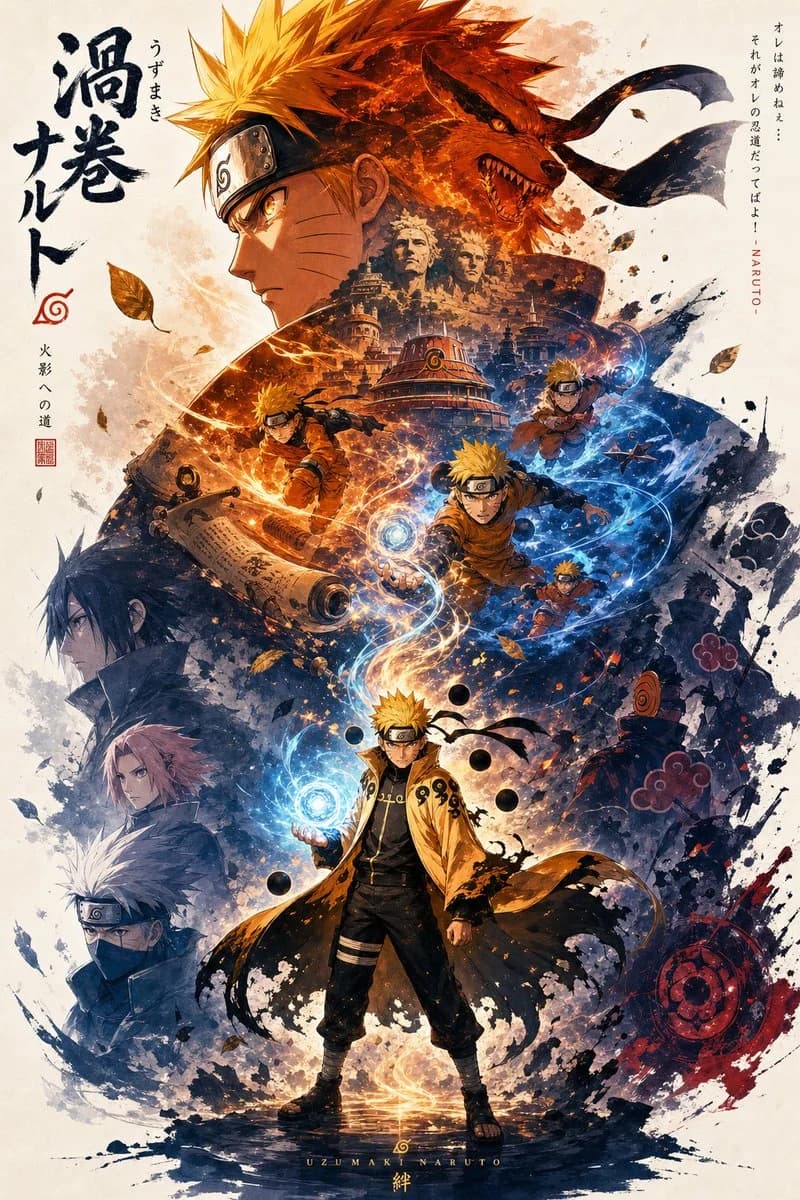
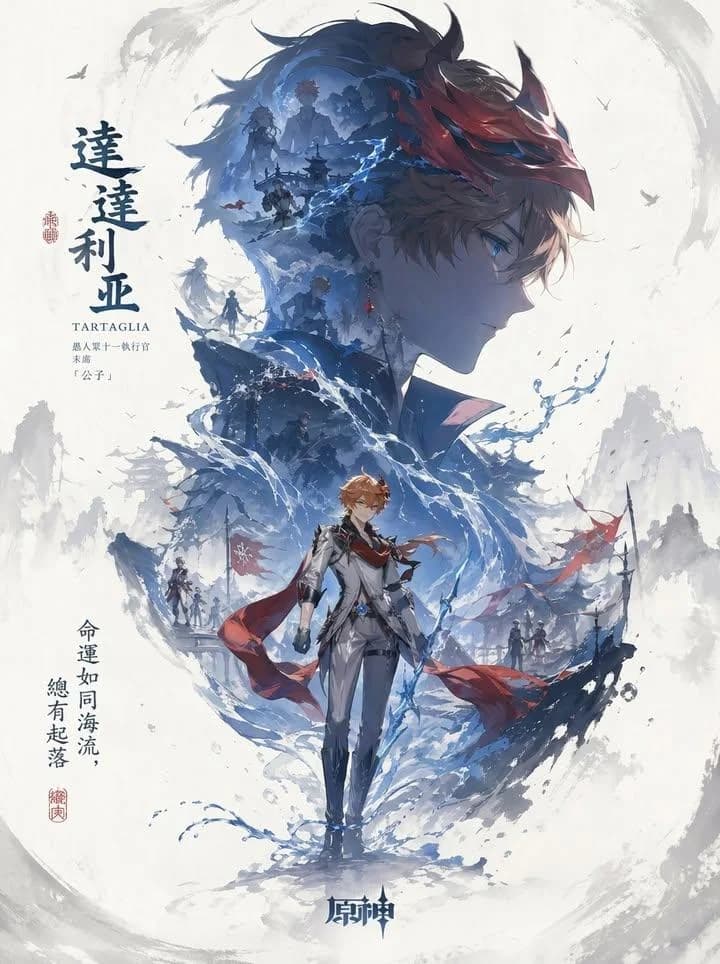
164 wordsA character promotional poster of [XXX], using a unified vertical key-visual composition. Each poster follows a hierarchical layout with a larger upper section and smaller lower section: the upper half features the character’s most recognizable head, facial contour, mask, or upper-body silhouette as a massive visual centerpiece, forming a highly identifiable silhouette-style dominant shape. The middle and lower section contains the full character as the secondary focal point, standing in a stable pose or subtle motion, creating the visual core of the composition. Inside the large silhouette and around the character, use double exposure and collage-style narrative composition, blending multiple scenes, symbolic imagery, small character interactions, supporting elements, and environments layered into mist, ink-wash textures, and negative space. Symmetrical or echoing side sub-scenes are placed on the left and right to create narrative tension and spatial variation. A flowing visual line runs vertically through the entire composition, connecting the main character, internal collage, and upper silhouette, enhancing visual unity and guiding the viewer’s eye.
About this prompt
Character Silhouette Key Visual Poster is a ready-to-use poster prompt for GPT Image 2 on Image 2. Copy the 164 words below, paste them into the Create form, and you will get a result close to the preview above. Tweak the Poster, Watercolor, Minimalist tag if you want to push it somewhere new.
Use it as a starting point, then adjust the subject, lighting, or composition to suit your idea. The credit cost stays the same whether you use it as written or customize it.
Use case
A strong starting point for Poster
Start here when you want a poster image inspired by Character Silhouette Key Visual Poster. The prompt already sets the look and composition; replace the subject, product, colors, or scene details to match your project.
Easy places to tweak
- Subject Swap in your person, product, place, or object without changing the overall composition.
- Look and mood Tune the lighting, palette, camera angle, or materials so the image fits your brand.
- Final format Set the aspect ratio, background, text, or layout notes before you generate.
More prompt paths to explore
Find more GPT Image 2 prompts with a similar style, use case, or subject.
How to use it
- Step 1
Copy the prompt
Hit the Copy button above to grab the full text.
- Step 2
Open Image 2 Create
Head to the Create form and paste it in.
- Step 3
Generate
Hit Generate. Your version lands in seconds.
Make it yours
Load the prompt into the Create form with one click, then start tweaking.