Prompt
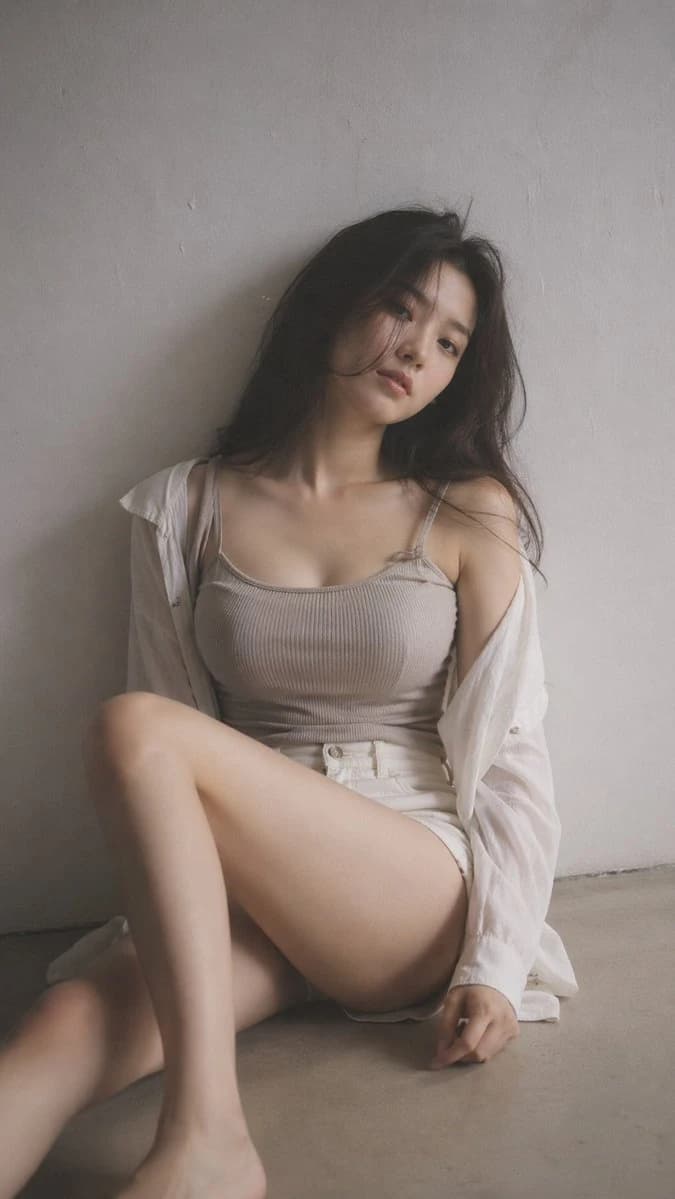
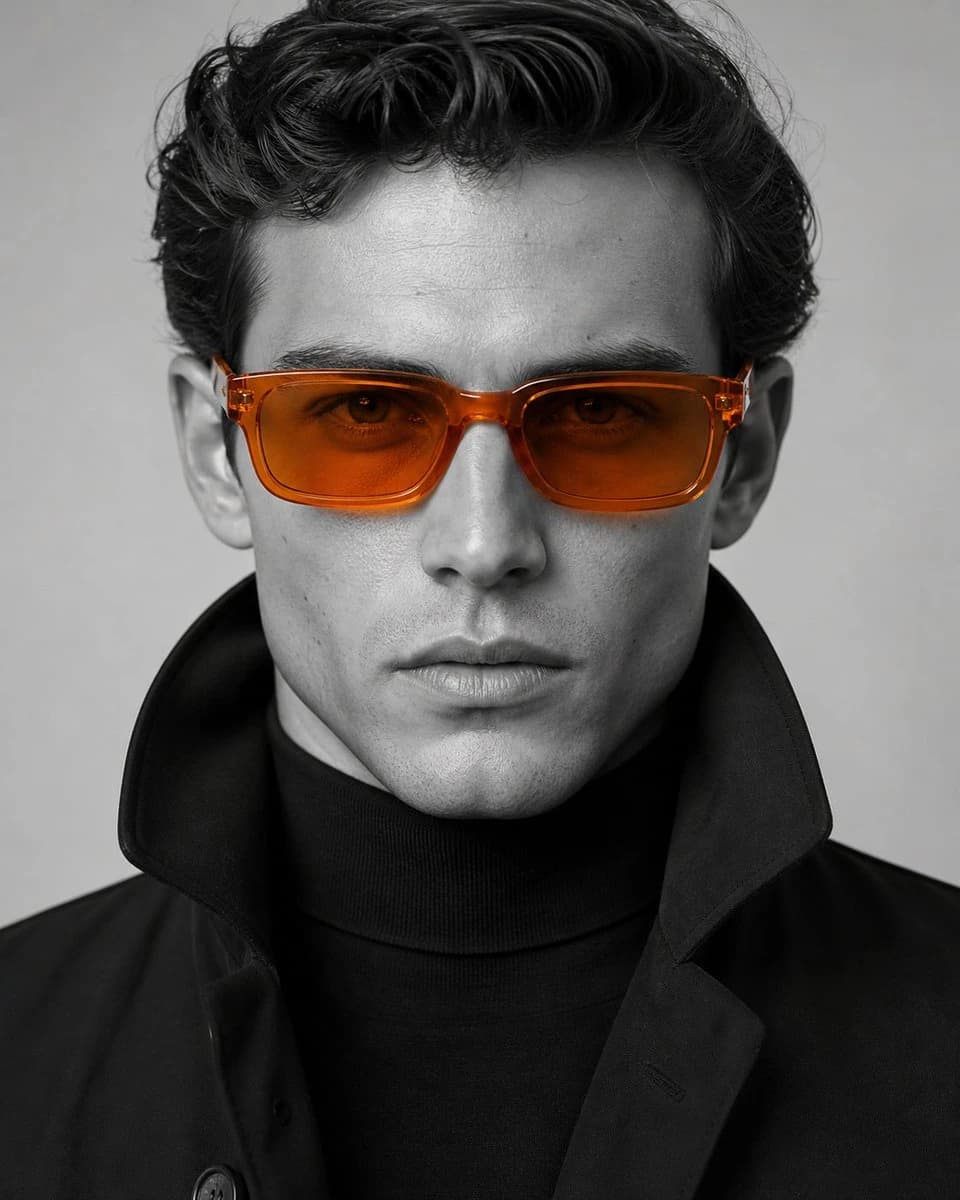
107 wordsA hyper-photorealistic shot of the same subject in the attached image, ultra-detailed facial features, visible pores, natural skin texture, rosy complexion and dewy skin, Douyin/Korean glass-skin makeup, glossy lips, aegyosal, baby pink blush, high identity consistency, realistic human anatomy. Use an old CCD digital camera aesthetic with direct flash, visible grain, slight overexposure, cool-neutral white balance, slight motion blur, and candid composition. Hair in a loose romantic updo; outfit in delicate off-shoulder silk with embroidered floral fabric; background of pastel floral bedding; horizontal close-up; shallow depth of field. Negative prompt: over-smoothed skin, plastic texture, unrealistic proportions, studio lighting, overly sharp HDR, stiff pose, artificial symmetry, over-retouched face.
About this prompt
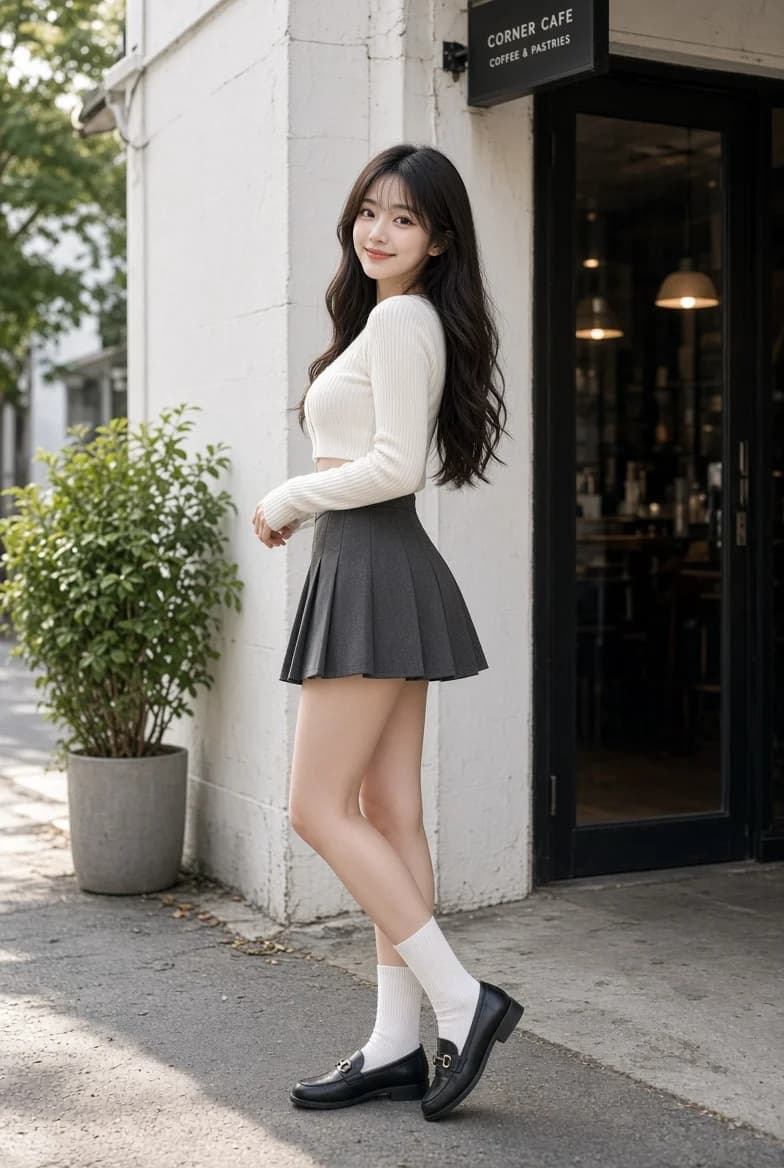
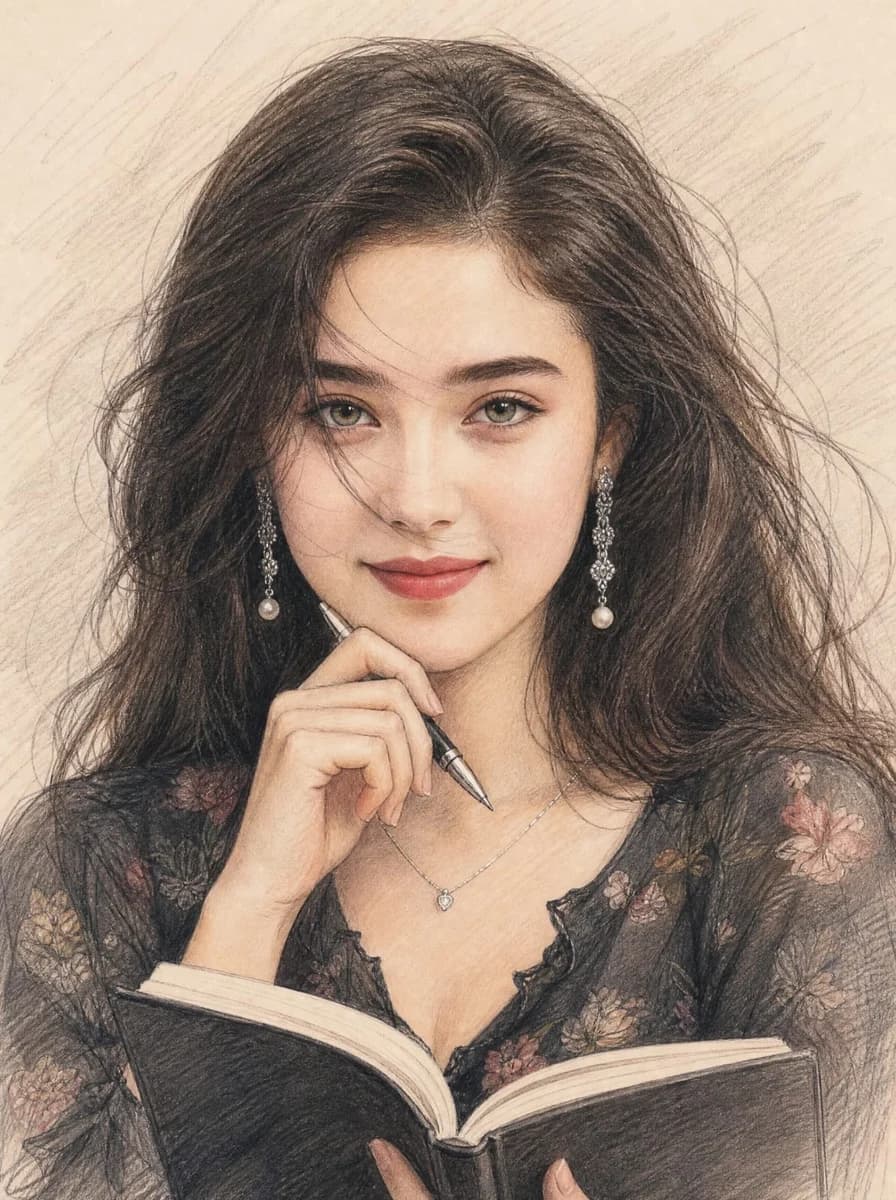
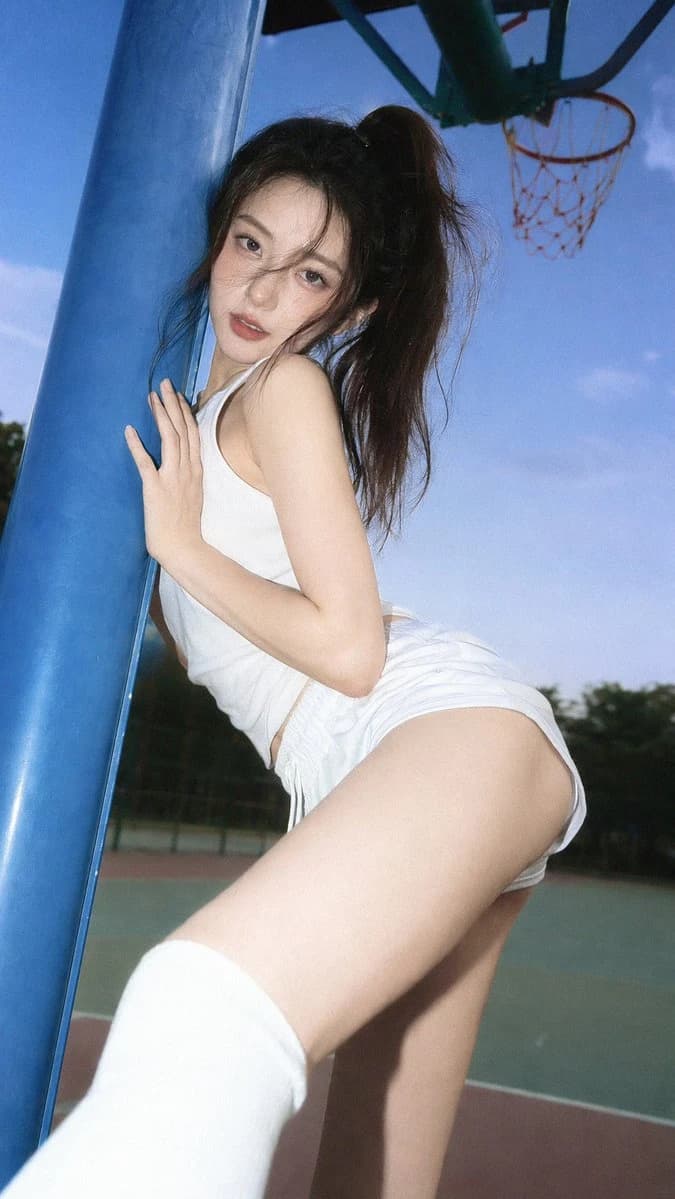
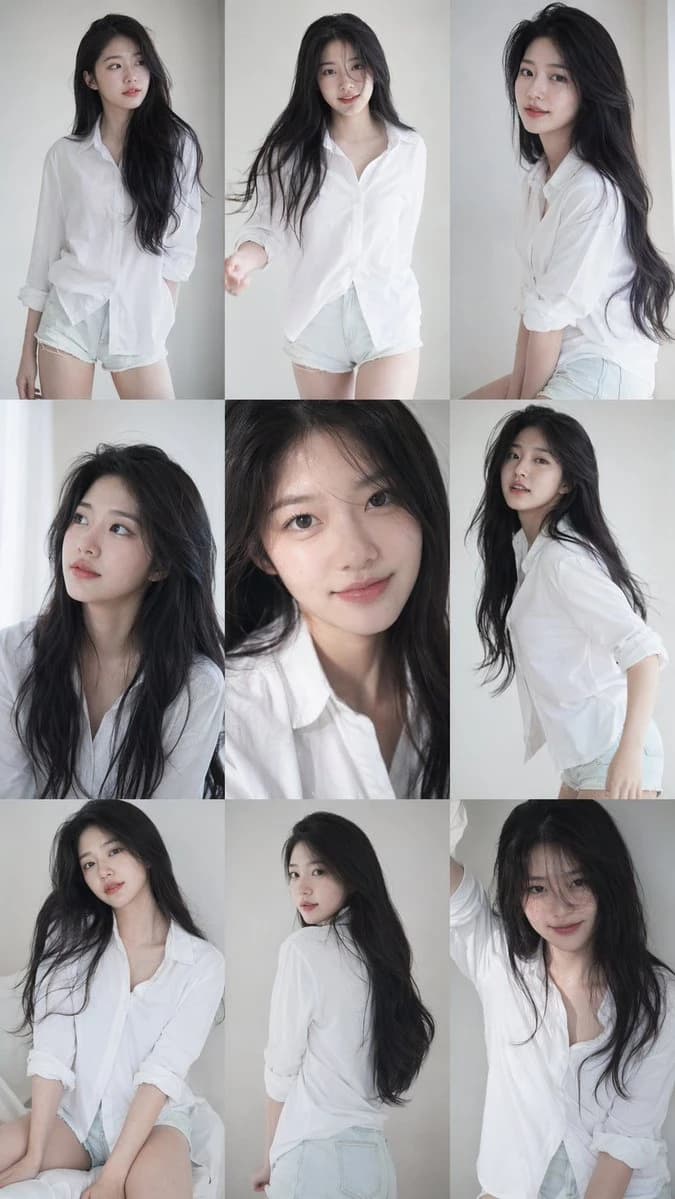
CCD flash beauty portrait template is a ready-to-use portrait prompt for GPT Image 2 on Image 2. Copy the 107 words below, paste them into the Create form, and you will get a result close to the preview above. Tweak the Portrait, Fashion, Beauty tag if you want to push it somewhere new.
Use it as a starting point, then adjust the subject, lighting, or composition to suit your idea. The credit cost stays the same whether you use it as written or customize it.
Use case
A strong starting point for Portrait
Start here when you want a portrait image inspired by CCD flash beauty portrait template. The prompt already sets the look and composition; replace the subject, product, colors, or scene details to match your project.
Easy places to tweak
- Subject Swap in your person, product, place, or object without changing the overall composition.
- Look and mood Tune the lighting, palette, camera angle, or materials so the image fits your brand.
- Final format Set the aspect ratio, background, text, or layout notes before you generate.
More prompt paths to explore
Find more GPT Image 2 prompts with a similar style, use case, or subject.
How to use it
- Step 1
Copy the prompt
Hit the Copy button above to grab the full text.
- Step 2
Open Image 2 Create
Head to the Create form and paste it in.
- Step 3
Generate
Hit Generate. Your version lands in seconds.
Make it yours
Load the prompt into the Create form with one click, then start tweaking.