Prompt
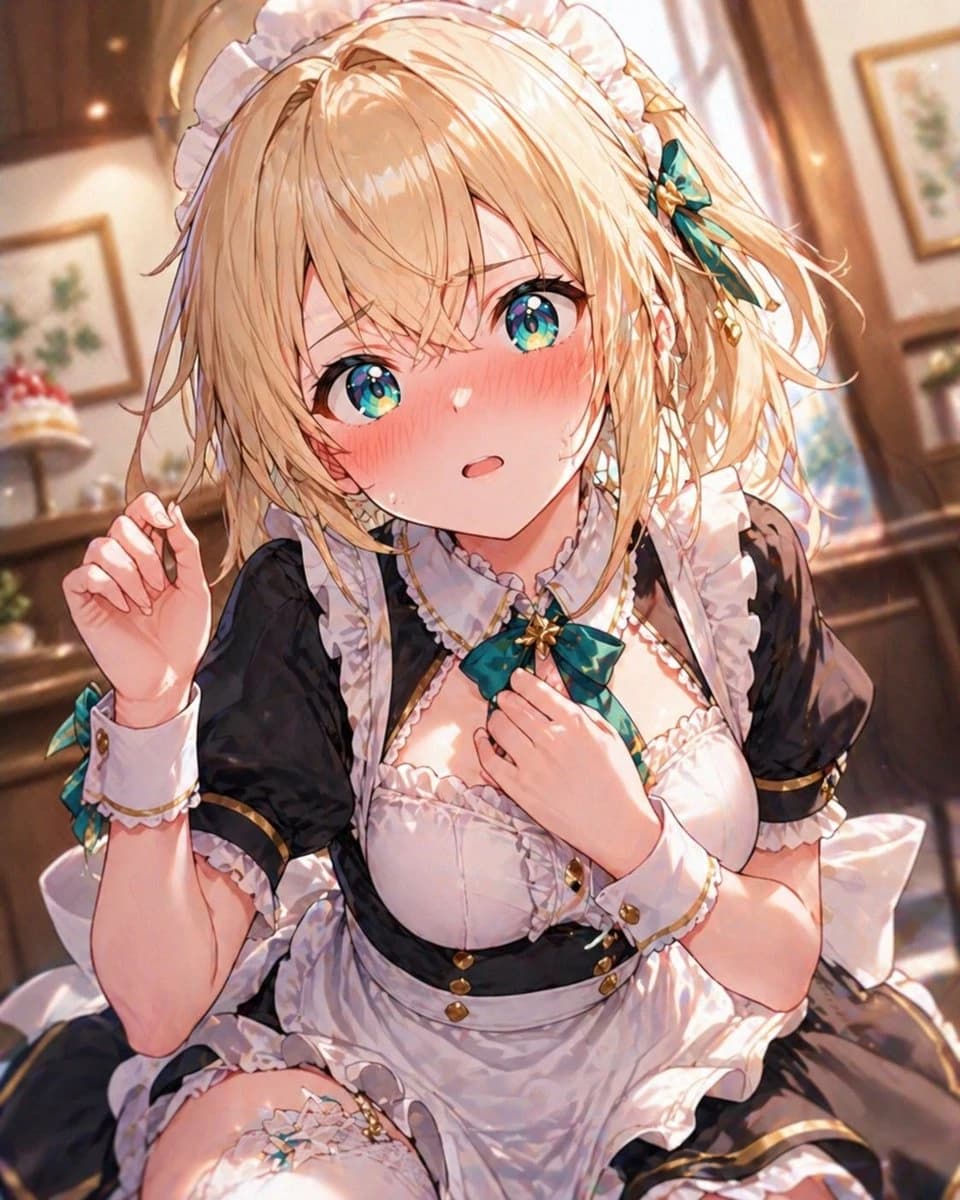
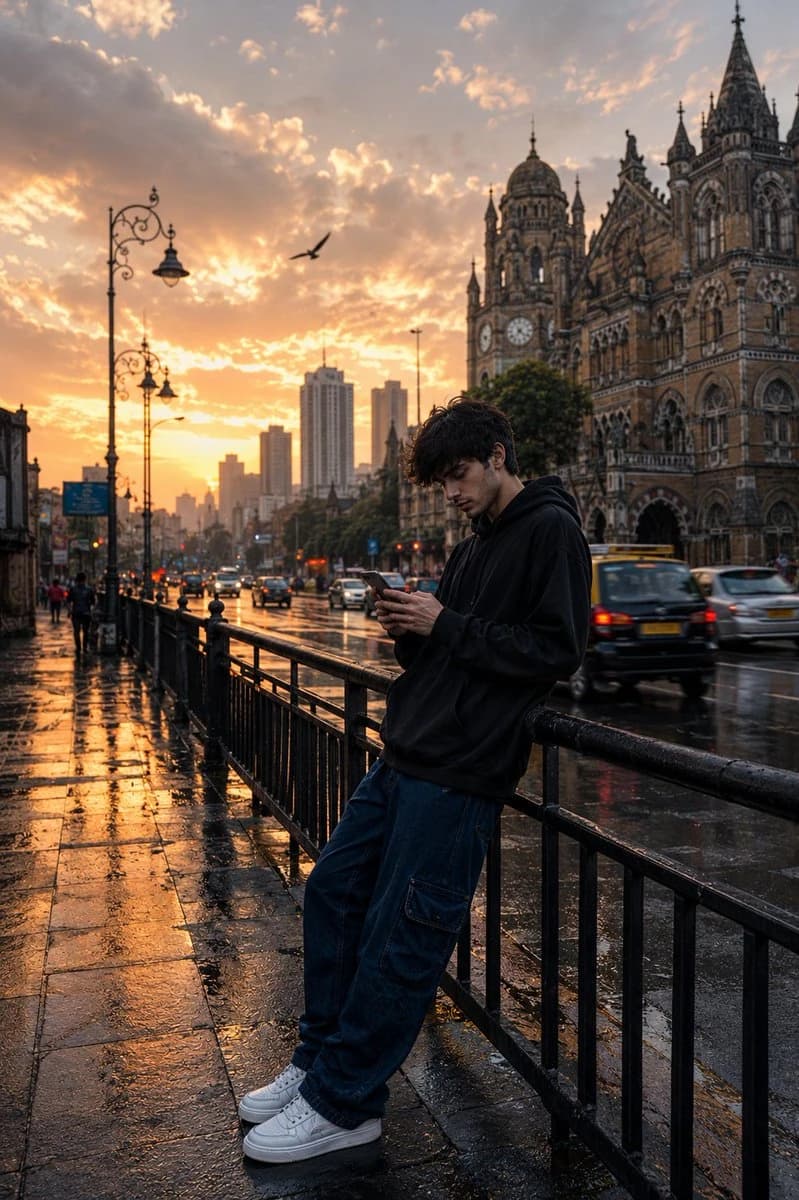
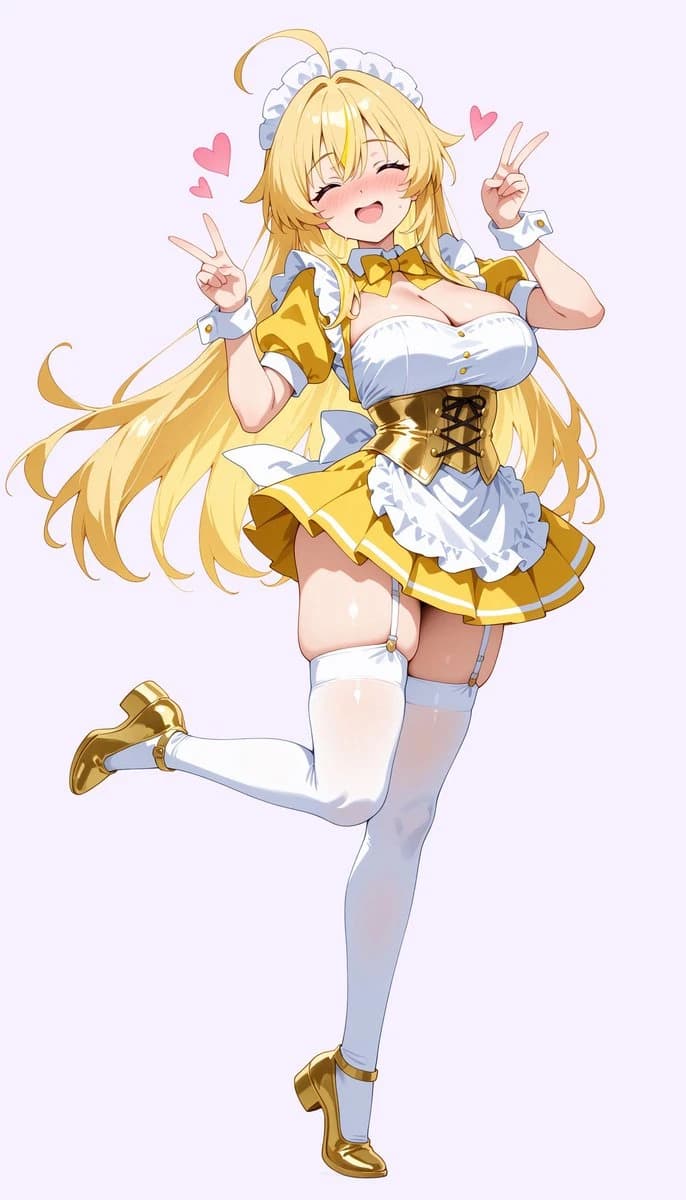
176 wordsUsing REFERENCE_0 as the character and costume base, transform the photo into a polished full-body anime illustration. Keep the same maid-idol outfit design, blonde hair, headpiece, wrist cuffs, thigh-high stockings, and cheerful double peace-sign gesture, but change the composition from a cropped overhead photo into a clean standing character pose: front-facing, eyes closed in a joyful smile, both hands raised with V signs, one leg straight down and the other bent backward playfully. Extend the character to full body and add matching shiny gold shoes. Replace the real wooden room with a simple pale lavender background. Add exactly 3 floating pink heart icons around the head: 2 on the left side and 1 on the right side. Style: vibrant modern anime key visual, crisp line art, glossy highlights, soft blush, cute energetic expression, clean cel shading, high detail, no photorealism, no text, no watermark. Optional customization: make the background {argument name="background color" default="pale lavender"}, set the mood to {argument name="character mood" default="joyful and cute"}, and keep the accent effects as {argument name="floating icons" default="3 pink hearts"}.About this prompt
Anime Maid Transformation is a ready-to-use portrait prompt for GPT Image 2 on Image 2. Copy the 176 words below, paste them into the Create form, and you will get a result close to the preview above. Tweak the Portrait, Product, Fashion tag if you want to push it somewhere new.
Use it as a starting point, then adjust the subject, lighting, or composition to suit your idea. The credit cost stays the same whether you use it as written or customize it.
Use case
A strong starting point for Portrait
Start here when you want a portrait image inspired by Anime Maid Transformation. The prompt already sets the look and composition; replace the subject, product, colors, or scene details to match your project.
Easy places to tweak
- Subject Swap in your person, product, place, or object without changing the overall composition.
- Look and mood Tune the lighting, palette, camera angle, or materials so the image fits your brand.
- Final format Set the aspect ratio, background, text, or layout notes before you generate.
More prompt paths to explore
Find more GPT Image 2 prompts with a similar style, use case, or subject.
How to use it
- Step 1
Copy the prompt
Hit the Copy button above to grab the full text.
- Step 2
Open Image 2 Create
Head to the Create form and paste it in.
- Step 3
Generate
Hit Generate. Your version lands in seconds.
Make it yours
Load the prompt into the Create form with one click, then start tweaking.