Prompt
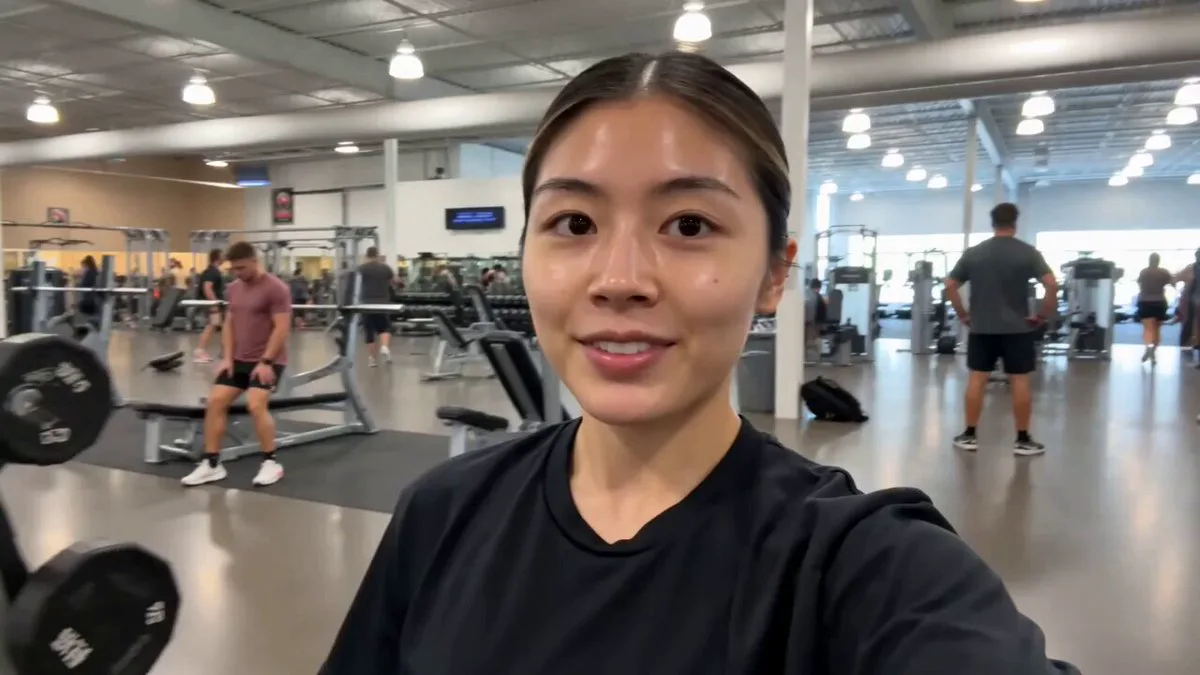
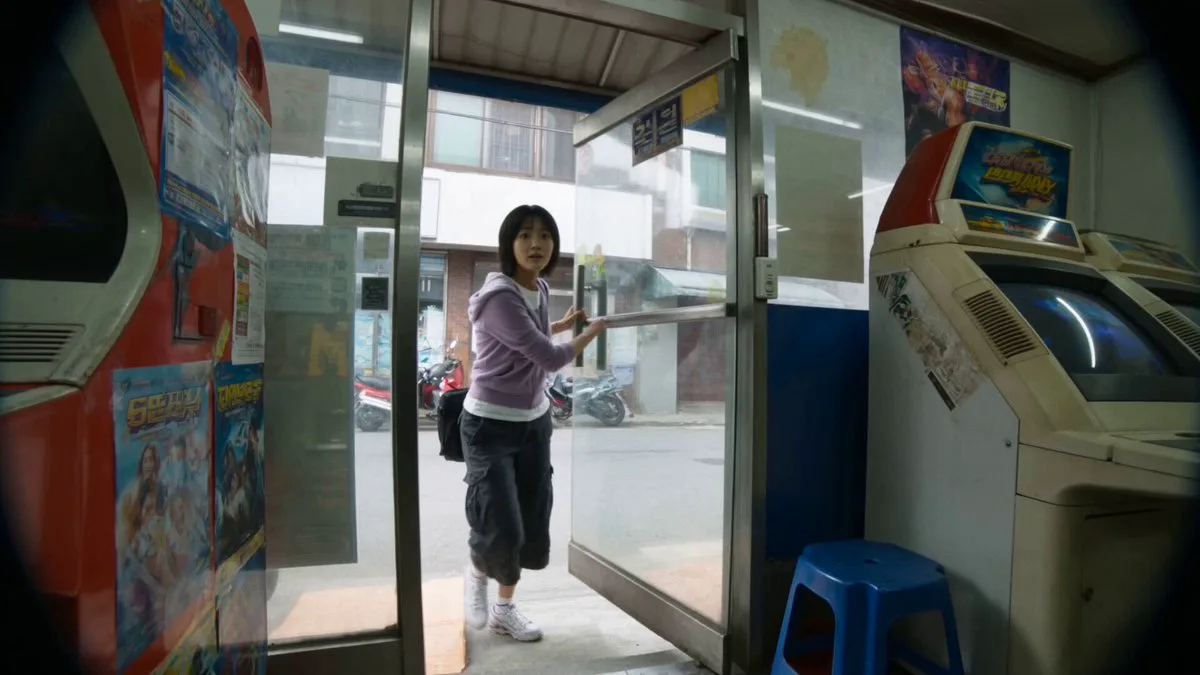
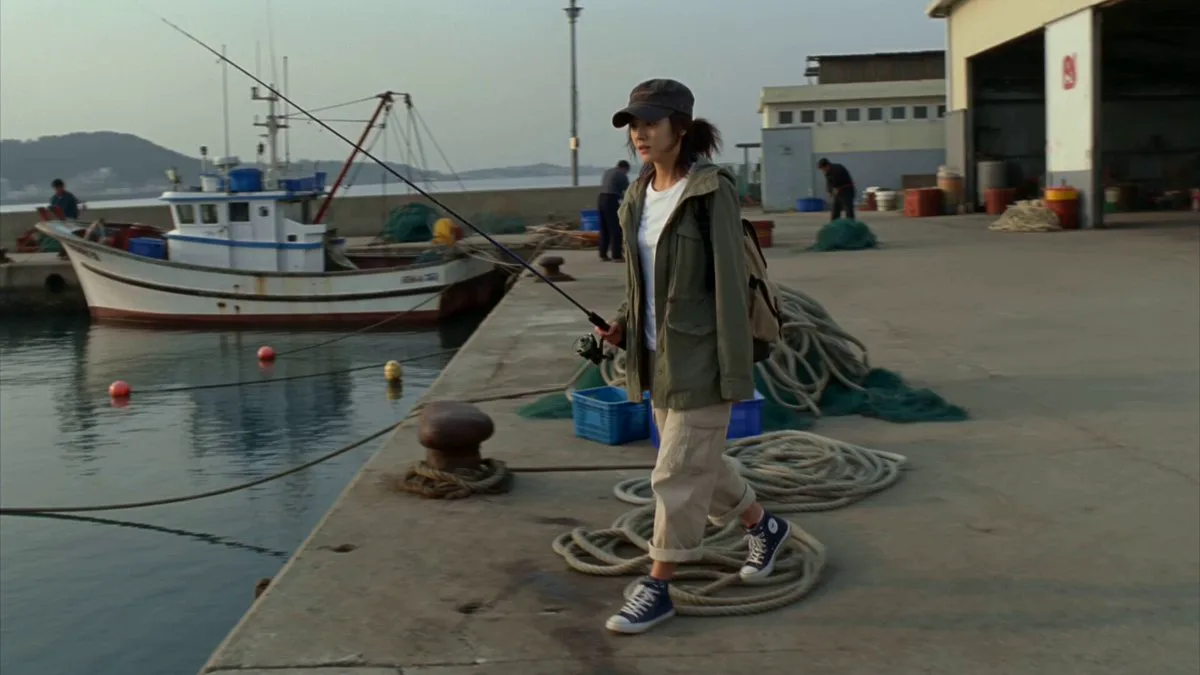
198 wordsMain Subject: Young Korean woman, early 20s, business-casual blouse with a cardigan, hair neatly tied back, tote bag, tired but composed expression. Location : Quiet suburban subway platform, early evening. Overhead signs, yellow safety line, empty benches, tiled walls, distant tunnel lights. No crowds, no advertisements visible. Visual Style : Realistic urban documentary tone, calm end-of-day atmosphere, soft fluorescent lighting. Camera Style : Late 2000s digital camcorder, static tripod mixed with slight handheld movement, mild autofocus hunting under platform lights, subtle noise. No stabilization. Timeline (15 sec, each slot = 2 compressed beats): 00:00–00:03 → She stands near the yellow line, then checks the arrival board above. 00:03–00:06 → She sighs softly, then says to the camera "I'm really tired today". 00:06–00:09 → She shifts her bag on her shoulder, then glances down the tunnel for the train. 00:09–00:12 → A gentle breeze signals the train coming, then she straightens up. 00:12–00:15 → She looks at the camera saying "I'm heading off first, bye!", then steps forward as the tape cuts. Audio : Distant train rumble, platform announcement chime (muffled), footsteps echoing. Her dialogue as noted above. No music. Goal : A quiet end-of-workday commute tired, real, relatable.
About this prompt
Urban Documentary Subway Commute is a UGC Seedance 2.0 prompt with 198 words, structured around shot timing, camera direction, motion cues, and remixable scene details.
Use the preview clip when available to understand pacing, then treat the prompt text as a production brief you can adapt for your own subject, brand, or story.
Video prompt structure
Use it for UGC videos
Best for Seedance 2.0 generations that need UGC, Multi-Shot, Dialogue. Replace the subject, setting, product, dialogue, music, and timing before sending it to the generator.
Customize before generating
- Swap the subject. Keep the camera and timing structure, but change the character, product, or environment.
- Tighten the timeline. Shorten or expand shot blocks so they match the duration you want to render.
- Add reference media. Use first frames, last frames, images, video, or audio when the prompt depends on a specific look or rhythm.
More Seedance paths to explore
Browse adjacent styles and techniques from the same Seedance 2.0 prompt library.
How to use it
- Step 1
Copy or start from this prompt
Use the full prompt as a structured draft rather than rewriting the whole video brief.
- Step 2
Open Seedance 2.0
Send the text into the Seedance generator and choose text, image, or reference mode.
- Step 3
Adapt and render
Tune duration, aspect ratio, reference media, camera notes, and dialogue before generating.
Make it a Seedance video
Start from this prompt in the Seedance 2.0 generator, then adjust the scene, duration, aspect ratio, and reference media.