Prompt
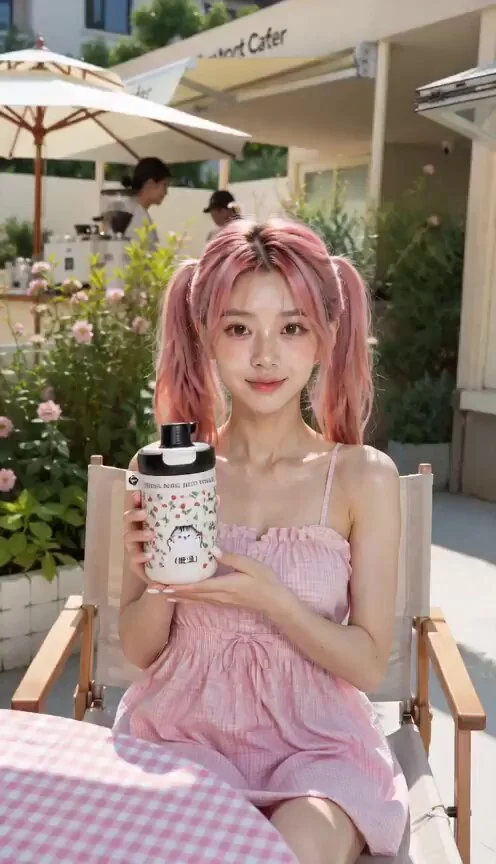
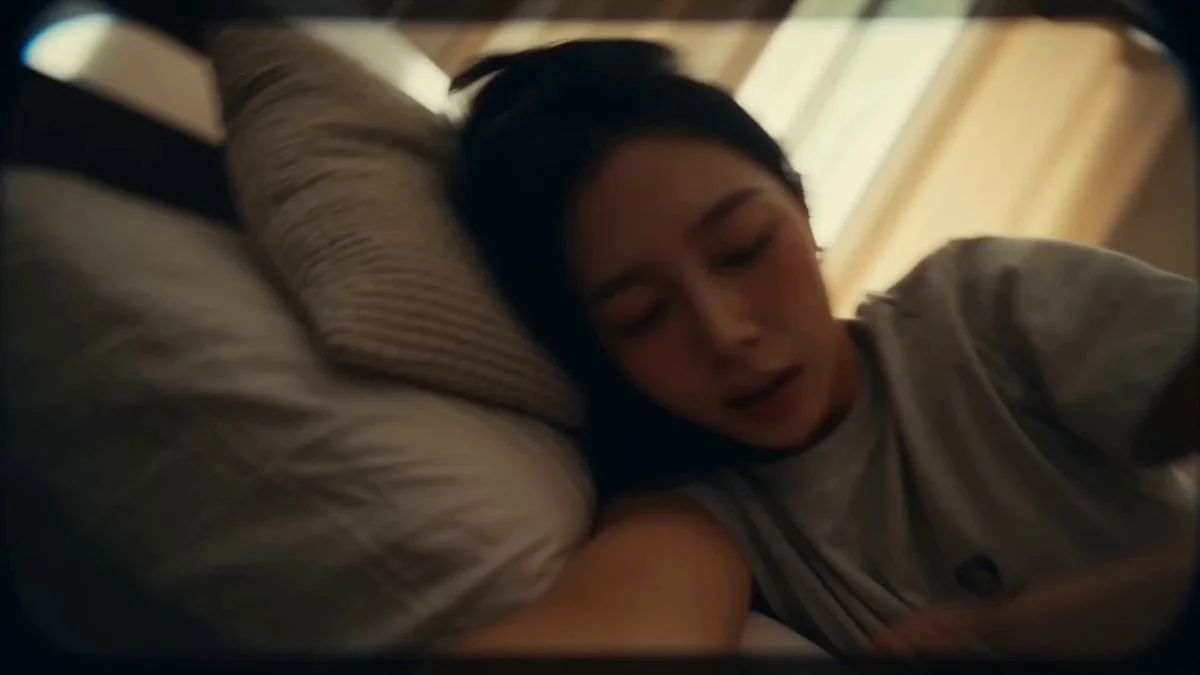
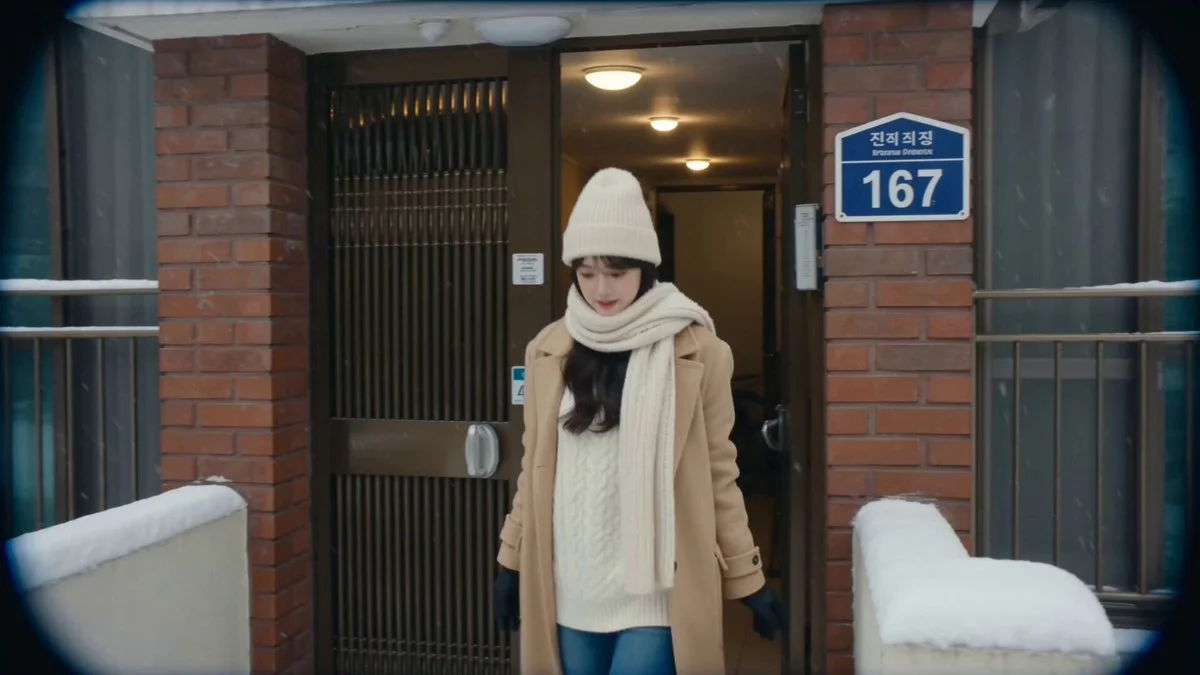
419 wordsTOKYO TRAVEL VLOG — 15 SEC MUSIC CUT Subject: Same girl. Long dark wavy hair, Japanese streetwear. 26mm phone lens, deep focus, realistic skin texture, mild HDR, neutral phone color science, unedited candid, no cinematic grading, no studio lighting, no light trails, no motion blur effects. (0:00–0:01) — walking shot, Tokyo Tower reveal Selfie, low angle. Tower behind her, sky overexposed. Natural smile. Neutral daylight, deep focus. Dialogue: "Okay… we're in Tokyo…!" Transition: Hard cut / beat drop (0:01–0:02) — Shibuya Crossing Mid-stride into crowd. Turns head toward camera. Neon signs sharp behind her. Real night exposure. Transition: Fast cut on beat (0:02–0:03) — Convenience Store Holds onigiri up to camera, eyebrows raised. Harsh fluorescent interior. Cool white light, realistic skin. Transition: Snap cut on beat (0:03–0:04) — Yoyogi Park Seated, looking away. Dappled light, lens smudge visible. Music drops one beat — wind, birds — snaps back. Transition: Cut on natural movement (0:04–0:06) — Takoyaki Reaction Bites, eyes wide, pulls back laughing. Warm practical lantern light. Realistic skin in amber. Dialogue: "It's so hot — oh my god." Transition: Cut on laugh end (0:06–0:07) — Vending Machine Night Stands before glowing vending machine. Mixed LED light on face. Slight smirk. No glow fx. Transition: Single beat cut (0:07–0:08) — Train Window Face reflected in window. City blurred naturally outside. She looks out, not at camera. Transition: Snap cut (0:08–0:09) — Torii Gate Low angle. Walks toward and through shrine gate. Gate fills top of frame. Natural daylight. Transition: Snap cut (0:09–0:11) — Digital Light Exhibit ★ SIGNATURE Looks up slowly. Blue, violet, gold projection on face. Rack focus — face sharp, lights diffused. Just projection on skin, no bloom. Speed: ~60% slow motion Transition: Soft cut mid-upward motion (0:11–0:12) — Landmark Statue Reveal → camera tilts up → full statue in frame. Small impressed smile. Wide angle, natural daylight. Transition: Sharp cut after smile (0:12–0:13) — Lantern Alley Follow from behind. Lanterns warm, shadows dark. Natural low light. She glances back once. Transition: Cut on forward movement (0:13–0:14) — Rooftop Skyline Close selfie → arm extends → skyline revealed. Wind moves hair. Natural night phone exposure. Dialogue: "I don't think I've ever seen anything like this." Transition: Hard cut on last word (0:14–0:16) — Nara Deer Park, She crouches, holds out a deer cracker. Deer bows toward her — she bursts out laughing. Another nudges her from behind, she nearly topples. Handheld, slightly off-balance. All real. Dialogue: "Wait— oh my god he actually bowed—" Transition: Fade to black
About this prompt
Tokyo Travel Vlog Cinematic Script is a UGC Seedance 2.0 prompt with 419 words, structured around shot timing, camera direction, motion cues, and remixable scene details.
Use the preview clip when available to understand pacing, then treat the prompt text as a production brief you can adapt for your own subject, brand, or story.
Video prompt structure
Use it for UGC videos
Best for Seedance 2.0 generations that need UGC, Multi-Shot, Dialogue. Replace the subject, setting, product, dialogue, music, and timing before sending it to the generator.
Customize before generating
- Swap the subject. Keep the camera and timing structure, but change the character, product, or environment.
- Tighten the timeline. Shorten or expand shot blocks so they match the duration you want to render.
- Add reference media. Use first frames, last frames, images, video, or audio when the prompt depends on a specific look or rhythm.
More Seedance paths to explore
Browse adjacent styles and techniques from the same Seedance 2.0 prompt library.
How to use it
- Step 1
Copy or start from this prompt
Use the full prompt as a structured draft rather than rewriting the whole video brief.
- Step 2
Open Seedance 2.0
Send the text into the Seedance generator and choose text, image, or reference mode.
- Step 3
Adapt and render
Tune duration, aspect ratio, reference media, camera notes, and dialogue before generating.
Make it a Seedance video
Start from this prompt in the Seedance 2.0 generator, then adjust the scene, duration, aspect ratio, and reference media.