Prompt
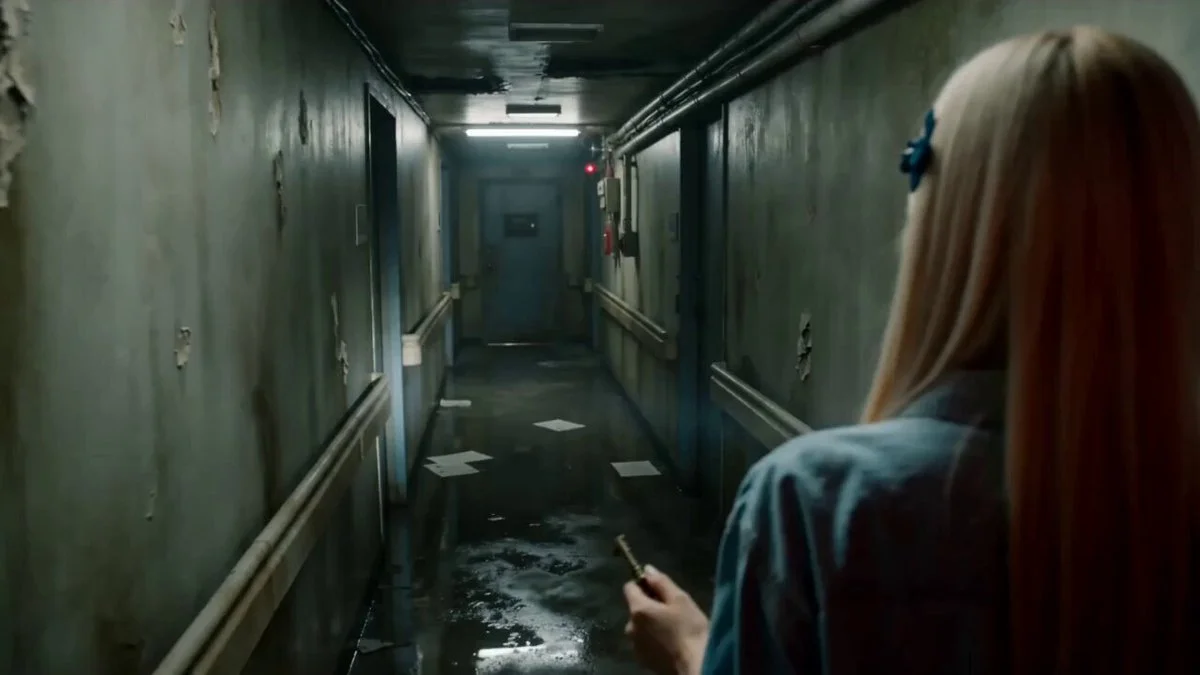
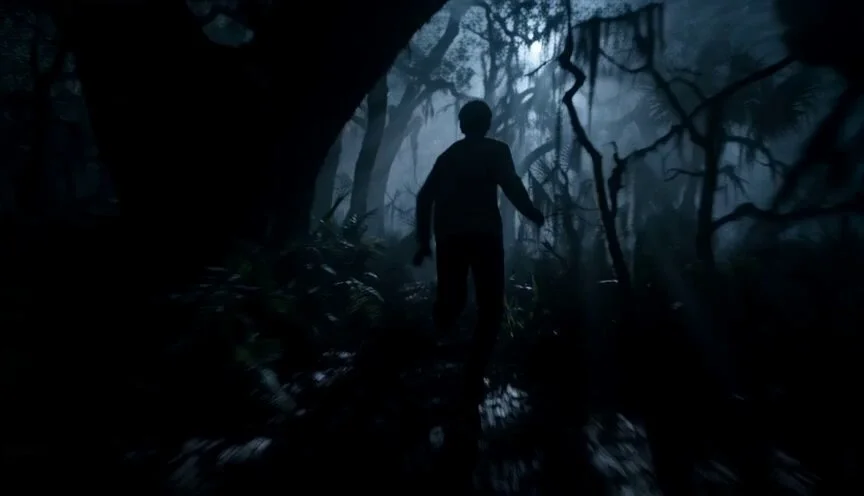
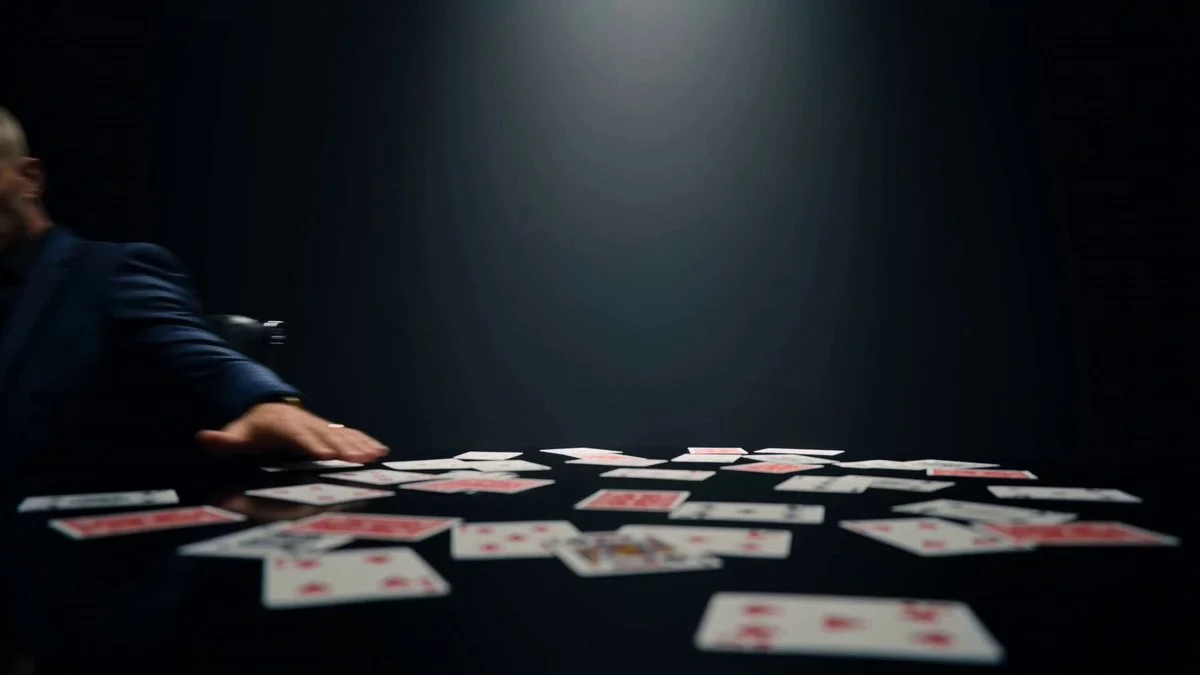
97 wordsCinematic sci-fi horror scene in a dimly lit, high-tech hospital emergency room during a heavy storm. An eerie, slender alien entity with dark, symbiotic armor and glowing accents stands tall in the center of the room, surrounded by terrified medical staff in scrubs and white coats. Moody, desaturated teal and charcoal color grading with harsh emergency lighting, dramatic backlighting, volumetric smoke and haze, high-contrast shadows, photorealistic textures, shot on 35mm lens, anamorphic depth of field, suspenseful and chilling atmosphere, 8k resolution. negative_prompt: cartoon, illustration, low resolution, bright cheerful lighting, poorly rendered faces, extra limbs, blurry aspect_ratio: 16:9
About this prompt
Sci-Fi Horror Hospital Alien Scene is a Horror Seedance 2.0 prompt with 97 words, structured around shot timing, camera direction, motion cues, and remixable scene details.
Use the preview clip when available to understand pacing, then treat the prompt text as a production brief you can adapt for your own subject, brand, or story.
Video prompt structure
Use it for Horror videos
Best for Seedance 2.0 generations that need Horror, Multi-Shot. Replace the subject, setting, product, dialogue, music, and timing before sending it to the generator.
Customize before generating
- Swap the subject. Keep the camera and timing structure, but change the character, product, or environment.
- Tighten the timeline. Shorten or expand shot blocks so they match the duration you want to render.
- Add reference media. Use first frames, last frames, images, video, or audio when the prompt depends on a specific look or rhythm.
More Seedance paths to explore
Browse adjacent styles and techniques from the same Seedance 2.0 prompt library.
How to use it
- Step 1
Copy or start from this prompt
Use the full prompt as a structured draft rather than rewriting the whole video brief.
- Step 2
Open Seedance 2.0
Send the text into the Seedance generator and choose text, image, or reference mode.
- Step 3
Adapt and render
Tune duration, aspect ratio, reference media, camera notes, and dialogue before generating.
Make it a Seedance video
Start from this prompt in the Seedance 2.0 generator, then adjust the scene, duration, aspect ratio, and reference media.