Prompt
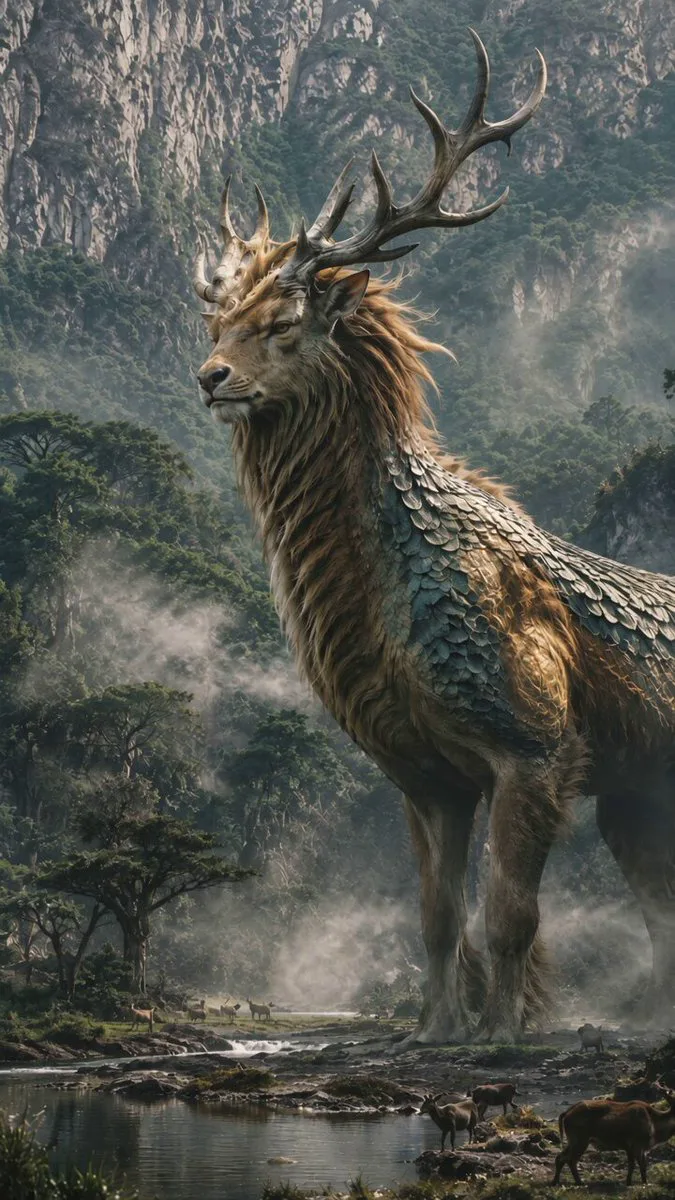
123 wordsDense redwood forest during heavy fog. A wildlife photographer spends the night inside a fire watch tower. Everything seems normal. Until dawn. Entire sections of the forest have moved. Mountains are unchanged. The roads are unchanged. But the trees are somewhere else. Then he sees it. Far away. An entire forest walking. Thousands of trees moving together. Roots lifting from the ground. Branches swaying. The visible danger grows: highways disappear beneath advancing trees radio towers vanish inside the moving forest rivers change direction abandoned houses become engulfed The photographer drives desperately through foggy roads. Behind him: The living forest slowly advances. At sunset giant trunks tower above the highway. Then the movement stops. The forest stands silent. As if it had never moved.
About this prompt
Living Walking Forest Mystery is a Cinematic Seedance 2.0 prompt with 123 words, structured around shot timing, camera direction, motion cues, and remixable scene details.
Use the preview clip when available to understand pacing, then treat the prompt text as a production brief you can adapt for your own subject, brand, or story.
Video prompt structure
Use it for Cinematic videos
Best for Seedance 2.0 generations that need Cinematic. Replace the subject, setting, product, dialogue, music, and timing before sending it to the generator.
Customize before generating
- Swap the subject. Keep the camera and timing structure, but change the character, product, or environment.
- Tighten the timeline. Shorten or expand shot blocks so they match the duration you want to render.
- Add reference media. Use first frames, last frames, images, video, or audio when the prompt depends on a specific look or rhythm.
More Seedance paths to explore
Browse adjacent styles and techniques from the same Seedance 2.0 prompt library.
How to use it
- Step 1
Copy or start from this prompt
Use the full prompt as a structured draft rather than rewriting the whole video brief.
- Step 2
Open Seedance 2.0
Send the text into the Seedance generator and choose text, image, or reference mode.
- Step 3
Adapt and render
Tune duration, aspect ratio, reference media, camera notes, and dialogue before generating.
Make it a Seedance video
Start from this prompt in the Seedance 2.0 generator, then adjust the scene, duration, aspect ratio, and reference media.