Prompt
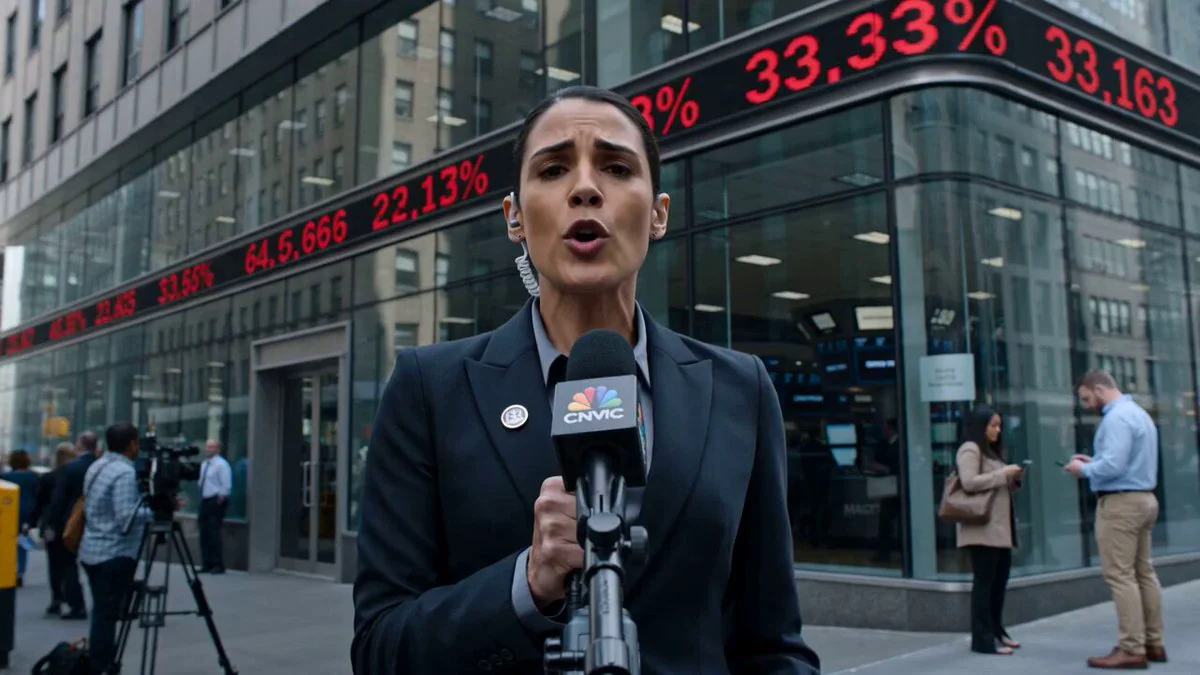
191 wordsBROADCAST TYPE: Live sports news report covering a crowd surge incident outside a packed stadium before a major match. ON-AIR REPORTER: Male journalist, late 20s. Team-branded jacket, wireless mic, slightly breathless from moving through crowd. LIVE BROADCAST TIME: 8:05 PM. Stadium floodlights blazing. Night sky, entrance gates visible with crowd pressure building. REPORT LOCATION: Stadium main entrance. Barricades bending under crowd weight. Security personnel pushing back fans. Ambulance on standby nearby. BROADCAST CAMERA: Shoulder-mounted camera weaving through the edge of the crowd. Frequent jostling causing minor frame shake. Quick pans between reporter and security line. Flood-light flares occasionally hitting lens. LIVE SEGMENTS: Opening: Reporter explains the overcrowding situation building at the gates. Update: Camera shows security reinforcing barricades as crowd pushes forward. Eyewitness Moment: A fan near the front briefly shouts about being unable to move. Situation Change: A barricade shifts, prompting sudden security response and whistle blows. Closing: Reporter signs off amid ongoing crowd control efforts, urging calm. LIVE AUDIO: Roaring crowd chants, whistles, security megaphone commands, reporter's urgent voice, no music. BROADCAST REALISM: Chaotic but authentic, crowd behaving unpredictably, security ignoring camera, reporter occasionally jostled mid-sentence, unscripted feel throughout.
About this prompt
Live Sports News Crowd Surge Report is a Short Drama Seedance 2.0 prompt with 191 words, structured around shot timing, camera direction, motion cues, and remixable scene details.
Use the preview clip when available to understand pacing, then treat the prompt text as a production brief you can adapt for your own subject, brand, or story.
Video prompt structure
Use it for Short Drama videos
Best for Seedance 2.0 generations that need Short Drama, Dialogue, Audio. Replace the subject, setting, product, dialogue, music, and timing before sending it to the generator.
Customize before generating
- Swap the subject. Keep the camera and timing structure, but change the character, product, or environment.
- Tighten the timeline. Shorten or expand shot blocks so they match the duration you want to render.
- Add reference media. Use first frames, last frames, images, video, or audio when the prompt depends on a specific look or rhythm.
More Seedance paths to explore
Browse adjacent styles and techniques from the same Seedance 2.0 prompt library.
How to use it
- Step 1
Copy or start from this prompt
Use the full prompt as a structured draft rather than rewriting the whole video brief.
- Step 2
Open Seedance 2.0
Send the text into the Seedance generator and choose text, image, or reference mode.
- Step 3
Adapt and render
Tune duration, aspect ratio, reference media, camera notes, and dialogue before generating.
Make it a Seedance video
Start from this prompt in the Seedance 2.0 generator, then adjust the scene, duration, aspect ratio, and reference media.