Prompt
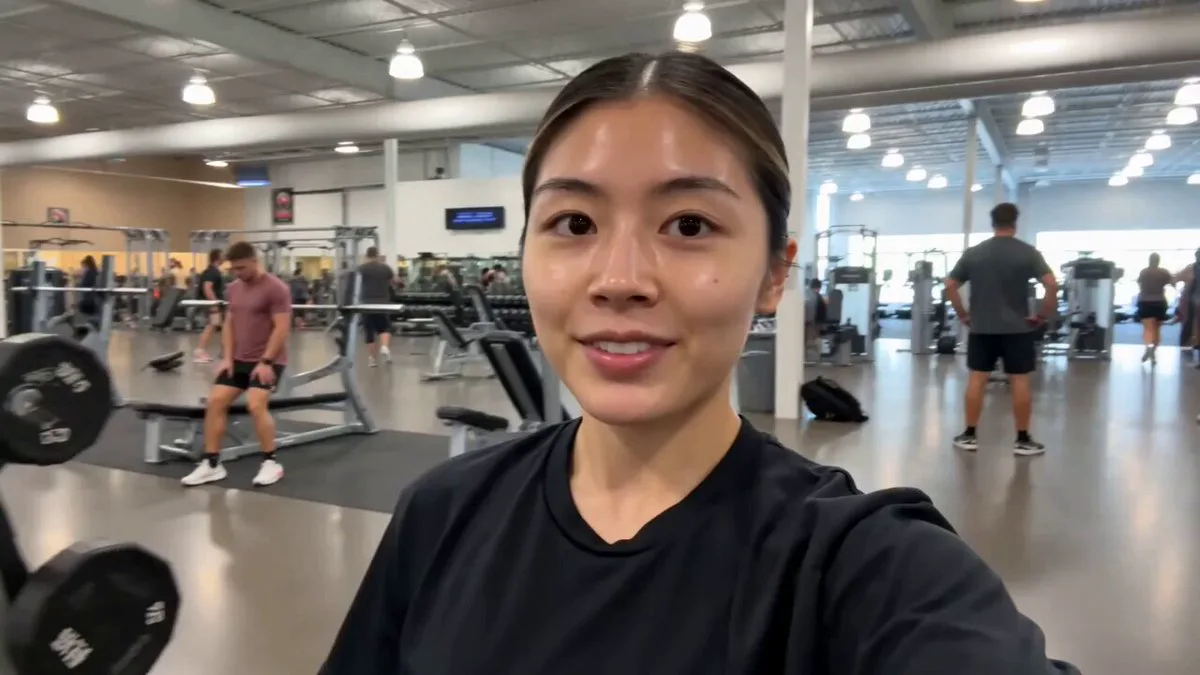
313 wordsCreate a trendy, ultra-realistic vertical fashion short featuring a stylish Gen Z female creator showing 10 ways to style the same oversized pastel yellow button-up shirt. No dialogue, only upbeat viral pop music with clean animated text labels for each look. Vertical 9:16. Open with the creator holding the shirt on a hanger in a bright, minimalist apartment. She smiles at the camera and tosses the shirt forward as the text "1 Shirt 🤍 10 Ways to Style" appears. Fast-paced fashion montage with smooth whip pans, spin transitions, jump cuts, and snap transitions. Show these looks: 1. Casual Chic – open over a white crop top with wide-leg jeans. 2. Front Knot – tied at the waist with denim. 3. Off Shoulder – relaxed styling with sunglasses. 4. Tucked In – tucked into tailored white trousers with a belt. 5. Open with Denim Shorts – casual summer look with an iced coffee. 6. Belted Chic – fully buttoned with a slim belt and black tailored trousers. 7. Layered Dress – worn open over a fitted white midi dress. 8. French Tuck – half-buttoned with rolled sleeves and relaxed jeans. 9. Effortless Layers – draped over the shoulders with white linen trousers and a black tank. 10. Monochrome Minimal – buttoned with cream wide-leg trousers for a clean luxury look. Throughout the video, show the creator confidently walking, posing, spinning, adjusting the collar and sleeves, fixing sunglasses, holding a coffee, checking herself in a mirror, and smiling naturally. Mix full-body shots, medium shots, close-ups of fabric, accessories, and outfit details. Bright natural daylight, warm minimalist interiors, premium lifestyle aesthetic, cinematic handheld camera movement, shallow depth of field, realistic fabric physics, premium editorial fashion photography, smooth transitions, ultra-realistic 4K HDR. End with a quick collage of all 10 looks surrounding the final outfit and the text: "10 Looks. 1 Shirt. 🤍 Which one's your favorite?"
About this prompt
Gen Z Fashion Outfit Transition is a UGC Seedance 2.0 prompt with 313 words, structured around shot timing, camera direction, motion cues, and remixable scene details.
Use the preview clip when available to understand pacing, then treat the prompt text as a production brief you can adapt for your own subject, brand, or story.
Video prompt structure
Use it for UGC videos
Best for Seedance 2.0 generations that need UGC, Multi-Shot, Dialogue. Replace the subject, setting, product, dialogue, music, and timing before sending it to the generator.
Customize before generating
- Swap the subject. Keep the camera and timing structure, but change the character, product, or environment.
- Tighten the timeline. Shorten or expand shot blocks so they match the duration you want to render.
- Add reference media. Use first frames, last frames, images, video, or audio when the prompt depends on a specific look or rhythm.
More Seedance paths to explore
Browse adjacent styles and techniques from the same Seedance 2.0 prompt library.
How to use it
- Step 1
Copy or start from this prompt
Use the full prompt as a structured draft rather than rewriting the whole video brief.
- Step 2
Open Seedance 2.0
Send the text into the Seedance generator and choose text, image, or reference mode.
- Step 3
Adapt and render
Tune duration, aspect ratio, reference media, camera notes, and dialogue before generating.
Make it a Seedance video
Start from this prompt in the Seedance 2.0 generator, then adjust the scene, duration, aspect ratio, and reference media.