Prompt
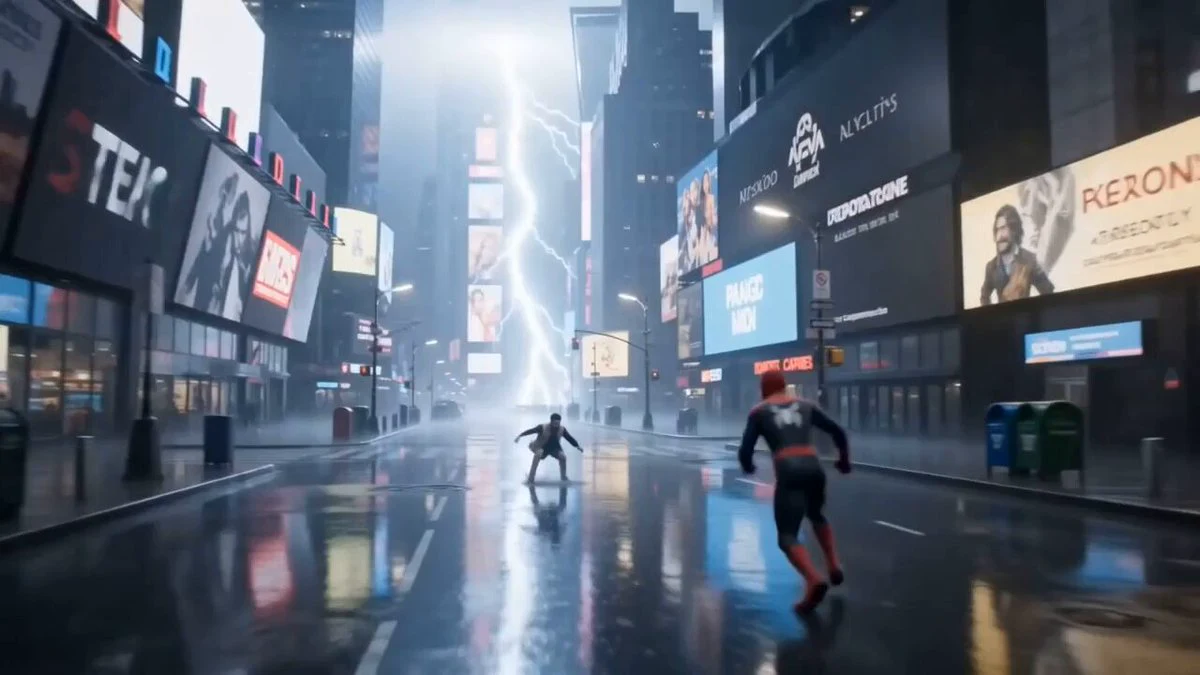
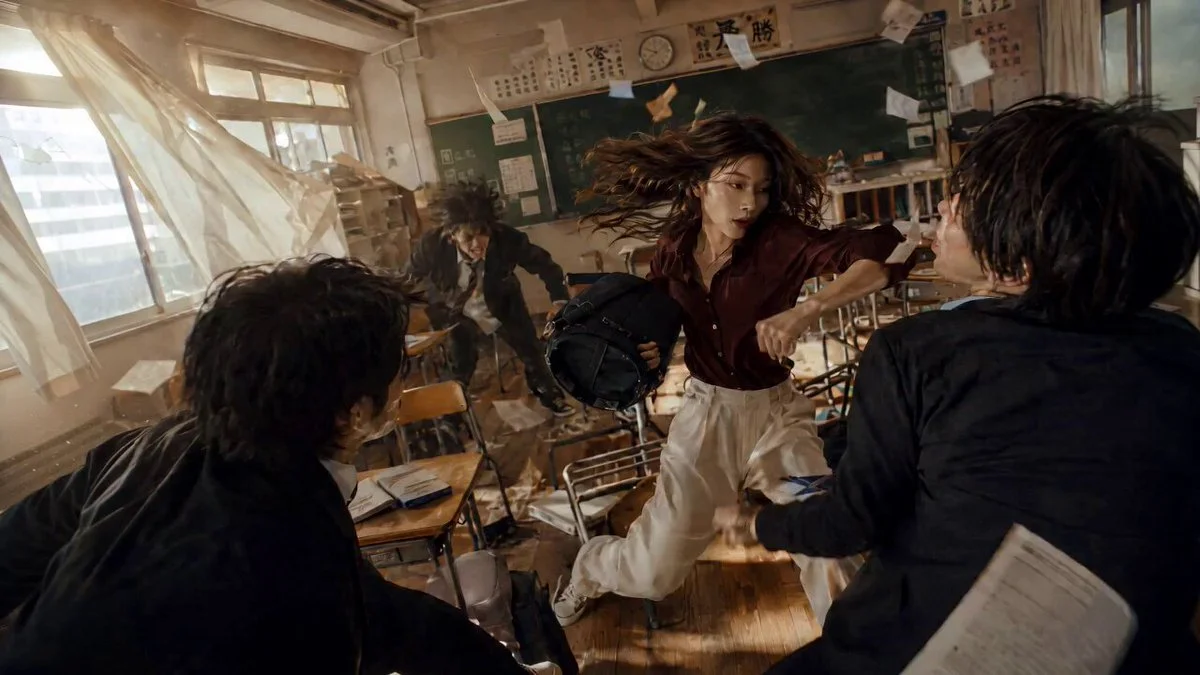
118 wordsUse the uploaded image as the exact face reference. Keep the same facial features, hairstyle, beard, jawline, expression, skin tone, sunglasses on head, black shirt, white t-shirt, necklace and overall appearance throughout the video. He is the fearless lead hero. He walks through a burning abandoned city as explosions erupt behind him. Suddenly dozens of masked mercenaries surround him. He instantly launches into an ultra-fast hand-to-hand and sword combat sequence, dodging bullets, sliding under attacks, wall-running, spinning kicks, powerful punches, cinematic slow motion finishers, dramatic speed ramps, dynamic tracking shots, handheld action camera, flying debris, sparks, smoke, volumetric lighting, realistic physics, blockbuster blockbuster action film, hyper realistic, 8K, no text, no watermark, maintain identical face in every shot.
About this prompt
Cinematic Action Hero Combat Sequence is a Cinematic Seedance 2.0 prompt with 118 words, structured around shot timing, camera direction, motion cues, and remixable scene details.
Use the preview clip when available to understand pacing, then treat the prompt text as a production brief you can adapt for your own subject, brand, or story.
Video prompt structure
Use it for Cinematic videos
Best for Seedance 2.0 generations that need Cinematic, Multi-Shot, Image Reference. Replace the subject, setting, product, dialogue, music, and timing before sending it to the generator.
Customize before generating
- Swap the subject. Keep the camera and timing structure, but change the character, product, or environment.
- Tighten the timeline. Shorten or expand shot blocks so they match the duration you want to render.
- Add reference media. Use first frames, last frames, images, video, or audio when the prompt depends on a specific look or rhythm.
More Seedance paths to explore
Browse adjacent styles and techniques from the same Seedance 2.0 prompt library.
How to use it
- Step 1
Copy or start from this prompt
Use the full prompt as a structured draft rather than rewriting the whole video brief.
- Step 2
Open Seedance 2.0
Send the text into the Seedance generator and choose text, image, or reference mode.
- Step 3
Adapt and render
Tune duration, aspect ratio, reference media, camera notes, and dialogue before generating.
Make it a Seedance video
Start from this prompt in the Seedance 2.0 generator, then adjust the scene, duration, aspect ratio, and reference media.