Prompt
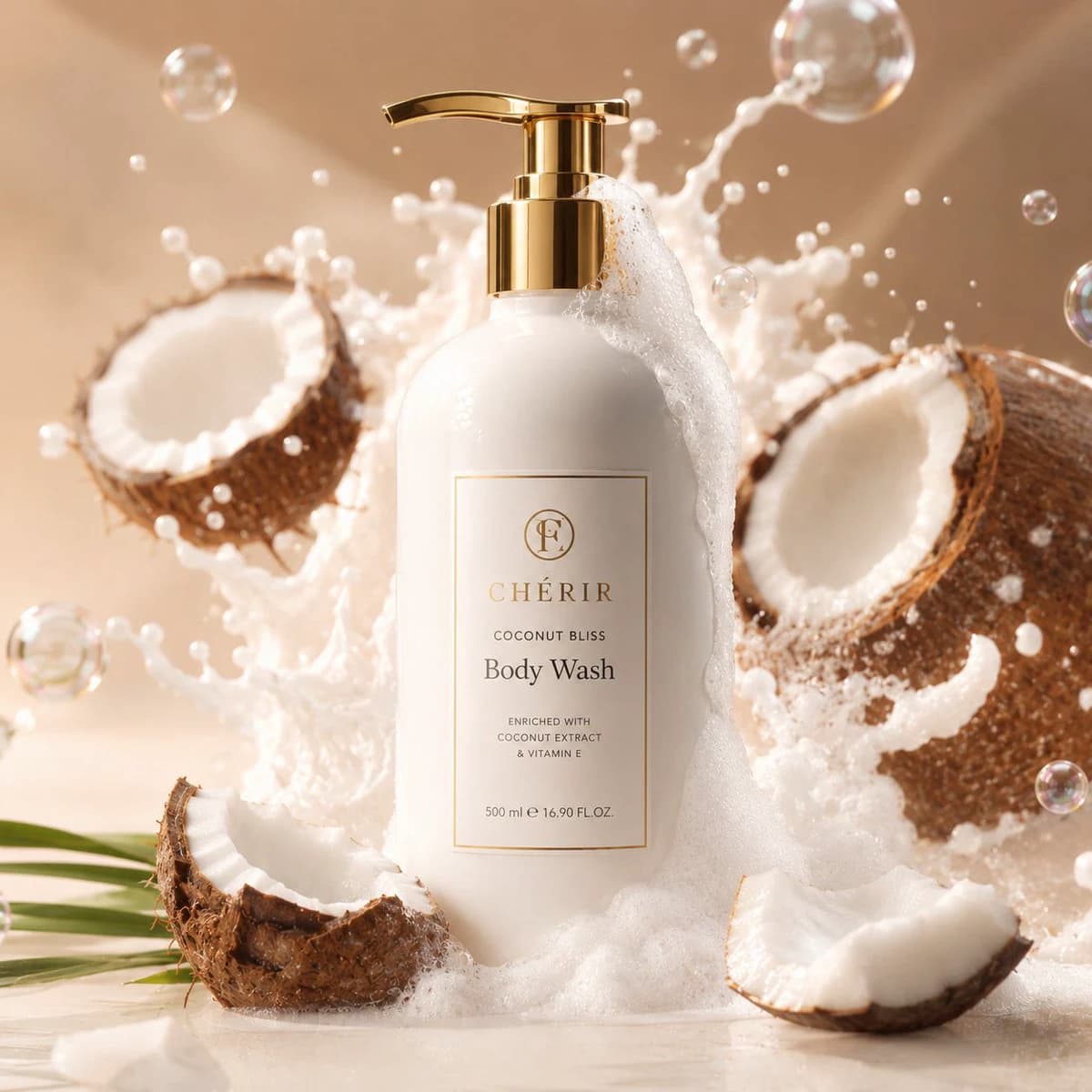
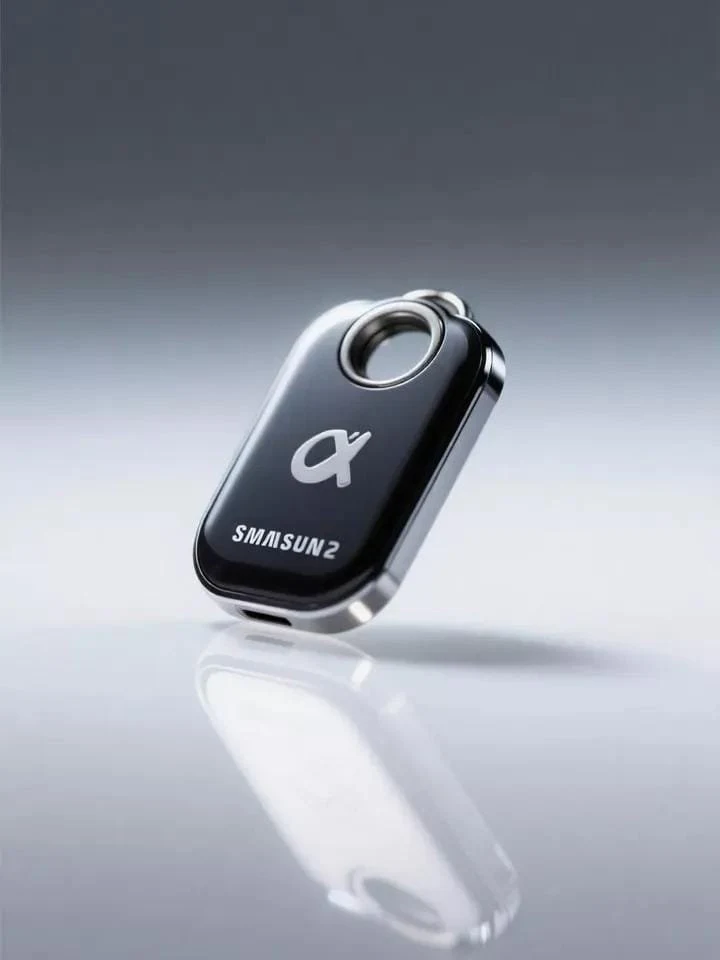
139 wordsUltra-realistic, premium studio product photograph of {argument name="product name" default="[product_name]"}, perfectly centered on a flawless seamless white infinity background, captured with exceptional precision and commercial-quality lighting. The product is clean, pristine, and free of dust, fingerprints, scratches, or imperfections, showcasing highly detailed textures, realistic materials, and accurate colors. Soft, diffused key lighting combined with balanced fill lighting creates smooth gradients and subtle reflections, while a perfectly natural soft shadow sits directly beneath the product for depth without distraction. Crisp edge definition, true-to-life proportions, and outstanding micro-detail throughout. Shot using a {argument name="camera" default="[camera_type]"} paired with a {argument name="lens" default="[lens_type]"}, professional product photography settings, ultra-sharp focus from edge to edge, minimal noise, HDR imaging, realistic reflections, natural contrast, color-calibrated workflow, premium luxury commercial advertising aesthetic, high-end e-commerce catalog quality, magazine-level product presentation, photorealistic rendering, 8K ultra-high resolution, flawless studio perfection.About this prompt
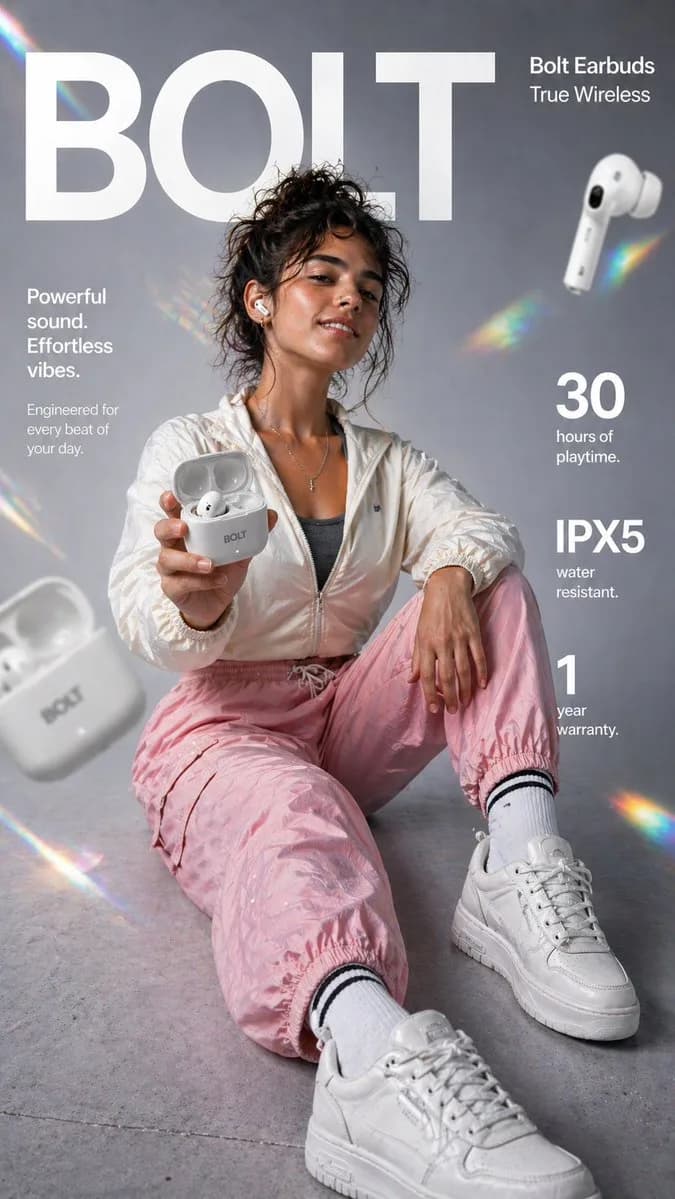
Premium Studio Product Shot is a ready-to-use ad creative prompt for GPT Image 2 on Image 2. Copy the 139 words below, paste them into the Create form, and you will get a result close to the preview above. Tweak the Product Ad, Ad Creative, Product tag if you want to push it somewhere new.
Use it as a starting point and keep iterating: change the subject, lighting, or composition until it looks right. The credit cost stays the same whether you run it as-is or remix it.
Use case
A strong starting point for Ad Creative
Start here when you want a ad creative image in the same direction as Premium Studio Product Shot. The prompt already sets the look and structure; swap in your own subject, product, colors, or scene details for the brief you have in mind.
Easy places to tweak
- Subject Swap in your person, product, place, or object without changing the overall composition.
- Look and mood Tune the lighting, palette, camera angle, or materials so the image fits your brand.
- Final format Set the aspect ratio, background, text, or layout notes before you generate.
More prompt paths to explore
Find more GPT Image 2 prompts with a similar style, use case, or subject.
How to use it
- Step 1
Copy the prompt
Hit the Copy button above to grab the full text.
- Step 2
Open Image 2 Create
Head to the Create form and paste it in.
- Step 3
Generate
Hit Generate. Your version lands in seconds.
Make it yours
Load the prompt into the Create form with one click, then start tweaking.