Prompt
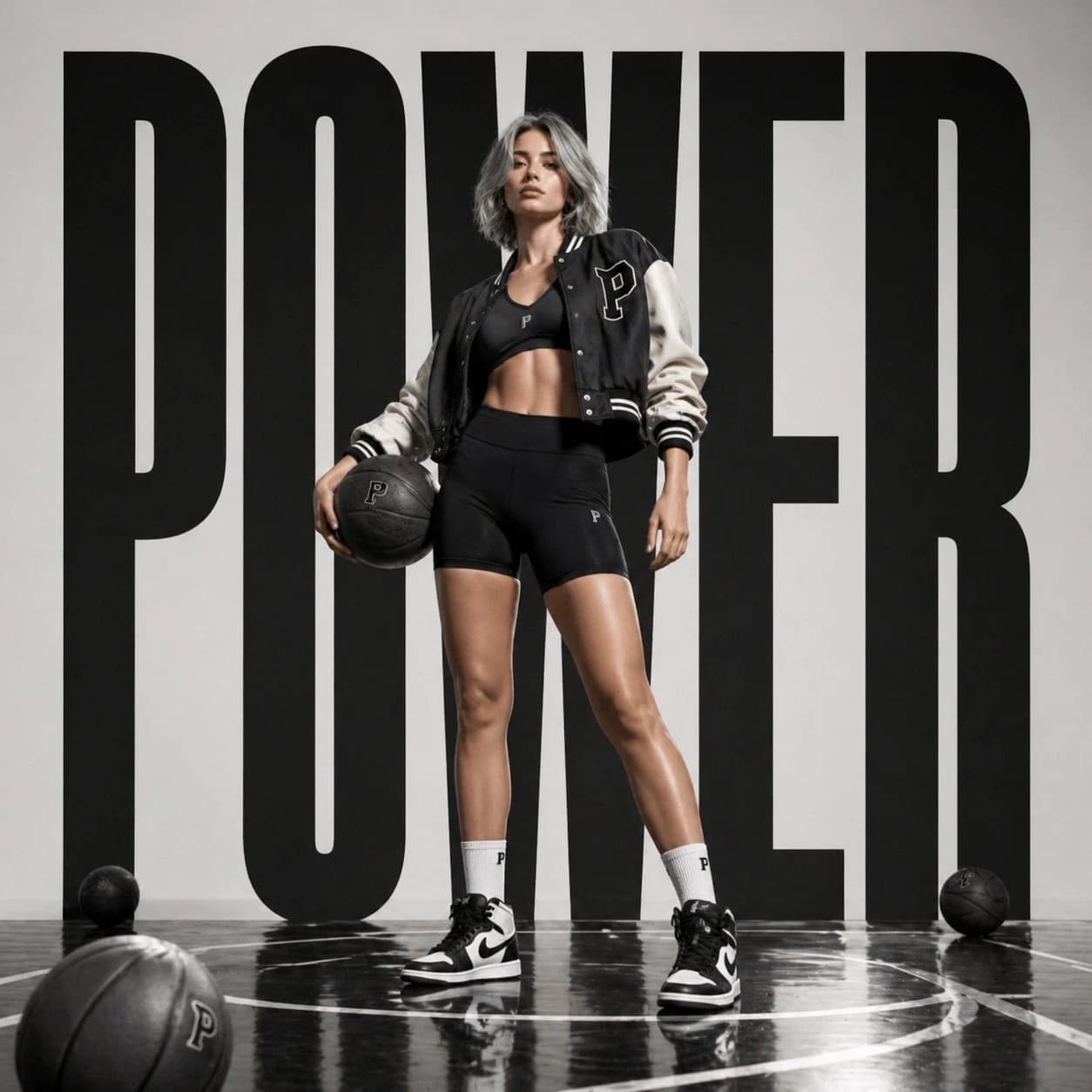
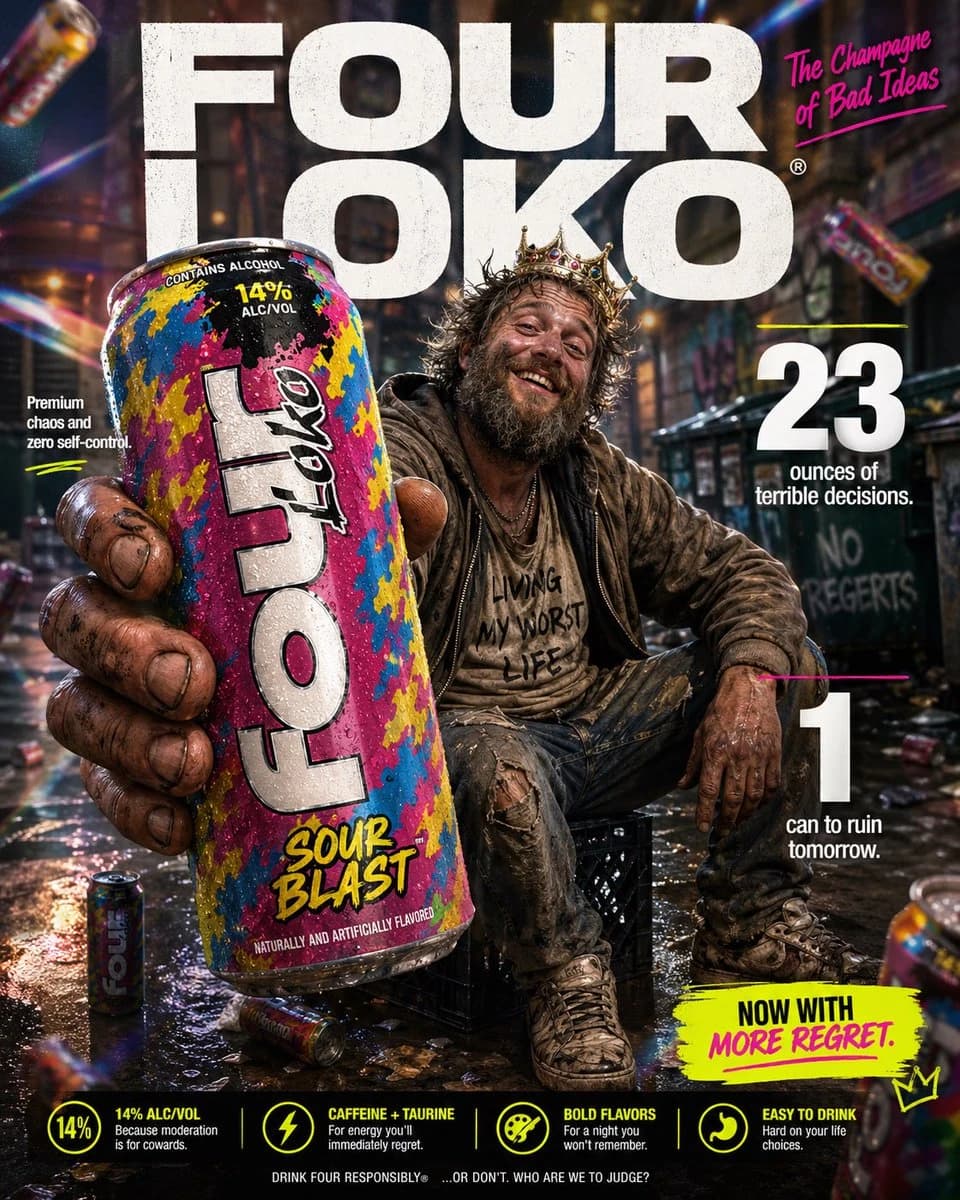
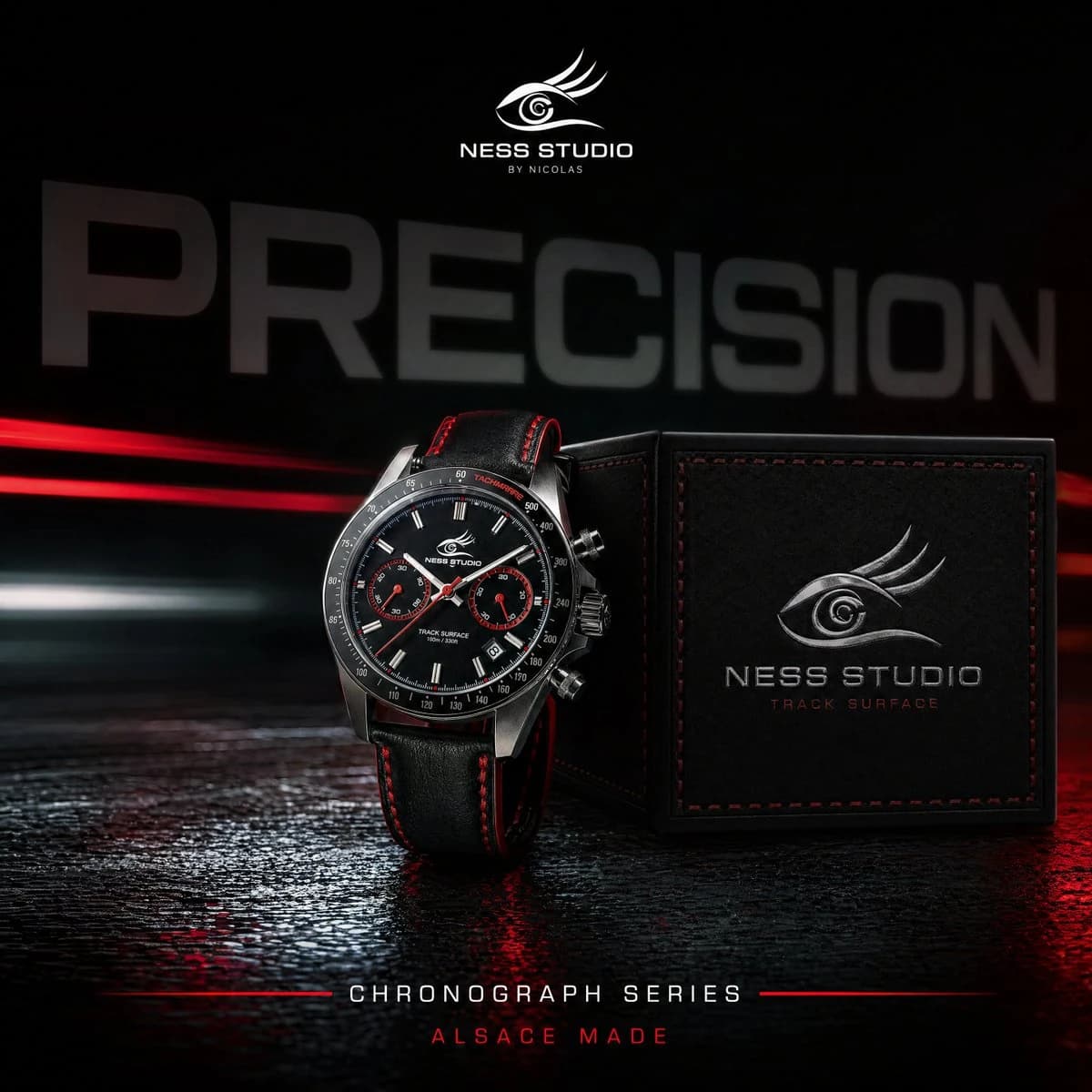
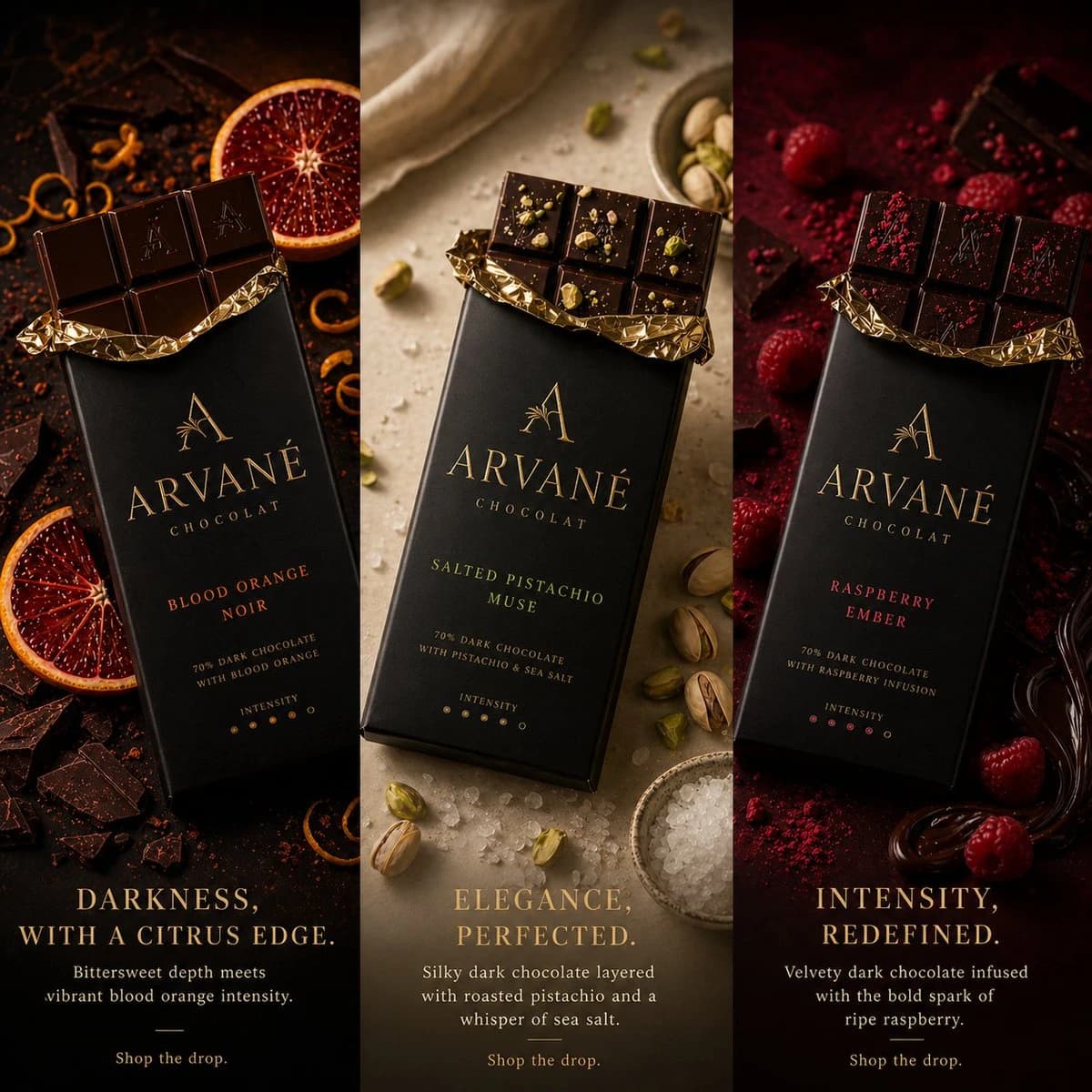
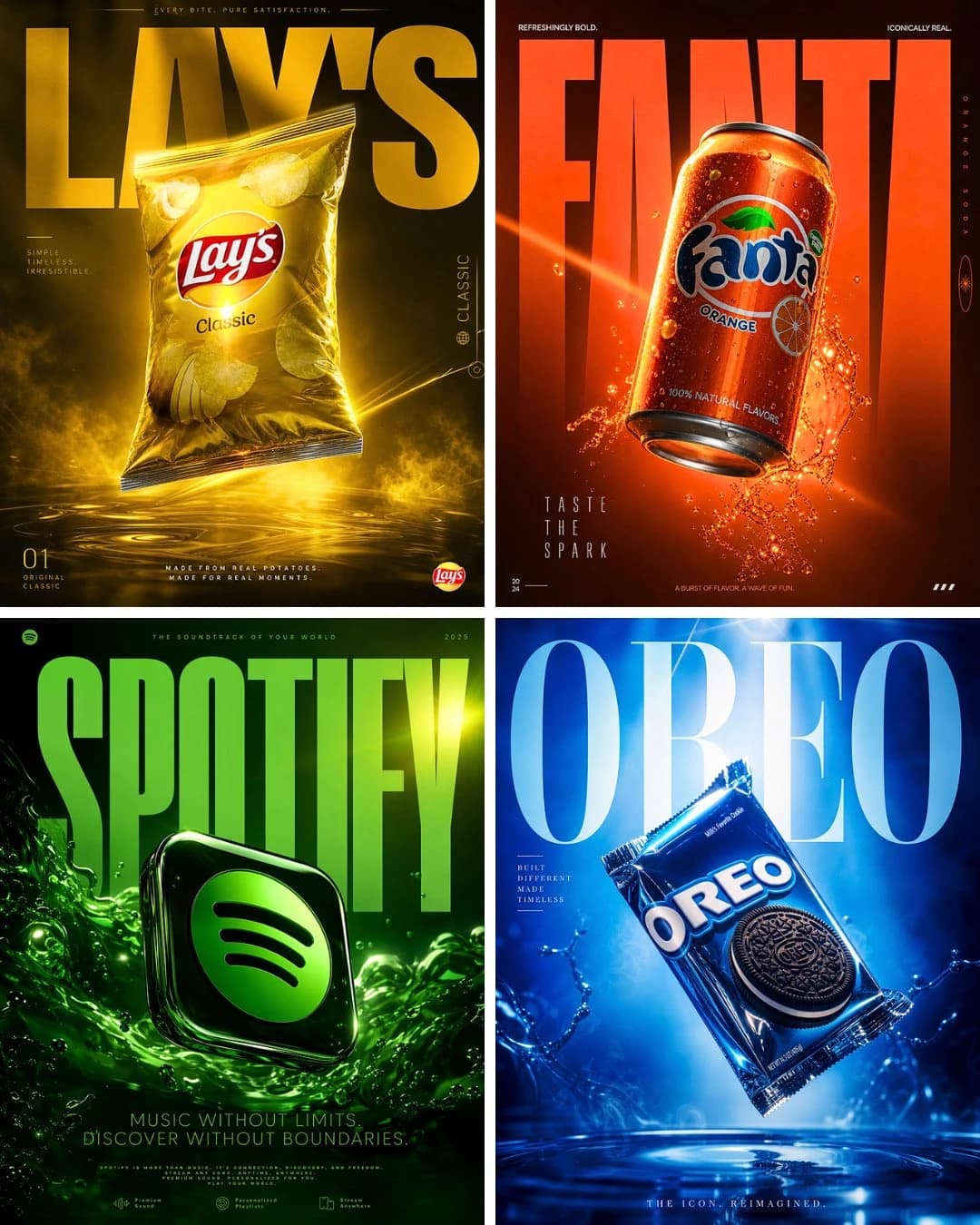
97 wordsA world-class luxury advertising campaign poster, 4:5 ratio, for [BRAND/PRODUCT], shot in a high-end photography studio, [COLOR] dramatic lighting with vivid color gels casting bold shadows, single hero product floating center frame with hyper-reflective surface catching light streaks, cinematic lens flare, deep rich background with gradient bloom, chrome and glass material feel, oversized bold editorial typography with the brand name, razor-sharp tagline in elegant thin font, extreme detail and texture on the product, smoke or liquid elements subtly in background, feels like Apple x Nike x Lamborghini had a campaign, shot on Hasselblad, photorealistic, magazine cover quality
About this prompt
Luxury Brand Ad Campaign Poster is a ready-to-use ad creative prompt for GPT Image 2 on Image 2. Copy the 97 words below, paste them into the Create form, and you will get a result close to the preview above. Tweak the Product Ad, Ad Creative, Product tag if you want to push it somewhere new.
Use it as a starting point and keep iterating: change the subject, lighting, or composition until it looks right. The credit cost stays the same whether you run it as-is or remix it.
Use case
A strong starting point for Ad Creative
Start here when you want a ad creative image in the same direction as Luxury Brand Ad Campaign Poster. The prompt already sets the look and structure; swap in your own subject, product, colors, or scene details for the brief you have in mind.
Easy places to tweak
- Subject Swap in your person, product, place, or object without changing the overall composition.
- Look and mood Tune the lighting, palette, camera angle, or materials so the image fits your brand.
- Final format Set the aspect ratio, background, text, or layout notes before you generate.
More prompt paths to explore
Find more GPT Image 2 prompts with a similar style, use case, or subject.
How to use it
- Step 1
Copy the prompt
Hit the Copy button above to grab the full text.
- Step 2
Open Image 2 Create
Head to the Create form and paste it in.
- Step 3
Generate
Hit Generate. Your version lands in seconds.
Make it yours
Load the prompt into the Create form with one click, then start tweaking.