Prompt
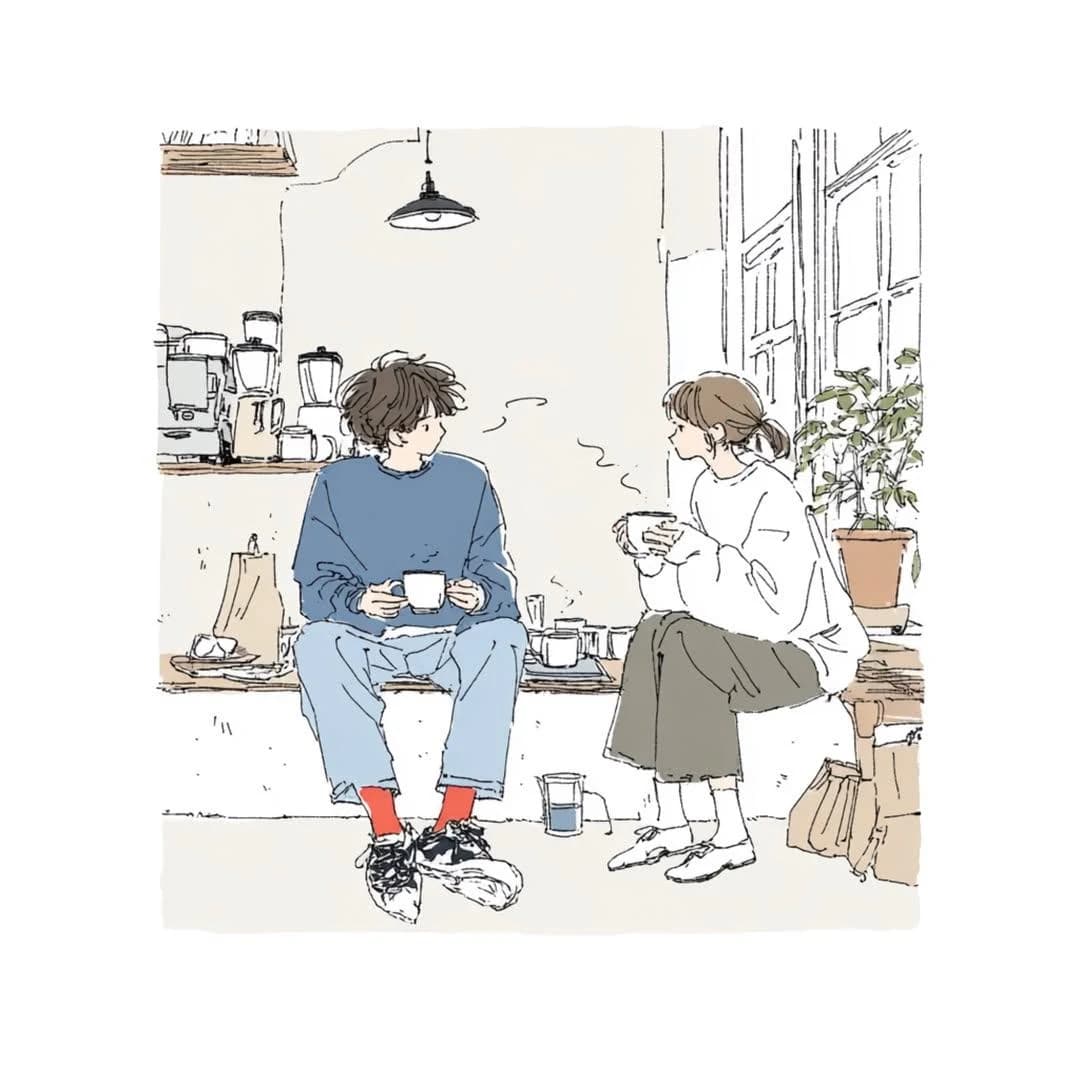
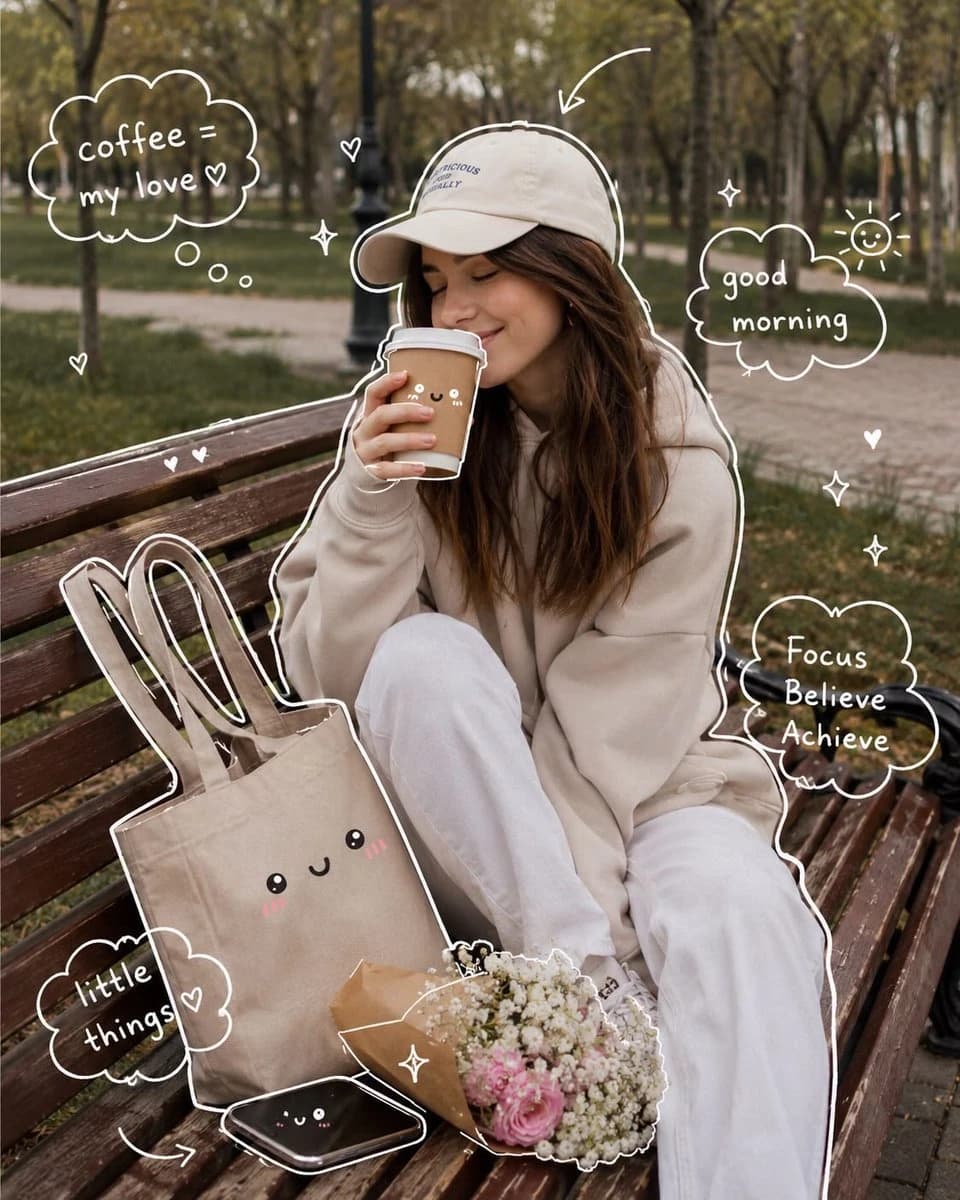
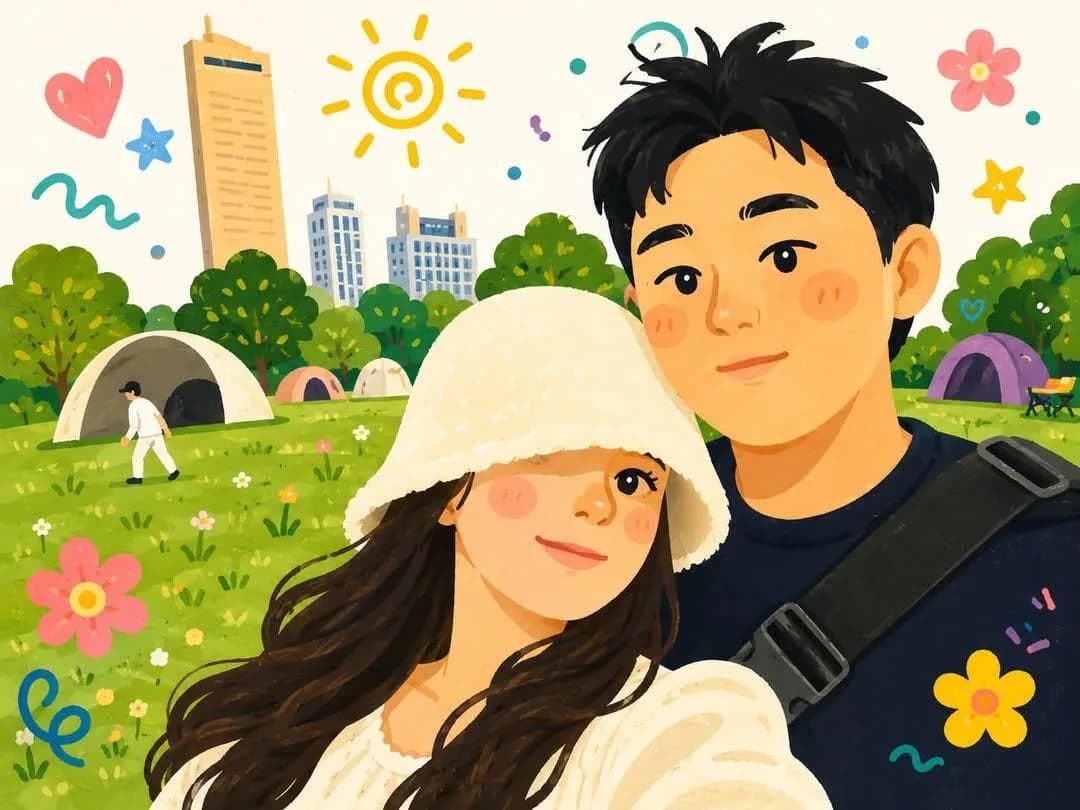
100 wordsTransform the uploaded photo into a cute hand-painted Korean webtoon illustration of a happy couple taking a selfie outdoors. Soft pastel color palette, round expressive eyes, rosy cheeks, warm smiles, cozy romantic atmosphere, charming doodle elements floating around them (hearts, flowers, stars, swirls, sunshine icons). Lush green park or beach scenery in the background, bright sunny day, whimsical children's-book aesthetic, clean line art, soft painterly shading, adorable proportions, cozy cottagecore vibes, dreamy and cheerful mood, highly detailed digital illustration, storybook quality, kawaii aesthetic, gentle textures, vibrant yet soft colors, Instagram-worthy artwork, wholesome couple portrait, cute lifestyle illustration, masterpiece, ultra detailed.
About this prompt
Korean Webtoon Couple Selfie is a ready-to-use portrait prompt for GPT Image 2 on Image 2. Copy the 100 words below, paste them into the Create form, and you will get a result close to the preview above. Tweak the Social Media, Portrait, Travel tag if you want to push it somewhere new.
Use it as a starting point and keep iterating: change the subject, lighting, or composition until it looks right. The credit cost stays the same whether you run it as-is or remix it.
Use case
A strong starting point for Portrait
Start here when you want a portrait image in the same direction as Korean Webtoon Couple Selfie. The prompt already sets the look and structure; swap in your own subject, product, colors, or scene details for the brief you have in mind.
Easy places to tweak
- Subject Swap in your person, product, place, or object without changing the overall composition.
- Look and mood Tune the lighting, palette, camera angle, or materials so the image fits your brand.
- Final format Set the aspect ratio, background, text, or layout notes before you generate.
More prompt paths to explore
Find more GPT Image 2 prompts with a similar style, use case, or subject.
How to use it
- Step 1
Copy the prompt
Hit the Copy button above to grab the full text.
- Step 2
Open Image 2 Create
Head to the Create form and paste it in.
- Step 3
Generate
Hit Generate. Your version lands in seconds.
Make it yours
Load the prompt into the Create form with one click, then start tweaking.