Prompt
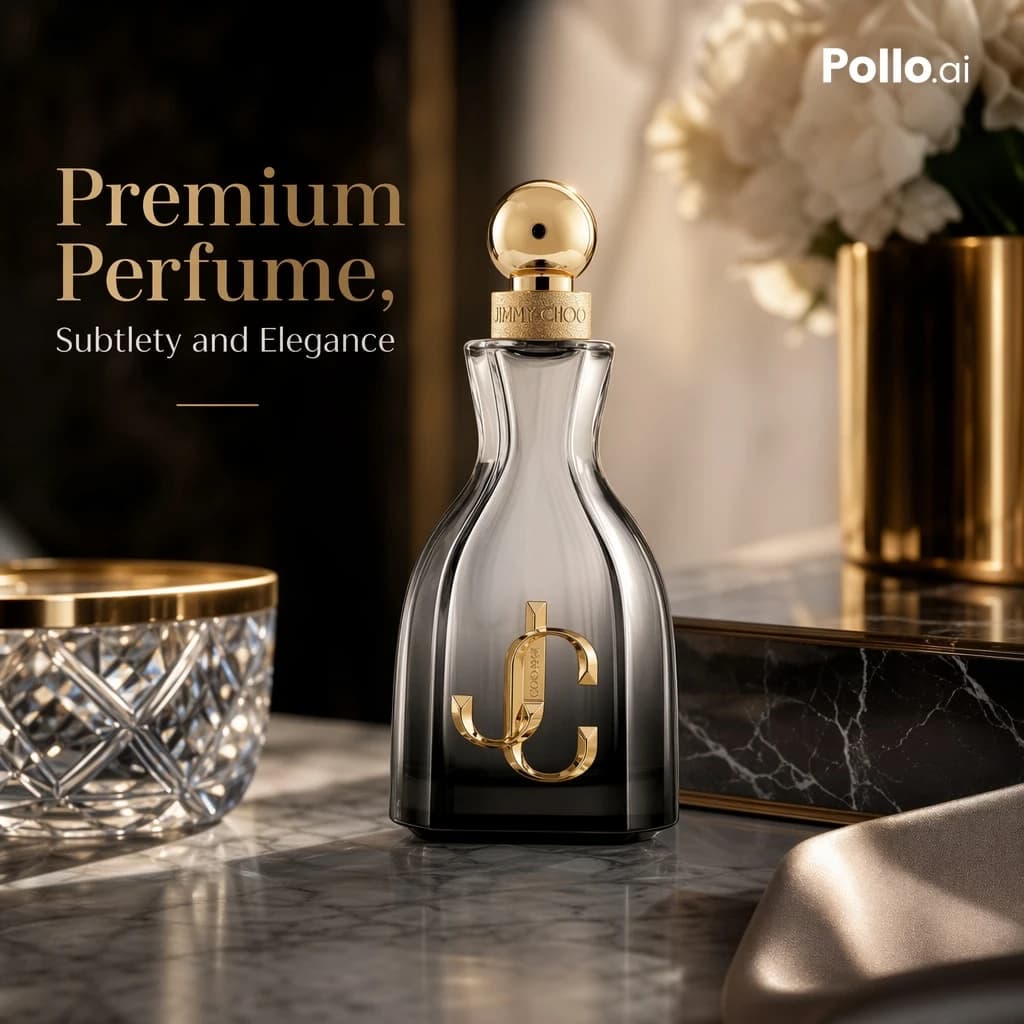
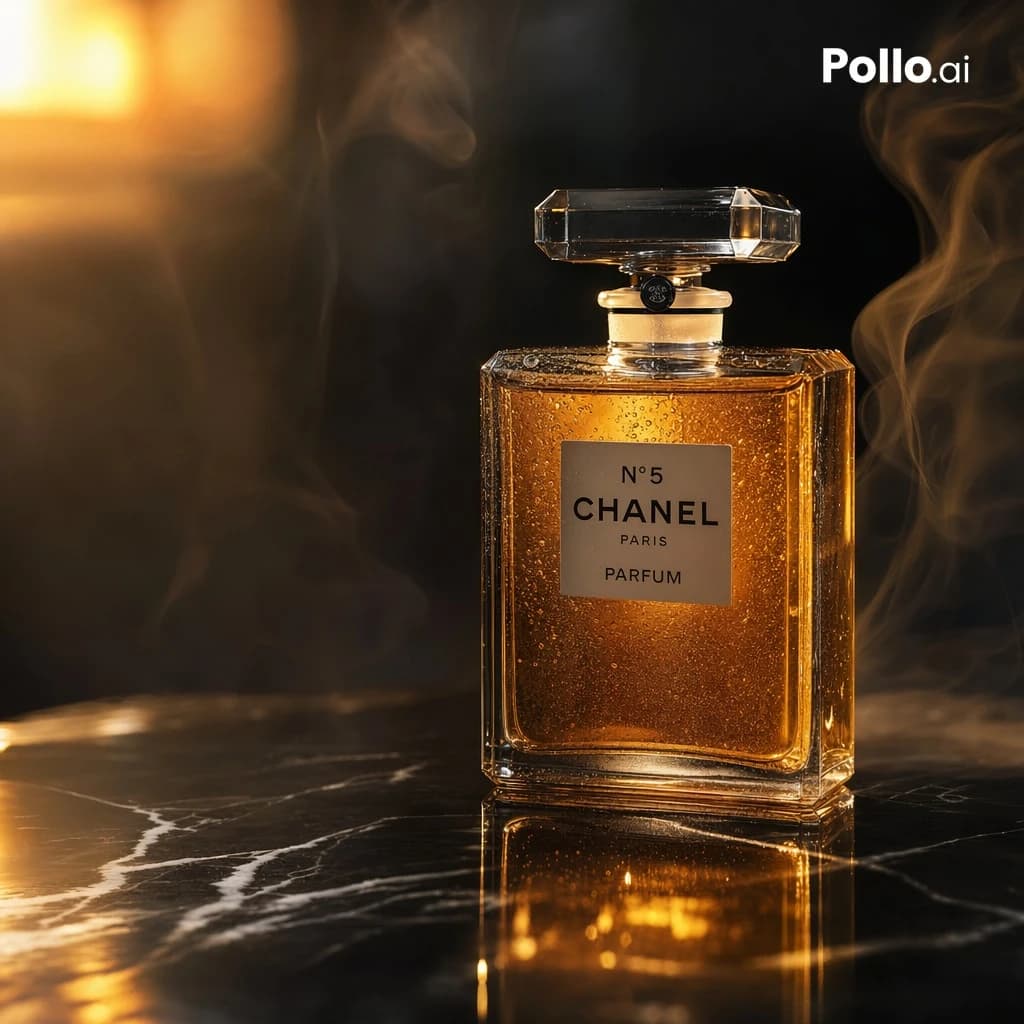
157 wordsA luxurious cinematic product photograph of a classic rectangular perfume bottle inspired by {argument name="brand label" default="N°5 CHANEL PARIS PARFUM"}, placed upright on a glossy black marble surface with white veining. The bottle is centered slightly to the right, made of clear faceted glass with a large transparent crystal stopper, filled with rich amber-gold perfume that glows from within. Tiny condensation droplets cover the glass, adding texture and realism. Dramatic warm lighting from the upper left creates golden highlights, deep reflections on the marble, and a soft luminous bloom in the background. Wisps of elegant smoke curl around the bottle on both sides, enhancing a moody high-end advertisement feel. Dark background, shallow depth of field, ultra-detailed studio product photography, luxury beauty campaign aesthetic, crisp focus on the bottle, realistic reflections, warm black-and-gold color palette. Add a small white {argument name="corner logo" default="Pollo.ai"} in the top-right corner. Square composition, premium commercial ad, photorealistic, high contrast, refined and sophisticated.About this prompt
E-commerce Main Image - Luxury Amber Perfume Ad is a ready-to-use e-commerce prompt for GPT Image 2 on Image 2. Copy the 157 words below, paste them into the Create form, and you will get a result close to the preview above. Tweak the Product Ad, E-commerce, Product tag if you want to push it somewhere new.
Use it as a starting point and keep iterating: change the subject, lighting, or composition until it looks right. The credit cost stays the same whether you run it as-is or remix it.
Use case
A strong starting point for E-commerce
Start here when you want a e-commerce image in the same direction as E-commerce Main Image - Luxury Amber Perfume Ad. The prompt already sets the look and structure; swap in your own subject, product, colors, or scene details for the brief you have in mind.
Easy places to tweak
- Subject Swap in your person, product, place, or object without changing the overall composition.
- Look and mood Tune the lighting, palette, camera angle, or materials so the image fits your brand.
- Final format Set the aspect ratio, background, text, or layout notes before you generate.
More prompt paths to explore
Find more GPT Image 2 prompts with a similar style, use case, or subject.
How to use it
- Step 1
Copy the prompt
Hit the Copy button above to grab the full text.
- Step 2
Open Image 2 Create
Head to the Create form and paste it in.
- Step 3
Generate
Hit Generate. Your version lands in seconds.
Make it yours
Load the prompt into the Create form with one click, then start tweaking.