Prompt
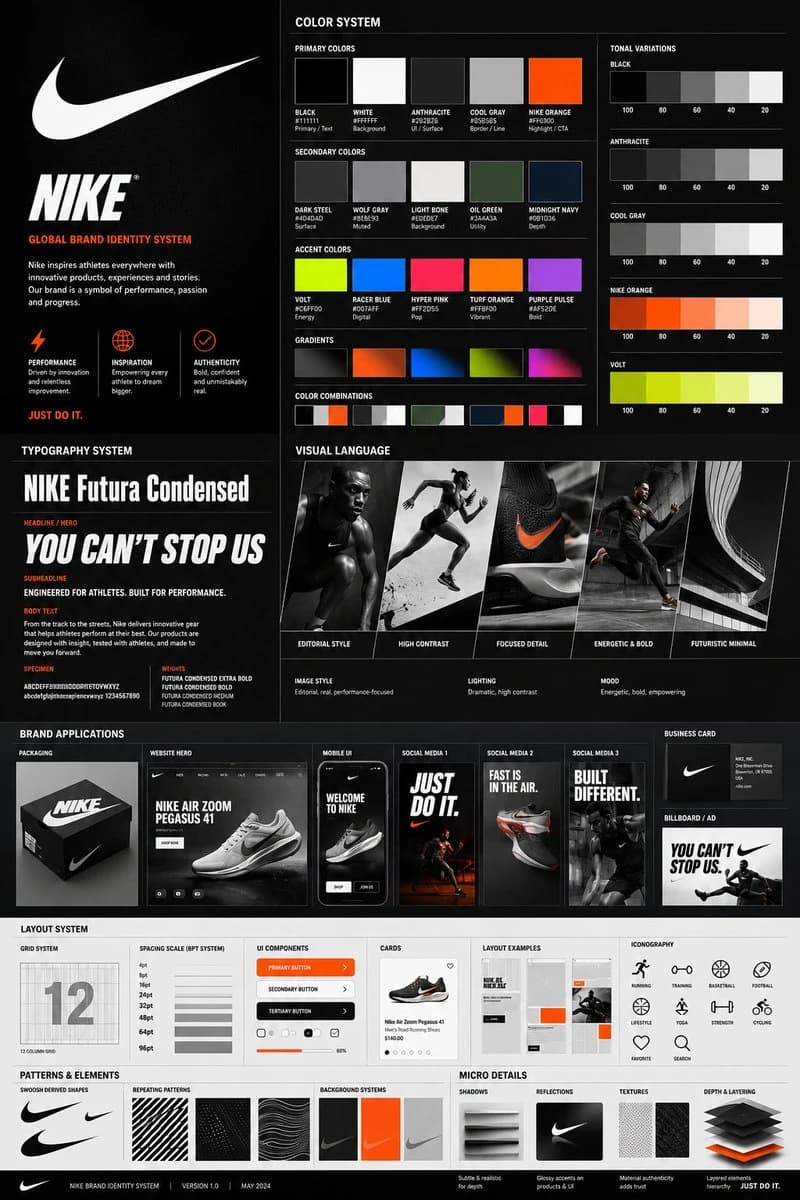
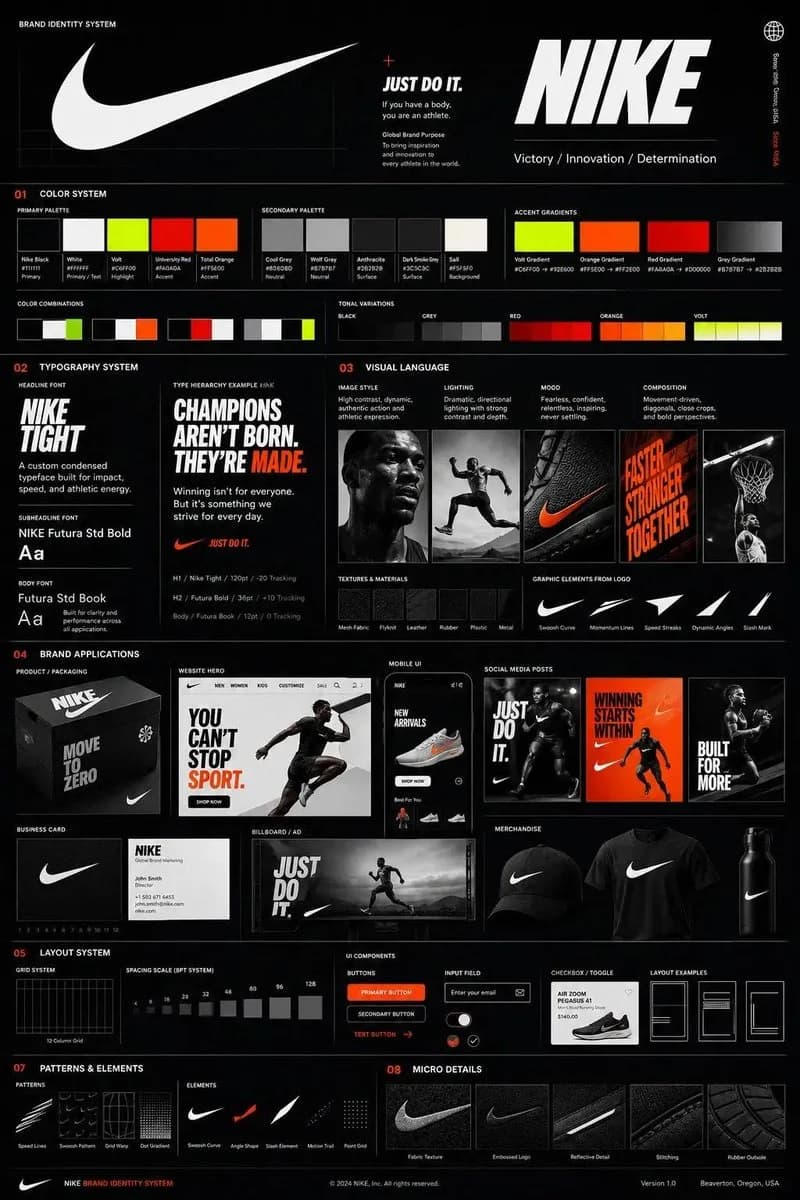
129 wordsUsing the uploaded logo for (Brand name) generate a high-end, agency-grade brand identity system poster. --- OBJECTIVE Create a complete, presentation-ready brand guideline board that looks like it was designed by a top branding studio. The result must feel commercial, realistic, and client-deliverable, not conceptual. --- INTELLIGENCE RULE (THIS IS WHAT YOU WERE MISSING) Before designing, analyze the logo and infer:3 identity traits (based on analysis) --- COLOR SYSTEM (SMART GENERATION) Extract palette from logo automatically Include: Primary colors (3–5) Secondary colors (3–5) Accent colors Each must show: HEX codes labeled usage (primary / UI / highlight / background) Also generate: gradients color combinations tonal variations --- TYPOGRAPHY SYSTEM (MATCH PERSONALITY) Select typography style based on brand: luxury → elegant serif tech → geometric sans street → bold condensed
About this prompt
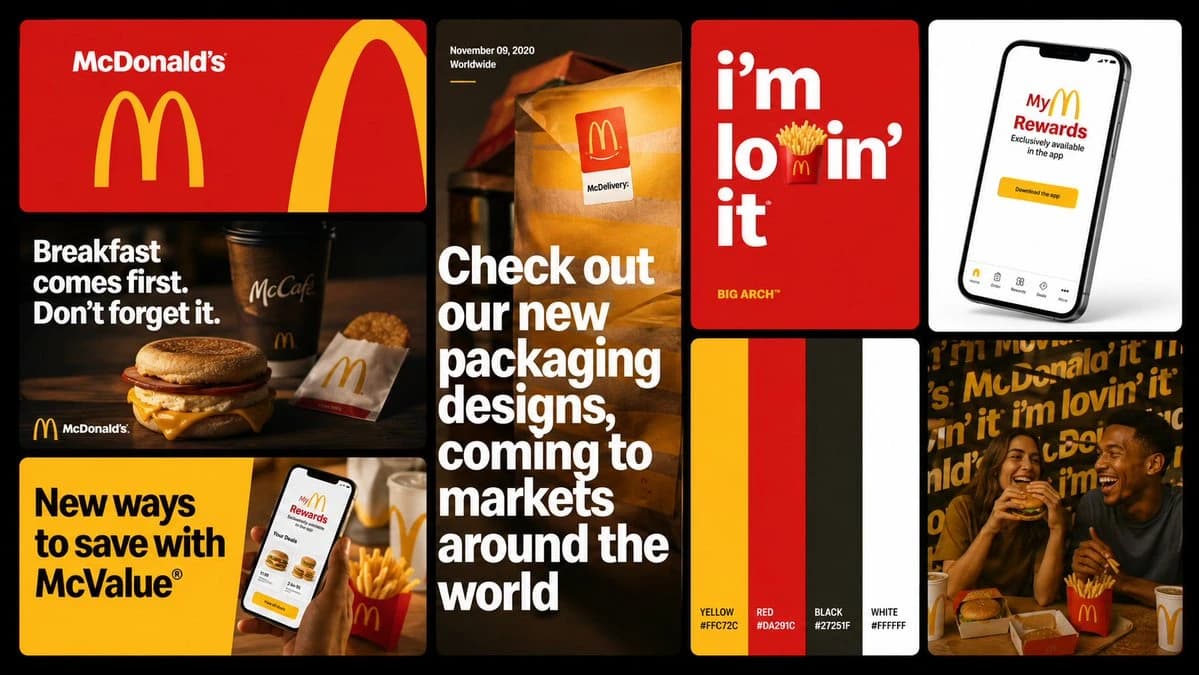
Brand Identity Guideline Board is a ready-to-use ui mockup prompt for GPT Image 2 on Image 2. Copy the 129 words below, paste them into the Create form, and you will get a result close to the preview above. Tweak the Product Ad, Infographic, UI tag if you want to push it somewhere new.
Use it as a starting point and keep iterating: change the subject, lighting, or composition until it looks right. The credit cost stays the same whether you run it as-is or remix it.
Use case
A strong starting point for UI Mockup
Start here when you want a ui mockup image in the same direction as Brand Identity Guideline Board. The prompt already sets the look and structure; swap in your own subject, product, colors, or scene details for the brief you have in mind.
Easy places to tweak
- Subject Swap in your person, product, place, or object without changing the overall composition.
- Look and mood Tune the lighting, palette, camera angle, or materials so the image fits your brand.
- Final format Set the aspect ratio, background, text, or layout notes before you generate.
More prompt paths to explore
Find more GPT Image 2 prompts with a similar style, use case, or subject.
How to use it
- Step 1
Copy the prompt
Hit the Copy button above to grab the full text.
- Step 2
Open Image 2 Create
Head to the Create form and paste it in.
- Step 3
Generate
Hit Generate. Your version lands in seconds.
Make it yours
Load the prompt into the Create form with one click, then start tweaking.