

01Transformations
Harsh flash candid
Turn clean portraits into off-center direct-flash party snapshots
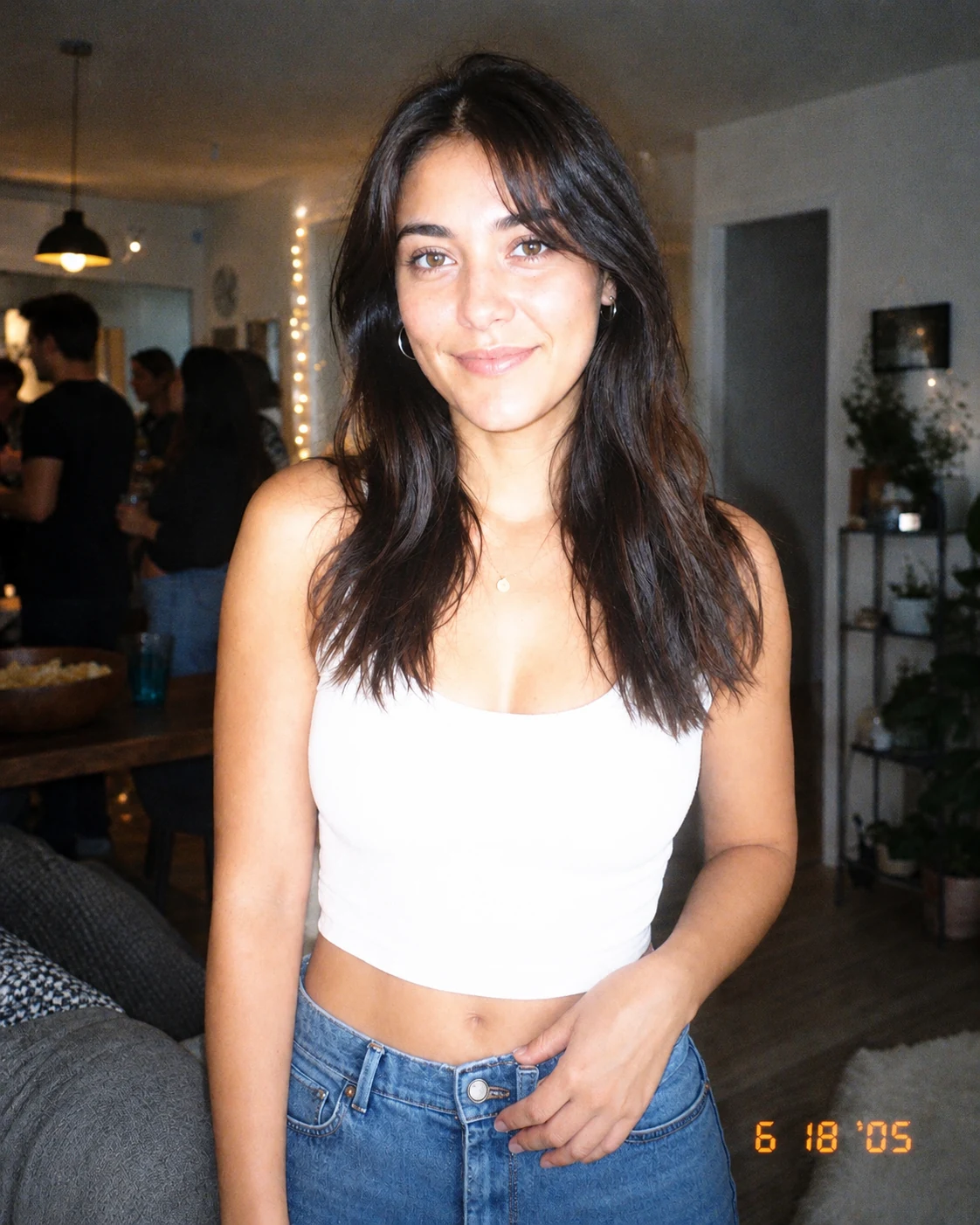
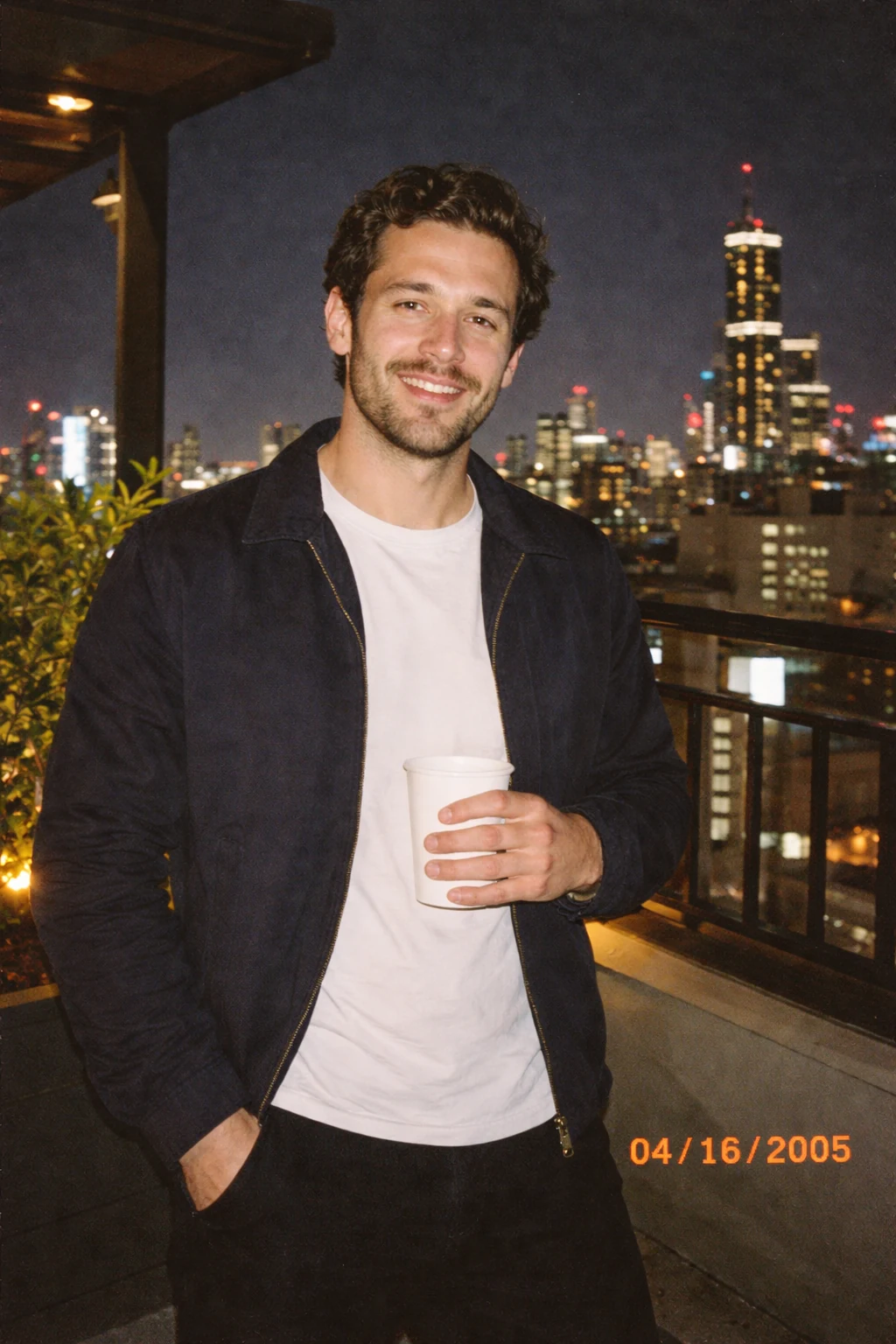
Upload a photo and get the kind of 2005 party snapshot you'd find on an old memory card: hard flash, washed-out color, soft blur, digital noise, awkward framing, and a small orange date stamp. Use it for Y2K digicam edits, old digital camera filter posts, and casual throwback selfies while keeping the person recognizable.
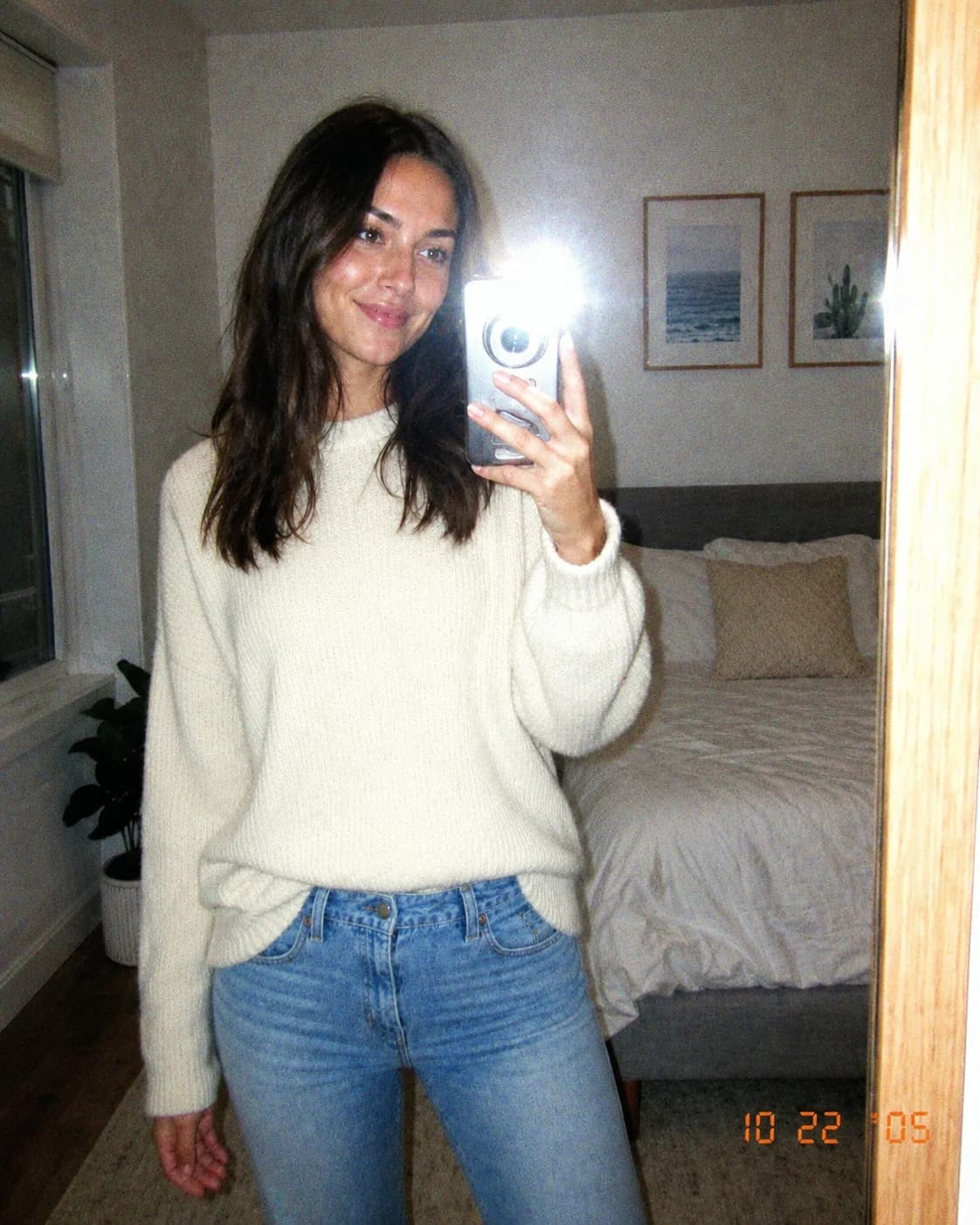
Upload a photo and get the kind of 2005 party snapshot you'd find on an old memory card: hard flash, washed-out color, soft blur, digital noise, awkward framing, and a small orange date stamp.
Turn clean portraits into off-center direct-flash party snapshots
Add low dynamic range, faded tones, sensor noise, and soft blur
Finish the image with a small early-2000s date stamp in the corner
Copy a 2005 party snapshot, Y2K digicam filter, old digital camera filter, or timestamp photo prompt.
Edit this photo to look like it was taken on an early-2000s compact digital camera. Add harsh direct flash, slightly overexposed highlights, washed-out colors, low dynamic range, mild blur, visible digital noise, imperfect candid framing, and a small orange timestamp in the bottom corner. Keep the person's face and identity unchanged. Make it feel like a spontaneous 2005 party snapshot, not a modern polished filter.
Transform the uploaded photo into an early-2000s CCD compact digital camera shot. Preserve the same person and facial identity. Add direct on-camera flash, low dynamic range, washed-out color, slight green/magenta color cast, visible digital noise, JPEG compression artifacts, mild motion blur, imperfect candid framing, and a small orange timestamp reading 05/08/2005 in the bottom-right corner. Make it feel like a real old digicam photo, not a clean modern preset.
Make this photo look like a spontaneous early-2000s night-out compact camera snapshot. Keep identity unchanged. Use harsh frontal flash, dark background falloff, blown highlights on skin and clothing, weak shadow detail, desaturated colors, digital sensor noise, soft focus, slight red-eye feel without changing eye color, casual off-center framing, and a tiny orange date stamp in the lower corner.
Convert the portrait into a 2005 MySpace-style compact digital camera profile photo. Preserve the person's face, age, skin tone, hairstyle, and expression. Add harsh direct flash, washed-out beige-gray colors, low contrast shadows, mild blur, sensor noise, JPEG artifacts, slightly awkward candid composition, and a small orange timestamp in the bottom corner. Avoid beauty retouching or a polished modern filter look.
Common questions about using Retro Digital Camera Filter
Still have questions? Contact us at [email protected]