Prompt
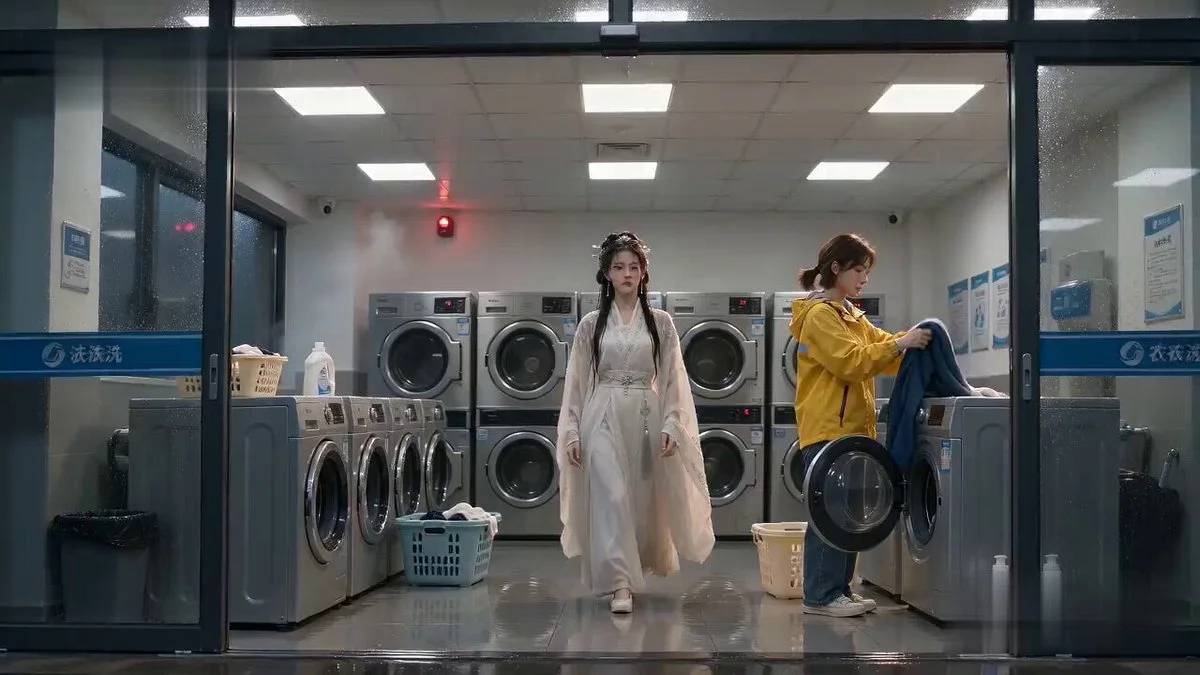
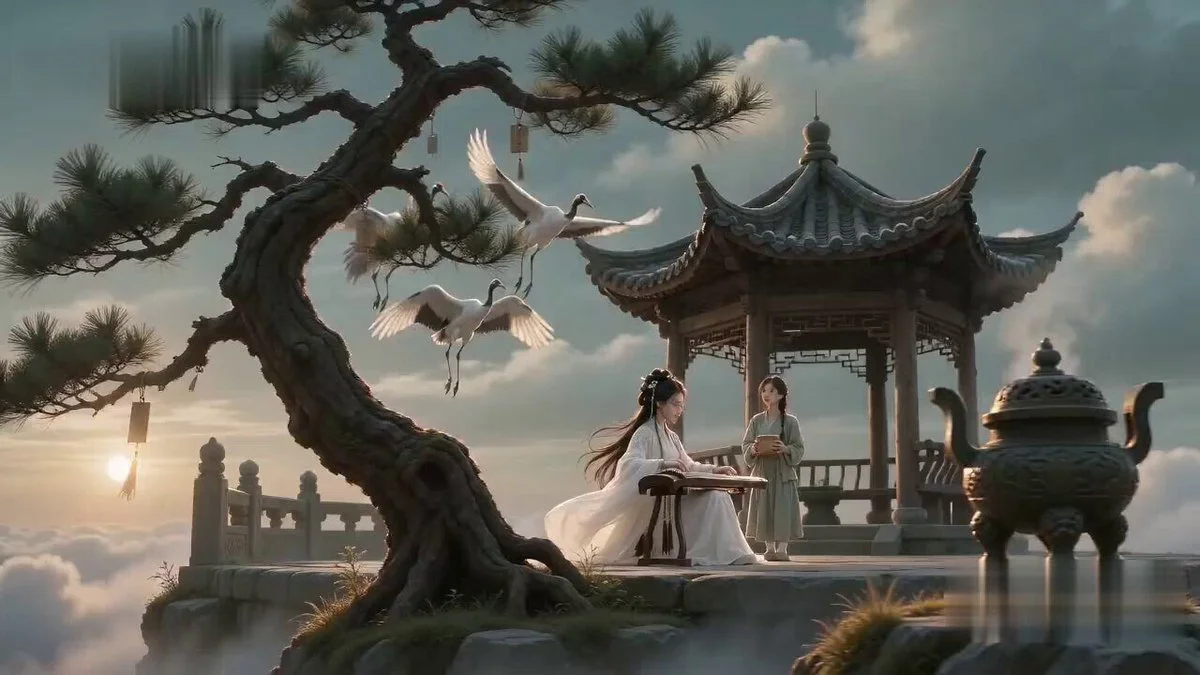
183 words[Style] Ancient xianxia deadpan comedy, cinematic realism, professional movie quality, fast narrative rhythm. The first half creates a solemn atmosphere of high-level sword skills, while the second half reveals a humorous twist. Focus on spatial relationships and character reactions. Strictly ancient Chinese context. [Duration] 10 seconds, 3-shot structure, 16:9. [Scene] Quiet mountain kitchen courtyard at dawn. [Characters] Role A: Sword Master (Female) based on @Image1, elegant and confident. Role B: Junior Sister based on @Image2, spiritual and cute. [Shot 1] 0-3s: Wide shot establishing scene. Sword Master stands on a stone platform while a flying sword circles her. Junior sister watches in awe. [Shot 2] 3-6s: Mid-shot. Sister asks 'What sword technique is this?' Master replies 'Thousands of Swords Return to the Source.' The sword suddenly flies toward the counter. [Shot 3] 6-10s: Close-up reveal. The sword accurately slices green onions into a pot. The music stops. Sister looks into the pot and says 'The onions are enough, but the noodles aren't in yet.' Hard cut to Master's awkward micro-expression. [Technical] Optimize for character consistency using Seedance 2.0, Mandarin lip-sync, and spatial continuity.
About this prompt
Sword Master Onion Chopping Comedy is a Meme Seedance 2.0 prompt with 183 words, structured around shot timing, camera direction, motion cues, and remixable scene details.
Use the preview clip when available to understand pacing, then treat the prompt text as a production brief you can adapt for your own subject, brand, or story.
Video prompt structure
Use it for Meme videos
Best for Seedance 2.0 generations that need Meme, Multi-Shot, Dialogue. Replace the subject, setting, product, dialogue, music, and timing before sending it to the generator.
Customize before generating
- Swap the subject. Keep the camera and timing structure, but change the character, product, or environment.
- Tighten the timeline. Shorten or expand shot blocks so they match the duration you want to render.
- Add reference media. Use first frames, last frames, images, video, or audio when the prompt depends on a specific look or rhythm.
More Seedance paths to explore
Browse adjacent styles and techniques from the same Seedance 2.0 prompt library.
How to use it
- Step 1
Copy or start from this prompt
Use the full prompt as a structured draft rather than rewriting the whole video brief.
- Step 2
Open Seedance 2.0
Send the text into the Seedance generator and choose text, image, or reference mode.
- Step 3
Adapt and render
Tune duration, aspect ratio, reference media, camera notes, and dialogue before generating.
Make it a Seedance video
Start from this prompt in the Seedance 2.0 generator, then adjust the scene, duration, aspect ratio, and reference media.