Prompt
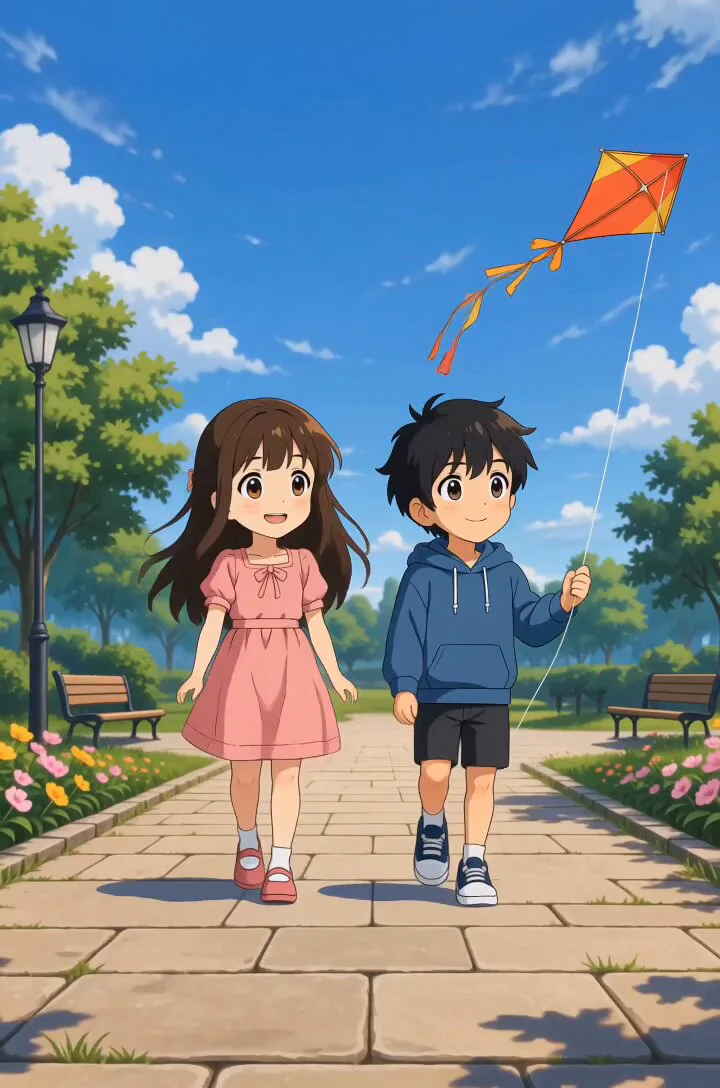
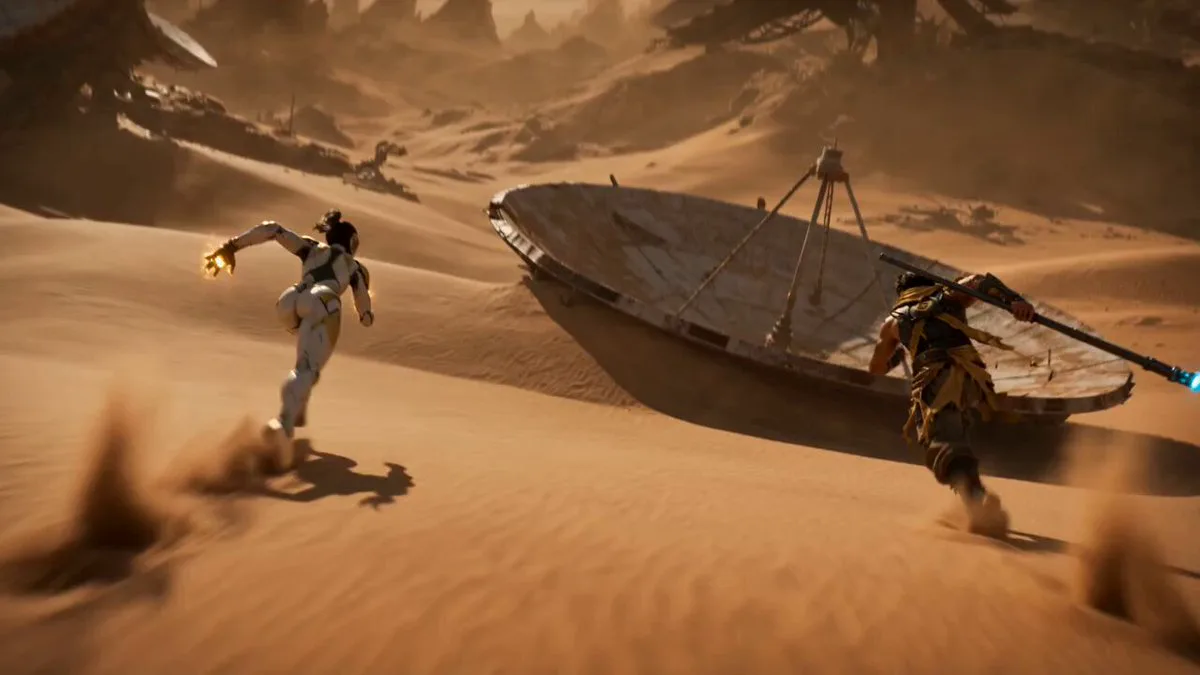
142 wordsEmphasize snappy animation with lively energy, pose-to-pose, strong anticipation, overshoot, squash and stretch, quick switches in facial expressions, and follow-through on hair and sleeves. Give the movements a distinctive rhythm with variation in pacing: Hold still poses firmly for a split second, then transition to the next movement with a quick, bouncy snap. Make it comical and well-timed, but keep the actions easy to read. Movements follow: "stillness → preparatory action → sudden acceleration → large overshoot → sharp stop → hair and sleeves sway delayed." Facial changes are exaggerated and comical. Poses are clear in silhouette, with a solid hold of 0.1–0.2 seconds at the end of each action. Use cartoonish squash & stretch, motion blur, short afterimages, dramatic smear frames and speed lines sparingly. Physics are slightly exaggerated beyond reality, but the character's footing and center of gravity don't break.
About this prompt
Snappy Anime Character Animation is a Anime Seedance 2.0 prompt with 142 words, structured around shot timing, camera direction, motion cues, and remixable scene details.
Use the preview clip when available to understand pacing, then treat the prompt text as a production brief you can adapt for your own subject, brand, or story.
Video prompt structure
Use it for Anime videos
Best for Seedance 2.0 generations that need Anime, Animation. Replace the subject, setting, product, dialogue, music, and timing before sending it to the generator.
Customize before generating
- Swap the subject. Keep the camera and timing structure, but change the character, product, or environment.
- Tighten the timeline. Shorten or expand shot blocks so they match the duration you want to render.
- Add reference media. Use first frames, last frames, images, video, or audio when the prompt depends on a specific look or rhythm.
More Seedance paths to explore
Browse adjacent styles and techniques from the same Seedance 2.0 prompt library.
How to use it
- Step 1
Copy or start from this prompt
Use the full prompt as a structured draft rather than rewriting the whole video brief.
- Step 2
Open Seedance 2.0
Send the text into the Seedance generator and choose text, image, or reference mode.
- Step 3
Adapt and render
Tune duration, aspect ratio, reference media, camera notes, and dialogue before generating.
Make it a Seedance video
Start from this prompt in the Seedance 2.0 generator, then adjust the scene, duration, aspect ratio, and reference media.