Prompt
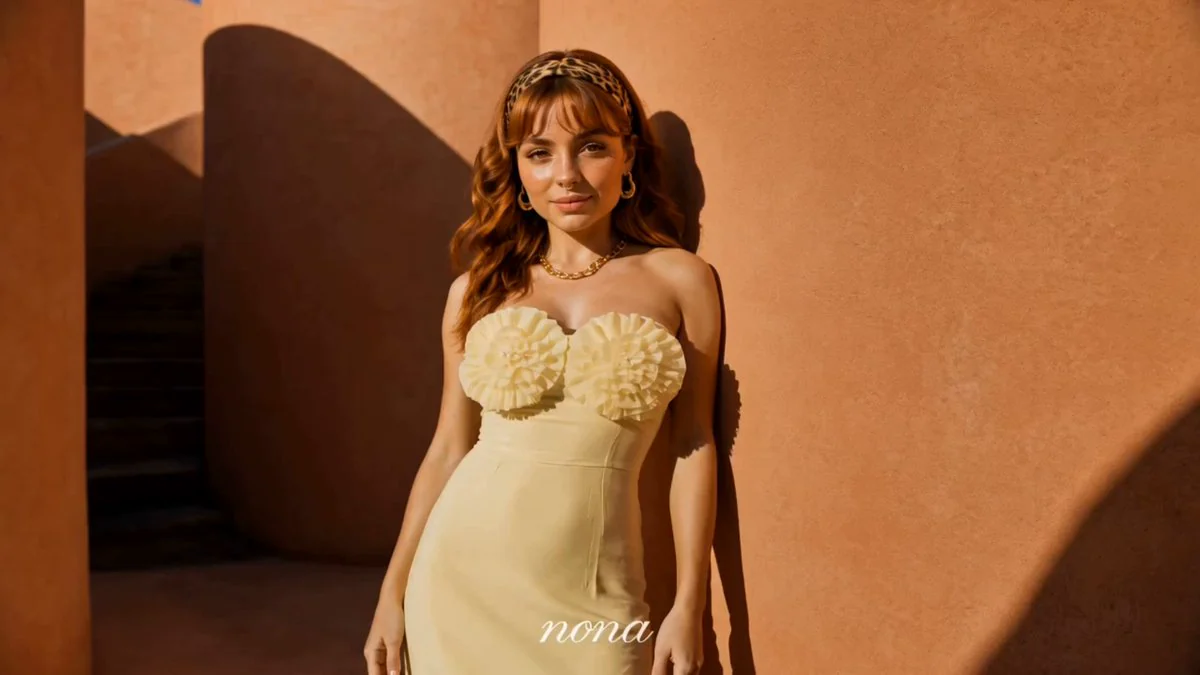
165 wordsUse the uploaded reference image as the exact character reference. Preserve her facial identity, hairstyle, makeup, skin tone, body proportions, white sleeveless fitted top, light blue wide-leg jeans, pearl choker, rings, and bracelets consistently throughout the video. Premium lifestyle lipstick commercial, 8 seconds, bright luxury apartment, natural afternoon lighting, soft cinematic shadows, realistic beauty campaign. The video opens with the woman standing beside a full-length mirror, smiling into the camera while holding a lipstick. She twists it open and applies it naturally before checking the result in the mirror. Macro shots showcase the lipstick gliding smoothly across her lips and the glossy finish. She picks up her sunglasses and handbag, then confidently walks toward the apartment door. Before leaving, she turns back toward the camera, lifts the lipstick beside her cheek with a playful smile, and the camera slowly pushes in for the final beauty shot. Photorealistic lifestyle advertisement, premium beauty cinematography, shallow depth of field, luxury lighting, glossy lips, elegant camera movement, 4K HDR.
About this prompt
Premium Lifestyle Lipstick Commercial Video is a Fashion Seedance 2.0 prompt with 165 words, structured around shot timing, camera direction, motion cues, and remixable scene details.
Use the preview clip when available to understand pacing, then treat the prompt text as a production brief you can adapt for your own subject, brand, or story.
Video prompt structure
Use it for Fashion videos
Best for Seedance 2.0 generations that need Fashion, Image Reference. Replace the subject, setting, product, dialogue, music, and timing before sending it to the generator.
Customize before generating
- Swap the subject. Keep the camera and timing structure, but change the character, product, or environment.
- Tighten the timeline. Shorten or expand shot blocks so they match the duration you want to render.
- Add reference media. Use first frames, last frames, images, video, or audio when the prompt depends on a specific look or rhythm.
More Seedance paths to explore
Browse adjacent styles and techniques from the same Seedance 2.0 prompt library.
How to use it
- Step 1
Copy or start from this prompt
Use the full prompt as a structured draft rather than rewriting the whole video brief.
- Step 2
Open Seedance 2.0
Send the text into the Seedance generator and choose text, image, or reference mode.
- Step 3
Adapt and render
Tune duration, aspect ratio, reference media, camera notes, and dialogue before generating.
Make it a Seedance video
Start from this prompt in the Seedance 2.0 generator, then adjust the scene, duration, aspect ratio, and reference media.