Prompt
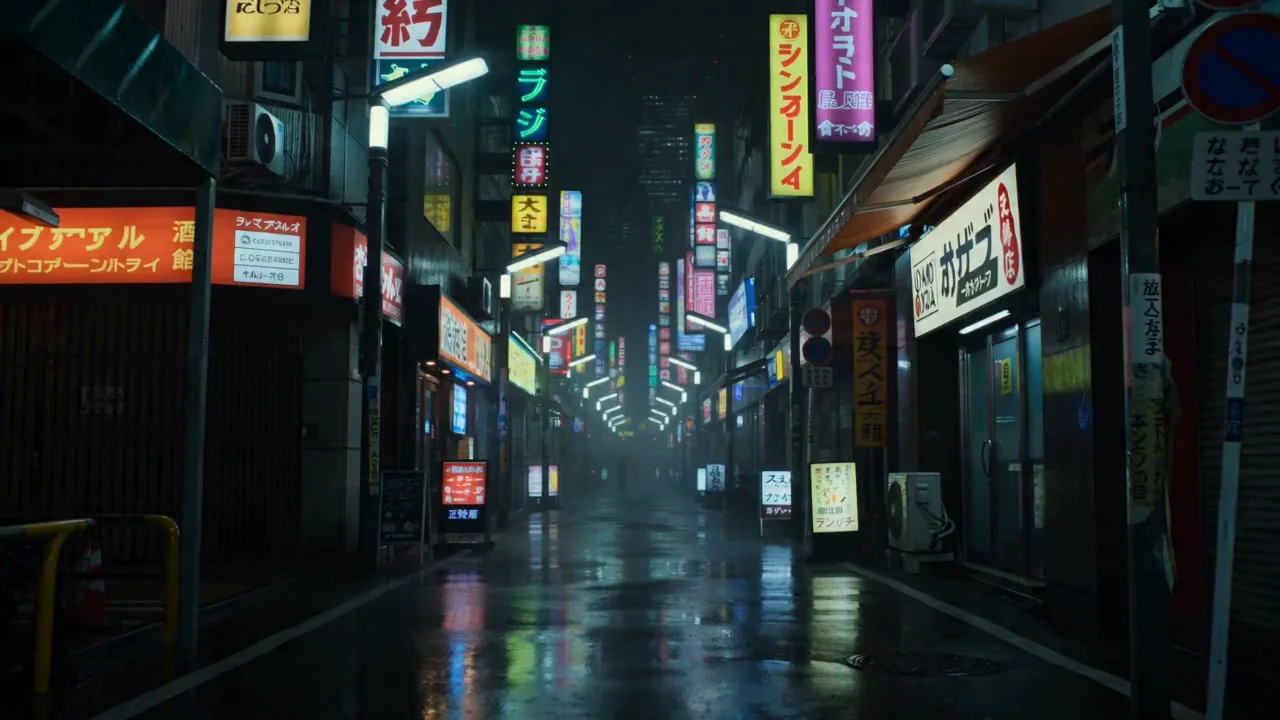
174 wordsSeven-shot sequence, continuous energy, rain-soaked neon Tokyo at night. Cool blue-magenta grade, anamorphic lens, reflective wet asphalt, motion blur, 35mm grain. Shot 1: Extreme close-up of a gloved hand gripping the ignition key on a matte-black sport bike, neon signs reflected in the chrome. Shot 2: Low-angle on the rider's boot stamping the kickstart, engine roars to life, exhaust shimmer. Shot 3: Tight shot of the rider's visor, eyes locked forward, headlights of a pursuing car glowing in the mirror. Shot 4: Rear-wheel close-up — tire bites, the bike lurches off the line, water spray kicks up. Shot 5: Tracking shot from directly behind as the bike tears down a narrow neon alley, signs streaking past. Shot 6: Low-angle as the rider leans hard into a turn, knee near the ground, reflections smearing across the puddles. Shot 7: Wide shot — the bike whips past the camera and shrinks into the rainy distance, tail-light glowing. Ambient sound: rain on metal, engine ignition, then a rising rev, tire hiss on wet road, distant city hum.
About this prompt
Neon Tokyo Motorcycle Chase Sequence is a Cinematic Seedance 2.0 prompt with 174 words, structured around shot timing, camera direction, motion cues, and remixable scene details.
Use the preview clip when available to understand pacing, then treat the prompt text as a production brief you can adapt for your own subject, brand, or story.
Video prompt structure
Use it for Cinematic videos
Best for Seedance 2.0 generations that need Cinematic, Multi-Shot. Replace the subject, setting, product, dialogue, music, and timing before sending it to the generator.
Customize before generating
- Swap the subject. Keep the camera and timing structure, but change the character, product, or environment.
- Tighten the timeline. Shorten or expand shot blocks so they match the duration you want to render.
- Add reference media. Use first frames, last frames, images, video, or audio when the prompt depends on a specific look or rhythm.
More Seedance paths to explore
Browse adjacent styles and techniques from the same Seedance 2.0 prompt library.
How to use it
- Step 1
Copy or start from this prompt
Use the full prompt as a structured draft rather than rewriting the whole video brief.
- Step 2
Open Seedance 2.0
Send the text into the Seedance generator and choose text, image, or reference mode.
- Step 3
Adapt and render
Tune duration, aspect ratio, reference media, camera notes, and dialogue before generating.
Make it a Seedance video
Start from this prompt in the Seedance 2.0 generator, then adjust the scene, duration, aspect ratio, and reference media.