Prompt
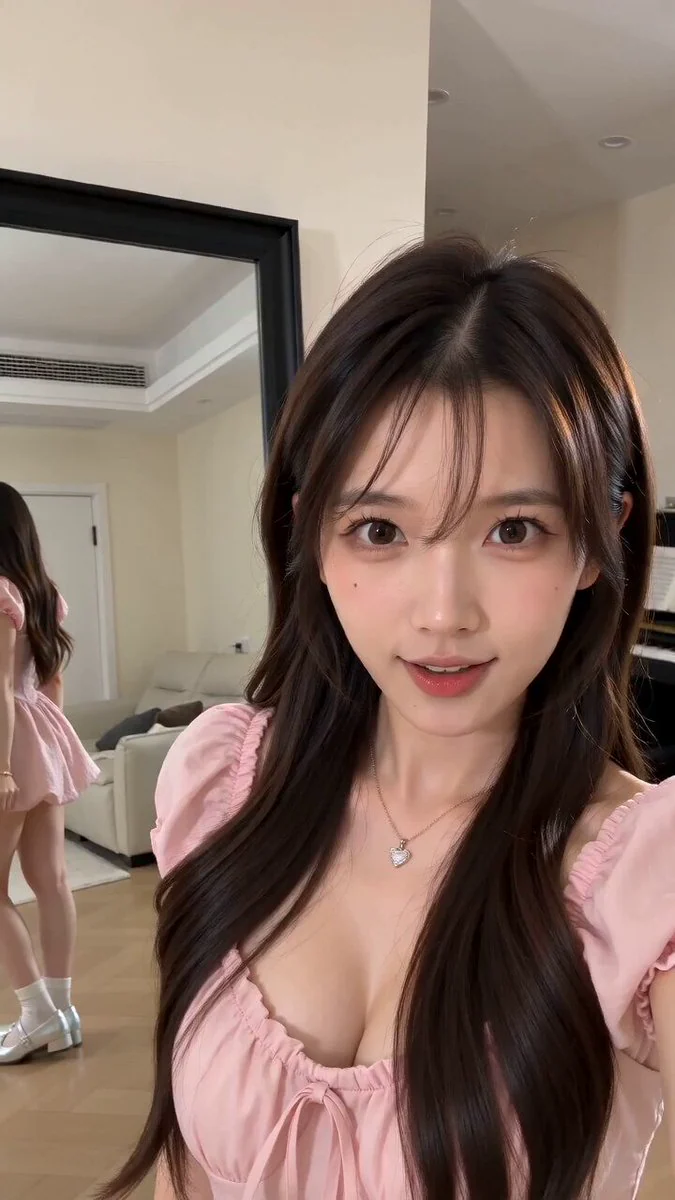
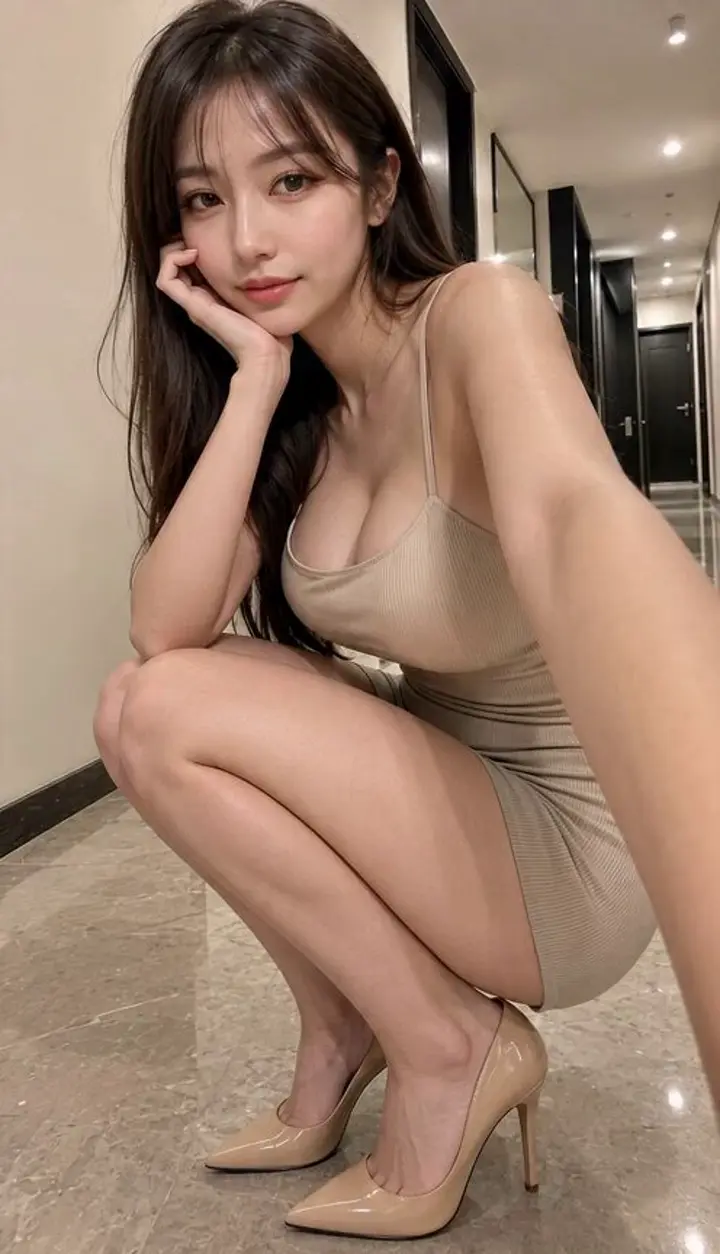
181 words@ image1 = Main Subject Preserve exact face, identity, hairstyle, skin tone, and proportions from @image1. Same outfit throughout. Authentic Indonesian woman. Late-2000s flip-phone camcorder aesthetic. Raw handheld footage, shaky framing, focus hunting, slight grain, faded warm tones, accidental crops, nostalgic home-video imperfections. 00:00–00:02 Selfie shot riding slowly on the back of a bicycle through a quiet coastal village, laughing as wind blows loose strands of hair. 00:02–00:04 Stopping at a tiny fruit stand, choosing fresh mangoes while chatting casually with the vendor. 00:04–00:06 Walking through a narrow alley lined with colorful doors, reaching out to touch hanging flowers. 00:06–00:08 Sitting on harbor steps eating sliced fruit from a paper bag while watching boats move in the distance. 00:08–00:10 Browsing old postcards and handwritten notes at a small roadside stall. 00:10–00:12 Standing under swaying palm trees, looking up as sunlight flickers through the leaves. 00:12–00:15 Messy selfie framing, smiling naturally, saying a few casual words, then the recording ends abruptly mid-laugh. Audio: waves, bicycle sounds, birds, market chatter, footsteps, breeze, distant engines. No posing, no cinematic glamour, no stabilization, no music.
About this prompt
Handheld Indonesian Summer Vlog is a UGC Seedance 2.0 prompt with 181 words, structured around shot timing, camera direction, motion cues, and remixable scene details.
Use the preview clip when available to understand pacing, then treat the prompt text as a production brief you can adapt for your own subject, brand, or story.
Video prompt structure
Use it for UGC videos
Best for Seedance 2.0 generations that need UGC, Image Reference, Vertical. Replace the subject, setting, product, dialogue, music, and timing before sending it to the generator.
Customize before generating
- Swap the subject. Keep the camera and timing structure, but change the character, product, or environment.
- Tighten the timeline. Shorten or expand shot blocks so they match the duration you want to render.
- Add reference media. Use first frames, last frames, images, video, or audio when the prompt depends on a specific look or rhythm.
More Seedance paths to explore
Browse adjacent styles and techniques from the same Seedance 2.0 prompt library.
How to use it
- Step 1
Copy or start from this prompt
Use the full prompt as a structured draft rather than rewriting the whole video brief.
- Step 2
Open Seedance 2.0
Send the text into the Seedance generator and choose text, image, or reference mode.
- Step 3
Adapt and render
Tune duration, aspect ratio, reference media, camera notes, and dialogue before generating.
Make it a Seedance video
Start from this prompt in the Seedance 2.0 generator, then adjust the scene, duration, aspect ratio, and reference media.