Prompt
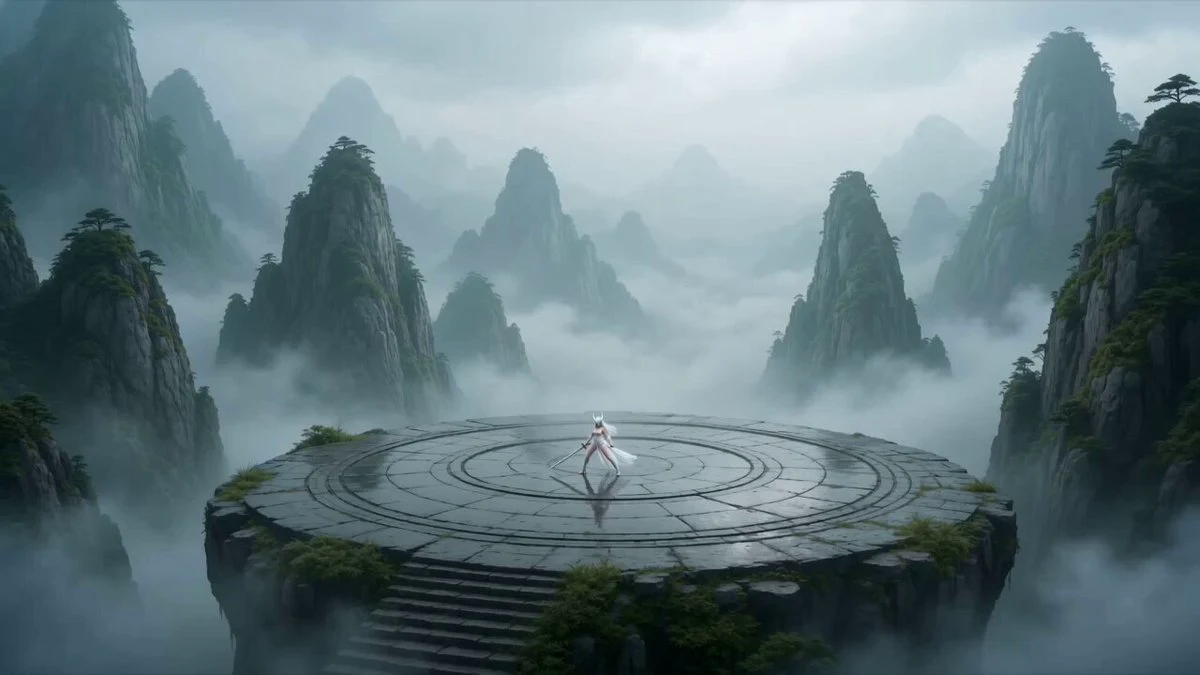
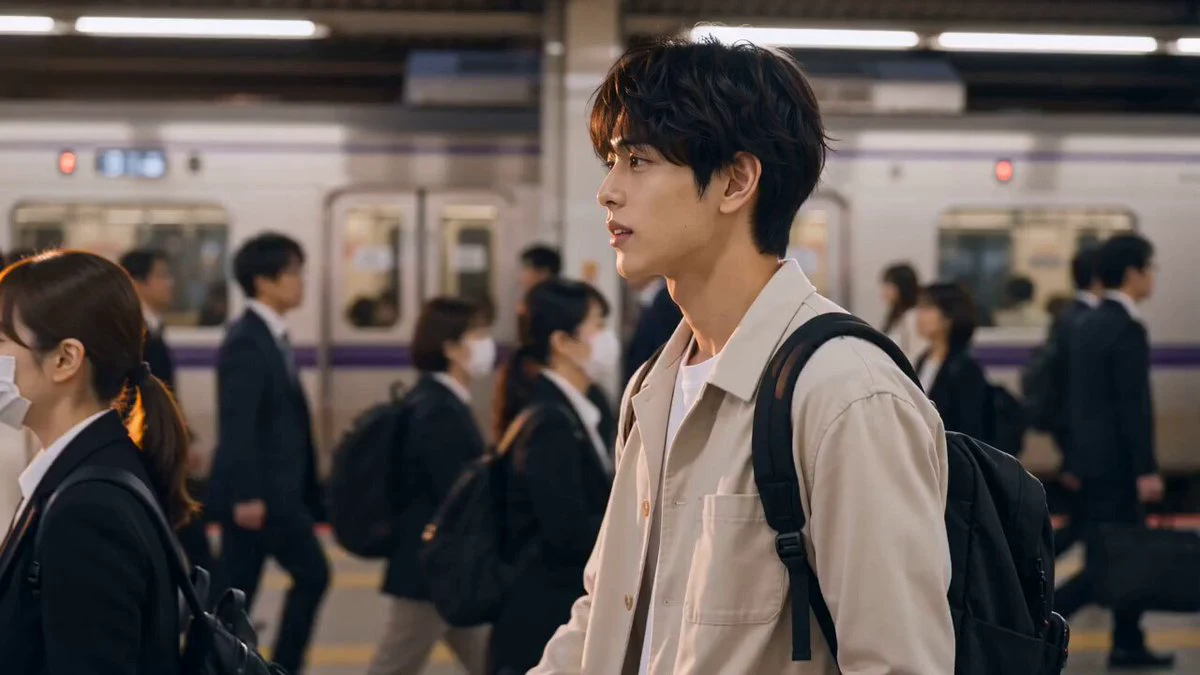
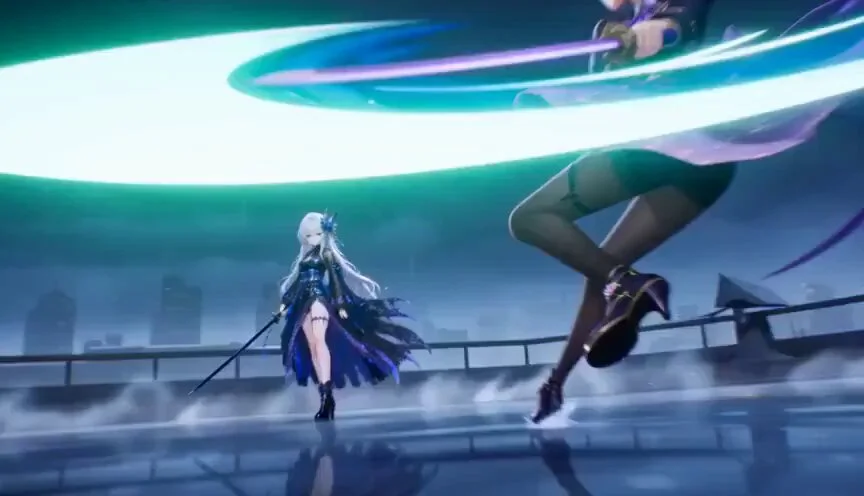
220 wordsUse @image1 as the permanent facial identity reference. Preserve the exact face, skin tone, makeup, eye shape, and expression in every frame. Only change outfit, hairstyle, accessories, pose, and body movement. Create a 15-second luminous modern cinematic anime cinematic anime sequence. A young woman enjoys a peaceful walk through a cherry blossom hill at golden hour. She accidentally steps on a hidden envelope, kneels to pick it up, and discovers her own name written in familiar handwriting. She quietly freezes for a moment, then walks to a large cherry blossom tree, opens the letter, and reads it. Tiny golden particles rise from the handwritten words like fading memories. She gently closes the letter, holds it to her heart, and stands beneath the tree as thousands of petals swirl around her while the camera pulls into a breathtaking aerial farewell shot. Style: Photorealistic anime, a modern emotional anime film, a modern emotional anime film, a modern emotional anime film, warm golden-hour lighting, HDR, 4K, ultra-detailed backgrounds, cinematic depth of field, realistic cloth and hair physics, natural cherry blossom petal motion, smooth camera transitions, emotional storytelling, delicate orchestral-inspired orchestral atmosphere. Negative Prompt: No facial changes, no identity drift, no extra characters, no ghosts, no anatomy errors, no flicker, no camera shake, no harsh VFX, no oversaturated colors, no clipping, no unrealistic physics.
About this prompt
Golden-Hour Anime Journey is a Anime Seedance 2.0 prompt with 220 words, structured around shot timing, camera direction, motion cues, and remixable scene details.
Use the preview clip when available to understand pacing, then treat the prompt text as a production brief you can adapt for your own subject, brand, or story.
Video prompt structure
Use it for Anime videos
Best for Seedance 2.0 generations that need Anime, Short Drama, Image Reference. Replace the subject, setting, product, dialogue, music, and timing before sending it to the generator.
Customize before generating
- Swap the subject. Keep the camera and timing structure, but change the character, product, or environment.
- Tighten the timeline. Shorten or expand shot blocks so they match the duration you want to render.
- Add reference media. Use first frames, last frames, images, video, or audio when the prompt depends on a specific look or rhythm.
More Seedance paths to explore
Browse adjacent styles and techniques from the same Seedance 2.0 prompt library.
How to use it
- Step 1
Copy or start from this prompt
Use the full prompt as a structured draft rather than rewriting the whole video brief.
- Step 2
Open Seedance 2.0
Send the text into the Seedance generator and choose text, image, or reference mode.
- Step 3
Adapt and render
Tune duration, aspect ratio, reference media, camera notes, and dialogue before generating.
Make it a Seedance video
Start from this prompt in the Seedance 2.0 generator, then adjust the scene, duration, aspect ratio, and reference media.