Prompt
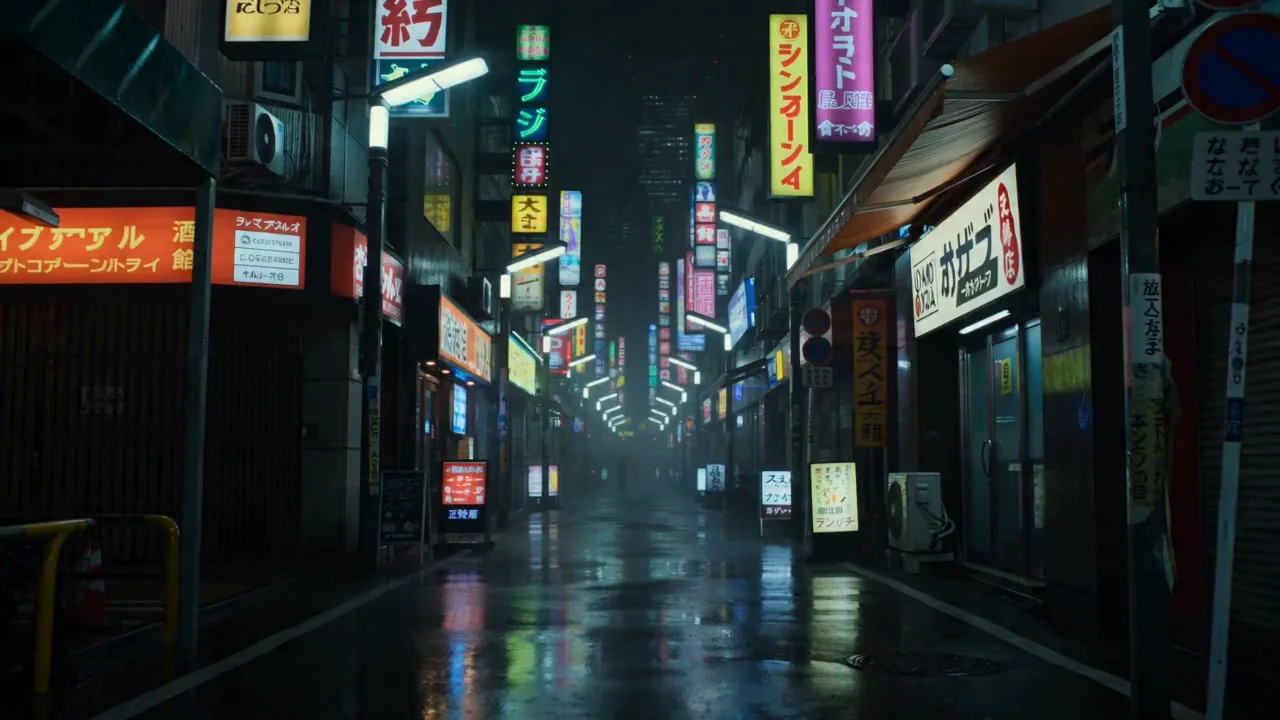
209 wordsCreate a 15-second ultra-cinematic global football video showing a single football traveling across different countries and cultures. The video starts in a narrow street in Pakistan, where kids are playing barefoot football. One powerful kick sends the ball flying into the air. As the ball spins in slow motion, it transitions seamlessly into Brazil, where it is controlled by a street freestyle player in a colorful favela. With another kick, the ball flies through a glowing motion blur and lands in France, where it is passed on a clean urban pitch under sunset lights. The camera follows the ball as it continues its journey. Next transition: Africa, where children play joyfully on dusty ground with raw energy and celebration. Then the ball is kicked again and transitions into Japan, where it is controlled with precision in a futuristic, neon-lit street football scene. Each transition is smooth, magical, and cinematic—using light trails, match cuts, and speed ramps. Final shot: the ball rises into the sky, transforming into a glowing globe made of stadium lights. The world rotates inside it. End text on black screen: “One Ball. Millions of Dreams. One World.” Style: cinematic, hyper-realistic, emotional, smooth transitions, global cultures, 4K, dramatic lighting, inspirational soundtrack, slow motion + speed ramp mix.
About this prompt
Global Football Cinematic Journey is a Cinematic Seedance 2.0 prompt with 209 words, structured around shot timing, camera direction, motion cues, and remixable scene details.
Use the preview clip when available to understand pacing, then treat the prompt text as a production brief you can adapt for your own subject, brand, or story.
Video prompt structure
Use it for Cinematic videos
Best for Seedance 2.0 generations that need Cinematic, Multi-Shot. Replace the subject, setting, product, dialogue, music, and timing before sending it to the generator.
Customize before generating
- Swap the subject. Keep the camera and timing structure, but change the character, product, or environment.
- Tighten the timeline. Shorten or expand shot blocks so they match the duration you want to render.
- Add reference media. Use first frames, last frames, images, video, or audio when the prompt depends on a specific look or rhythm.
More Seedance paths to explore
Browse adjacent styles and techniques from the same Seedance 2.0 prompt library.
How to use it
- Step 1
Copy or start from this prompt
Use the full prompt as a structured draft rather than rewriting the whole video brief.
- Step 2
Open Seedance 2.0
Send the text into the Seedance generator and choose text, image, or reference mode.
- Step 3
Adapt and render
Tune duration, aspect ratio, reference media, camera notes, and dialogue before generating.
Make it a Seedance video
Start from this prompt in the Seedance 2.0 generator, then adjust the scene, duration, aspect ratio, and reference media.