Prompt
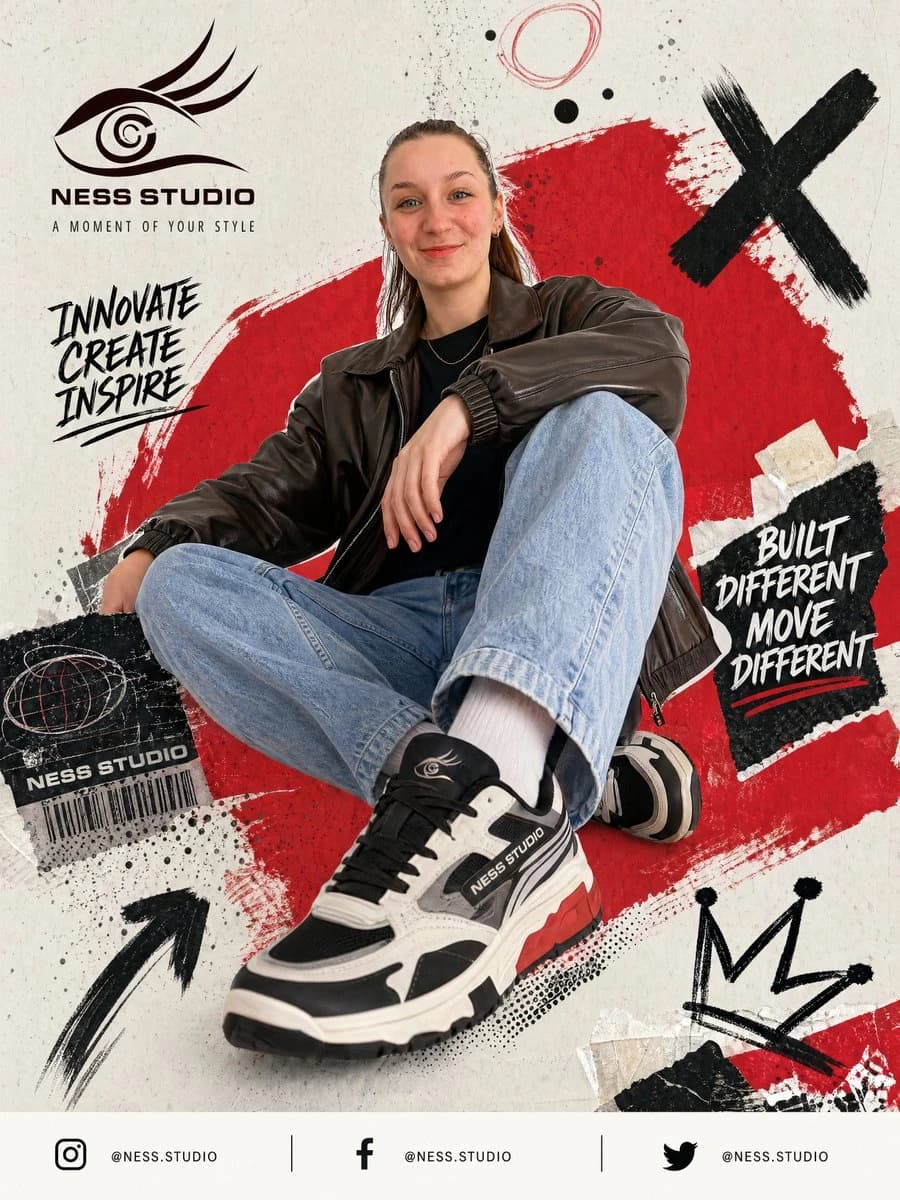
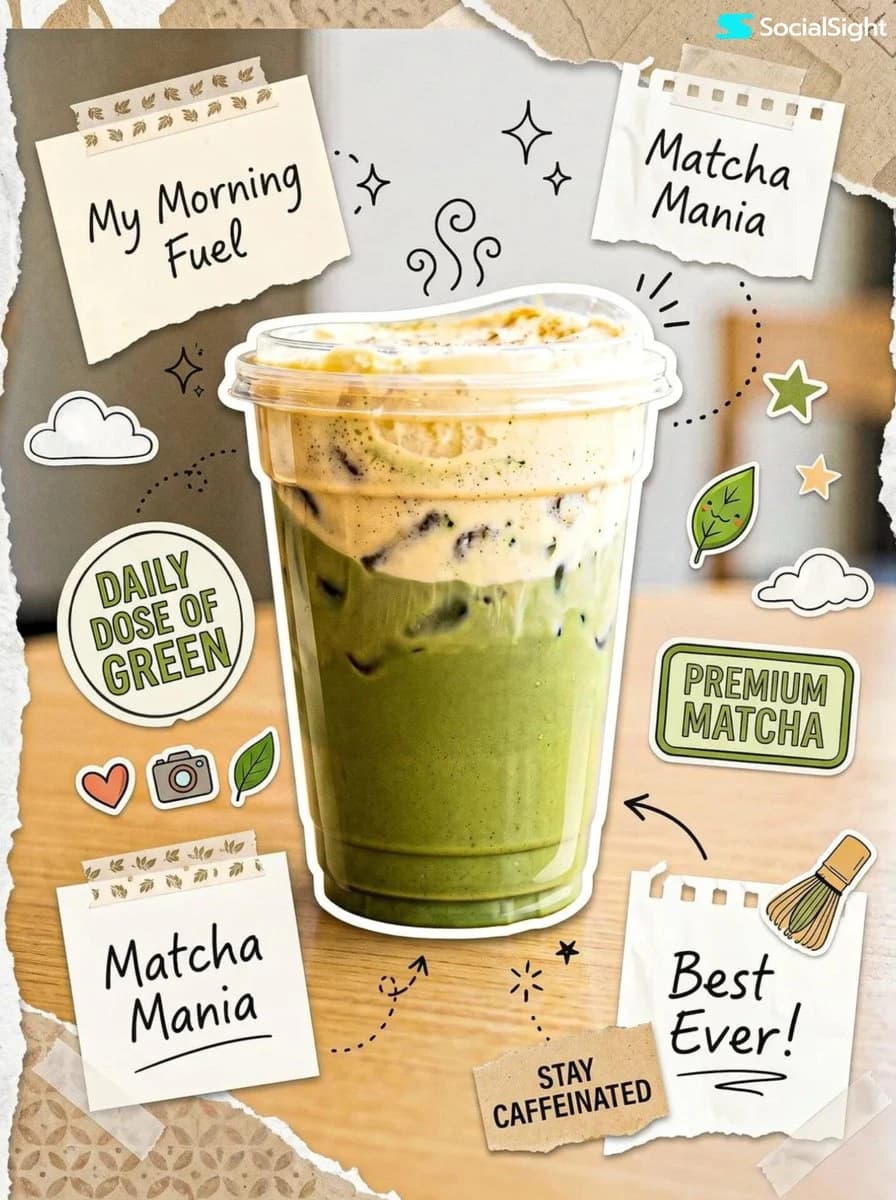
119 wordsEdit this image while preserving the original subject, composition, and background. Transform the scene into a “sticker reality” collage: * Add elements that look like physical stickers, paper cutouts, and taped notes layered over the image * Use slight misalignment and overlapping placement to create a natural scrapbook feel Incorporate hand-drawn doodles mixed with sticker-like graphics such as icons, shapes, and labels. Add subtle paper textures, torn edges, and tape details to enhance realism. Ensure the product remains the main focal point while the collage elements build around it. Balance the composition so it feels rich and layered but still visually pleasing, not cluttered. The final result should feel like a real photo transformed into a creative scrapbook composition.
About this prompt
Sticker Reality Product Collage is a ready-to-use ad creative prompt for GPT Image 2 on Image 2. Copy the 119 words below, paste them into the Create form, and you will get a result close to the preview above. Tweak the Product Ad, Ad Creative, Product tag if you want to push it somewhere new.
Use it as a starting point and keep iterating: change the subject, lighting, or composition until it looks right. The credit cost stays the same whether you run it as-is or remix it.
Use case
A strong starting point for Ad Creative
Start here when you want a ad creative image in the same direction as Sticker Reality Product Collage. The prompt already sets the look and structure; swap in your own subject, product, colors, or scene details for the brief you have in mind.
Easy places to tweak
- Subject Swap in your person, product, place, or object without changing the overall composition.
- Look and mood Tune the lighting, palette, camera angle, or materials so the image fits your brand.
- Final format Set the aspect ratio, background, text, or layout notes before you generate.
More prompt paths to explore
Find more GPT Image 2 prompts with a similar style, use case, or subject.
How to use it
- Step 1
Copy the prompt
Hit the Copy button above to grab the full text.
- Step 2
Open Image 2 Create
Head to the Create form and paste it in.
- Step 3
Generate
Hit Generate. Your version lands in seconds.
Make it yours
Load the prompt into the Create form with one click, then start tweaking.