Prompt
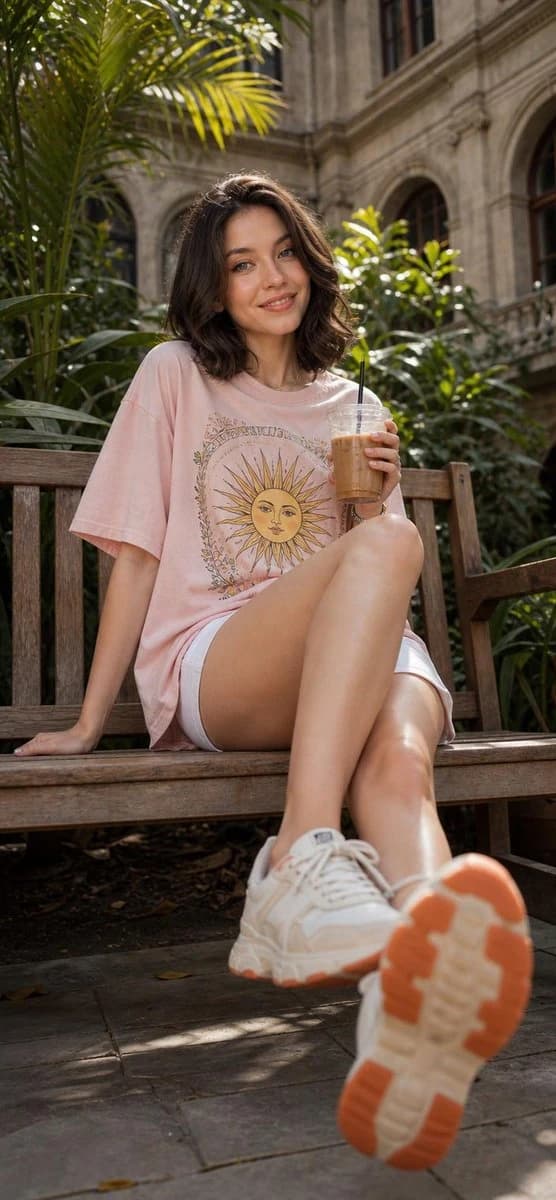
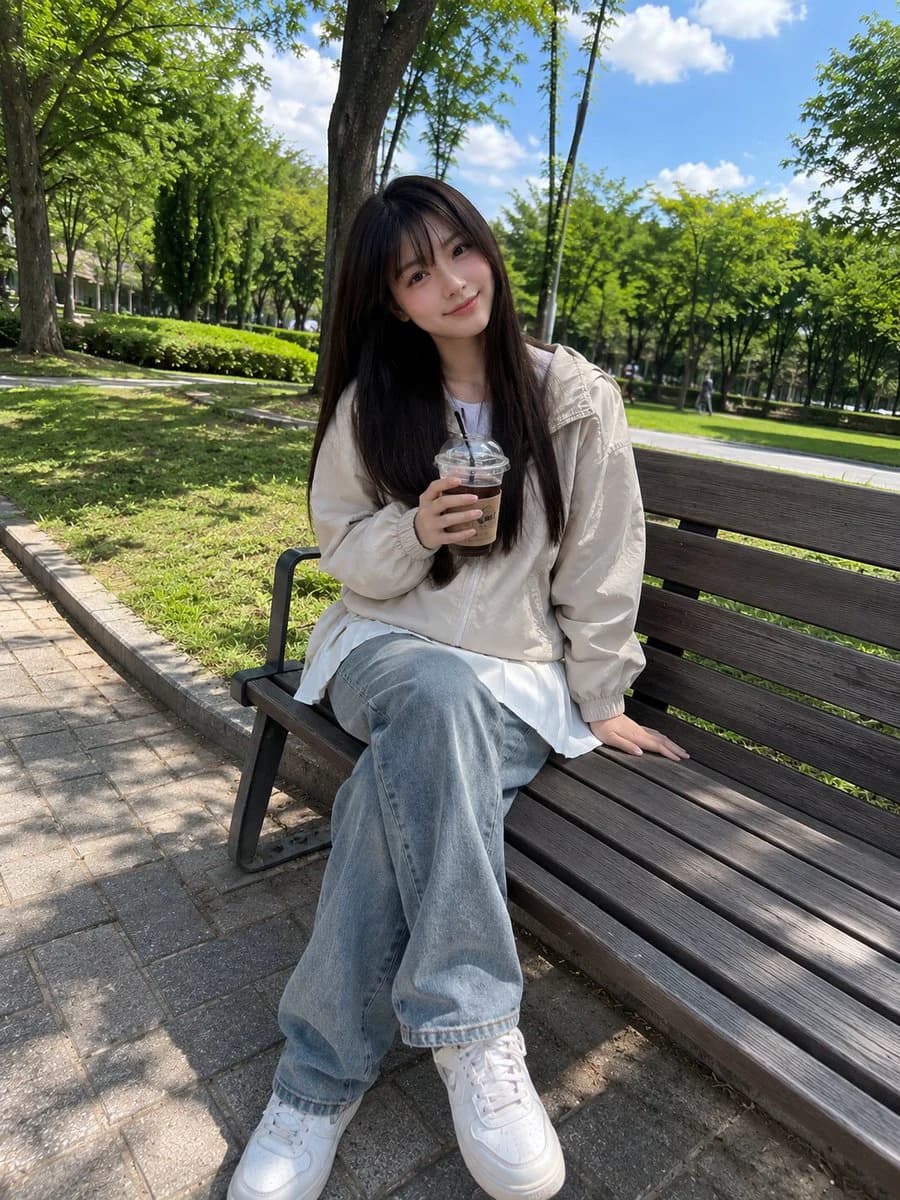
131 wordsBeautiful young Japanese girl with long straight dark brown hair and soft full bangs, fair skin, bright natural smile, sitting casually on a wooden park bench while holding an iced coffee cup. Wearing a light beige windbreaker jacket and a white pleated mini skirt, relaxed posture, one hand resting on the bench. Surrounded by a lush green park with tall trees, fresh grass, and a bright blue sky with soft clouds. Captured with a smartphone camera in portrait mode, casual everyday snapshot, natural daylight, handheld iPhone photo, slightly imperfect framing, realistic skin texture, natural colors, soft HDR phone processing, candid social-media aesthetic, no professional modeling, no studio lighting, no cinematic color grading, authentic mobile photography, ordinary park outing vibe, spontaneous moment, realistic shadows, subtle lens softness, photorealistic, high-quality phone camera image.
About this prompt
Park Bench Iced Coffee Portrait is a ready-to-use portrait prompt for GPT Image 2 on Image 2. Copy the 131 words below, paste them into the Create form, and you will get a result close to the preview above. Tweak the Social Media, Portrait, Food tag if you want to push it somewhere new.
Use it as a starting point and keep iterating: change the subject, lighting, or composition until it looks right. The credit cost stays the same whether you run it as-is or remix it.
Use case
A strong starting point for Portrait
Start here when you want a portrait image in the same direction as Park Bench Iced Coffee Portrait. The prompt already sets the look and structure; swap in your own subject, product, colors, or scene details for the brief you have in mind.
Easy places to tweak
- Subject Swap in your person, product, place, or object without changing the overall composition.
- Look and mood Tune the lighting, palette, camera angle, or materials so the image fits your brand.
- Final format Set the aspect ratio, background, text, or layout notes before you generate.
More prompt paths to explore
Find more GPT Image 2 prompts with a similar style, use case, or subject.
How to use it
- Step 1
Copy the prompt
Hit the Copy button above to grab the full text.
- Step 2
Open Image 2 Create
Head to the Create form and paste it in.
- Step 3
Generate
Hit Generate. Your version lands in seconds.
Make it yours
Load the prompt into the Create form with one click, then start tweaking.