Prompt
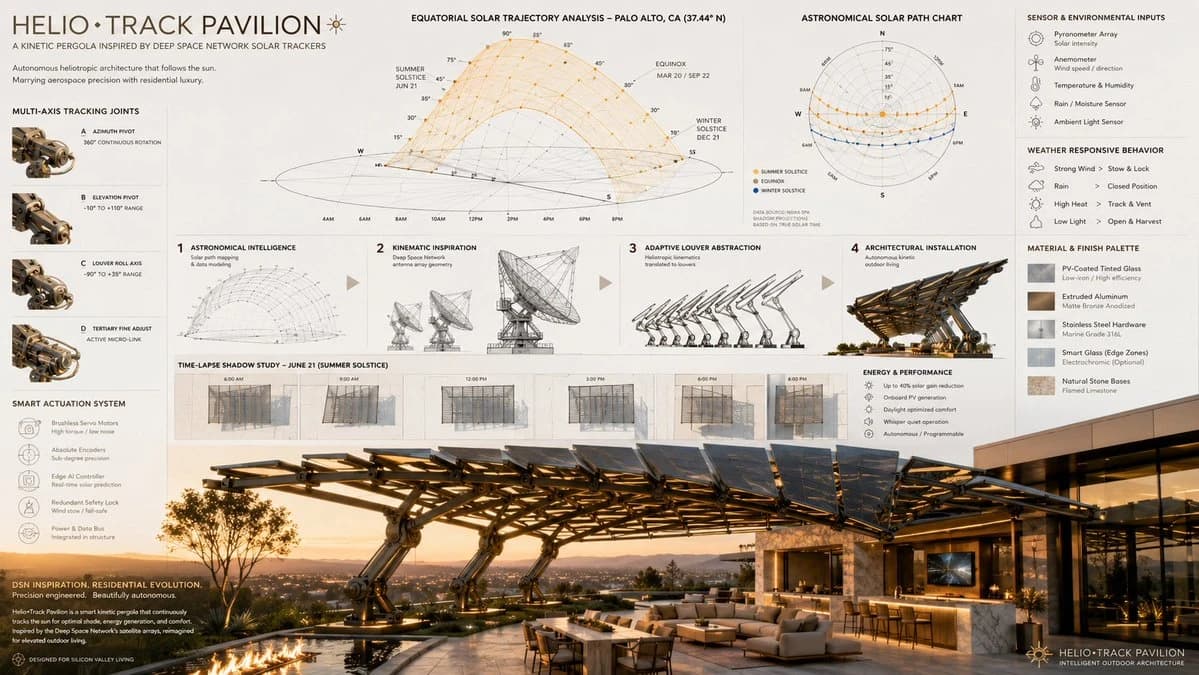
119 words16:9 autonomous kinetic architecture, the heliotropic tracking mechanics of [aerospace/solar tracking array] shaping an adaptive, luxury [outdoor architectural structure], sequence from [astronomical/solar path diagrams] to [robotic kinematic wireframes] to a programmable louvre abstraction to the final architectural installation, ai to infer smart-motor integration and weather-responsive materials utilizing [material 1] and [material 2], featuring time-lapse shadow projection diagrams, [aesthetic style] aesthetic, presentation layout: solar path charts at the top, robotic hinge details in the margins, stunning photorealistic architectural render below, [lighting style]. input: [deep space network satellite dish array], [smart kinetic patio pergola], [equatorial solar trajectory mapping], [multi-axis pivoting joint schematics], [photovoltaic-coated tinted glass], [extruded matte bronze aluminum], [contemporary silicon valley billionaire estate], [golden hour sunlight casting intricate geometric shadows]
About this prompt
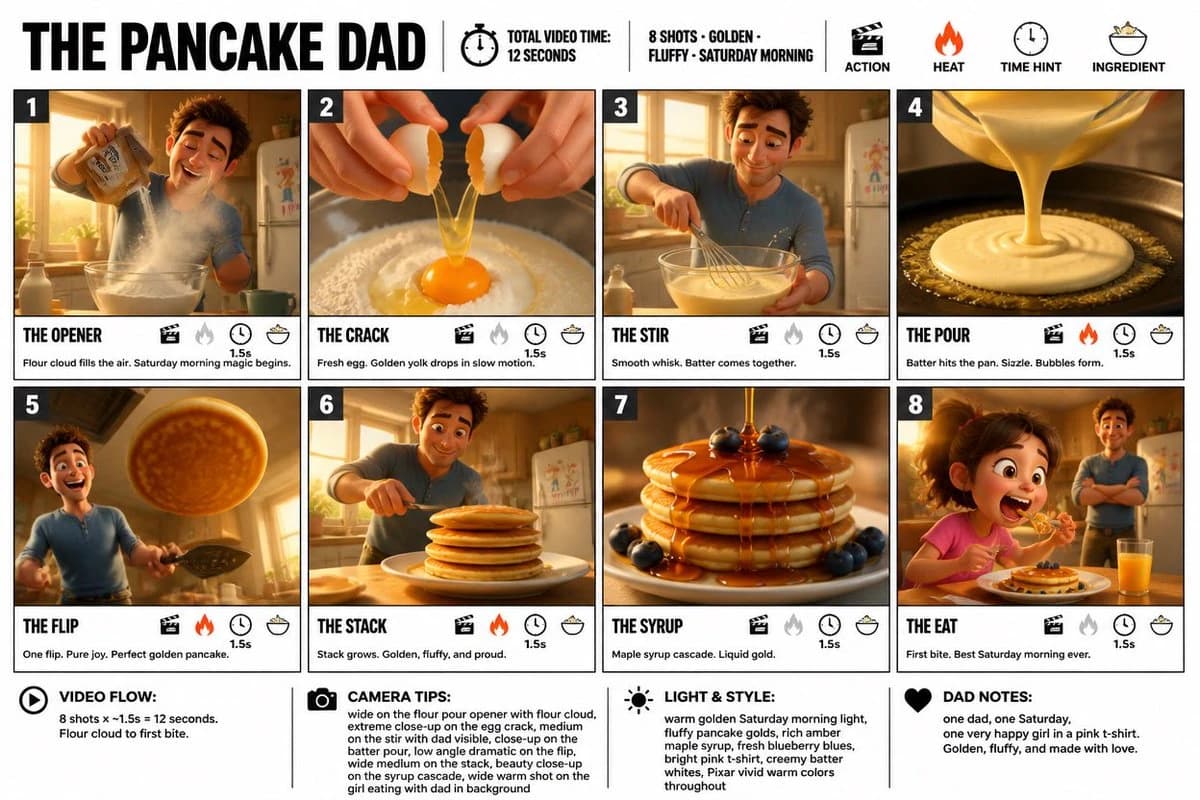
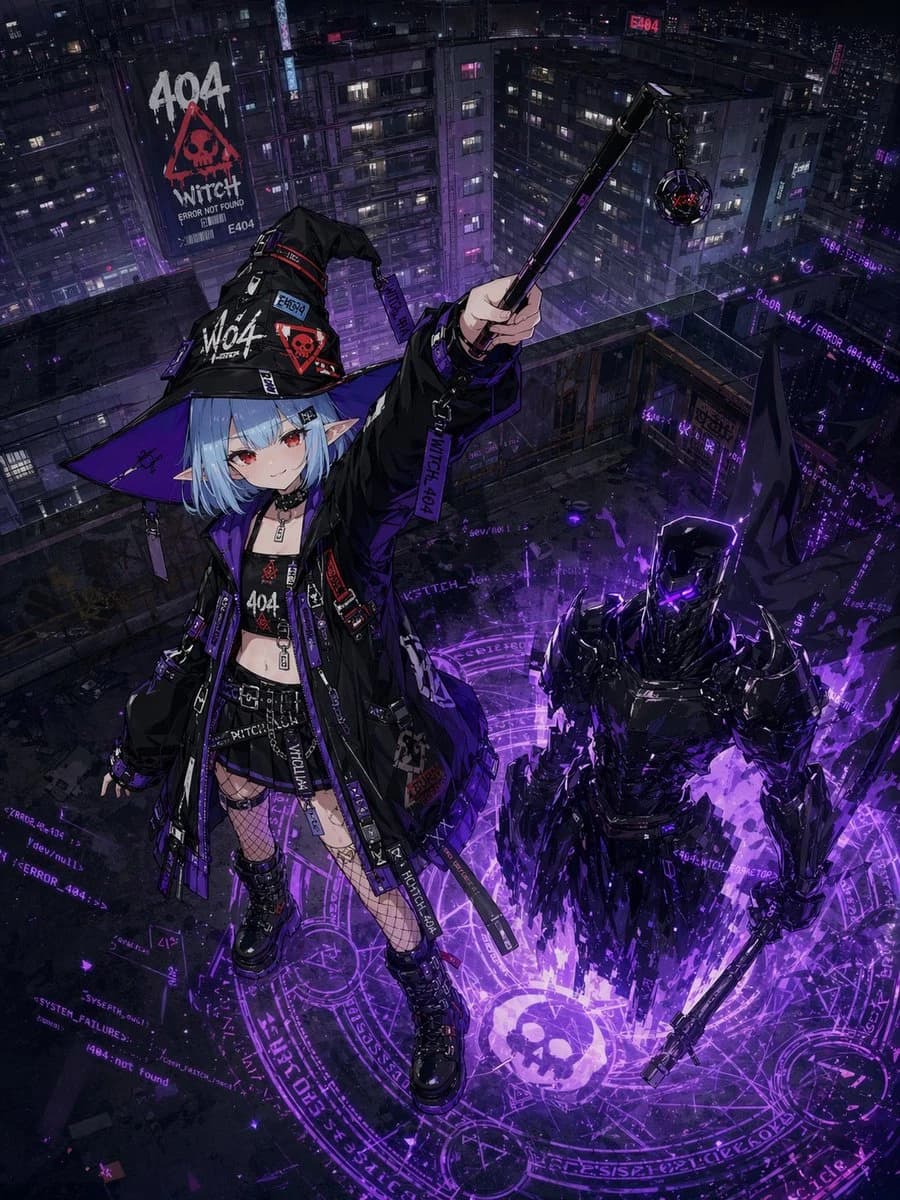
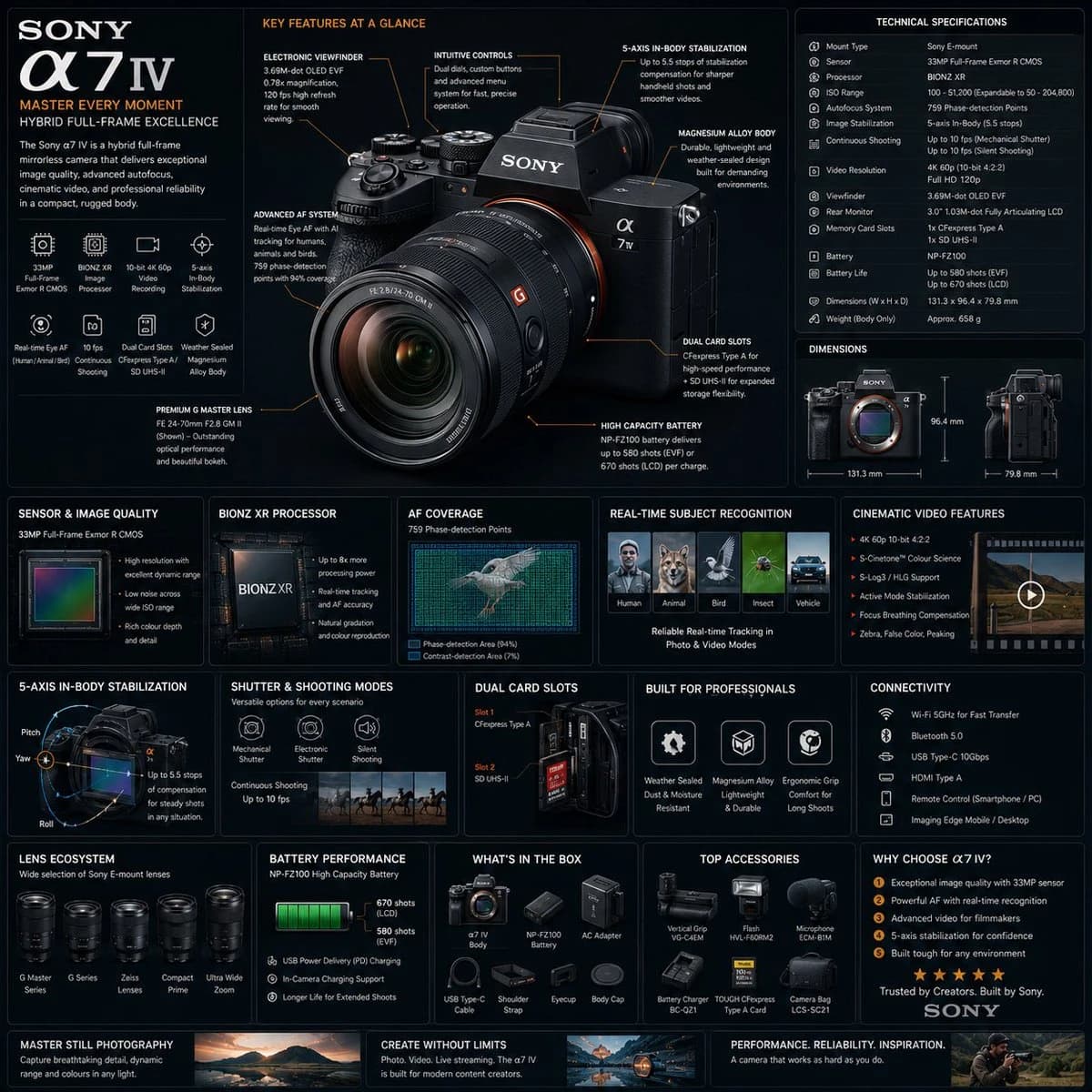
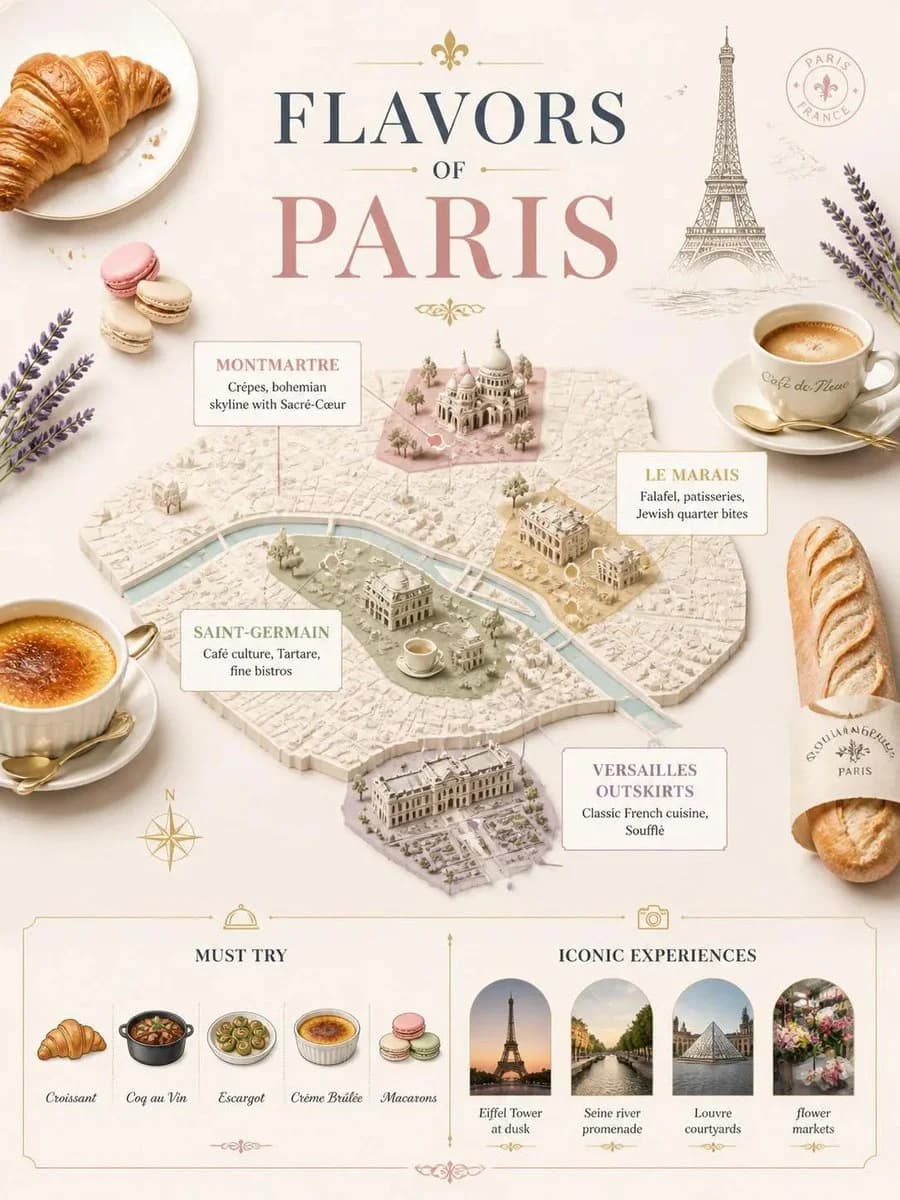
Heliotropic Architecture Board is a ready-to-use ui mockup prompt for GPT Image 2 on Image 2. Copy the 119 words below, paste them into the Create form, and you will get a result close to the preview above. Tweak the UI, Mockup, Architecture tag if you want to push it somewhere new.
Use it as a starting point and keep iterating: change the subject, lighting, or composition until it looks right. The credit cost stays the same whether you run it as-is or remix it.
Use case
A strong starting point for UI Mockup
Start here when you want a ui mockup image in the same direction as Heliotropic Architecture Board. The prompt already sets the look and structure; swap in your own subject, product, colors, or scene details for the brief you have in mind.
Easy places to tweak
- Subject Swap in your person, product, place, or object without changing the overall composition.
- Look and mood Tune the lighting, palette, camera angle, or materials so the image fits your brand.
- Final format Set the aspect ratio, background, text, or layout notes before you generate.
More prompt paths to explore
Find more GPT Image 2 prompts with a similar style, use case, or subject.
How to use it
- Step 1
Copy the prompt
Hit the Copy button above to grab the full text.
- Step 2
Open Image 2 Create
Head to the Create form and paste it in.
- Step 3
Generate
Hit Generate. Your version lands in seconds.
Make it yours
Load the prompt into the Create form with one click, then start tweaking.