Prompt
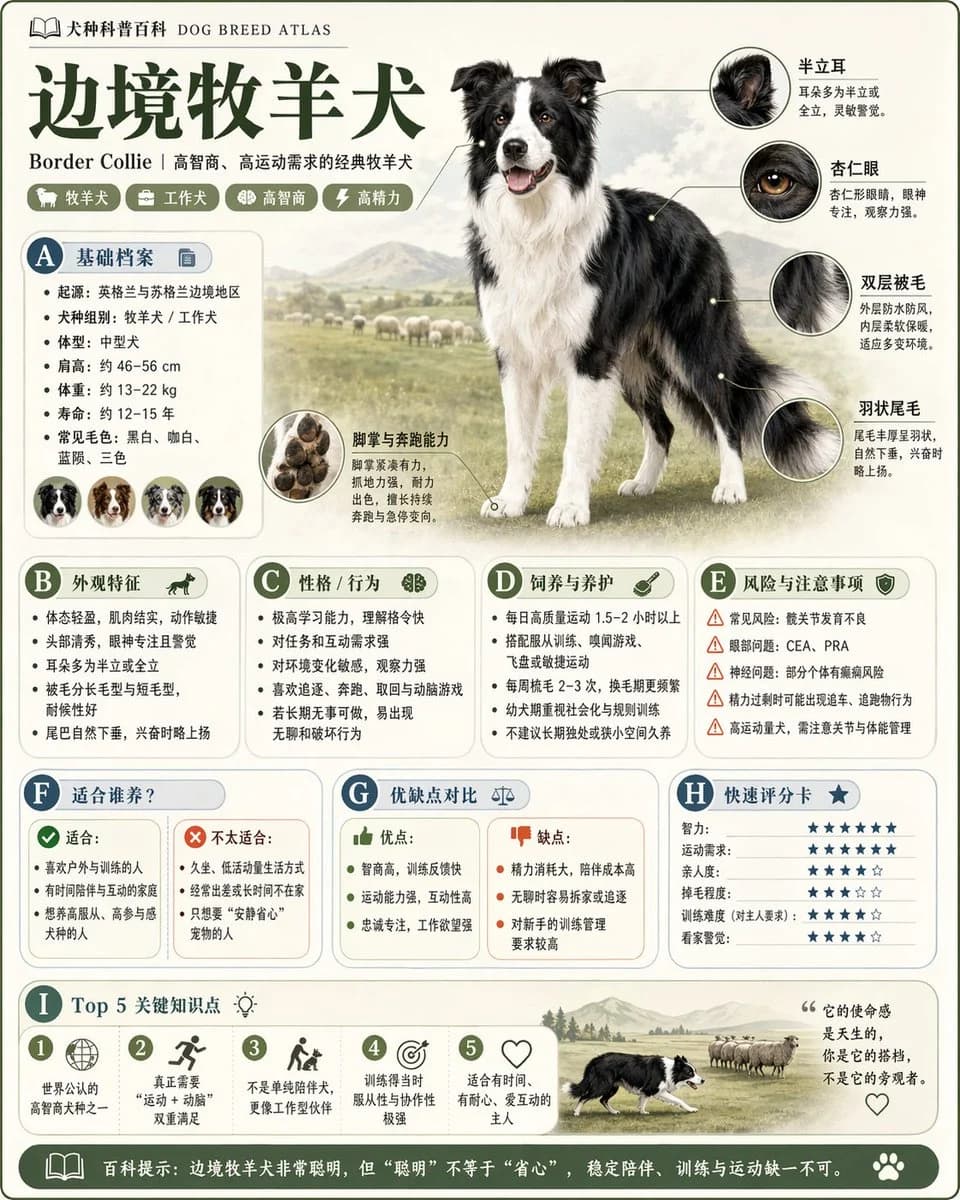
205 wordsCreate a high-quality vertical science encyclopedia infographic for [theme]. Make it feel less like a basic poster and more like a polished modular knowledge card with an encyclopedia, museum-guide, structured-information, and collectible reference-page aesthetic. The style should combine premium natural-history plates, modern encyclopedia spreads, lifestyle knowledge cards, and highly shareable social-media infographics. Include a clear and attractive main visual for the theme, several enlarged detail callouts, multiple rounded information modules, a strong title hierarchy, concise highlight tags, rich but readable educational copy, and a visual section such as ratings, key takeaways, or a Top 5 list. Adapt the content modules to the chosen theme. Use the most relevant mix of basic profile, classification, visual traits, behavior or ecology, formation process or structural makeup, growth or usage conditions, care and maintenance guidance, risks and cautions, suitable audiences or use cases, pros and cons, and a quick scoring card. Use a light clean background, soft coordinated colors, subtle shadows, refined small icons, rounded info boxes, tidy spacing, and dense information that still feels easy to read. The final image should look publishable, collectible, readable, and suitable for a repeatable encyclopedia-card series. Avoid a commercial advertising poster look. Emphasize knowledge organization, modular information design, and illustrated encyclopedia presentation.
About this prompt
Collectible Science Encyclopedia Card is a ready-to-use ui mockup prompt for GPT Image 2 on Image 2. Copy the 205 words below, paste them into the Create form, and you will get a result close to the preview above. Tweak the Product Ad, Infographic, UI tag if you want to push it somewhere new.
Use it as a starting point and keep iterating: change the subject, lighting, or composition until it looks right. The credit cost stays the same whether you run it as-is or remix it.
Use case
A strong starting point for UI Mockup
Start here when you want a ui mockup image in the same direction as Collectible Science Encyclopedia Card. The prompt already sets the look and structure; swap in your own subject, product, colors, or scene details for the brief you have in mind.
Easy places to tweak
- Subject Swap in your person, product, place, or object without changing the overall composition.
- Look and mood Tune the lighting, palette, camera angle, or materials so the image fits your brand.
- Final format Set the aspect ratio, background, text, or layout notes before you generate.
More prompt paths to explore
Find more GPT Image 2 prompts with a similar style, use case, or subject.
How to use it
- Step 1
Copy the prompt
Hit the Copy button above to grab the full text.
- Step 2
Open Image 2 Create
Head to the Create form and paste it in.
- Step 3
Generate
Hit Generate. Your version lands in seconds.
Make it yours
Load the prompt into the Create form with one click, then start tweaking.