Prompt
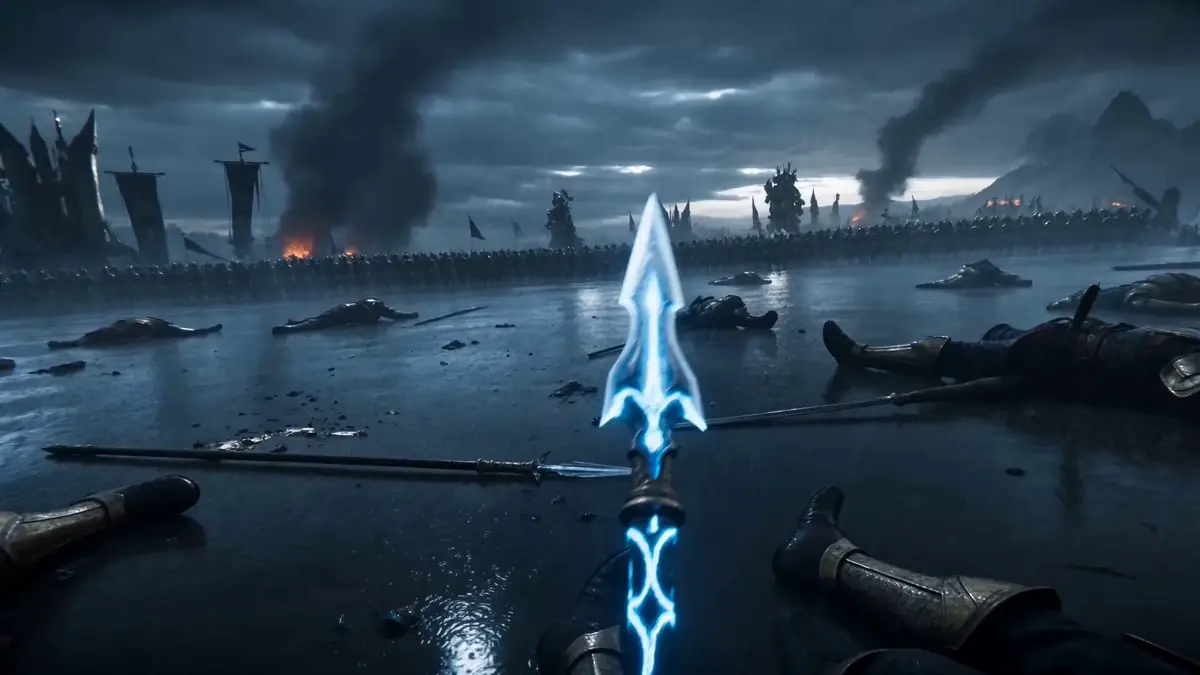
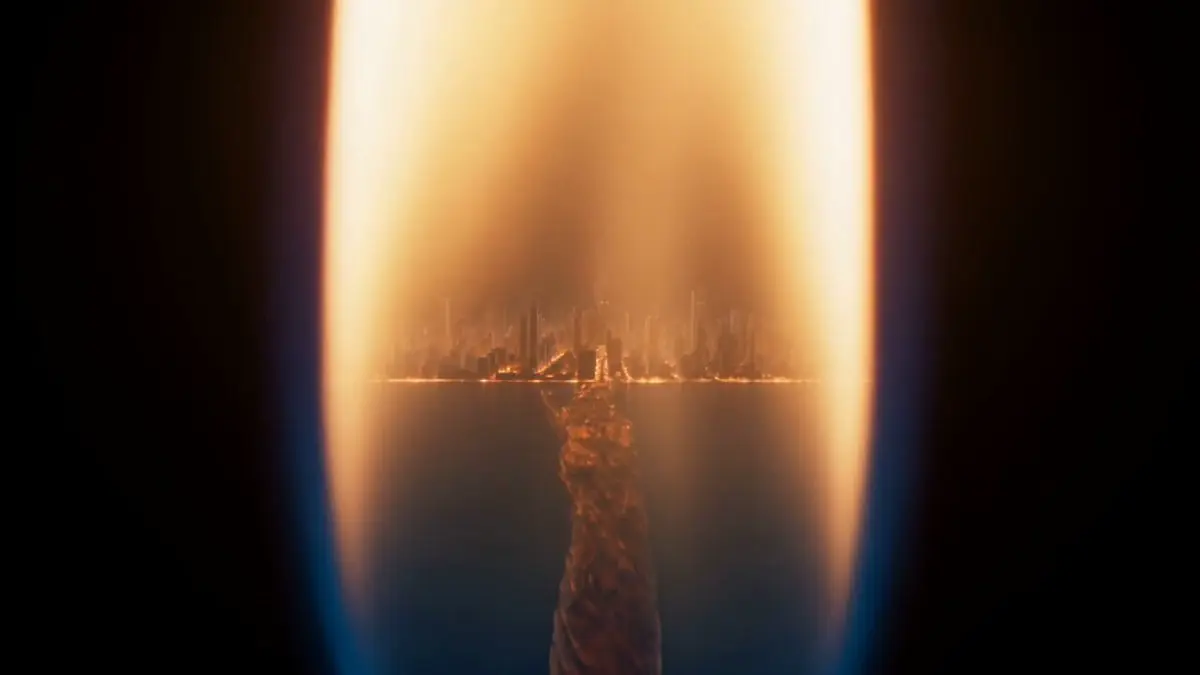
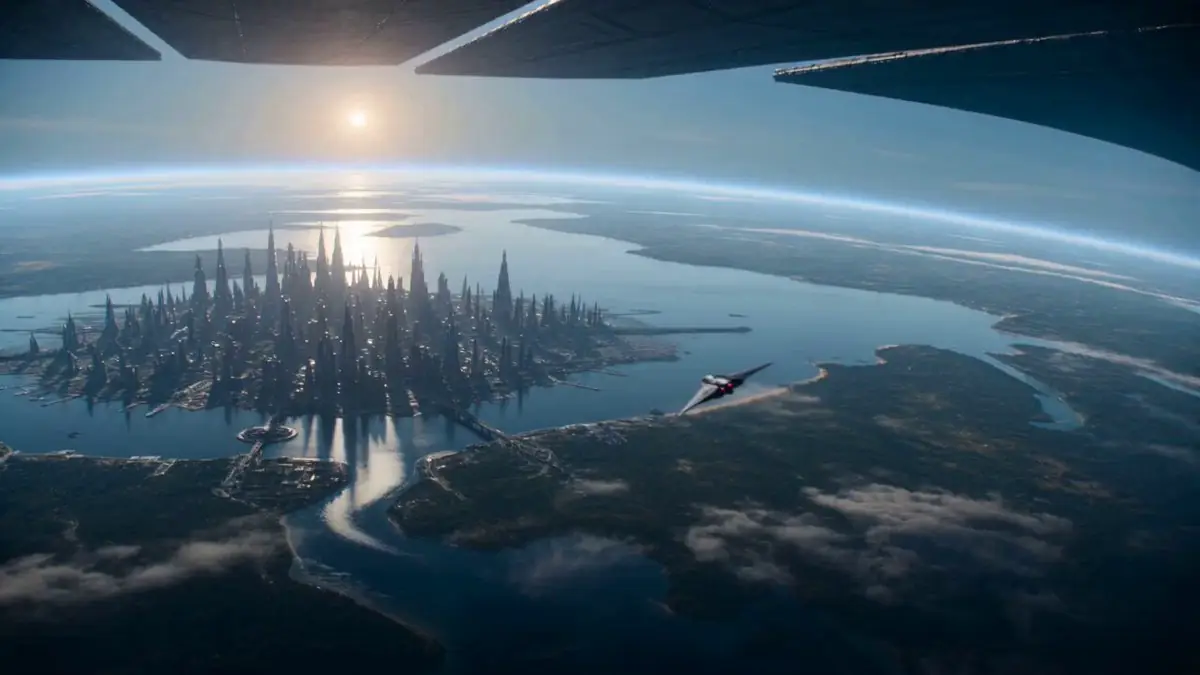
74 wordsA cinematic 10-second sequence of a lone astronaut standing at the open airlock of a massive space station, taking one final look at Earth before fearlessly leaping into space, free-falling toward the planet as the camera follows from multiple epic angles, with realistic zero-gravity physics, breathtaking views of Earth, dramatic sunlight, and the astronaut igniting into a blazing trail upon entering the atmosphere, rendered in ultra-realistic IMAX quality with cinematic lighting and seamless motion.
About this prompt
Cinematic Astronaut Space Leap is a VFX Seedance 2.0 prompt with 74 words, structured around shot timing, camera direction, motion cues, and remixable scene details.
Use the preview clip when available to understand pacing, then treat the prompt text as a production brief you can adapt for your own subject, brand, or story.
Video prompt structure
Use it for VFX videos
Best for Seedance 2.0 generations that need VFX, Multi-Shot. Replace the subject, setting, product, dialogue, music, and timing before sending it to the generator.
Customize before generating
- Swap the subject. Keep the camera and timing structure, but change the character, product, or environment.
- Tighten the timeline. Shorten or expand shot blocks so they match the duration you want to render.
- Add reference media. Use first frames, last frames, images, video, or audio when the prompt depends on a specific look or rhythm.
More Seedance paths to explore
Browse adjacent styles and techniques from the same Seedance 2.0 prompt library.
How to use it
- Step 1
Copy or start from this prompt
Use the full prompt as a structured draft rather than rewriting the whole video brief.
- Step 2
Open Seedance 2.0
Send the text into the Seedance generator and choose text, image, or reference mode.
- Step 3
Adapt and render
Tune duration, aspect ratio, reference media, camera notes, and dialogue before generating.
Make it a Seedance video
Start from this prompt in the Seedance 2.0 generator, then adjust the scene, duration, aspect ratio, and reference media.