Prompt
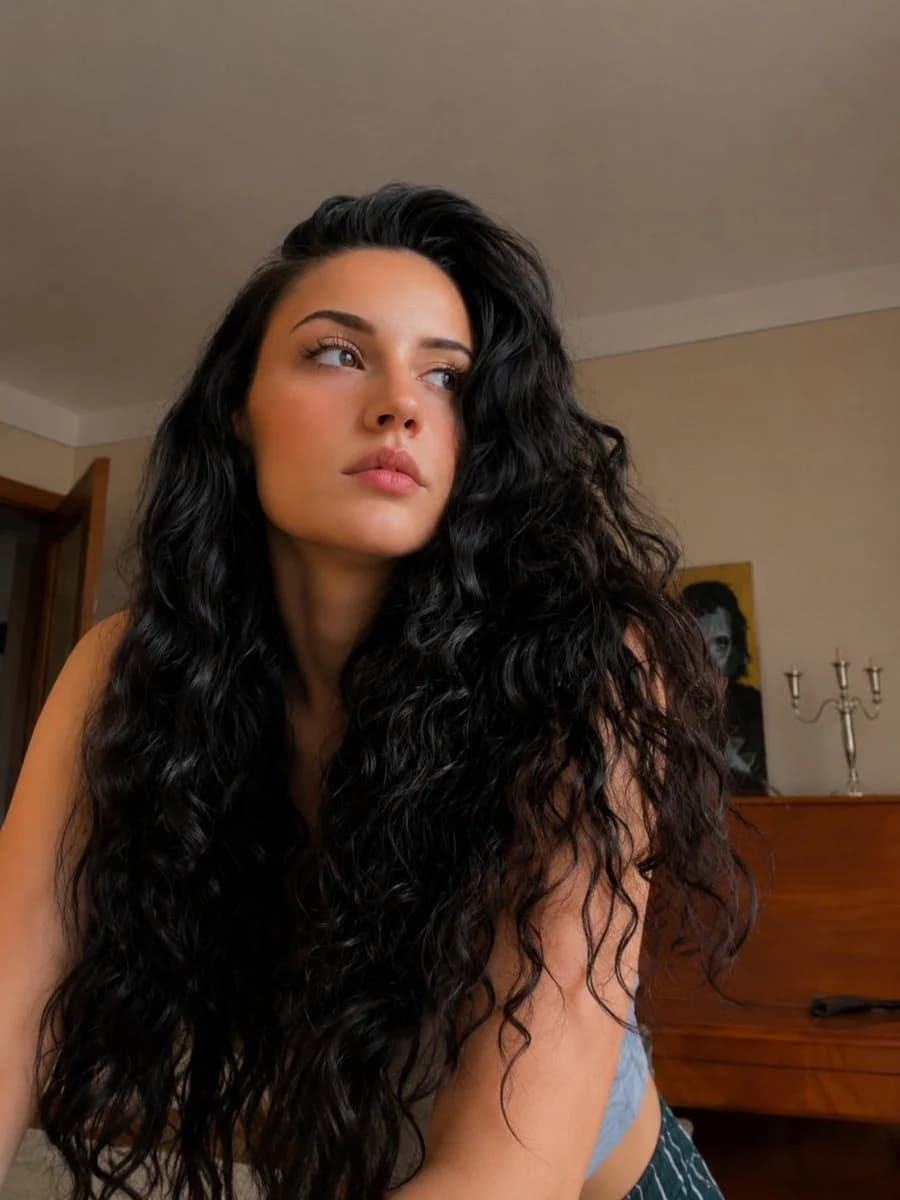
365 wordsUse the attached image only as a strong visual inspiration for the subject's hairstyle, overall facial proportions, natural beauty, and general aesthetic,
while ensuring the generated subject remains fully original, non-identifiable, and not a face copy.
Scene
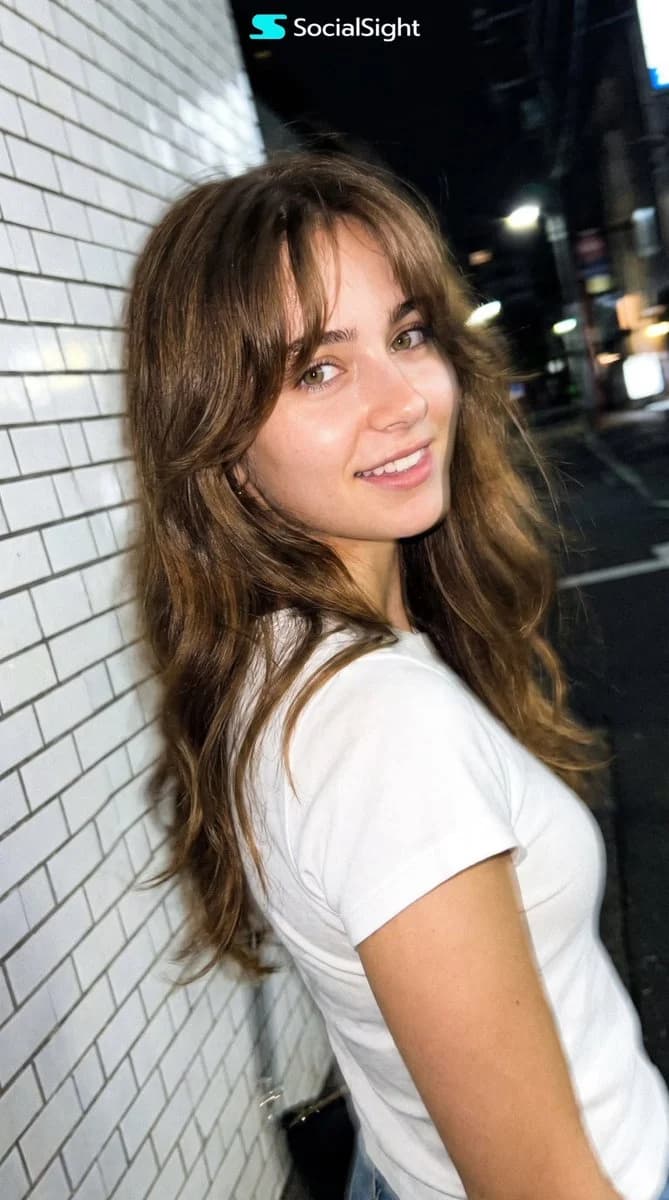
Nighttime on a quiet Tokyo city sidewalk beside a building with white ceramic tile walls.
The subject is walking past the camera, partially side-on, captured mid-step in a natural, spontaneous moment.
Appearance
A {argument name="subject" default="young woman"} with long {argument name="hair color" default="chestnut-brown"} layered hair, soft curtain bangs, fair natural skin, hazel-green eyes, subtle natural makeup, and delicate European facial features inspired by the reference image while remaining an original, non-identifiable person.
She is wearing a plain fitted {argument name="outfit" default="white T-shirt"} with short sleeves, no logos, no graphics, no accessories or outerwear.
Pose & Expression
The subject casually turns her head slightly toward the camera while continuing to walk forward.
She wears a relaxed, genuine, natural smile with a warm and friendly expression.
Her body remains angled in half-profile as she continues walking.
The framing is slightly imperfect, as if captured quickly while passing by.
Camera & Motion
Shot on a modern smartphone, handheld, rushed capture. Strong uncontrolled camera shake. Heavy directional motion blur across the hair, face, and body. Facial features appear naturally softened by motion blur without becoming unrecognizable. Partial ghosting around the moving body. Imperfect framing, subject nearly leaving the frame.
Lighting
Flash-only lighting fired mid-motion. Harsh flash highlights on the face and white T-shirt. Deep surrounding darkness. Uneven exposure, blown highlights, hard shadows typical of hurried night smartphone photography.
Background
White ceramic tile wall stretches into streaked light bands due to motion blur. Street surroundings fade into darkness with minimal readable detail.
Mood
Natural, candid, friendly, relaxed, authentic. Feels like a genuine spontaneous smartphone snapshot captured while passing by.
Image Quality
Extremely noisy. Heavily blurred. Raw smartphone look. Not cinematic. Not editorial. Not polished.
Negative Prompt
anime, illustration, painting, stylized,
studio lighting, beauty lighting, soft portrait,
sharp focus, clean face, perfect anatomy, smooth skin,
fashion editorial, posed portrait, cinematic grading, film still,
tripod shot, professional photography,
hoodie, jacket, coat, sweater, blouse, dress, printed clothing, logos, accessories,
identity match, face copy, real person replicationAbout this prompt
Candid Tokyo Night Smartphone Snapshot is a ready-to-use social media prompt for GPT Image 2 on Image 2. Copy the 365 words below, paste them into the Create form, and you will get a result close to the preview above. Tweak the Social Media, Portrait, Fashion tag if you want to push it somewhere new.
Use it as a starting point and keep iterating: change the subject, lighting, or composition until it looks right. The credit cost stays the same whether you run it as-is or remix it.
Use case
A strong starting point for Social Media
Start here when you want a social media image in the same direction as Candid Tokyo Night Smartphone Snapshot. The prompt already sets the look and structure; swap in your own subject, product, colors, or scene details for the brief you have in mind.
Easy places to tweak
- Subject Swap in your person, product, place, or object without changing the overall composition.
- Look and mood Tune the lighting, palette, camera angle, or materials so the image fits your brand.
- Final format Set the aspect ratio, background, text, or layout notes before you generate.
More prompt paths to explore
Find more GPT Image 2 prompts with a similar style, use case, or subject.
How to use it
- Step 1
Copy the prompt
Hit the Copy button above to grab the full text.
- Step 2
Open Image 2 Create
Head to the Create form and paste it in.
- Step 3
Generate
Hit Generate. Your version lands in seconds.
Make it yours
Load the prompt into the Create form with one click, then start tweaking.