Prompt
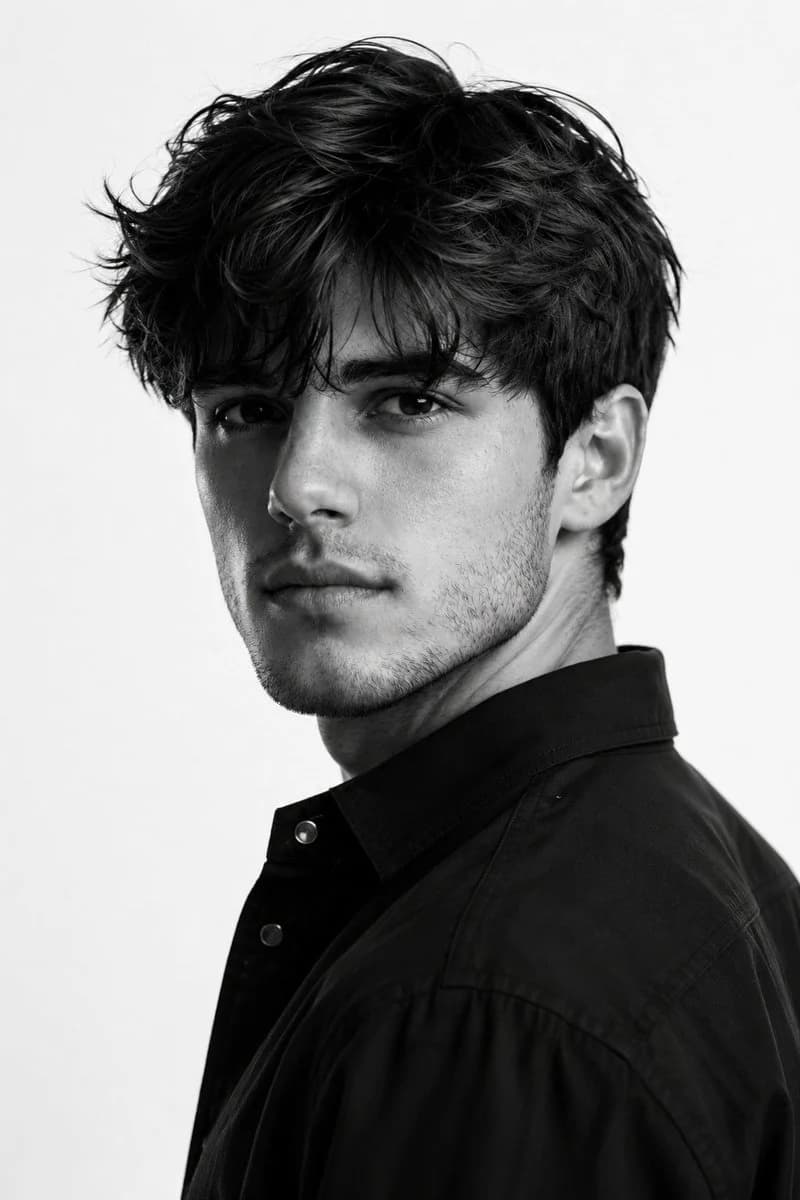
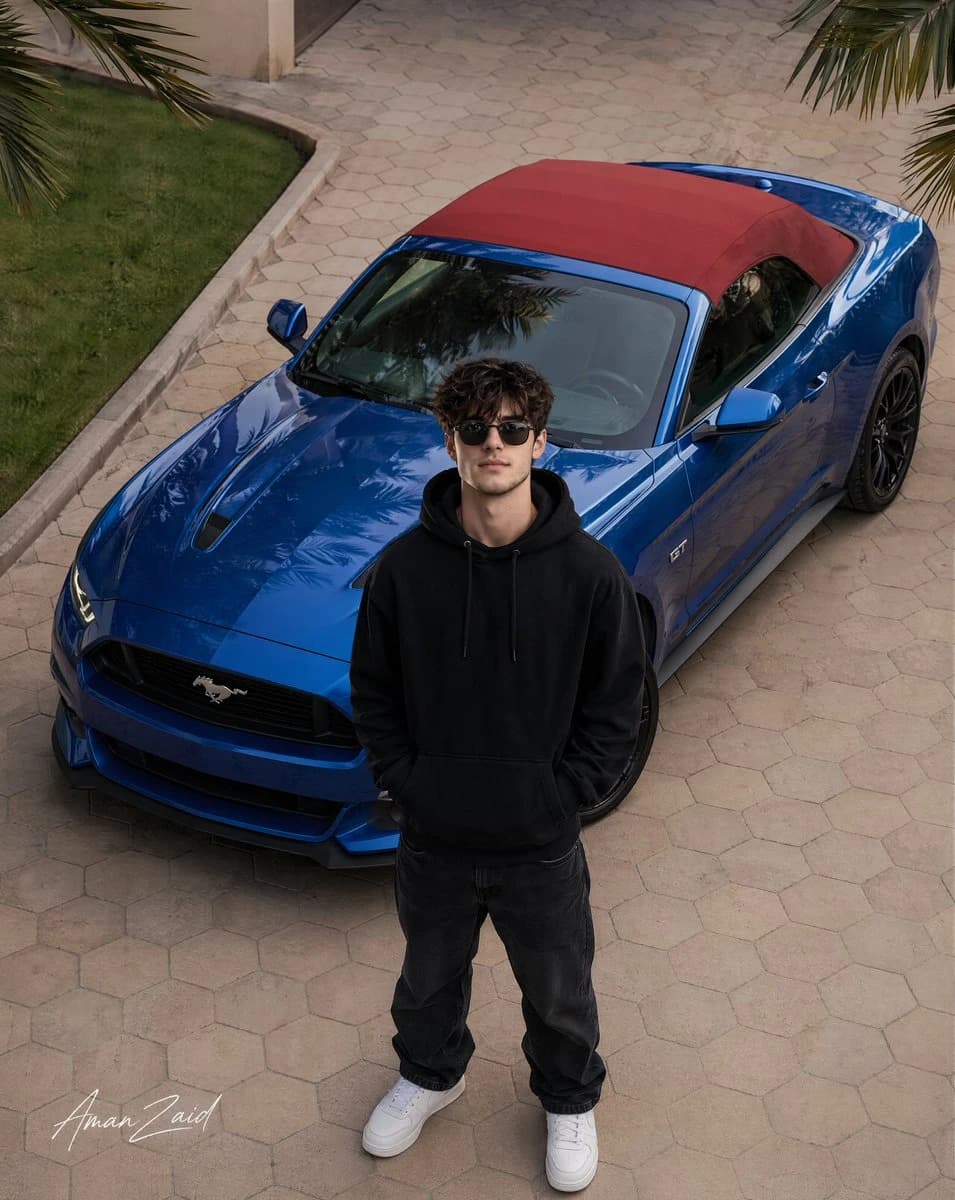
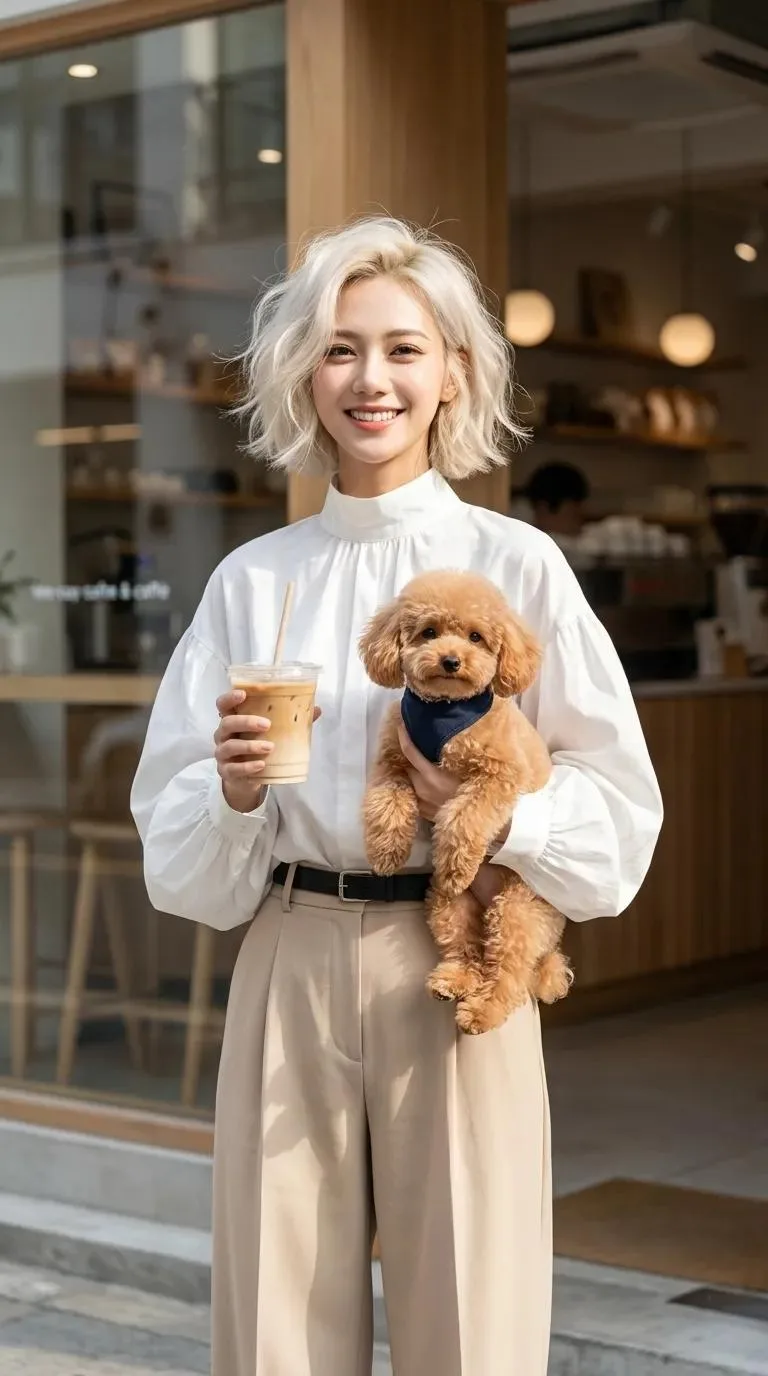
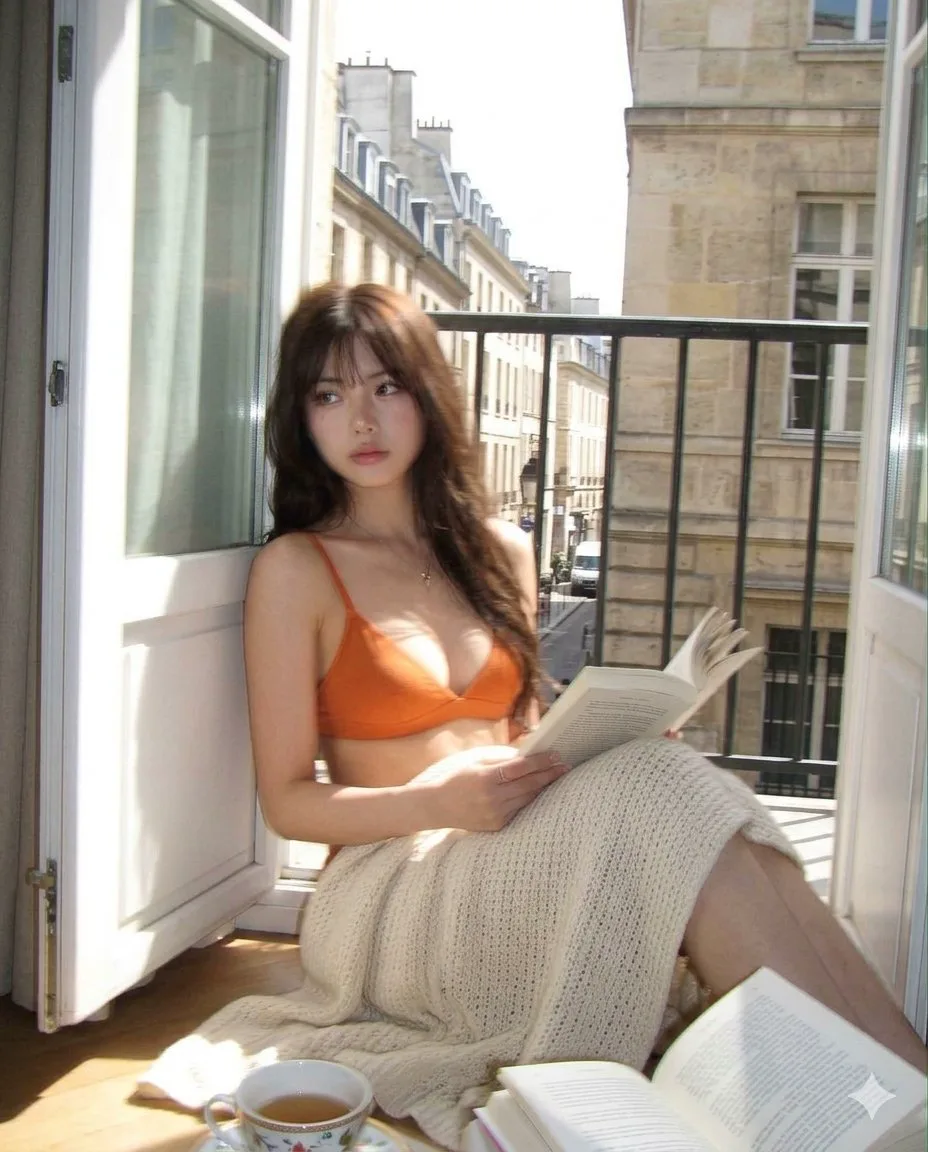
424 words[Subject] Refer to Image 1 and Image 2 [Signature] At the bottom right, there is a small Threads logo operated by Meta, and above it, "{argument name="signature" default="CHAse"}" is written in small white cursive like a signature.
[Pose and Expression]
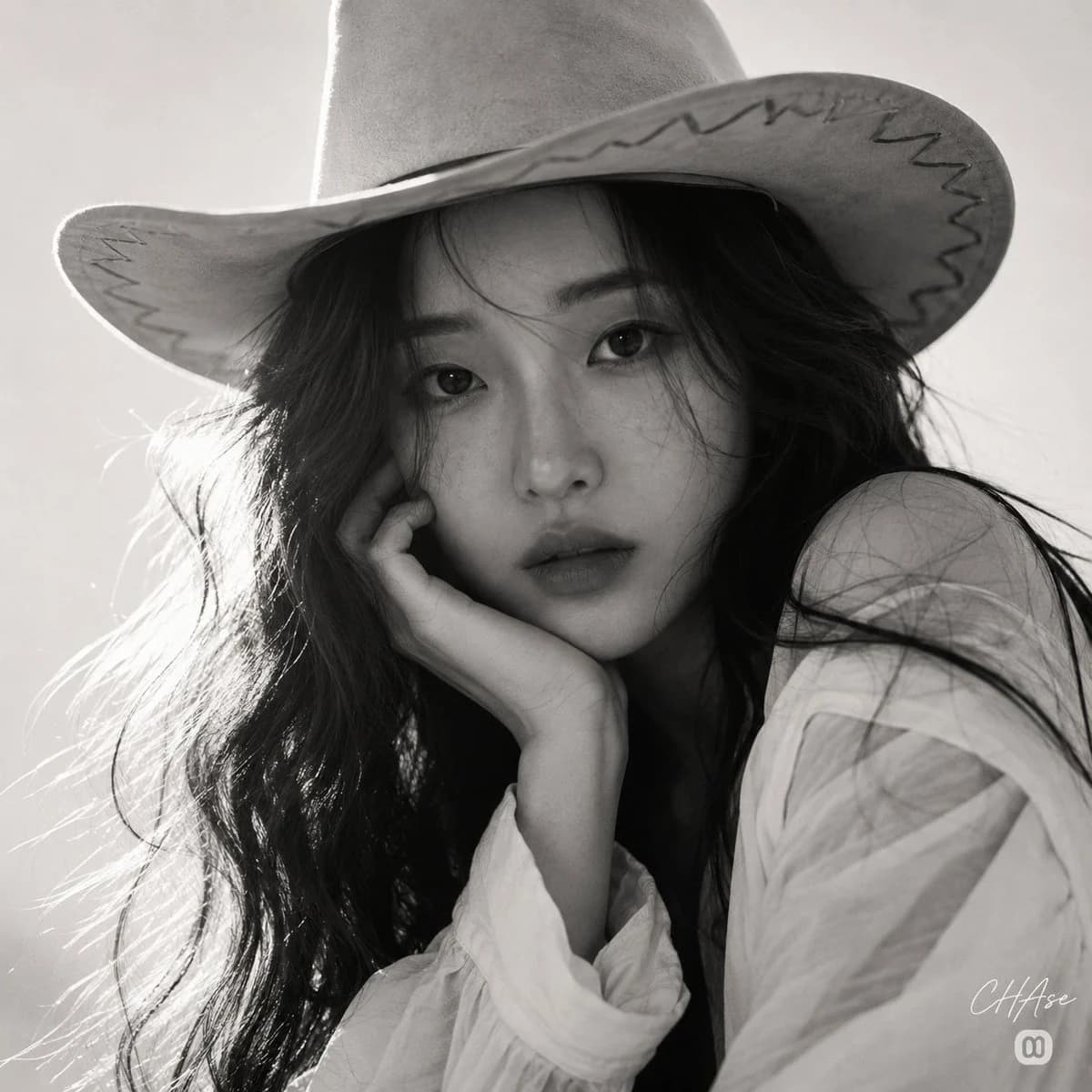
A portrait pose looking directly at the camera with the chin resting on the palm of the right hand. The intense and deep gaze through the stray hairs overwhelms the viewer, and the serious and dreamy expression with slightly closed lips exudes a romantic yet lonely charisma.
[Clothing]
A {argument name="hat style" default="wide-brim cowboy hat"} with unique zigzag stitch decorations along the edge is pressed down low on the head. The subject wears a white blouse, showing a natural Western-inspired look.
[Hairstyle and Makeup Details]
Long, wavy hair with a messy, roughly groomed texture. Strands of stray hair naturally cover the face line and eyes, creating a raw and free mood. The makeup is a minimal look that preserves freckles and the skin's natural texture, with the depth of the lips and eyes emphasized in the black-and-white contrast.
[Lighting and Direction]
Dramatic backlighting coming strongly from the back-left of the figure is the main light source. This intense light creates a dazzling rim light highlight along the outline of the messy hair and the edge of the hat brim, while the front of the face is submerged in soft shadow, maximizing the depth and three-dimensionality of the features.
[Texture and Color Mood]
Expressed in a classic {argument name="color tone" default="Monochrome"}, focusing entirely on the contrast of light and shadow without color interference. The fine texture of thick hair, the matte and soft leather or felt texture of the hat, and the smooth skin texture contrast vividly within a deep grayscale, creating an artistic and sensual fine-art pictorial mood.
[Film and Camera Specs]
Shot using a f/2.0 aperture, 1/250s shutter speed, ISO 400, and an 85mm telephoto prime lens. A tight close-up shot captured at eye level to fully immerse in the subject's intense gaze and expression. Shallow depth of field is applied, focusing sharply on the eyes and front of the face while softly blurring the back of the hat and the ends of the hair. The subtle film grain characteristic of high-sensitivity black-and-white film completes the classic cinematic sensibility.
[Background (Optional)]
A minimal, flat, light-toned background with no details to highlight the silhouette of the subject and hat. By excluding complex visual elements, the focus is entirely on the emotional line and formal beauty of the foreground figure.
Set aspect ratio to 1:1.About this prompt
Monochrome Western Cowgirl Portrait is a ready-to-use portrait prompt for GPT Image 2 on Image 2. Copy the 424 words below, paste them into the Create form, and you will get a result close to the preview above. Tweak the Portrait, Fashion, Beauty tag if you want to push it somewhere new.
Use it as a starting point and keep iterating: change the subject, lighting, or composition until it looks right. The credit cost stays the same whether you run it as-is or remix it.
Use case
A strong starting point for Portrait
Start here when you want a portrait image in the same direction as Monochrome Western Cowgirl Portrait. The prompt already sets the look and structure; swap in your own subject, product, colors, or scene details for the brief you have in mind.
Easy places to tweak
- Subject Swap in your person, product, place, or object without changing the overall composition.
- Look and mood Tune the lighting, palette, camera angle, or materials so the image fits your brand.
- Final format Set the aspect ratio, background, text, or layout notes before you generate.
More prompt paths to explore
Find more GPT Image 2 prompts with a similar style, use case, or subject.
How to use it
- Step 1
Copy the prompt
Hit the Copy button above to grab the full text.
- Step 2
Open Image 2 Create
Head to the Create form and paste it in.
- Step 3
Generate
Hit Generate. Your version lands in seconds.
Make it yours
Load the prompt into the Create form with one click, then start tweaking.