プロンプト
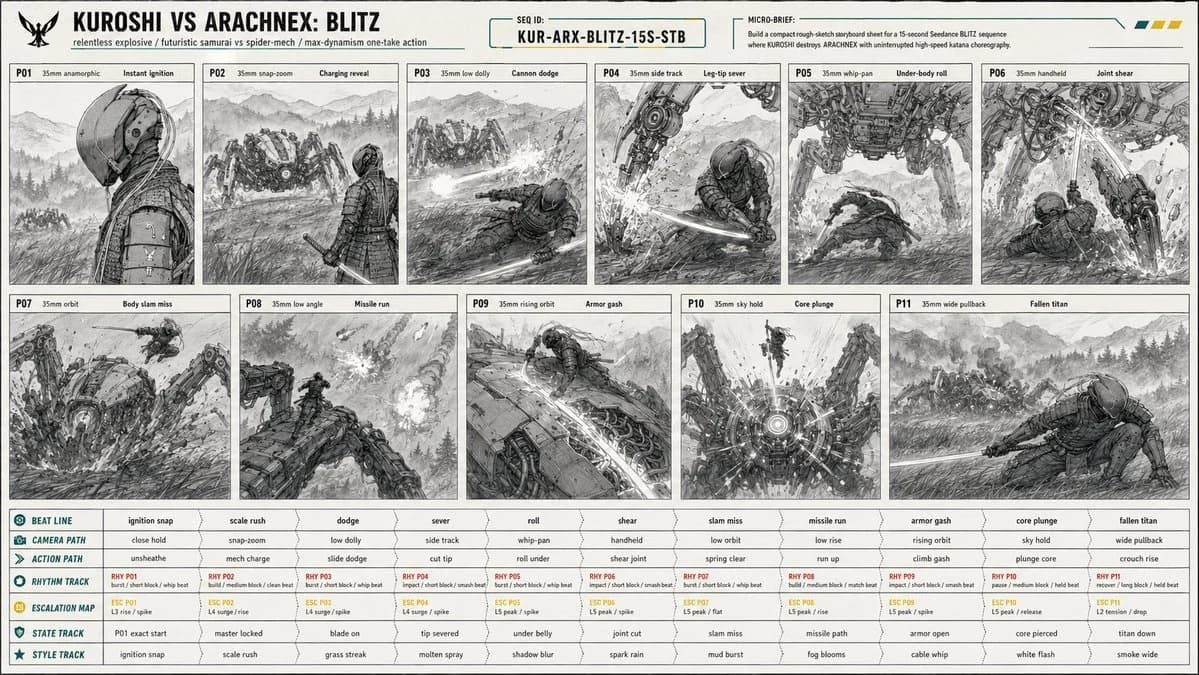
1166 語Create a 16:9 image. [PROJECT CARD] Create a compact designed masthead, not a table. TITLE: KUROSHI VS ARACHNEX: BLITZ META LINE: relentless explosive / futuristic samurai vs spider-mech / max-dynamism one-take action PRIORITY: constant motion readability, one-take camera continuity, leg-cut and core-kill clarity, massive scale contrast MICRO BRIEF: Build a compact rough-sketch storyboard sheet for a 15-second Seedance BLITZ sequence where KUROSHI destroys ARACHNEX with uninterrupted high-speed katana choreography. [CONTINUITY HEADER] SEQUENCE ID: KUR-ARX-BLITZ-15S-STB REFERENCE PRIORITY: @image1 controls C1 KUROSHI identity, wardrobe, armor, helmet, cables, katana, proportions; @image2 controls C2 ARACHNEX identity, weapon layout, eight-leg structure, scale, armor; @image3 controls P01 starting-frame composition exactly; storyboard controls staging, camera sampling, movement, geography, damage continuity. [SCENE PACKET] PREMISE: KUROSHI erupts from a cold starting-frame profile into a relentless one-take fight, sprinting through ARACHNEX's attacks, climbing the machine, and killing it through the sensor core. LOCATION: open Japanese mountain field at blue hour, ankle-high wind-blown grass, wet earth, ground mist, distant pine ridges, layered mountain silhouettes, wide sky, no buildings, no roads, no extra fighters.
このプロンプトについて
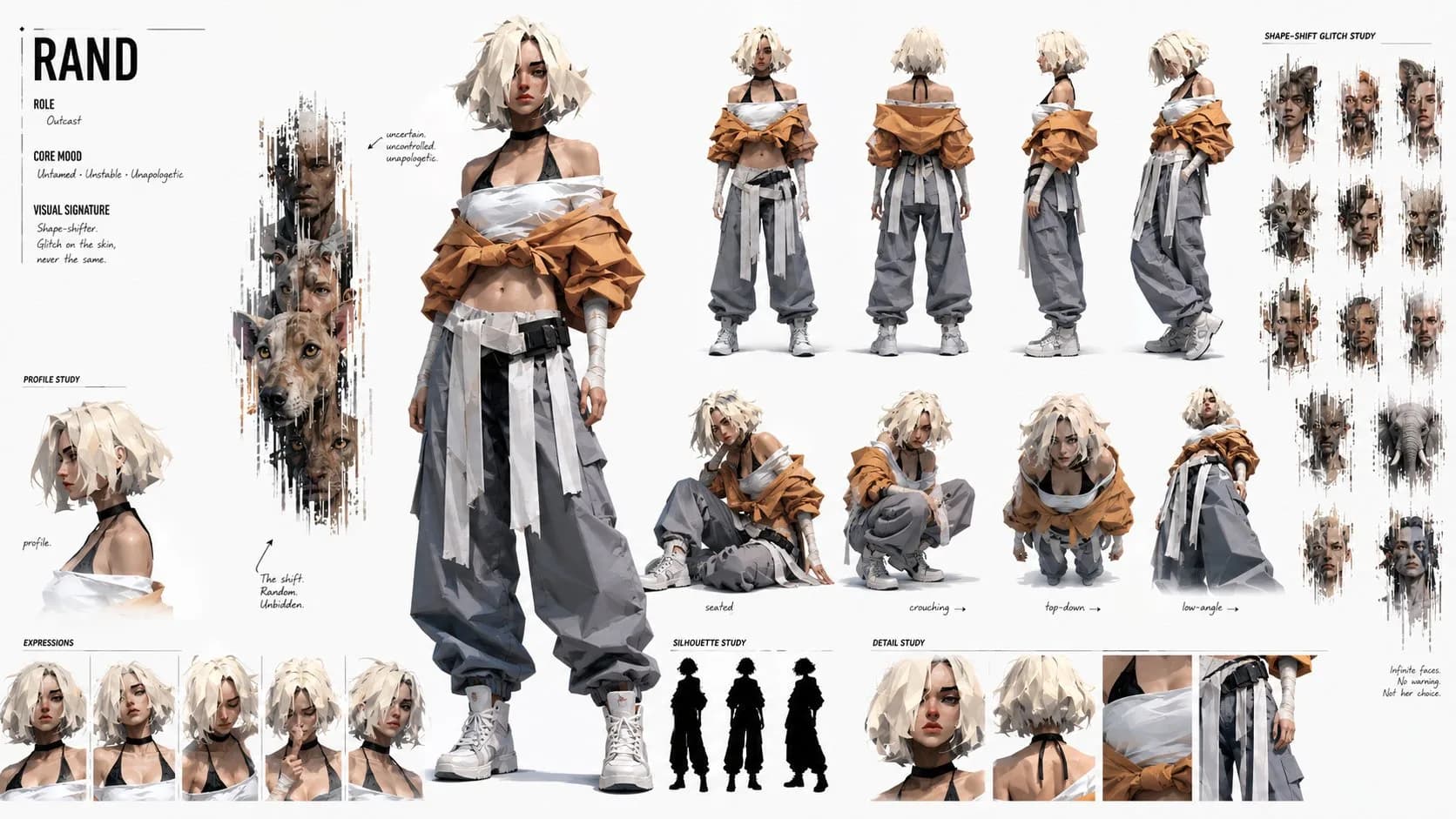
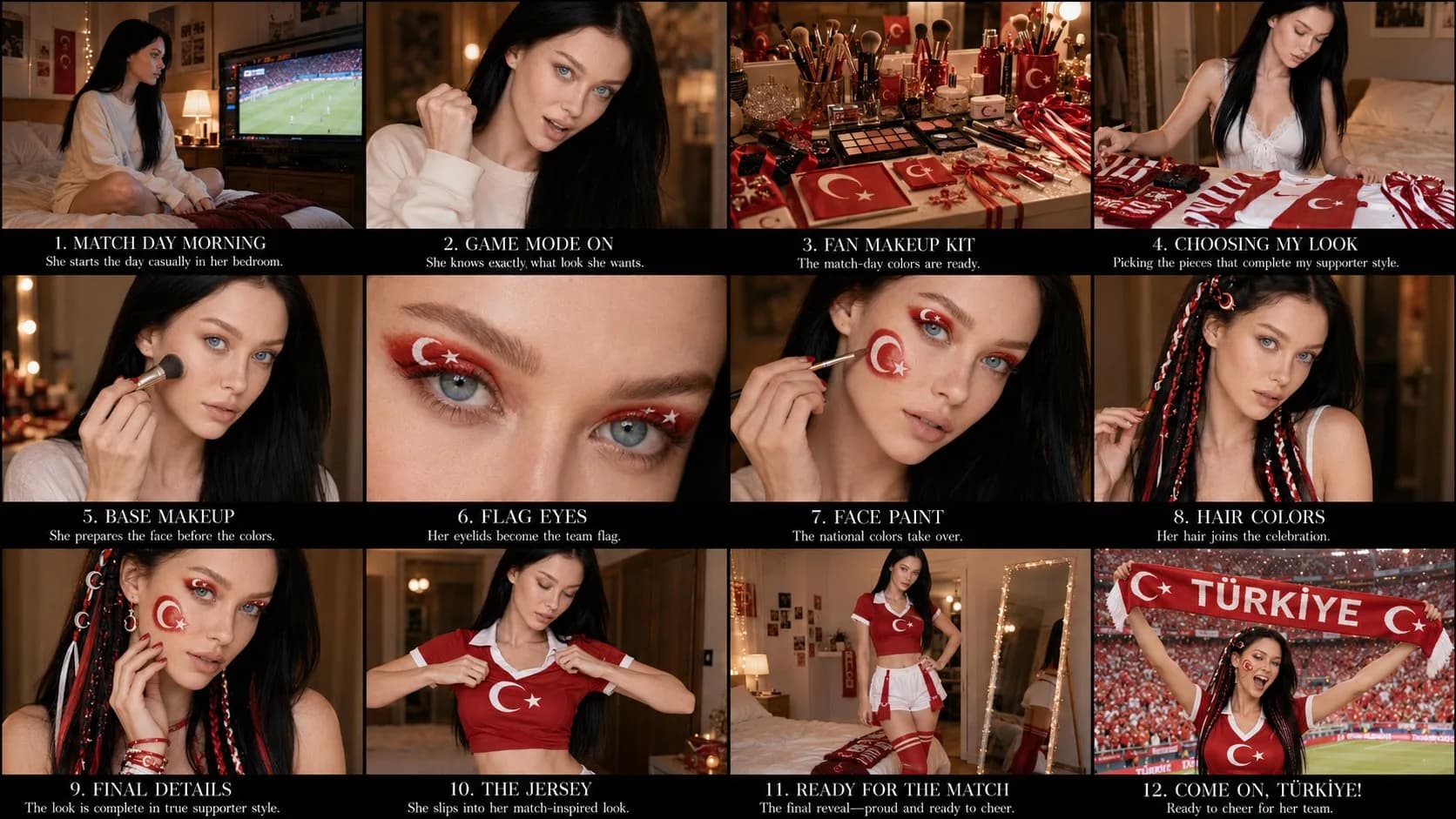
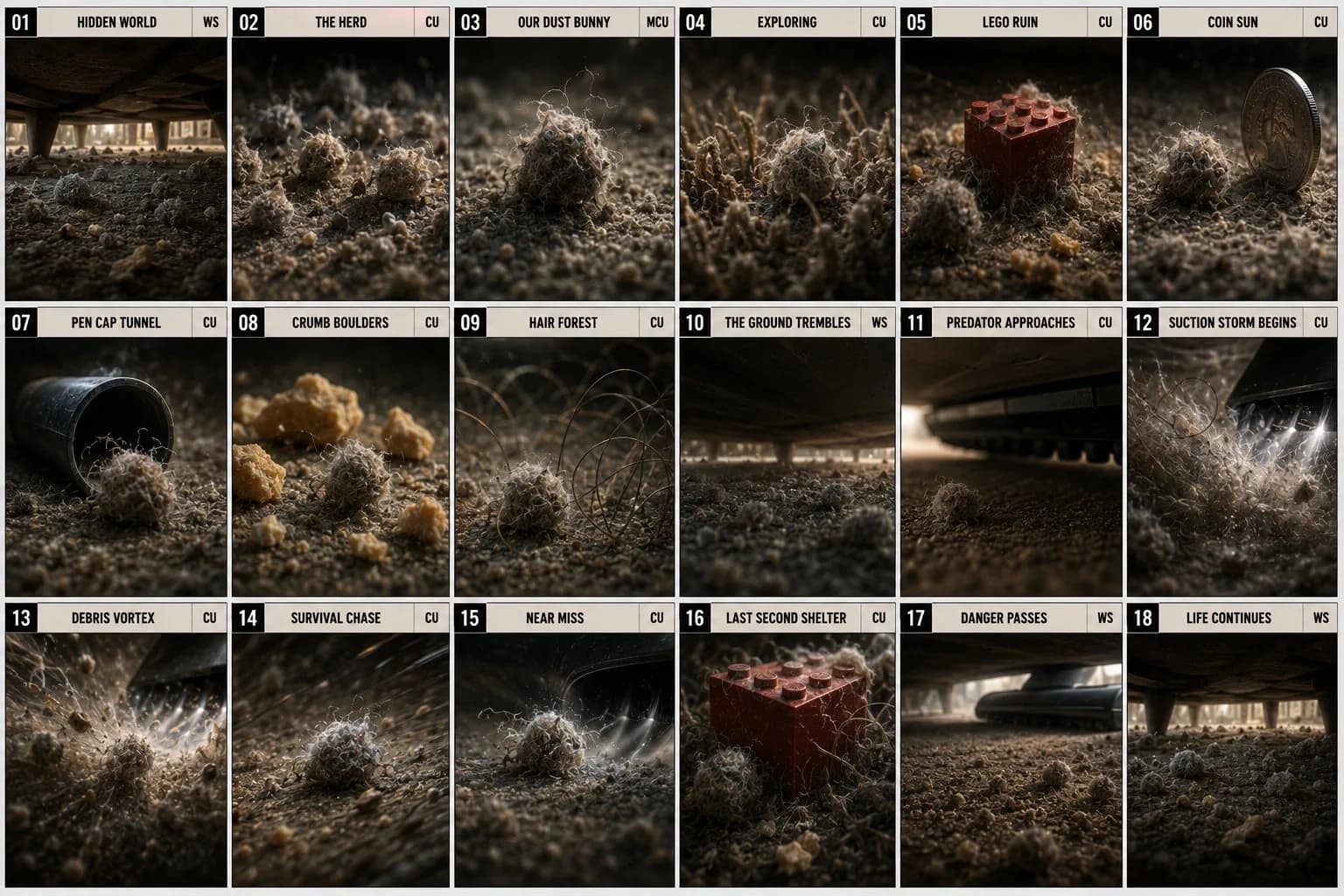
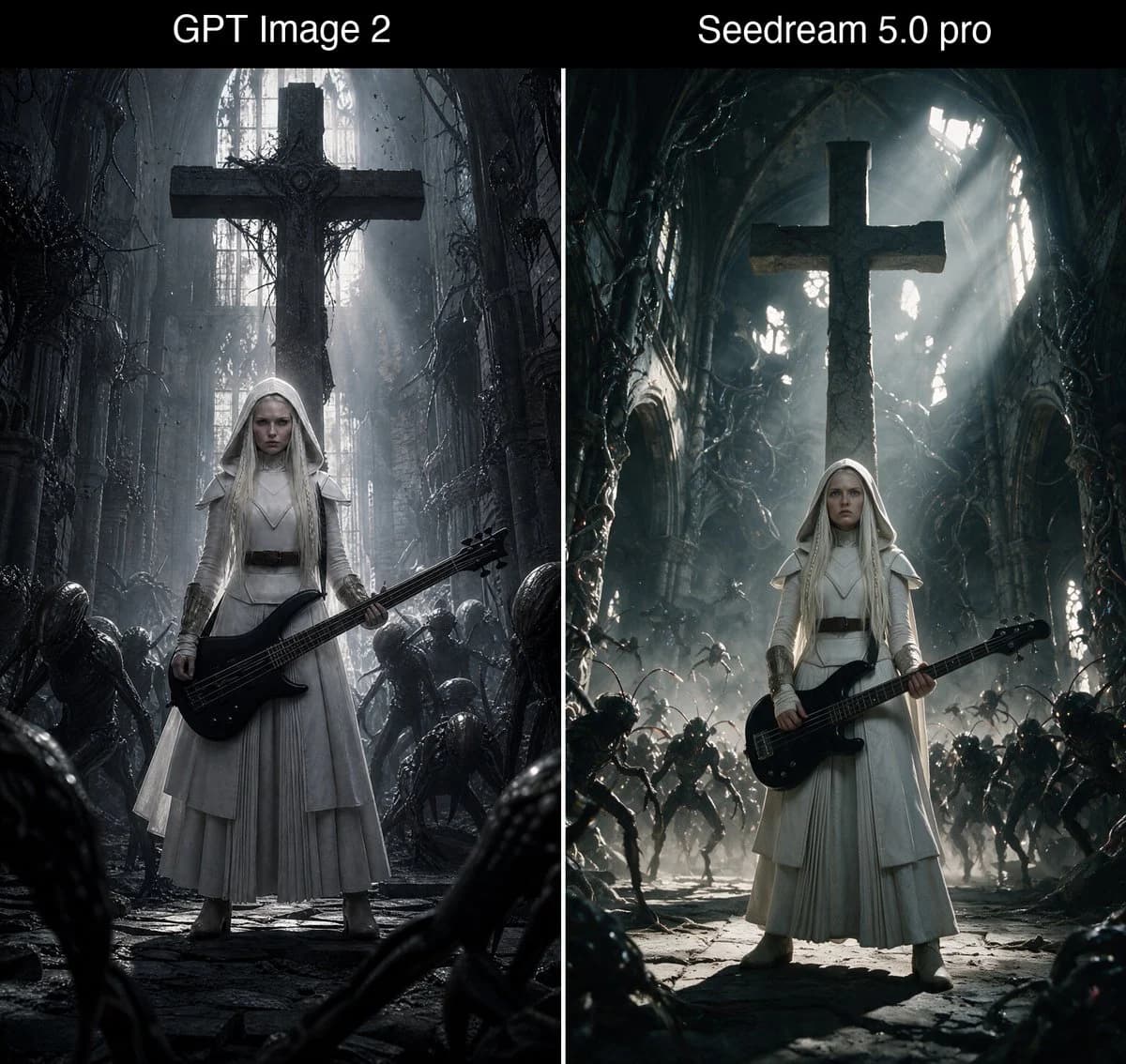
アクション絵コンテシート は Image 2 で GPT Image 2 にそのまま使える比較プロンプトです。下の 1166 語をコピーして作成フォームに貼り付けると、上のプレビューに近い結果を生成できます。 比較, ストーリーボード, ファッション タグを調整すると、別の方向性にも展開できます。
出発点として使い、被写体、ライティング、構図を変えながら仕上げてください。そのまま使ってもリミックスしても、生成コストは同じです。
用途
比較制作の起点に使いやすいプロンプト
アクション絵コンテシート に近い 比較 の画像を作りたいときは、この GPT Image 2 プロンプトから始めるとスムーズです。画面の方向性と構成はすでに整っているので、被写体、商品、色、シーンの細部だけを自分の内容に差し替えられます。
まず調整しやすいところ
- 被写体 人物、商品、場所、オブジェクトを自分の内容に差し替え、構図はそのまま活かします。
- 雰囲気 ライティング、配色、カメラ角度、質感をブランドや用途に合わせます。
- 仕上がり 生成前にアスペクト比、背景、文字、レイアウト指定を整えます。
近いテーマのプロンプトを探す
スタイル、用途、テーマが近い GPT Image 2 プロンプトを続けて確認できます。
使い方
- ステップ 1
プロンプトをコピー
上のコピー ボタンで全文を取得します。
- ステップ 2
Image 2 Create を開く
作成フォームに移動して貼り付けます。
- ステップ 3
生成する
Generate を押すと、数秒であなたのバージョンが完成します。
自分用に調整
ワンクリックで作成フォームに読み込み、すぐに調整を始められます。