프롬프트
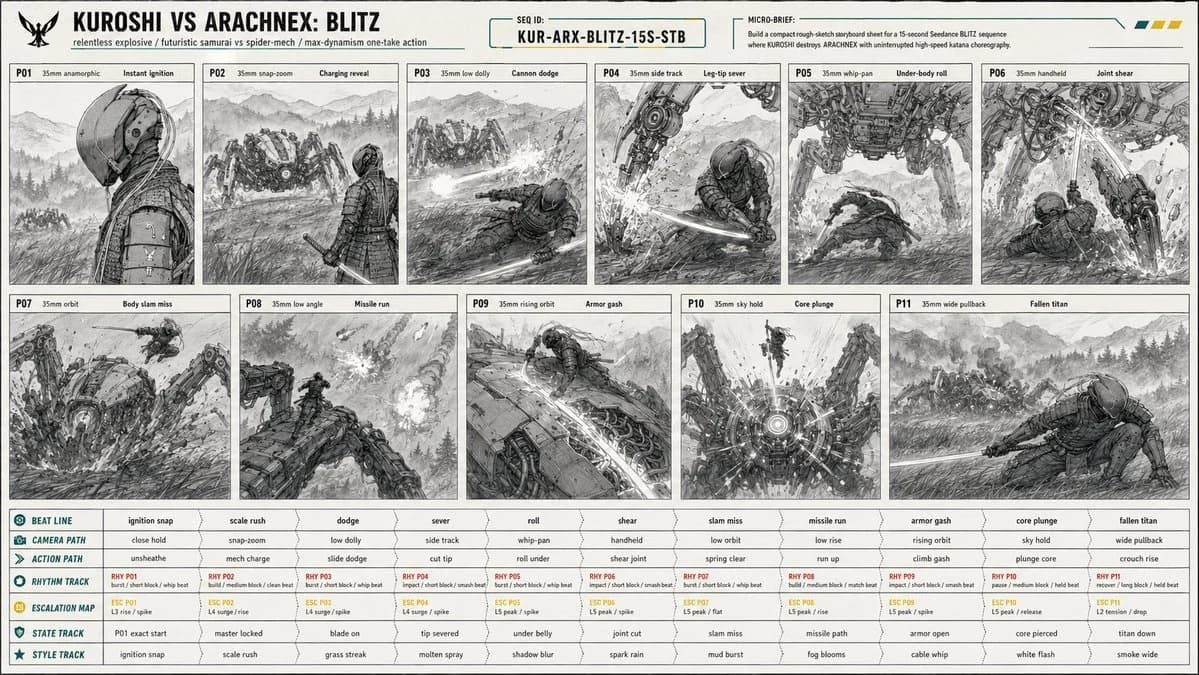
단어 1166개Create a 16:9 image. [PROJECT CARD] Create a compact designed masthead, not a table. TITLE: KUROSHI VS ARACHNEX: BLITZ META LINE: relentless explosive / futuristic samurai vs spider-mech / max-dynamism one-take action PRIORITY: constant motion readability, one-take camera continuity, leg-cut and core-kill clarity, massive scale contrast MICRO BRIEF: Build a compact rough-sketch storyboard sheet for a 15-second Seedance BLITZ sequence where KUROSHI destroys ARACHNEX with uninterrupted high-speed katana choreography. [CONTINUITY HEADER] SEQUENCE ID: KUR-ARX-BLITZ-15S-STB REFERENCE PRIORITY: @image1 controls C1 KUROSHI identity, wardrobe, armor, helmet, cables, katana, proportions; @image2 controls C2 ARACHNEX identity, weapon layout, eight-leg structure, scale, armor; @image3 controls P01 starting-frame composition exactly; storyboard controls staging, camera sampling, movement, geography, damage continuity. [SCENE PACKET] PREMISE: KUROSHI erupts from a cold starting-frame profile into a relentless one-take fight, sprinting through ARACHNEX's attacks, climbing the machine, and killing it through the sensor core. LOCATION: open Japanese mountain field at blue hour, ankle-high wind-blown grass, wet earth, ground mist, distant pine ridges, layered mountain silhouettes, wide sky, no buildings, no roads, no extra fighters.
이 프롬프트 소개
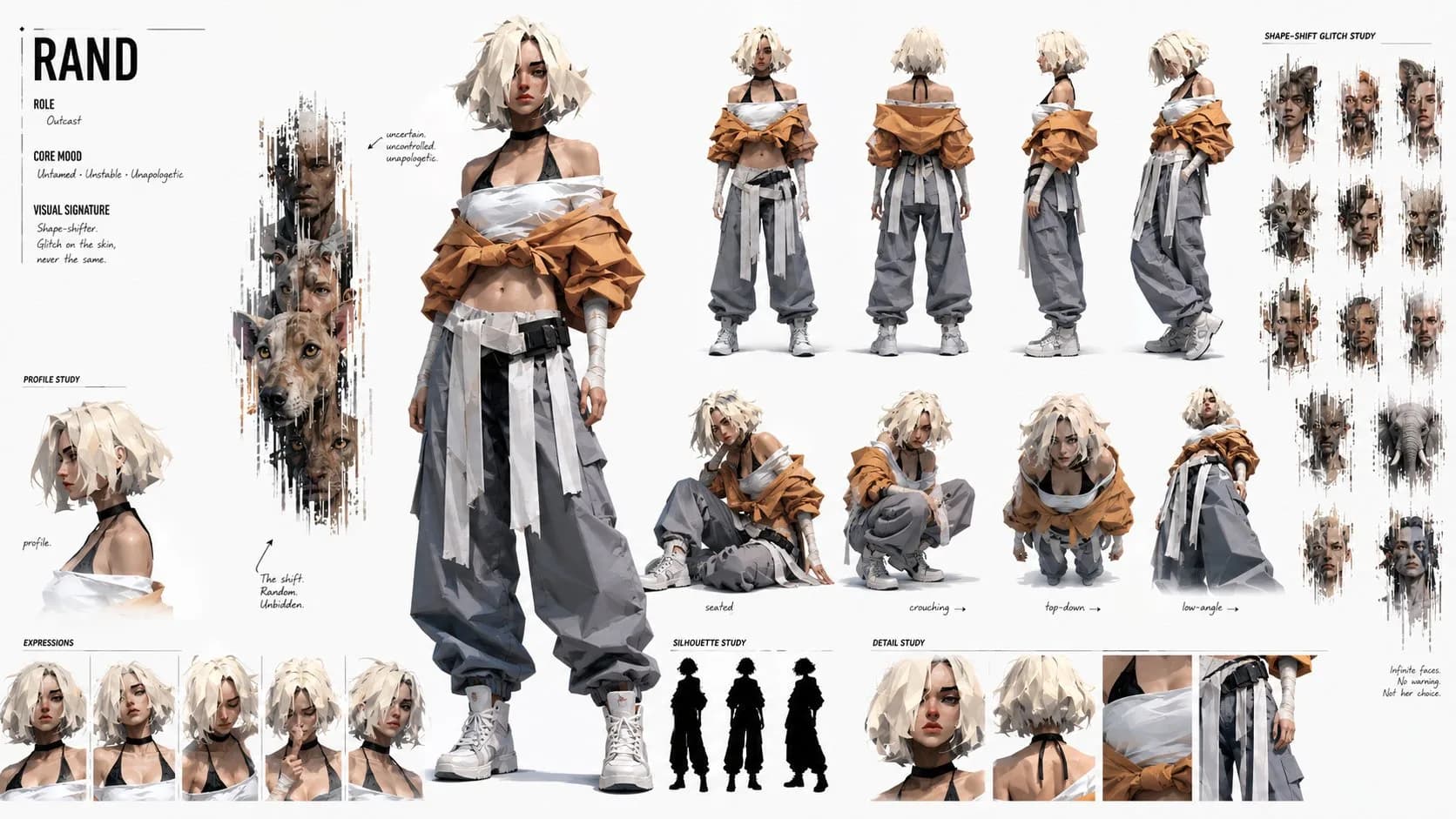
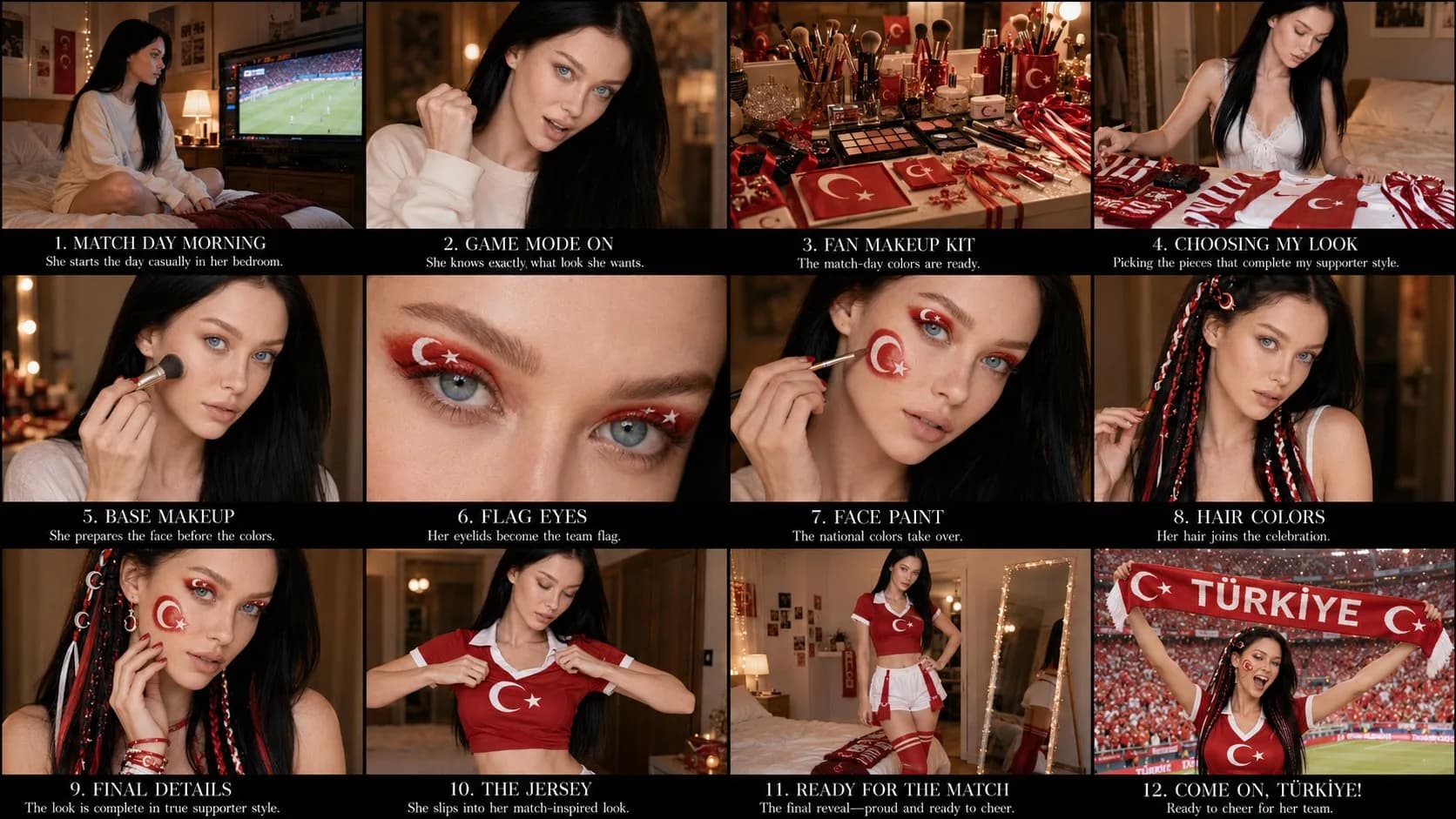
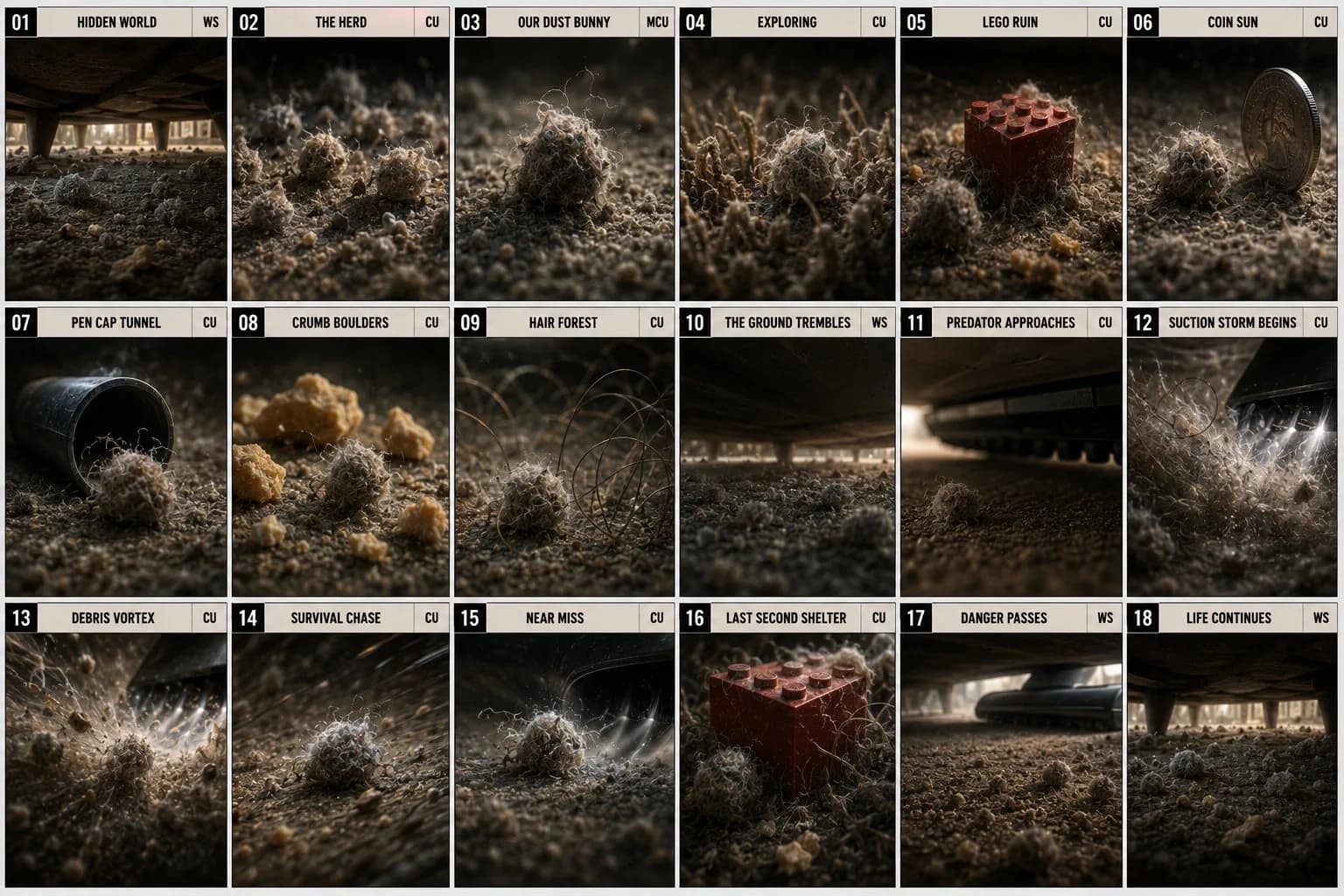
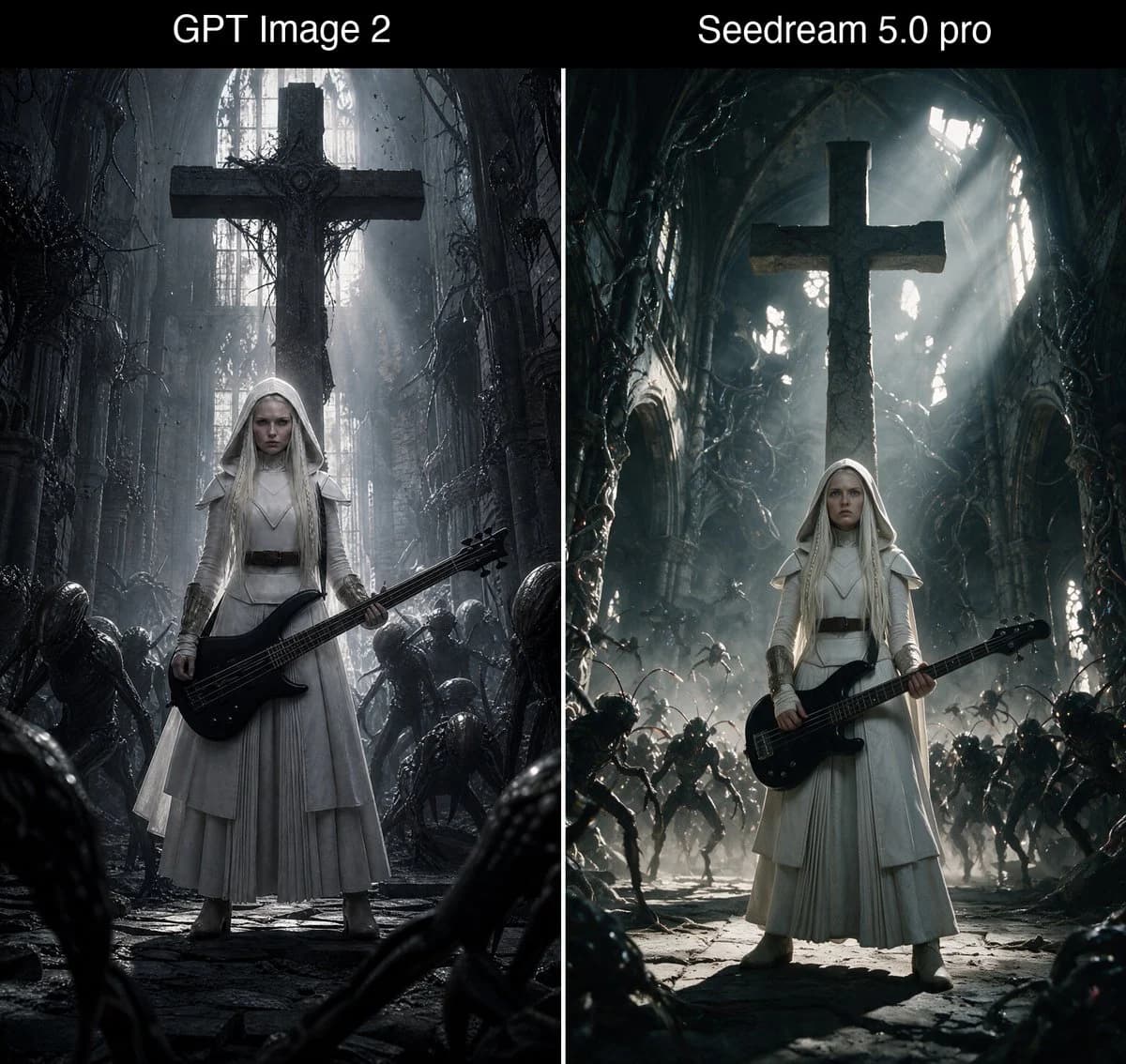
액션 스토리보드 시트은(는) Image 2에서 GPT Image 2에 바로 사용할 수 있는 비교 프롬프트입니다. 아래 단어 1166개를 복사해 Create 폼에 붙여 넣으면 위 미리보기와 가까운 결과를 얻을 수 있습니다. 비교, 스토리보드, 패션 태그를 조정하면 새로운 방향으로 확장할 수 있습니다.
출발점으로 사용하고 피사체, 조명, 구도를 바꾸며 원하는 결과에 맞춰 반복하세요. 그대로 쓰거나 리믹스해도 생성 비용은 동일합니다.
사용 사례
비교 작업의 좋은 출발점
액션 스토리보드 시트과(와) 비슷한 비교 이미지를 만들고 싶다면 이 GPT Image 2 프롬프트에서 시작하면 됩니다. 기본 스타일과 구도는 잡혀 있으니 인물, 제품, 색상, 장면 디테일만 내 작업에 맞게 바꿔 보세요.
먼저 손보기 좋은 부분
- 피사체 인물, 제품, 장소, 오브젝트를 내 내용으로 바꾸고 전체 구도는 유지합니다.
- 분위기 조명, 색감, 카메라 각도, 소재 디테일을 브랜드나 용도에 맞춥니다.
- 결과 형식 생성 전에 비율, 배경, 텍스트, 레이아웃 지시를 정리합니다.
비슷한 프롬프트 더 보기
스타일, 용도, 피사체가 가까운 GPT Image 2 프롬프트를 이어서 확인해 보세요.
사용 방법
- 1단계
프롬프트 복사
위의 복사 버튼을 눌러 전체 텍스트를 가져옵니다.
- 2단계
Image 2 Create 열기
Create 폼으로 이동해 붙여 넣습니다.
- 3단계
생성
Generate를 누르면 몇 초 안에 내 버전이 완성됩니다.
내 버전으로 만들기
한 번의 클릭으로 Create 폼에 불러오고 바로 조정하세요.