Prompt
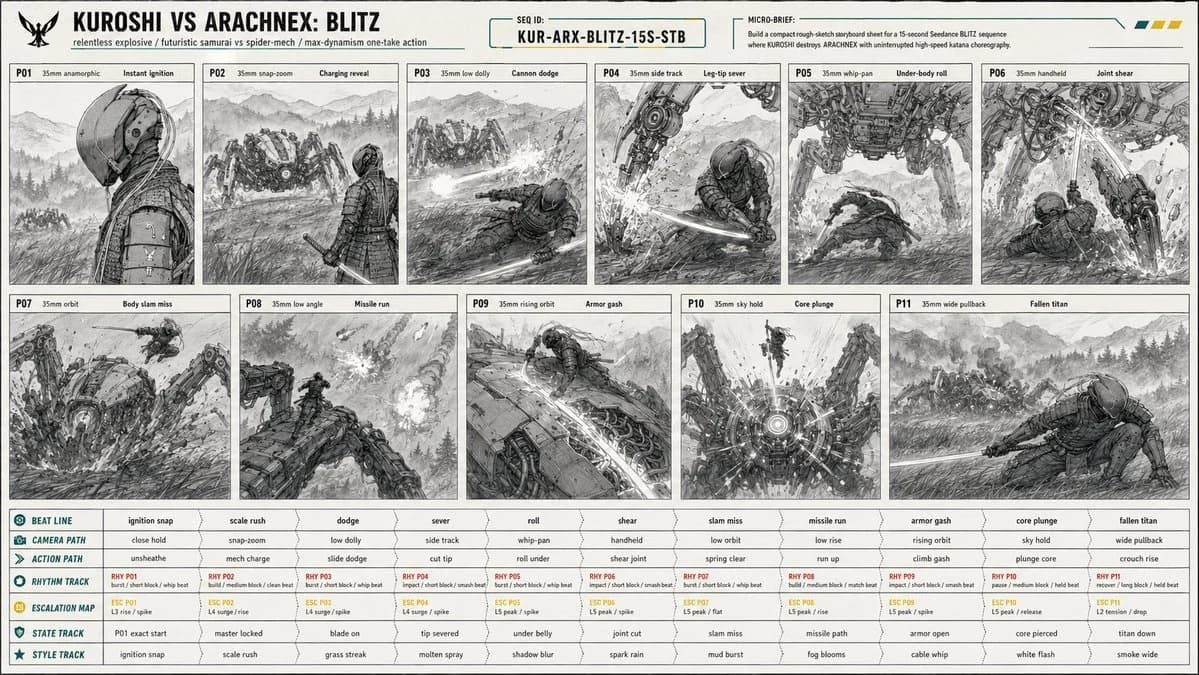
172 WörterCreate a 16:9 image. [PROJECT CARD] Create a compact designed masthead, not a table. TITLE: KUROSHI VS ARACHNEX: BLITZ META LINE: relentless explosive / futuristic samurai vs spider-mech / max-dynamism one-take action PRIORITY: constant motion readability, one-take camera continuity, leg-cut and core-kill clarity, massive scale contrast MICRO BRIEF: Build a compact rough-sketch storyboard sheet for a 15-second Seedance BLITZ sequence where KUROSHI destroys ARACHNEX with uninterrupted high-speed katana choreography. [CONTINUITY HEADER] SEQUENCE ID: KUR-ARX-BLITZ-15S-STB REFERENCE PRIORITY: @image1 controls C1 KUROSHI identity, wardrobe, armor, helmet, cables, katana, proportions; @image2 controls C2 ARACHNEX identity, weapon layout, eight-leg structure, scale, armor; @image3 controls P01 starting-frame composition exactly; storyboard controls staging, camera sampling, movement, geography, damage continuity. [SCENE PACKET] PREMISE: KUROSHI erupts from a cold starting-frame profile into a relentless one-take fight, sprinting through ARACHNEX's attacks, climbing the machine, and killing it through the sensor core. LOCATION: open Japanese mountain field at blue hour, ankle-high wind-blown grass, wet earth, ground mist, distant pine ridges, layered mountain silhouettes, wide sky, no buildings, no roads, no extra fighters.
Über diesen Prompt
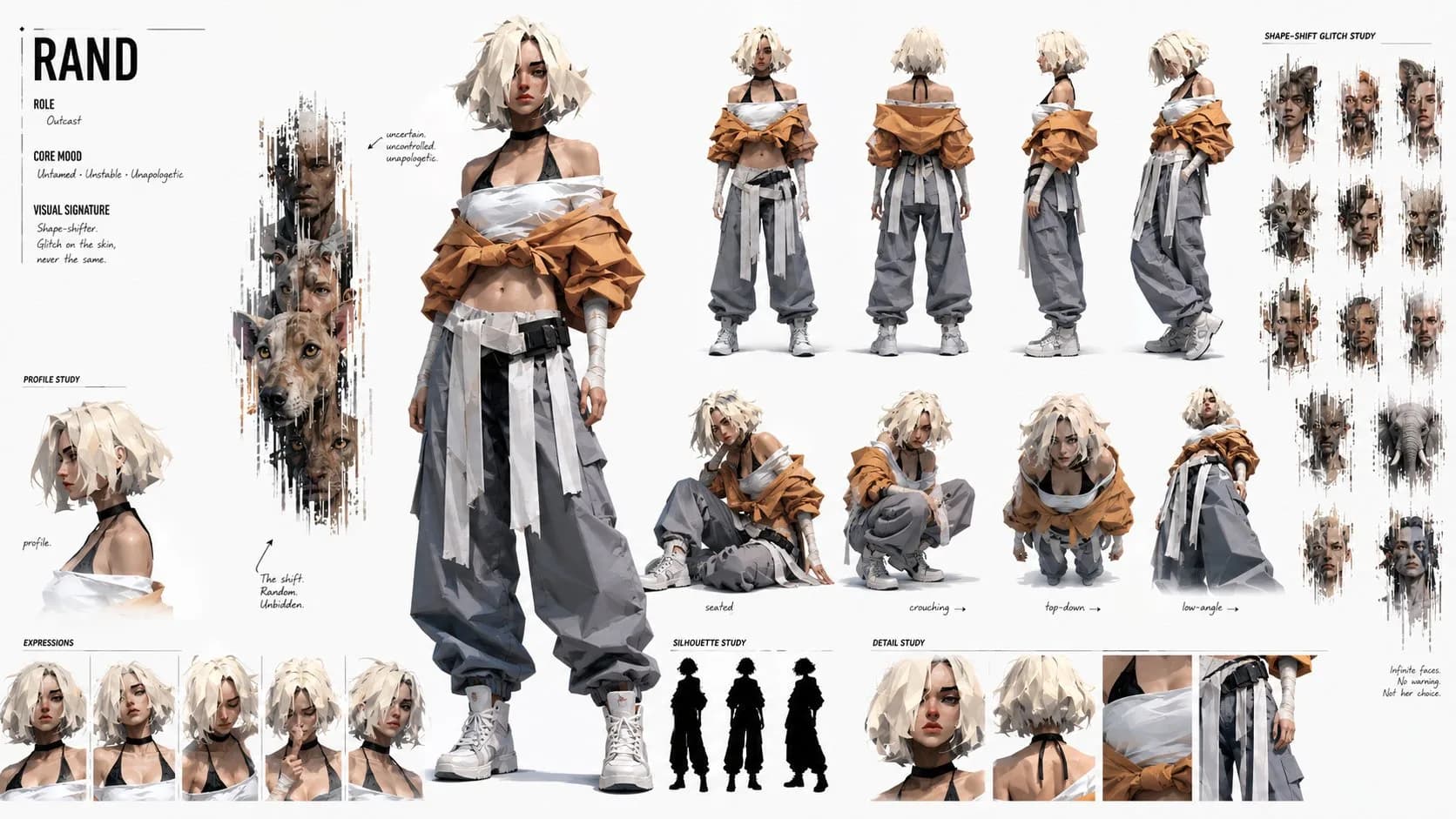
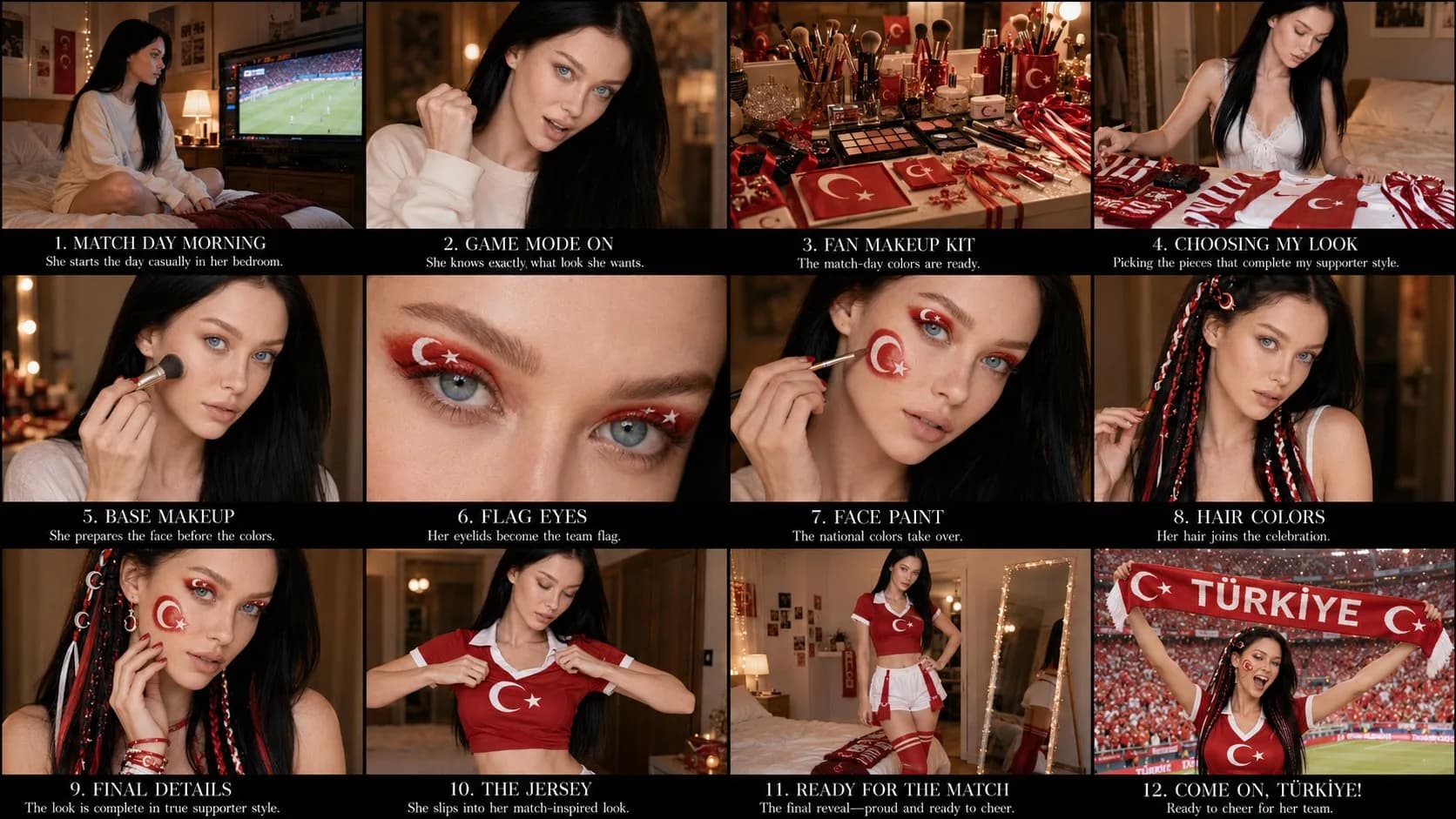
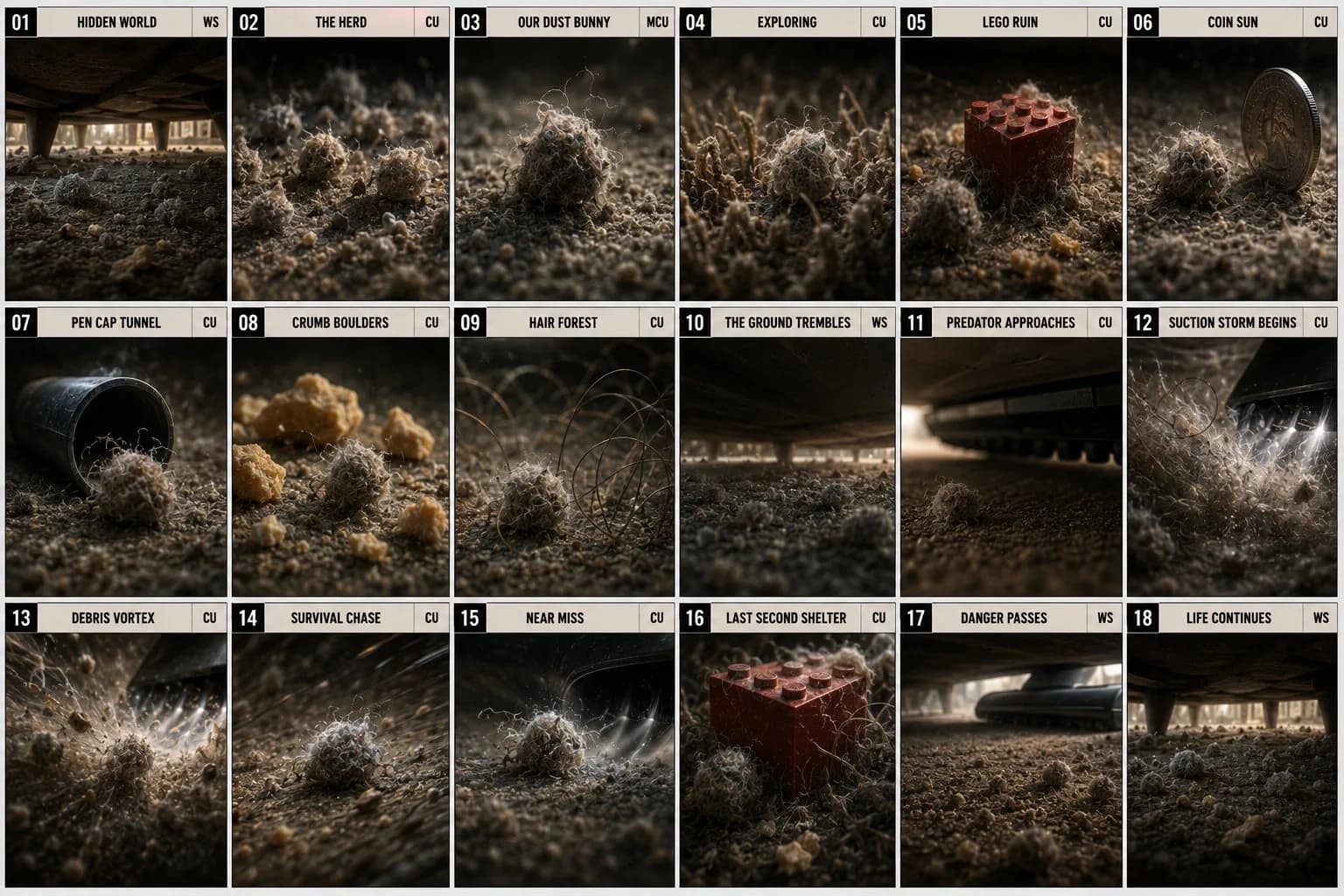
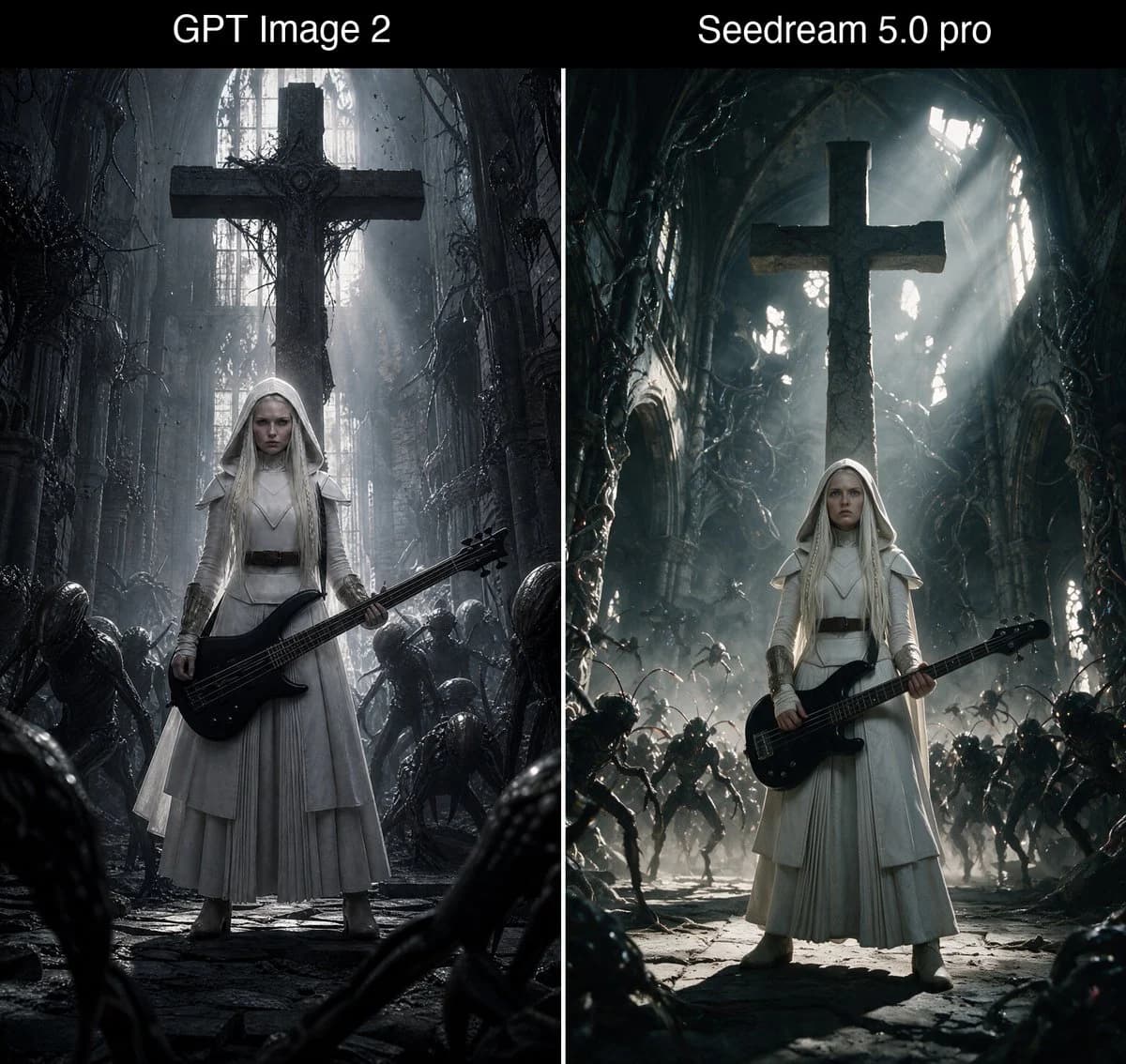
Action-Storyboard-Sheet ist ein sofort nutzbarer Vergleich-Prompt für GPT Image 2 in Image 2. Kopiere die 172 Wörter unten, füge sie in das Create-Formular ein und du erhältst ein Ergebnis nahe an der Vorschau. Passe die Tags Vergleich, Storyboard, Mode an, wenn du ihn in eine neue Richtung schieben möchtest.
Nutze ihn als Ausgangspunkt und iteriere weiter: ändere Motiv, Licht oder Komposition, bis es passt. Die Credit-Kosten bleiben gleich, egal ob du ihn direkt nutzt oder remixst.
Einsatzbereich
Guter Startpunkt für Vergleich
Starte hier, wenn du ein Vergleich-Bild in der Richtung von Action-Storyboard-Sheet bauen möchtest. Der Prompt legt Look und Aufbau bereits fest; tausche nur Motiv, Produkt, Farben oder Szenendetails für dein eigenes Projekt aus.
Was sich schnell anpassen lässt
- Motiv Tausche Person, Produkt, Ort oder Objekt aus und behalte die Grundkomposition bei.
- Look Passe Licht, Farbwelt, Kamerawinkel oder Materialdetails an deine Marke an.
- Format Lege Seitenverhältnis, Hintergrund, Text und Layout-Hinweise vor dem Generieren fest.
Ähnliche Prompt-Richtungen
Entdecke weitere GPT Image 2 Prompts mit ähnlichem Stil, Einsatzbereich oder Motiv.
So nutzt du ihn
- Schritt 1
Prompt kopieren
Klicke oben auf Kopieren, um den vollständigen Text zu übernehmen.
- Schritt 2
Image 2 Create öffnen
Wechsle zum Create-Formular und füge ihn ein.
- Schritt 3
Generieren
Klicke auf Generate. Deine Version ist in Sekunden fertig.
Mach ihn zu deinem
Lade den Prompt mit einem Klick ins Create-Formular und passe ihn direkt an.