プロンプト
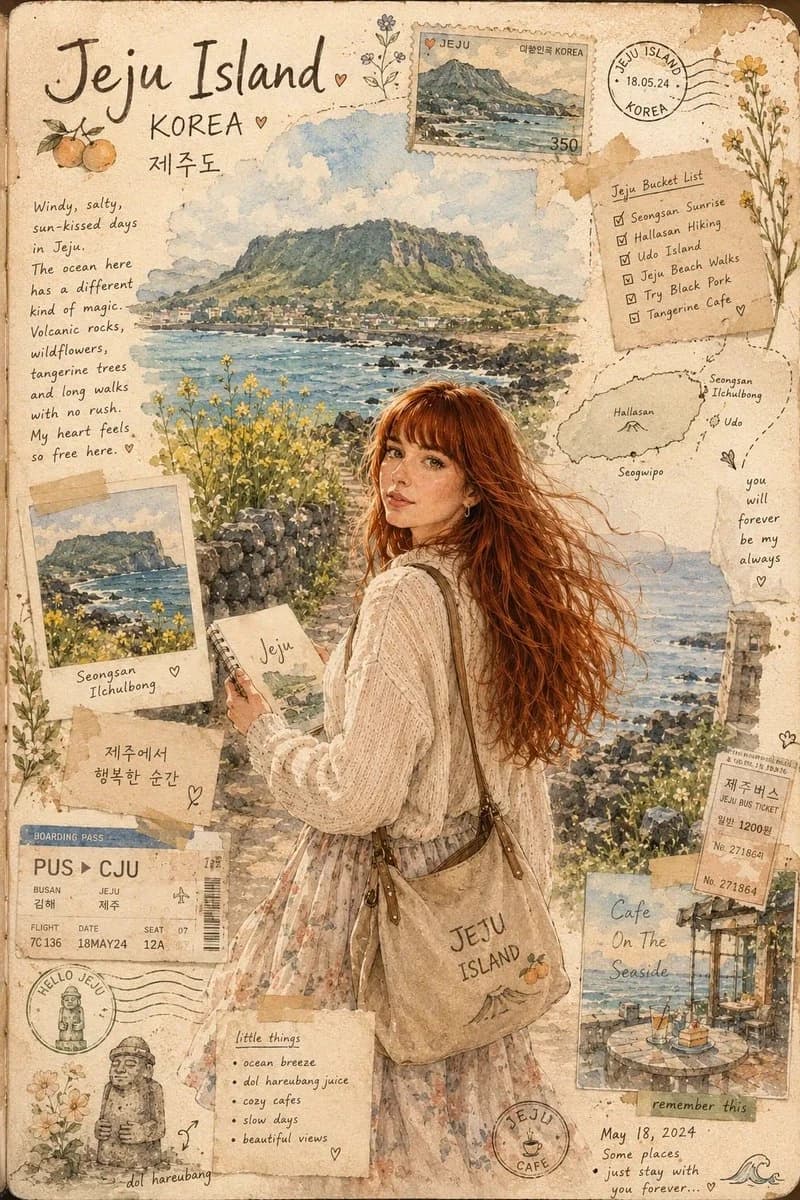
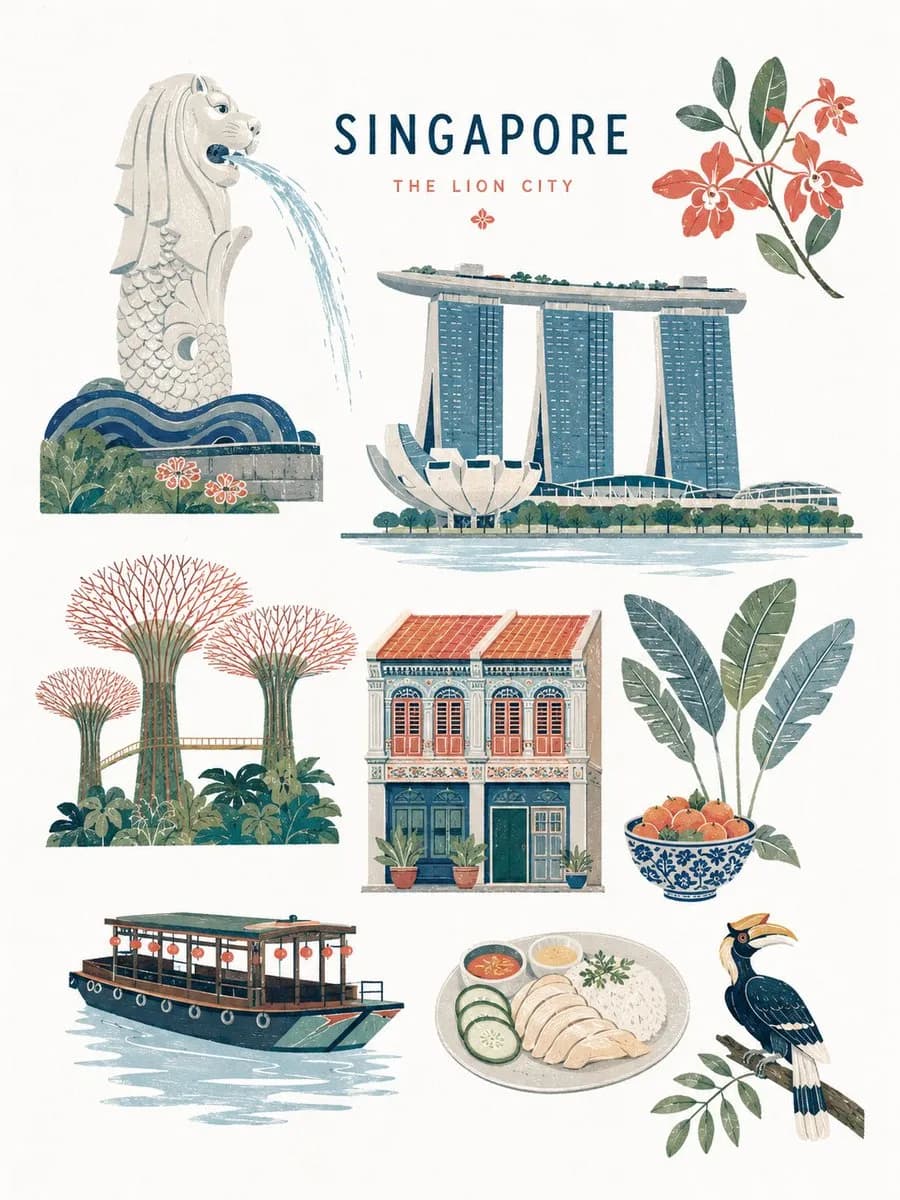
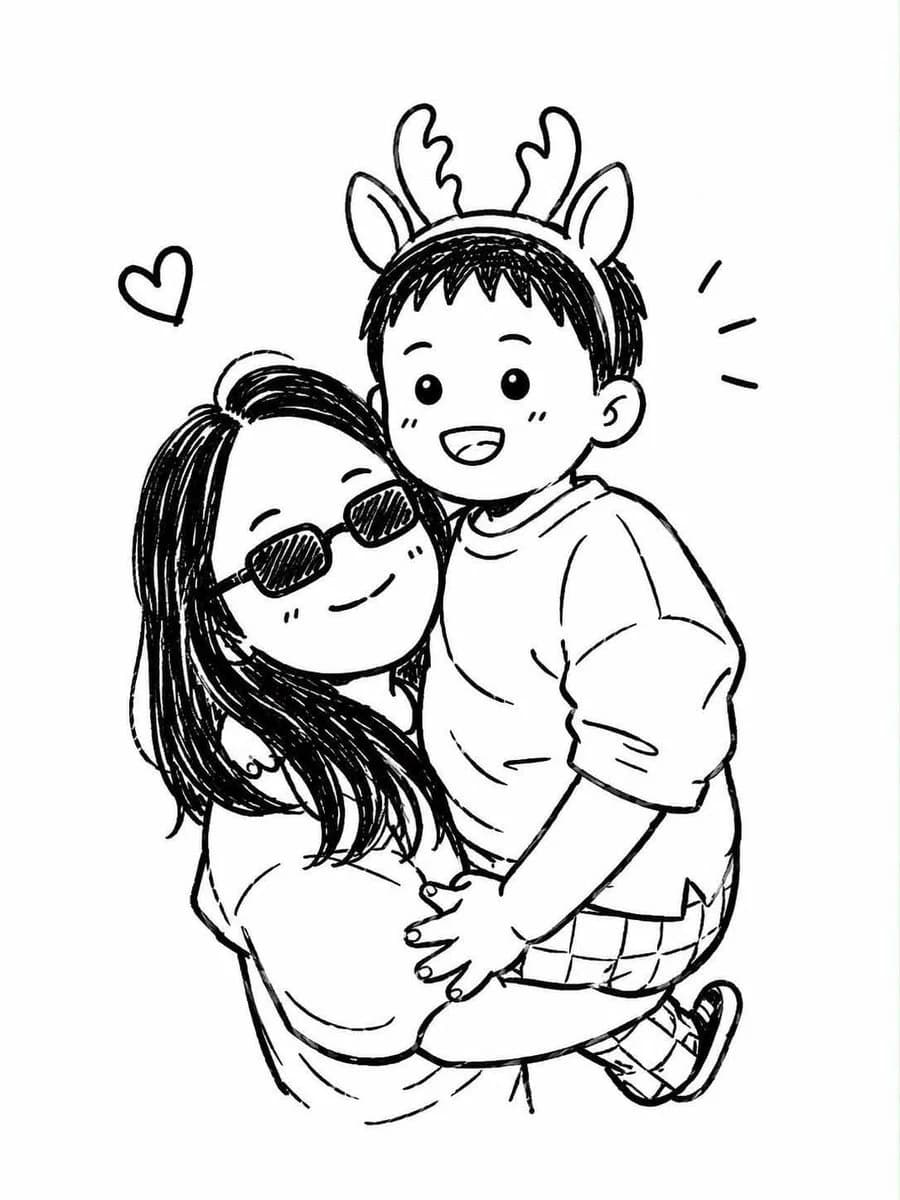
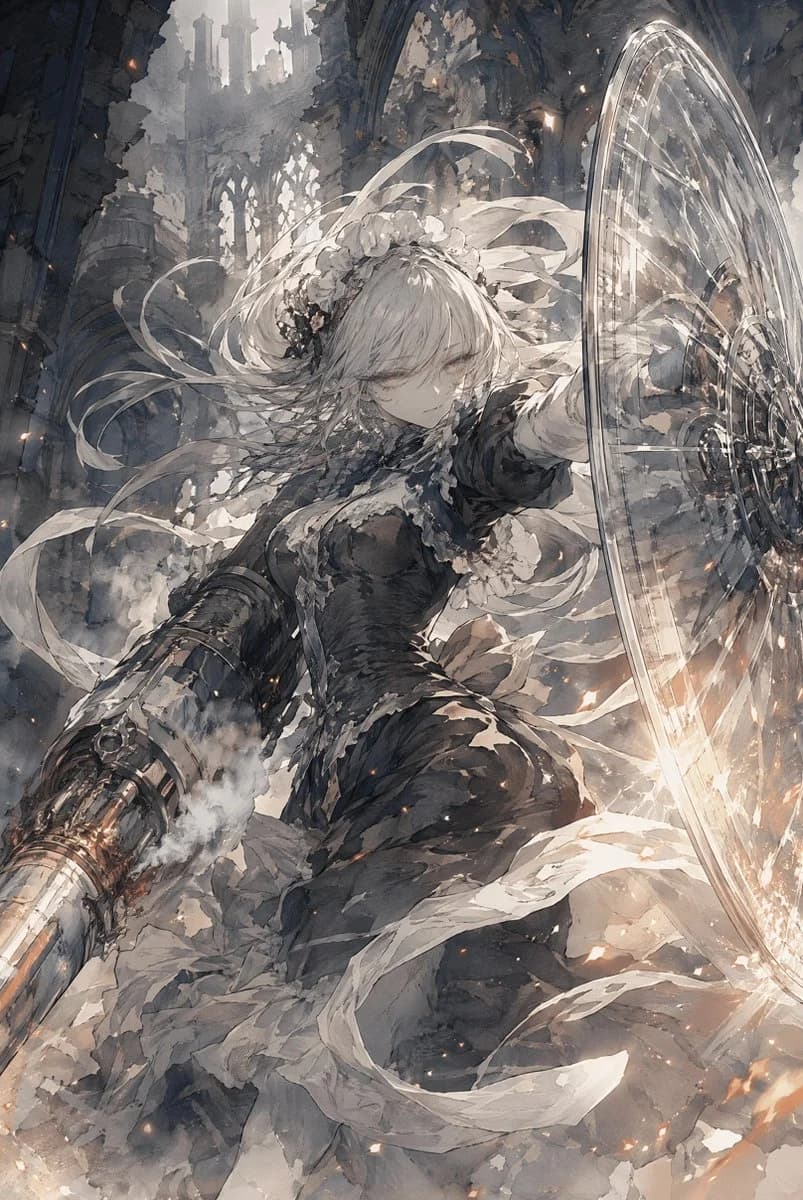
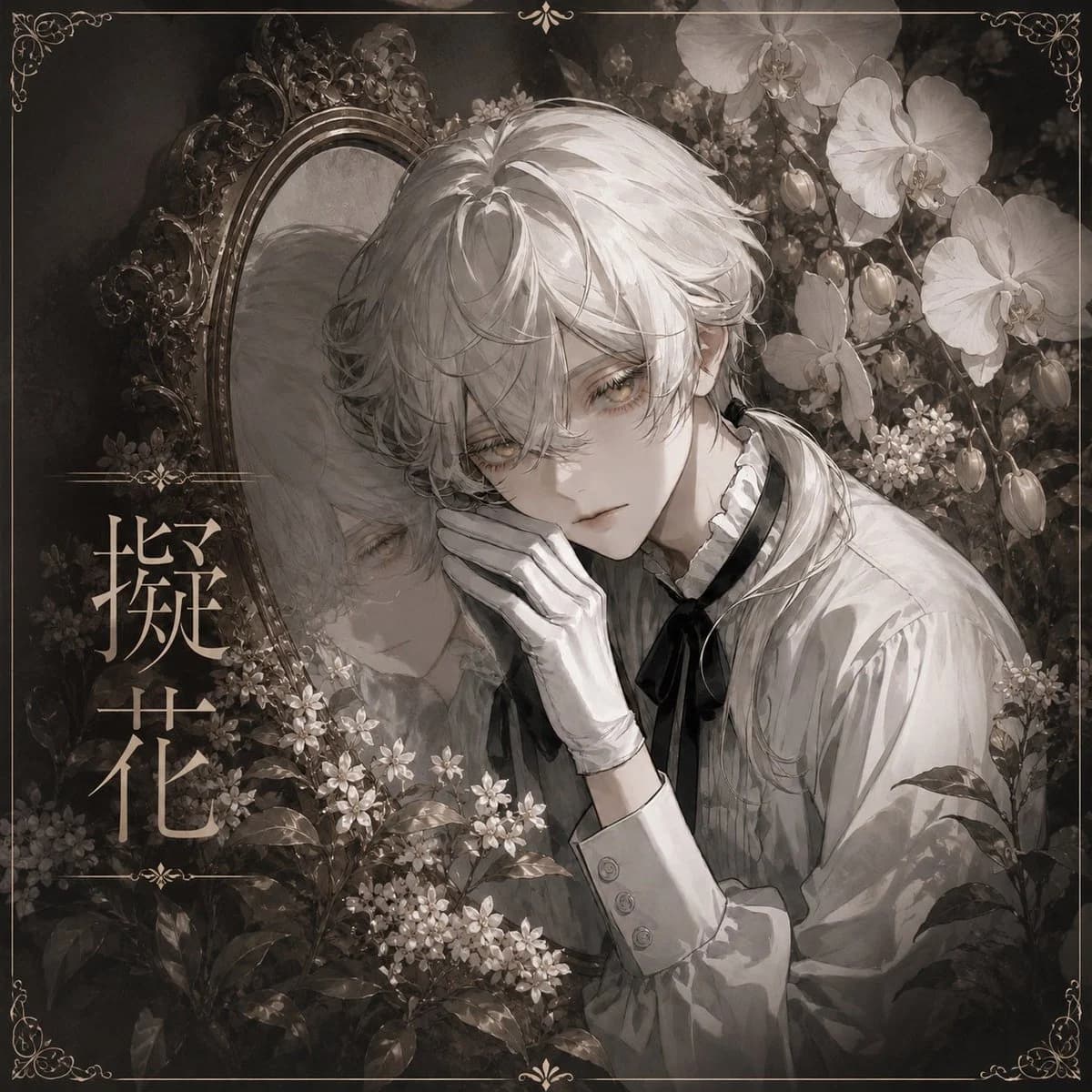
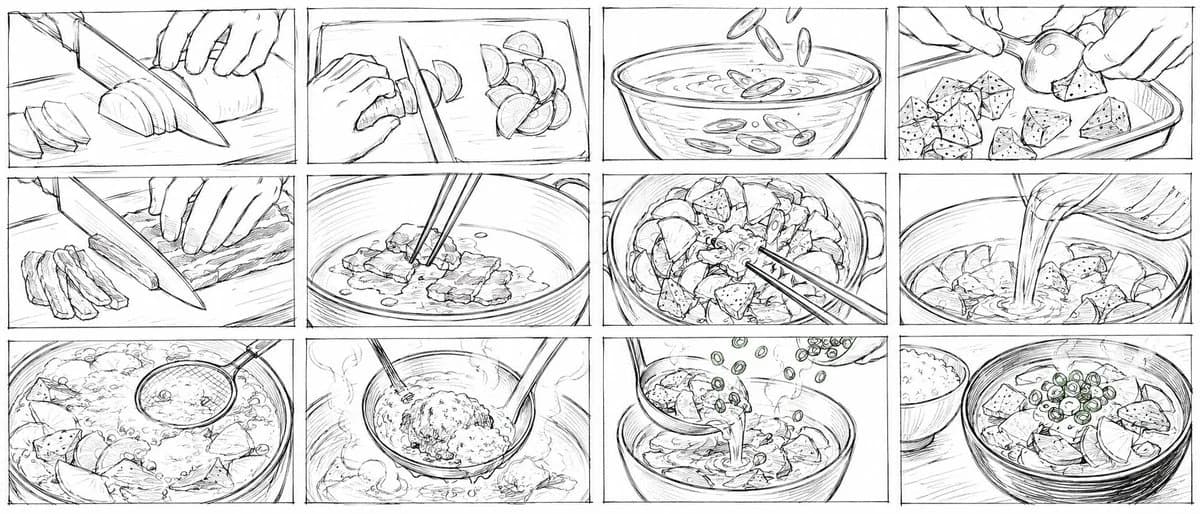
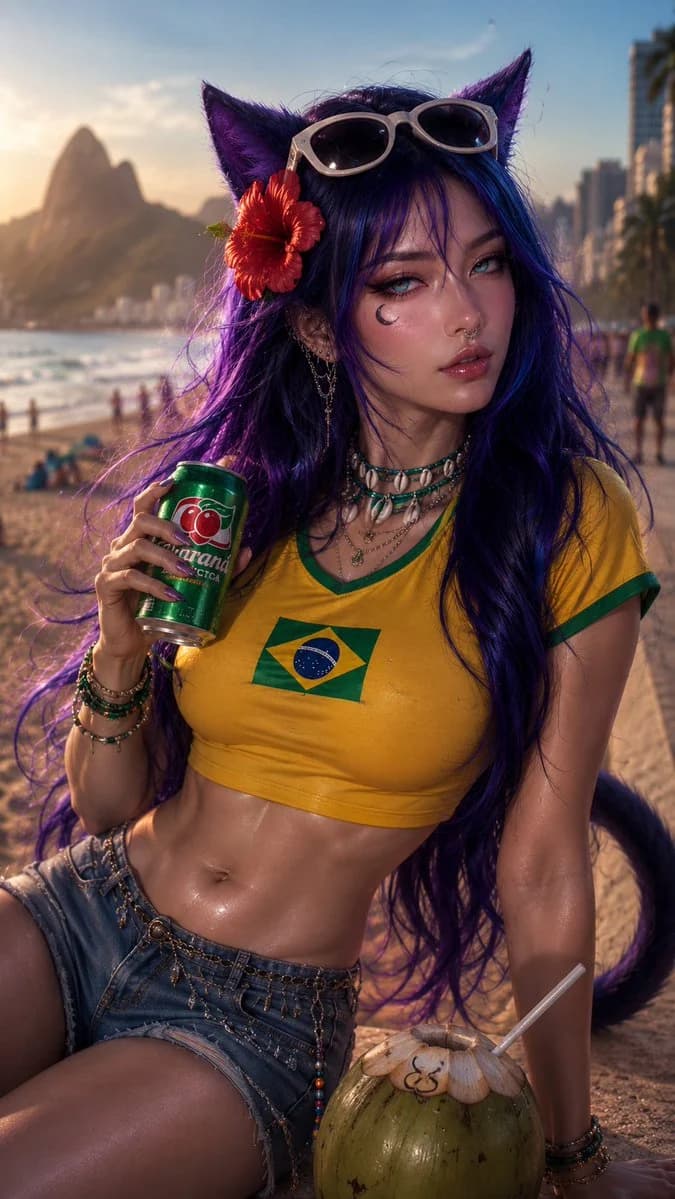
1749 文字提供された画像を、古い解剖学書の図版に編集してください。元のキャラクターのポーズ、カメラアングル、体のプロポーション、シルエット、ジェスチャー、全体の構図はできるだけ忠実に保ちつつ、被写体を洗練された解剖学的スタディのイラストに変える。最終的な画像は、セピア色のしみ、ほのかな紙の繊維、すり切れた縁、かすかな褐色の斑点、古文書のようなインクの質感を備えた、古びたアイボリー色の紙に印刷されたヴィンテージの医学解剖学教科書の1ページのように見せる。 見えている体を、骨、表層の筋肉、腱、靭帯、いくつかの臓器のシルエットを示す、すっきりとした解剖学スケッチに変換する。教育的で、グロテスクではなく、博物館品質のスタイルにする。19世紀の解剖図譜と精密な現代の医学イラストを組み合わせたように、解剖表現はエレガントで教育的に保つ。細いグラファイトの線、赤と青の解剖学用インクのアクセント、落ち着いた水彩のにじみ、繊細なハッチングを使う。ホラー、グロテスクな描写、血、けが、切断、外科的な暴力表現は避ける。 人物は元画像と同じポーズを保つこと。手足の位置、胴体のひねり、頭の角度、視線の方向、手の置き方、パースのゆがみも含む。元画像がアニメ、ゲームアート、イラスト、リアルな写真のいずれであっても、一貫して解剖図として再解釈し、見分けのつく姿勢や外見の手がかりは、控えめな外側の輪郭としてのみ残す。服やアクセサリーは、解剖学的構造が読み取れるよう、かすかな半透明の輪郭線に簡略化してよい。 ヴィンテージのタイプライター書体で、ページに打ち込まれたかのようなラテン語の解剖学ラベルを加える。ラベルは細い黒の引き出し線で各構造とつなぐ。正確なラテン語の解剖学用語を使い、例として次のようなものを含める:Cranium, Mandibula, Clavicula, Sternum, Costae, Scapula, Humerus, Radius, Ulna, Vertebrae cervicales, Vertebrae thoracicae, Vertebrae lumbales, Pelvis, Os ilium, Os ischii, Femur, Patella, Tibia, Fibula, Talus, Calcaneus, Musculus sternocleidomastoideus, Musculus trapezius, Musculus pectoralis major, Musculus deltoideus, Musculus biceps brachii, Musculus rectus abdominis, Musculus obliquus externus abdominis, Musculus iliopsoas, Musculus gluteus maximus, Musculus sartorius, Musculus quadriceps femoris, Musculus biceps femoris, Musculus gastrocnemius, Ligamentum inguinale, Articulatio coxae, Articulatio genus, Articulatio talocruralis。 ラベルは読みやすさと視覚的な優雅さのバランスをとりながら、人物の周りに自然に配置する。文字は本物らしく、わずかに不完全に見せ、インクのかすかなにじみ、不揃いなタイプライターの字間、小さな位置ずれを加える。ページの下部には、「Tabula Anatomica — Figura I」「Studium Corporis Humani」「Atlas Anatomicus Vetus」のような小さな古文書風のキャプションを入れる。特に指定がない限り日本語のラベルは使わず、ラテン語の解剖学用語を優先する。 ライティングは、スキャンした古書のページのように柔らかく均一にする。最終的な仕上がりは、現代のインフォグラフィックではなく、学術的な解剖学イラストに感じられるようにする。高い精細さ、正確な線画、古びた紙の質感、解剖学的な正確さ、エレガントな構図、ほのかな赤の筋線維、淡い青の静脈、アイボリー色の骨の描写、濃いグラファイトの輪郭線、古い医学図譜の雰囲気、リアルな印刷ページの不完全さ。
このプロンプトについて
ヴィンテージ解剖図版 は、Image 2でGPT Image 2にそのまま使えるポスタープロンプトです。下の1749文字をコピーして作成フォームに貼り付けると、上のプレビューに近い画像を生成できます。 インフォグラフィック, ポスター, ファッション タグを調整すると、別の方向性にも展開できます。
出発点として使い、被写体、ライティング、構図を変えながら仕上げてください。そのまま使ってもリミックスしても、生成コストは同じです。
用途
ポスター制作の起点に使いやすいプロンプト
ヴィンテージ解剖図版 に近い ポスター の画像を作りたいときは、この GPT Image 2 プロンプトから始めるとスムーズです。画面の方向性と構成はすでに整っているので、被写体、商品、色、シーンの細部だけを自分の内容に差し替えられます。
まず調整しやすいところ
- 被写体 人物、商品、場所、オブジェクトを自分の内容に差し替え、構図はそのまま活かします。
- 雰囲気 ライティング、配色、カメラ角度、質感をブランドや用途に合わせます。
- 仕上がり 生成前にアスペクト比、背景、文字、レイアウト指定を整えます。
近いテーマのプロンプトを探す
スタイル、用途、テーマが近い GPT Image 2 プロンプトを続けて確認できます。
使い方
- ステップ 1
プロンプトをコピー
上のコピー ボタンで全文を取得します。
- ステップ 2
Image 2 Create を開く
作成フォームに移動して貼り付けます。
- ステップ 3
生成する
Generate を押すと、数秒であなたのバージョンが完成します。
自分用に調整
ワンクリックで作成フォームに読み込み、すぐに調整を始められます。