プロンプト
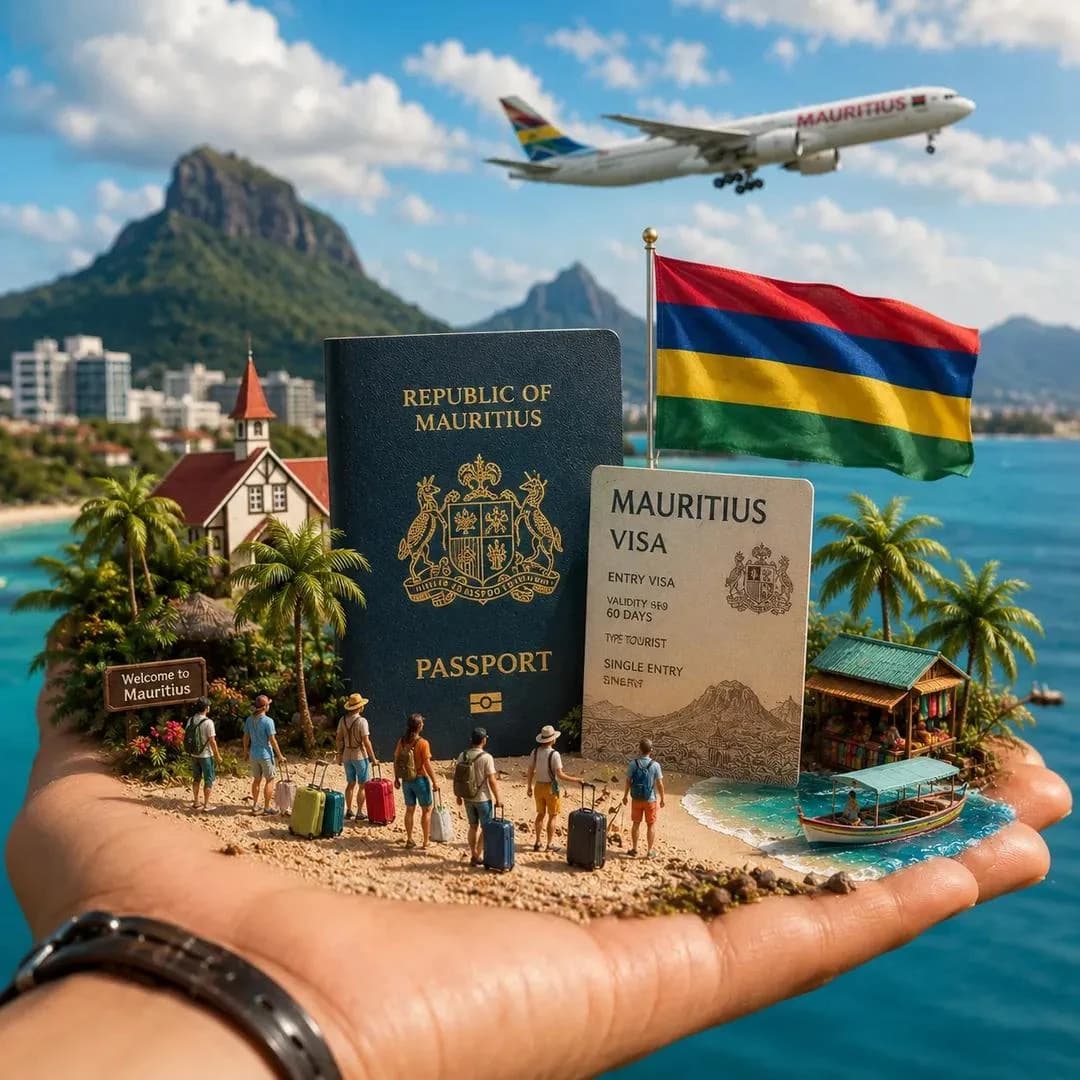
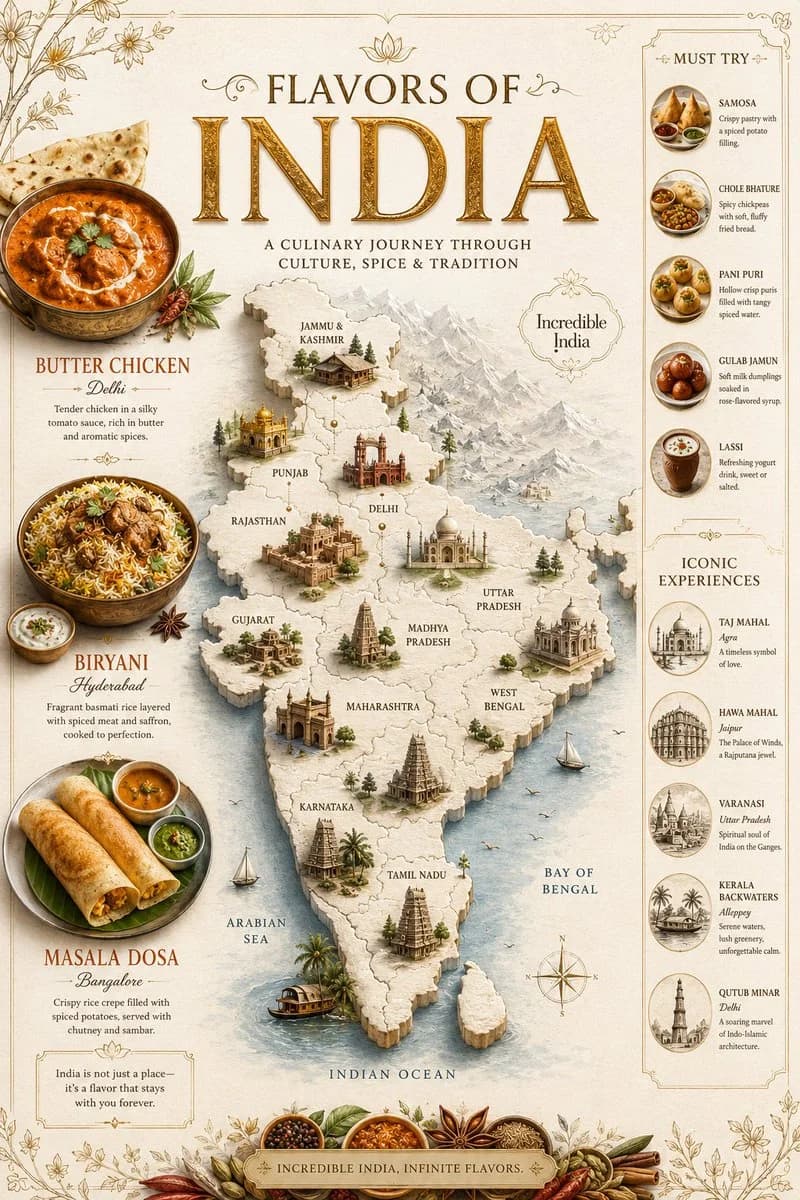
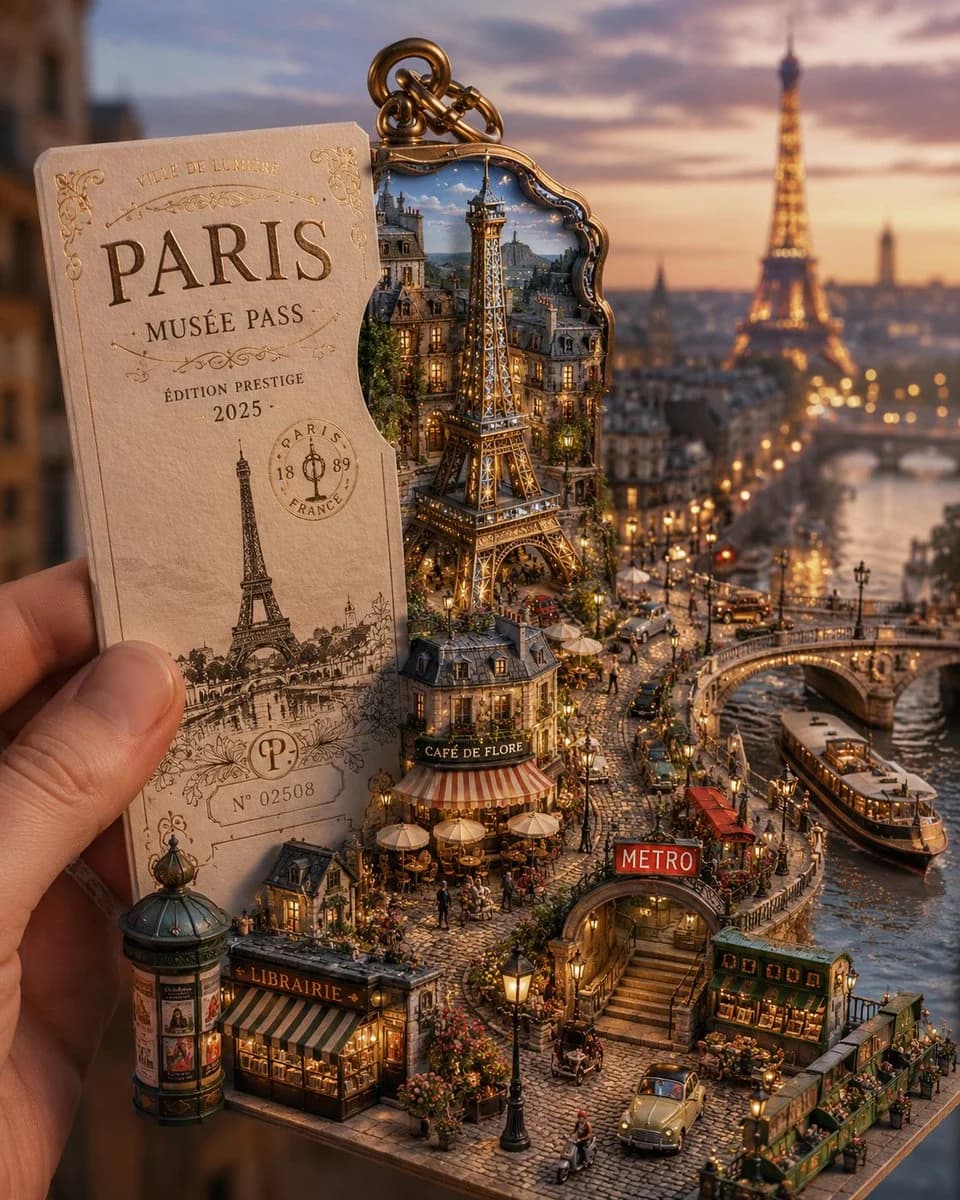
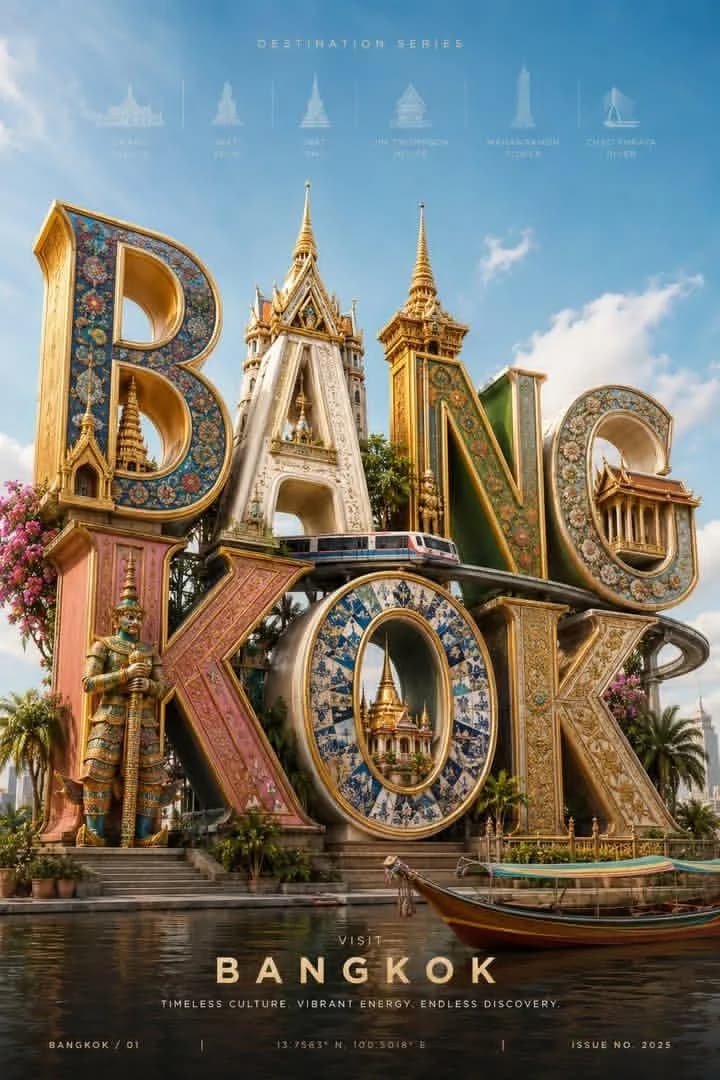
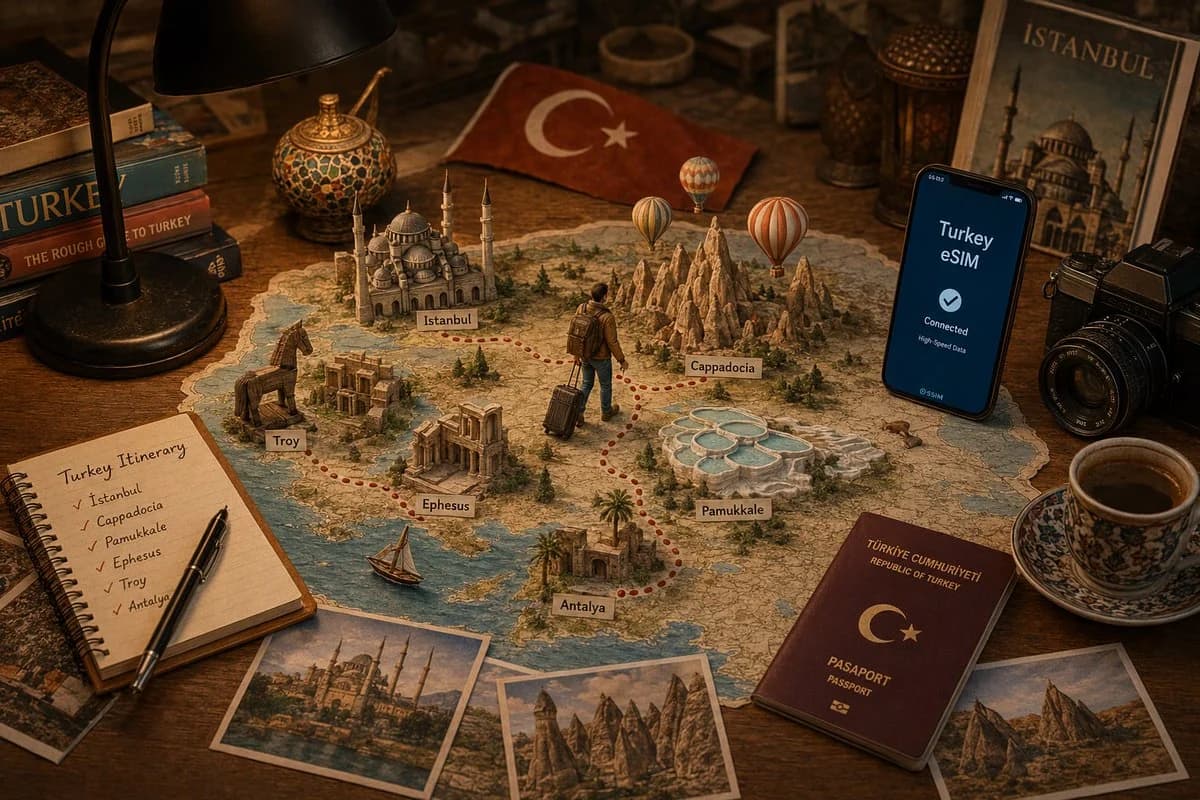
608 文字[場所]の旅行計画をテーマにしたプレミアムな卓上シーンを、やや高い位置から撮影する。温かみのある木製デスクの上、居心地のよい黒いデスクランプの下に[場所]の詳細な地図が広げられている。地図からは、手作りのペーパークラフトで作られた[場所]のランドマーク、象徴的な観光名所、風景、文化的な見どころが立ち上がり、それぞれおおよその地理的位置に配置されている。 バックパックとキャリーケースを持った小さな旅人のキャラクターが、地図上の赤い点線の旅のルートをたどり、探検の物語を視覚的に描き出している。旅人は目的地と目的地の間を移動している途中だ。 モダンなスマートフォンには「[場所] eSIM」の旅行用通信画面が表示されている。地図の周りには、旅程を書いたノート、ポストカード、カメラ、パスポート、旅行ガイドブック、その土地にちなんだお土産など、旅行計画のアクセサリーが置かれている。 ミクストメディアのジオラマスタイル、緻密なペーパークラフト建築、紙を重ねた地形、ミニチュアの木々、リアルなデスク小物、温かみのあるシネマティックなライティング、浅い被写界深度、非常に精細な質感、エディトリアルな旅行写真、Pinterest風の美学、プレミアムな商業広告、超リアル、8K品質、豊かなストーリー性、すっきりとした構図。 次の[場所]の見どころを含める:[ランドマーク一覧]。 カラーパレットは[場所の自然/文化的な色]から着想を得る。
このプロンプトについて
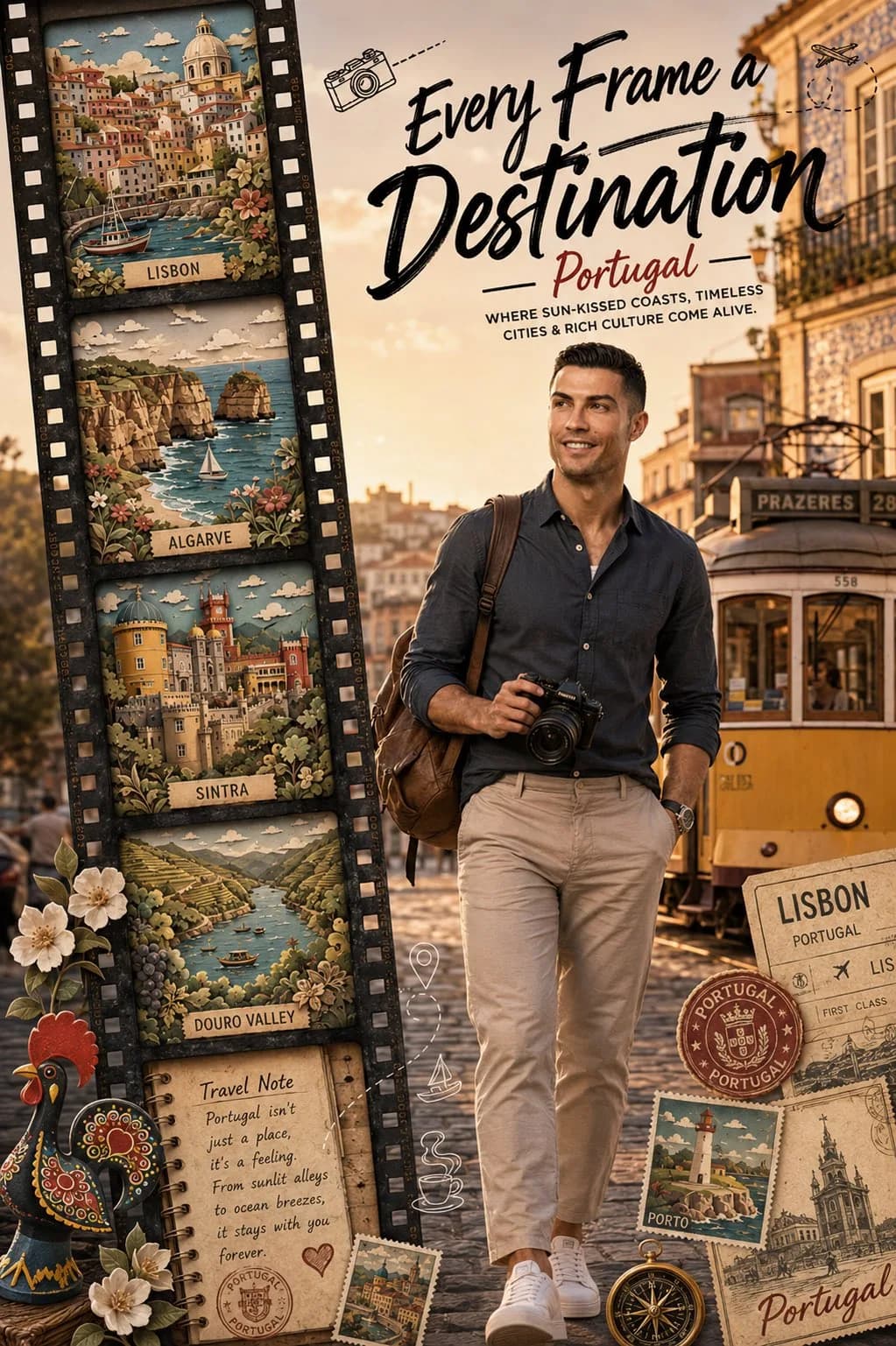
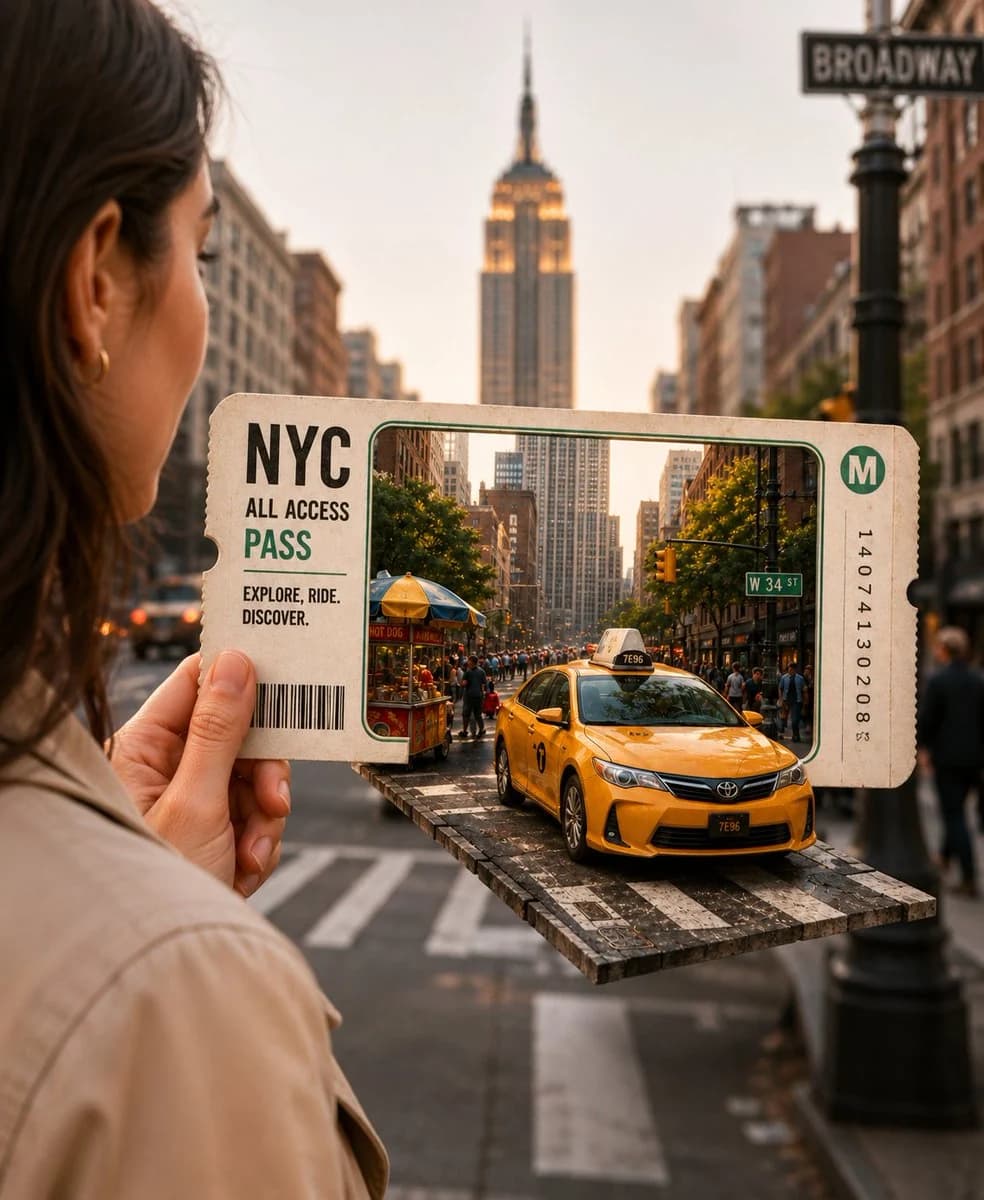
旅の計画テーブルシーン は、Image 2でGPT Image 2にそのまま使えるポスタープロンプトです。下の608文字をコピーして作成フォームに貼り付けると、上のプレビューに近い画像を生成できます。 商品広告, ポスター, 旅行 タグを調整すると、別の方向性にも展開できます。
出発点として使い、被写体、ライティング、構図を変えながら仕上げてください。そのまま使ってもリミックスしても、生成コストは同じです。
用途
ポスター制作の起点に使いやすいプロンプト
旅の計画テーブルシーン に近い ポスター の画像を作りたいときは、この GPT Image 2 プロンプトから始めるとスムーズです。画面の方向性と構成はすでに整っているので、被写体、商品、色、シーンの細部だけを自分の内容に差し替えられます。
まず調整しやすいところ
- 被写体 人物、商品、場所、オブジェクトを自分の内容に差し替え、構図はそのまま活かします。
- 雰囲気 ライティング、配色、カメラ角度、質感をブランドや用途に合わせます。
- 仕上がり 生成前にアスペクト比、背景、文字、レイアウト指定を整えます。
近いテーマのプロンプトを探す
スタイル、用途、テーマが近い GPT Image 2 プロンプトを続けて確認できます。
使い方
- ステップ 1
プロンプトをコピー
上のコピー ボタンで全文を取得します。
- ステップ 2
Image 2 Create を開く
作成フォームに移動して貼り付けます。
- ステップ 3
生成する
Generate を押すと、数秒であなたのバージョンが完成します。
自分用に調整
ワンクリックで作成フォームに読み込み、すぐに調整を始められます。