프롬프트
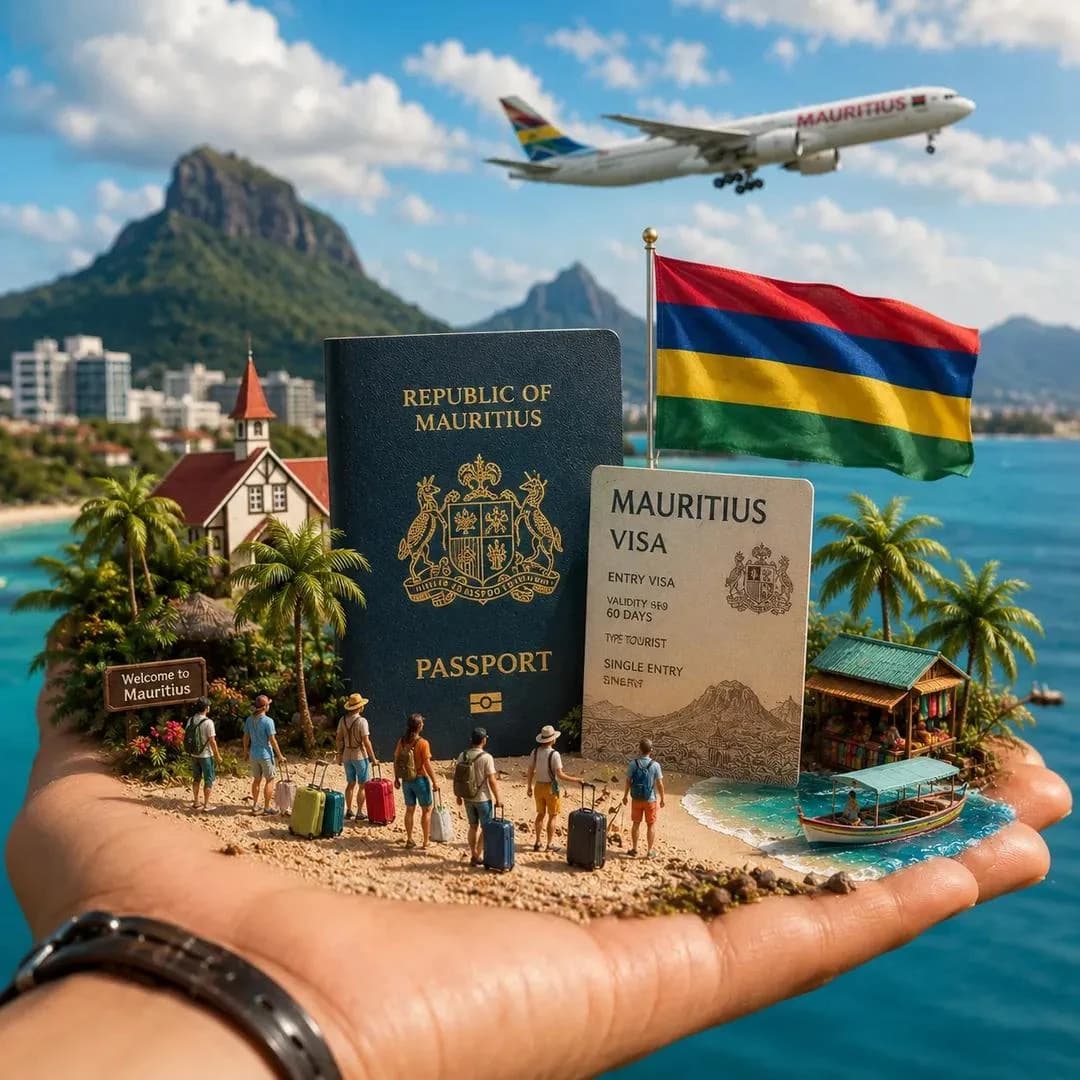
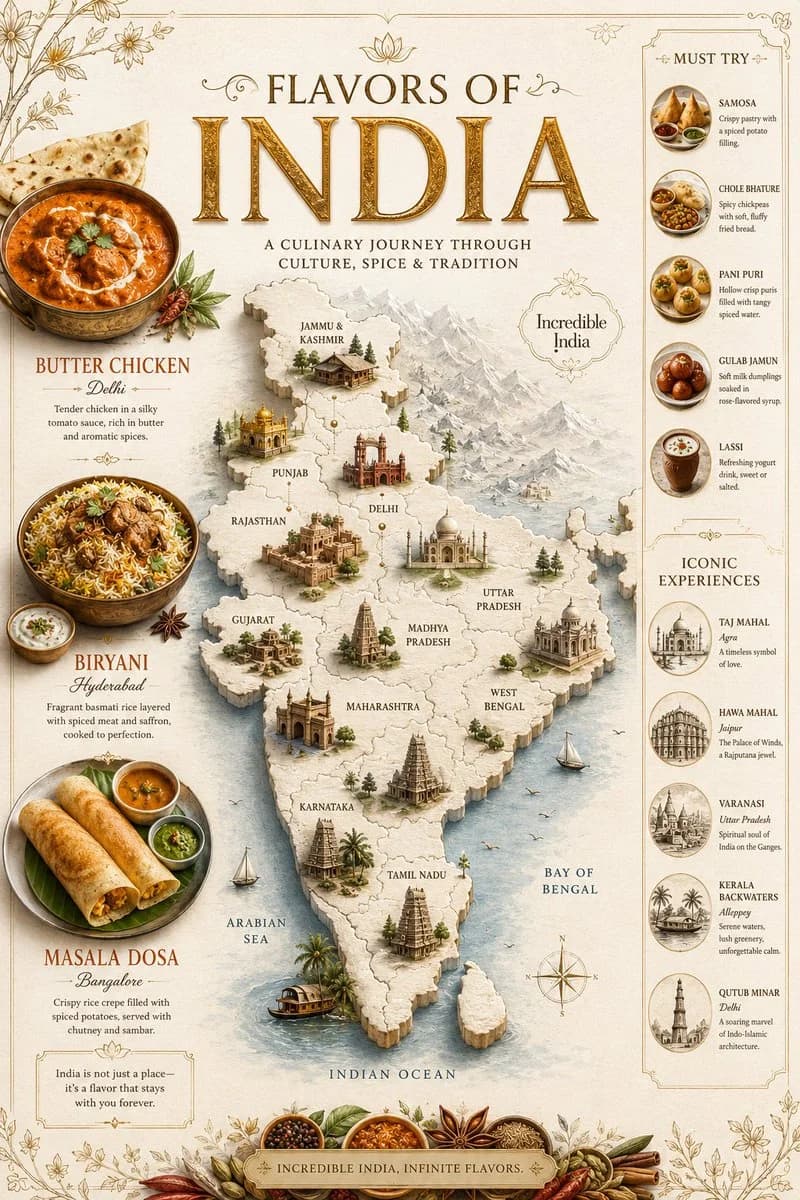
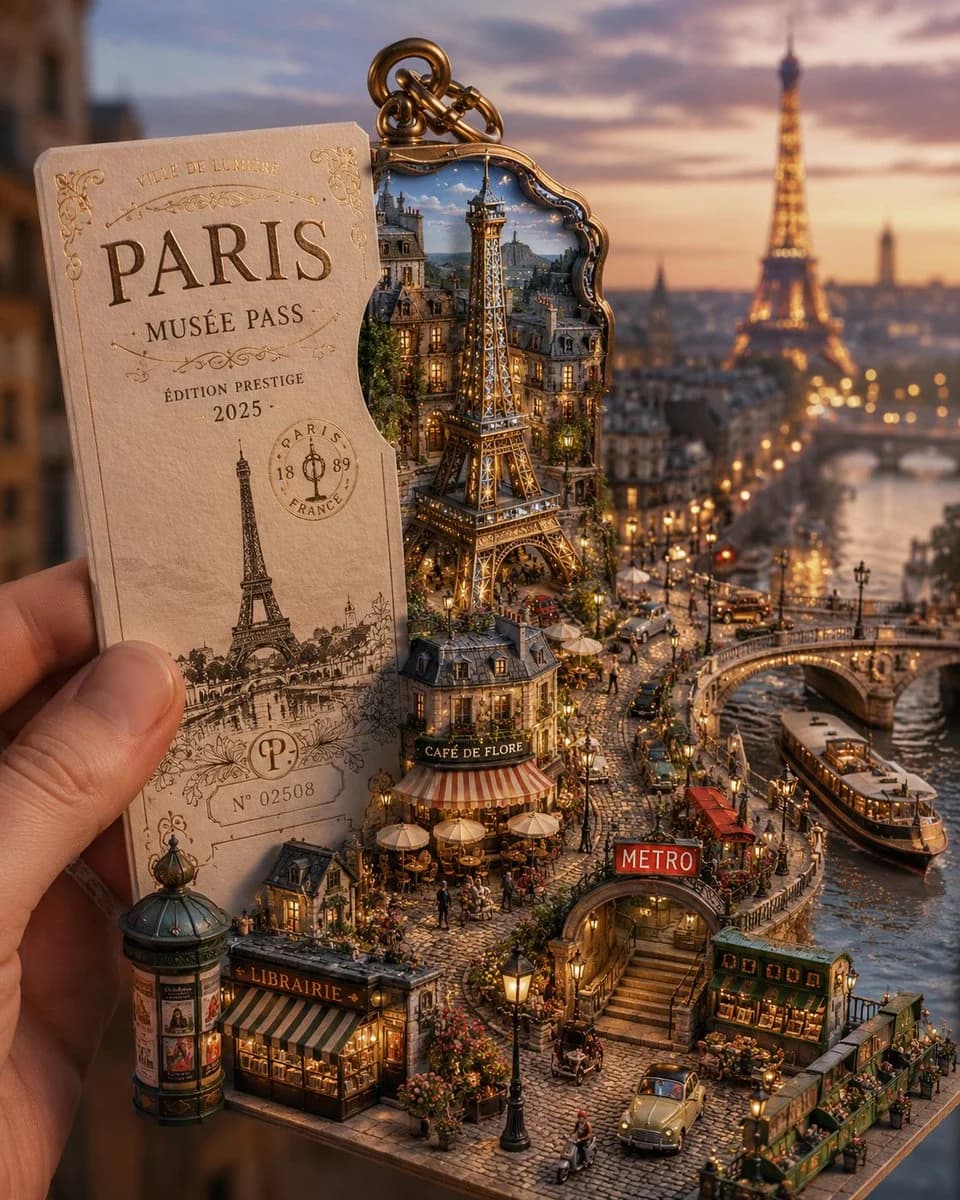
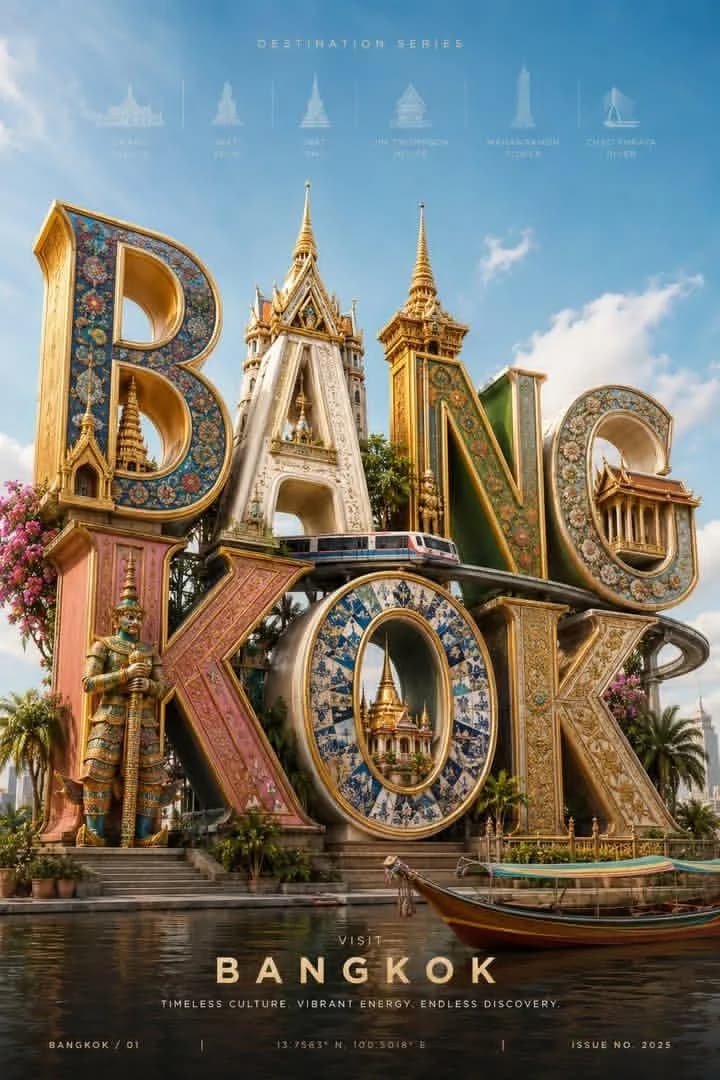
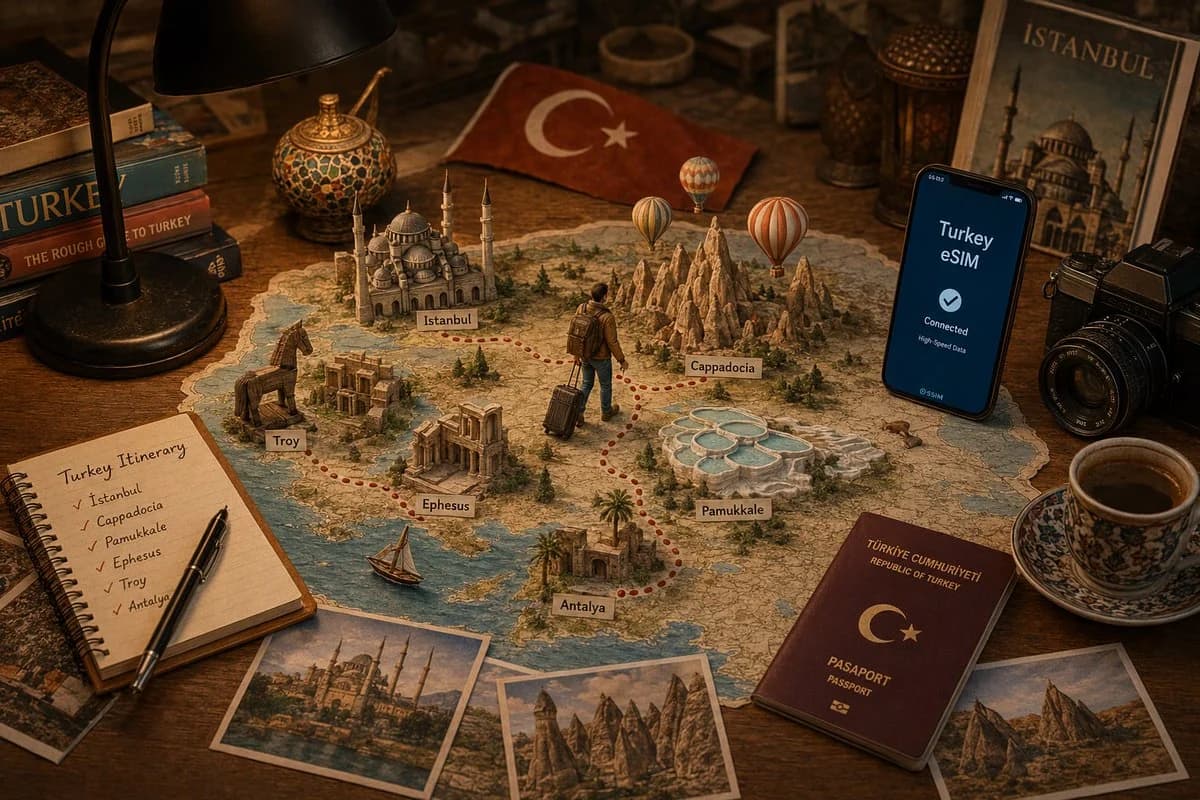
482자[장소] 여행 계획을 주제로 한 프리미엄 테이블 위 장면을 살짝 높은 앵글에서 촬영하세요. 따뜻한 원목 책상 위, 아늑한 검은 데스크 램프 아래에 [장소]의 상세한 지도가 펼쳐져 있습니다. 지도 위로는 손으로 만든 페이퍼 크래프트 랜드마크, 대표 명소, 풍경, 문화적 볼거리가 솟아올라 대략적인 실제 위치에 놓여 있습니다. 배낭을 메고 캐리어를 끄는 작은 여행자 캐릭터가 지도 위 빨간 점선 여행 경로를 따라가며 탐험 이야기를 시각적으로 풀어냅니다. 여행자는 목적지와 목적지 사이를 이동하는 중입니다. 모던한 스마트폰에는 "[장소] eSIM" 여행 데이터 연결 화면이 떠 있습니다. 지도 주변에는 여행 일정 노트, 엽서, 카메라, 여권, 여행 책자, 현지 테마 기념품 등 여행 준비 소품이 놓여 있습니다. 믹스드 미디어 디오라마 스타일, 정교한 페이퍼 크래프트 건축물, 종이를 겹친 지형, 미니어처 나무, 사실적인 책상 소품, 따뜻한 시네마틱 조명, 얕은 피사계 심도, 매우 정교한 질감, 에디토리얼 여행 사진, 핀터레스트 감성, 프리미엄 상업 광고, 극사실적, 8K 품질, 풍부한 스토리텔링, 깔끔한 구도. 다음 [장소]의 볼거리를 포함하세요: [랜드마크 목록]. 컬러 팔레트는 [장소의 자연/문화적 색감]에서 영감을 받습니다.
이 프롬프트 소개
Image 2에서 GPT Image 2에 바로 사용할 수 있는 포스터 프롬프트 ‘여행 계획 테이블톱 장면’입니다. 아래 482자를 복사해 Create 폼에 붙여 넣으면 위 미리보기와 비슷한 이미지를 만들 수 있습니다. 제품 광고, 포스터, 여행 태그를 조정하면 새로운 방향으로 확장할 수 있습니다.
먼저 그대로 사용해 본 뒤 피사체, 조명, 구도를 작업에 맞게 조정해 보세요. 원문을 그대로 쓰거나 수정해도 생성 비용은 같습니다.
사용 사례
포스터 작업의 좋은 출발점
‘여행 계획 테이블톱 장면’처럼 표현한 포스터 이미지를 만들고 싶다면 이 GPT Image 2 프롬프트로 시작해 보세요. 스타일과 구도는 이미 잡혀 있으므로 인물, 제품, 색상, 장면 요소만 작업에 맞게 바꾸면 됩니다.
먼저 손보기 좋은 부분
- 피사체 인물, 제품, 장소, 오브젝트를 내 내용으로 바꾸고 전체 구도는 유지합니다.
- 분위기 조명, 색감, 카메라 각도, 소재 디테일을 브랜드나 용도에 맞춥니다.
- 결과 형식 생성 전에 비율, 배경, 텍스트, 레이아웃 지시를 정리합니다.
비슷한 프롬프트 더 보기
스타일, 용도, 피사체가 가까운 GPT Image 2 프롬프트를 이어서 확인해 보세요.
사용 방법
- 1단계
프롬프트 복사
위의 복사 버튼을 눌러 전체 텍스트를 가져옵니다.
- 2단계
Image 2 Create 열기
Create 폼으로 이동해 붙여 넣습니다.
- 3단계
생성
Generate를 누르면 몇 초 안에 내 버전이 완성됩니다.
내 버전으로 만들기
한 번의 클릭으로 Create 폼에 불러오고 바로 조정하세요.