限時特惠 · 現省 50%現省 50%年訂閱方案 · GPT Image 2.5 + Seedance 2.5
Image 2
忠於參考圖的多圖編輯——搭配設計師級海報排版與清晰易讀的文字。
快速瀏覽 Seedream 4.5 最擅長的:忠於參考圖的人像編輯、材質替換、多圖合成、圖內文字與翻譯、3D 微縮,以及海報與 Logo 排版。點選任一圖片即可載入它的提示詞。
Seedream 4.5 相較 Seedream 4.0 全面升級——更精準的提示詞遵循、更強的參考圖一致性、更乾淨的排版,複雜編輯與密集版面都能穩定呈現。
上傳參考圖,Seedream 4.5 會保留臉部、光線與色調——編輯後的主體在每個版本裡依然是它原本的樣子。
設計師級的構圖,小字清晰易讀——專為海報、包裝、Logo 以及需要乾淨呈現的密集文字版面打造。
指向多張輸入圖中的元素,Seedream 4.5 能鎖定正確的目標——合併、替換或移除主體,同時不干擾其餘部分。單次最多 14 張參考圖。
2K 適合快速草稿,4K 適合印刷尺寸的細節。兩者每張圖都是 6 點數,放心用高解析度,不必擔心價格。
從忠於參考圖的人像與產品編輯,到海報、Logo、多圖合成與圖內文字,Seedream 4.5 涵蓋了那些必須保持精確的工作。
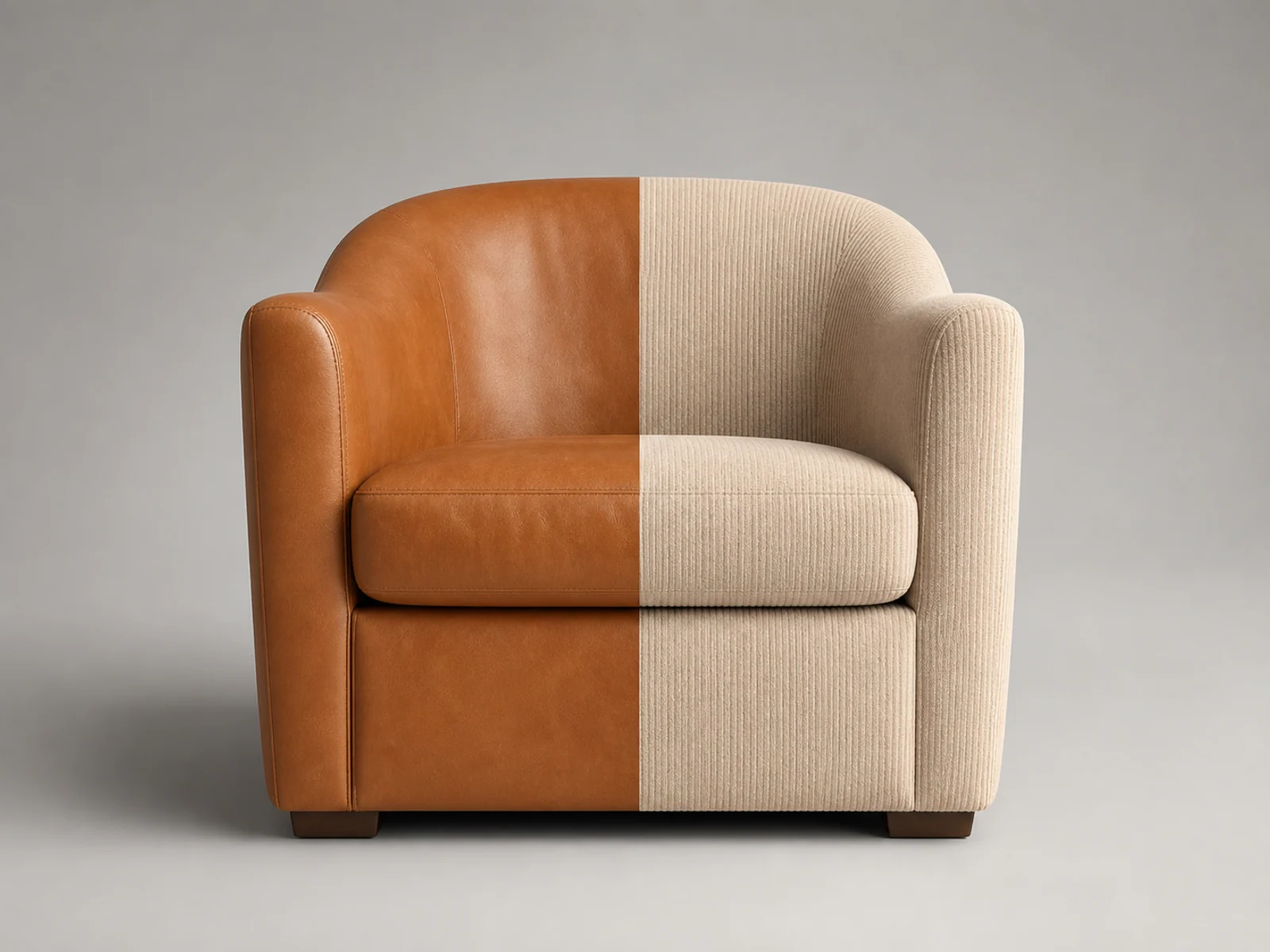
替換材質、表面工藝與包裝,同時讓產品的外形、標籤與光線忠於原圖。

改換服裝、背景與光線,同時在每個版本裡保留人物的臉部、髮型與膚色。
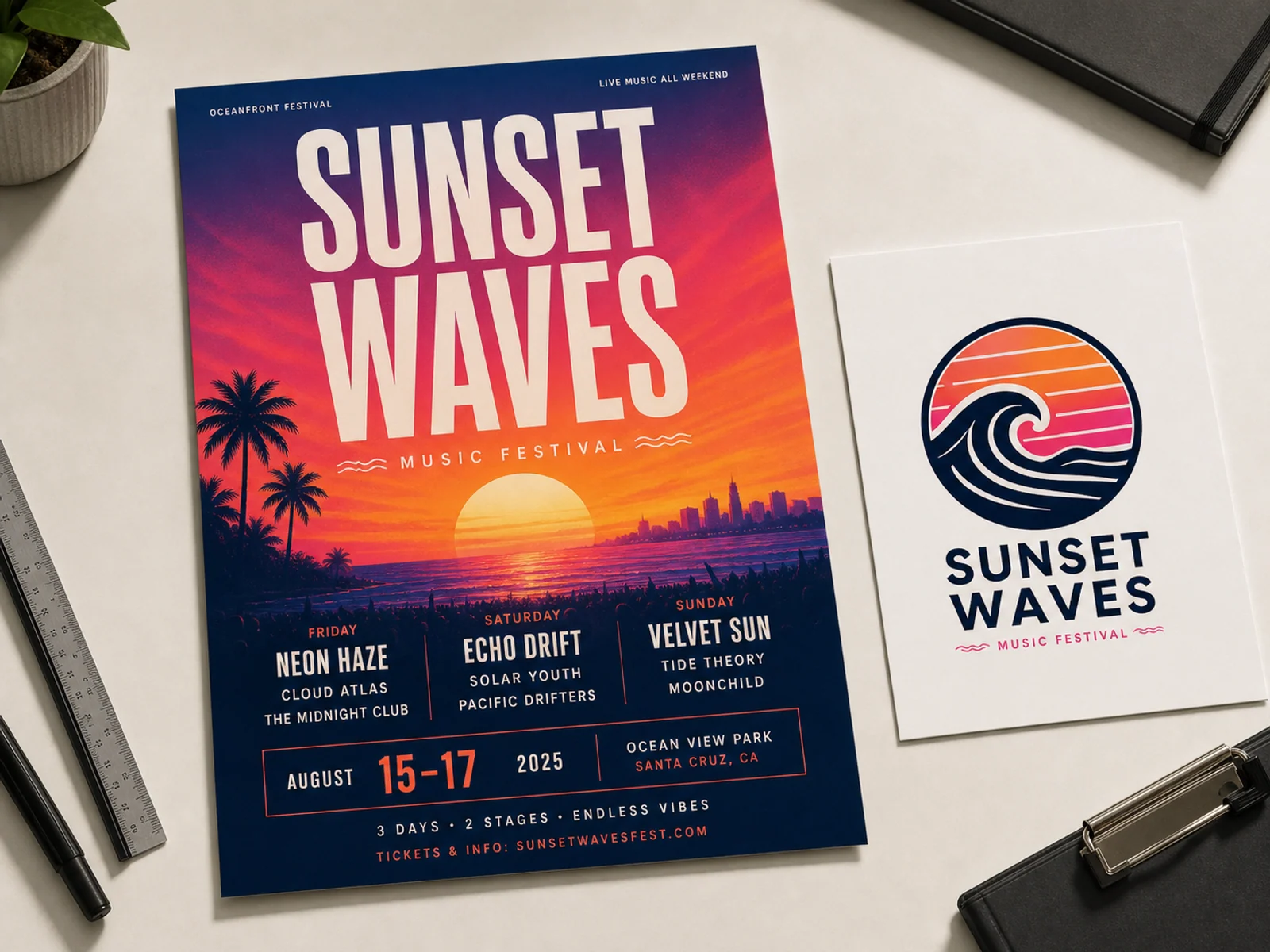
設計師級的海報、包裝與 Logo 排版,小字清晰易讀,層級分明。
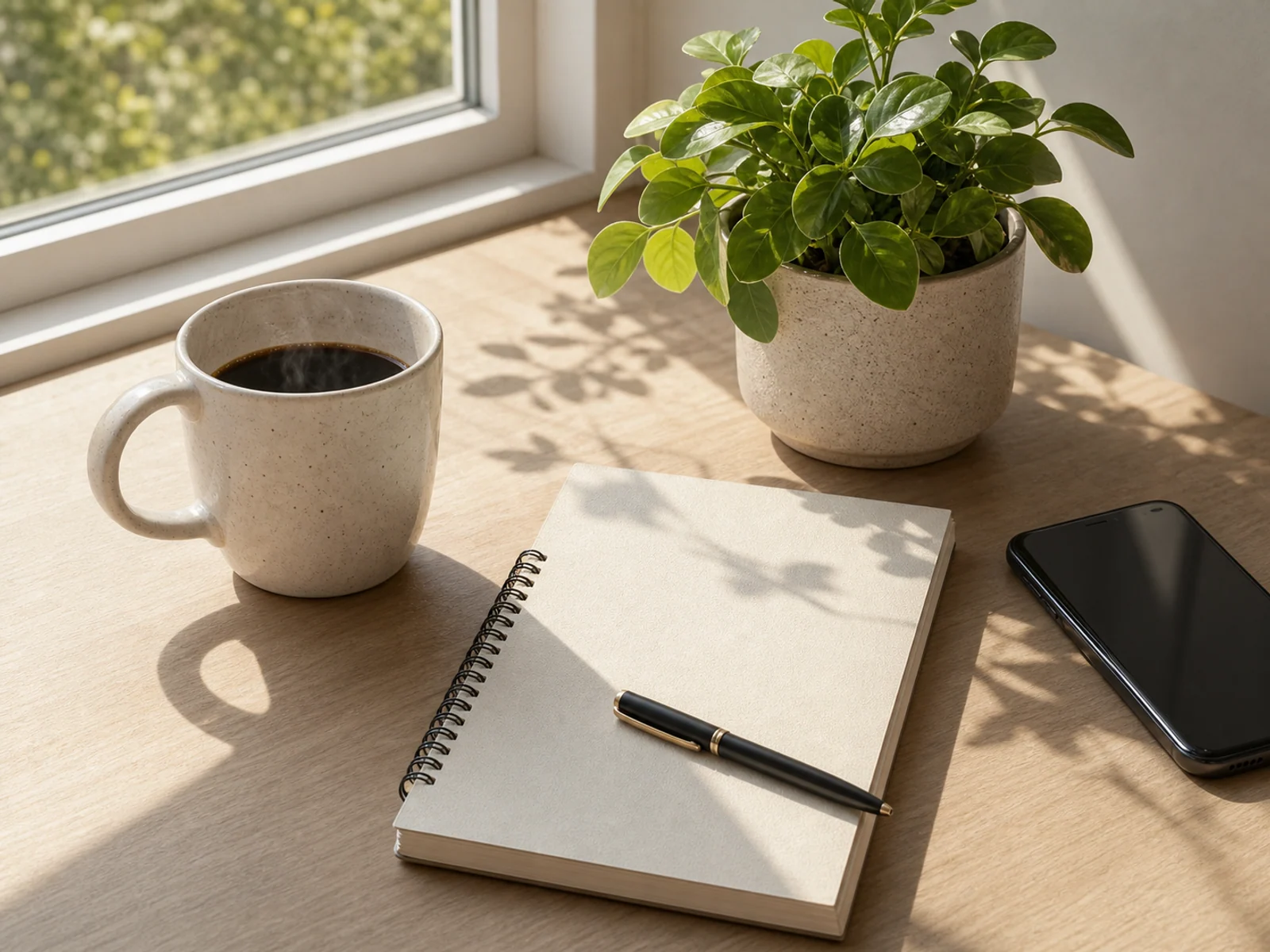
把多張圖裡的主體合到一起,保留你指定的、去掉其餘的——光線與透視都對得上。
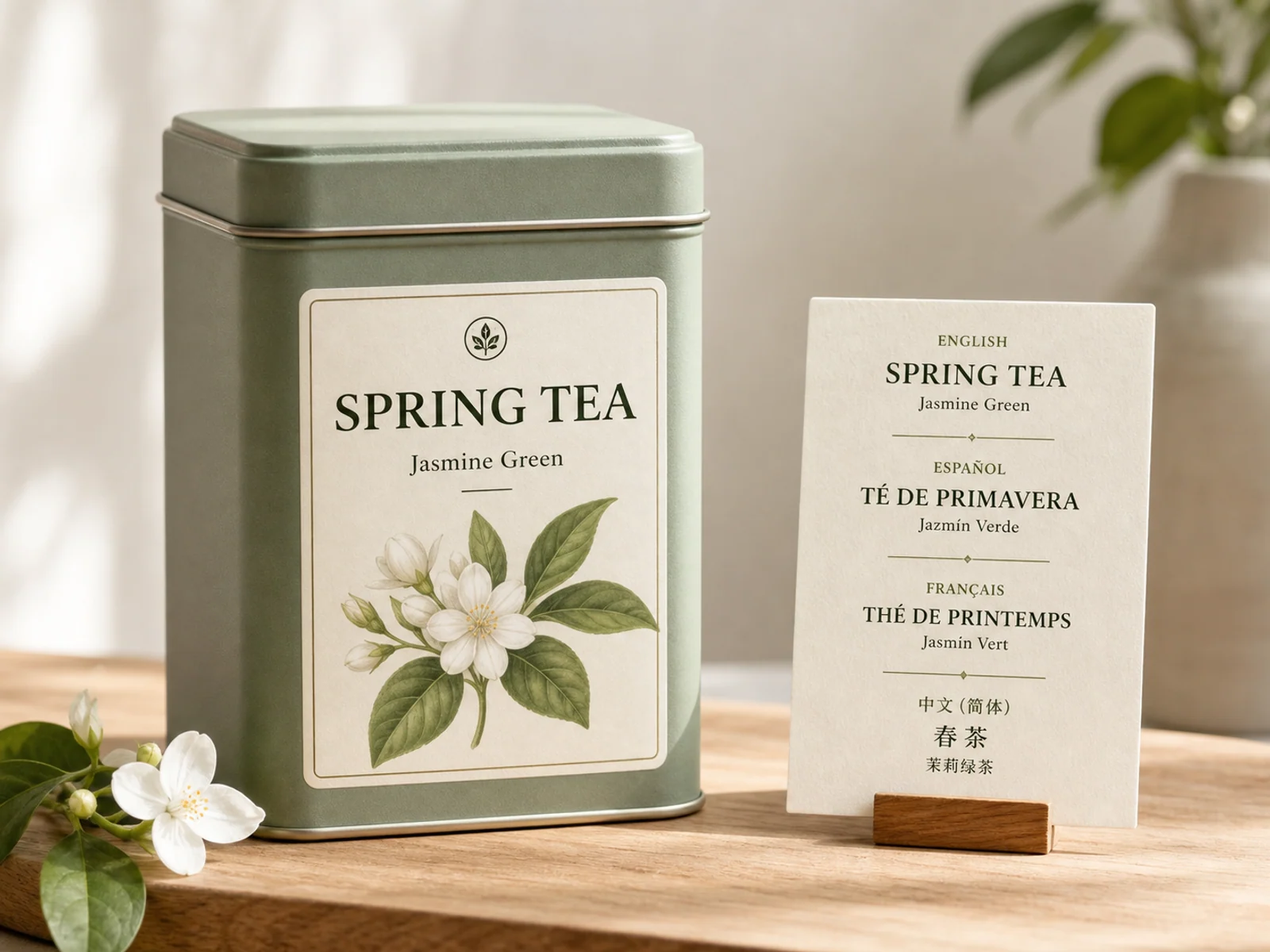
在圖片內新增、改寫或翻譯文字——手寫體或印刷體皆可——其餘部分原封不動。
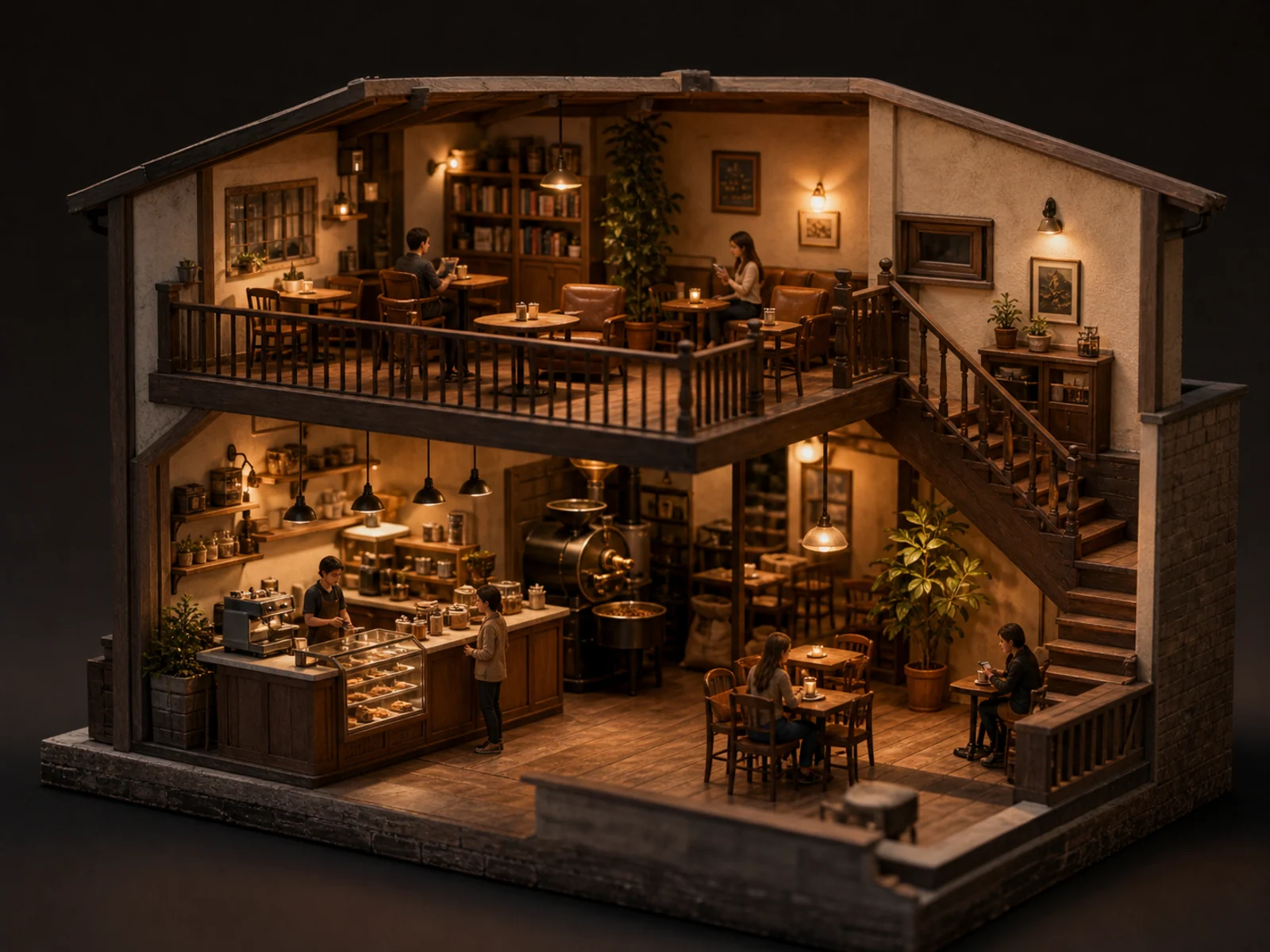
移軸微縮世界、電影感夜景,以及 16:9 或 21:9 的寬幅活動主視覺。
每則提示詞都先點明要做的編輯,鎖定必須保持不變的部分,再寫清楚要改什麼。複製一則,改成你自己的。
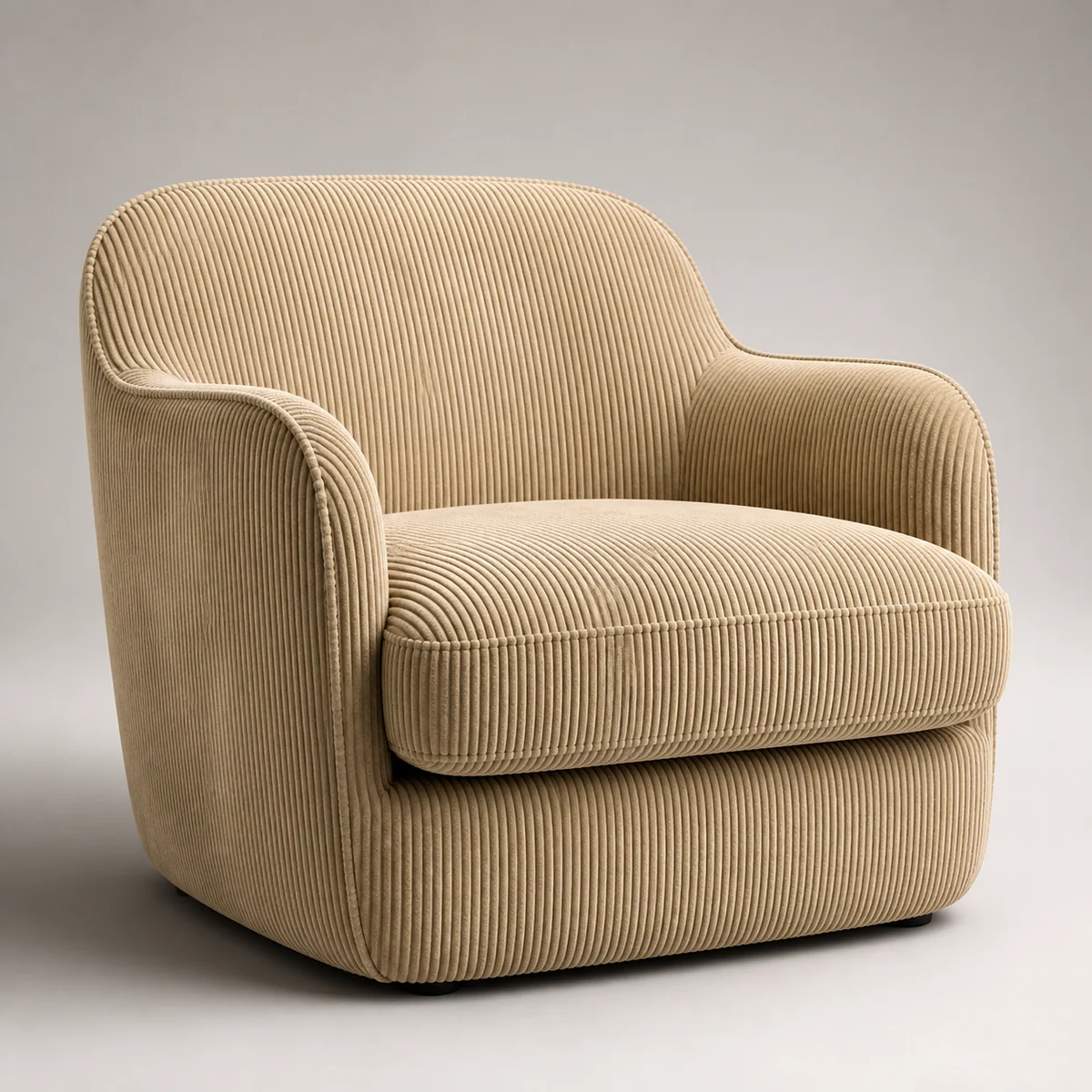
Keep this leather armchair's shape, stitching, and placement unchanged. Change the material from leather to beige corduroy. Soft studio lighting, clean seamless background, premium catalog look.
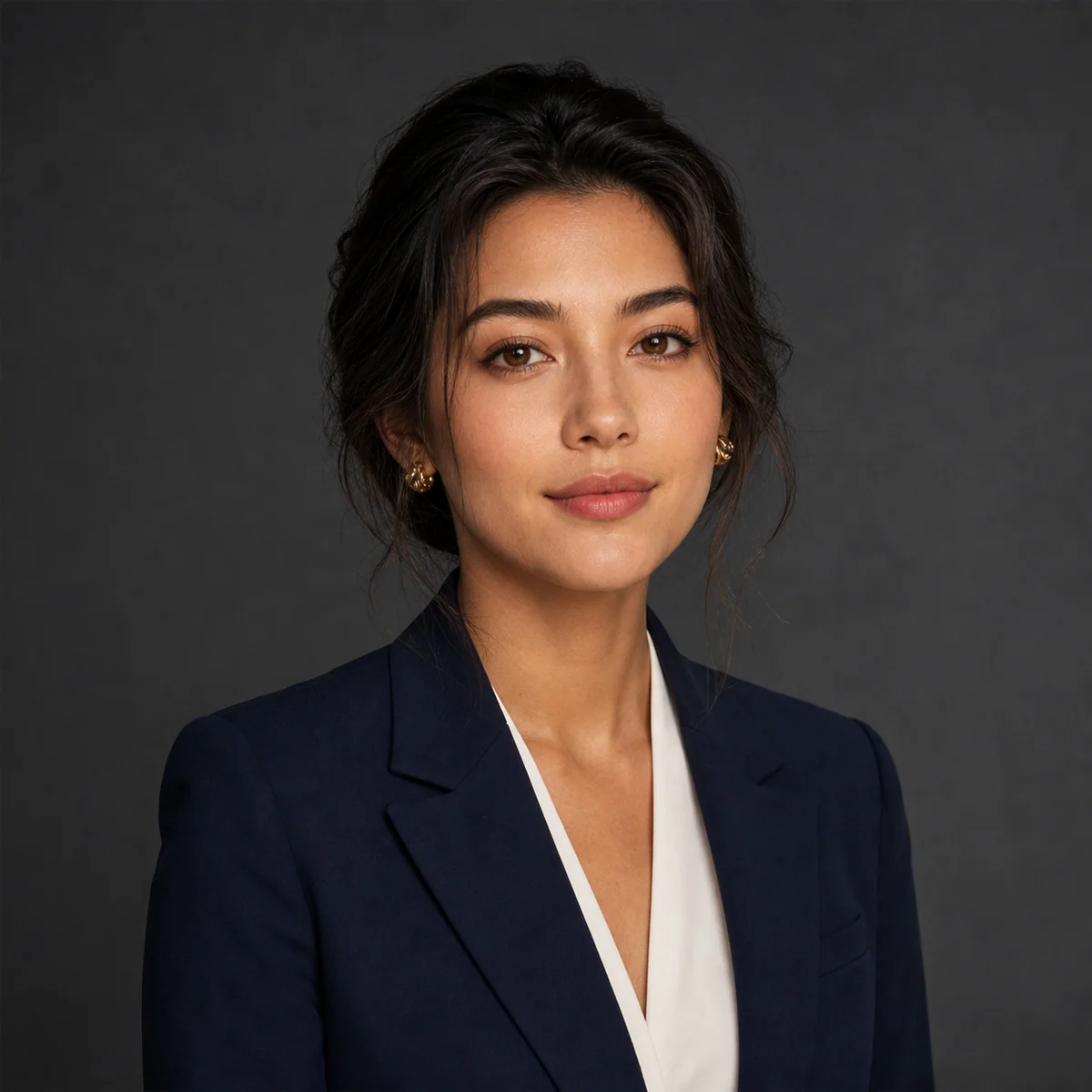
Keep the person's facial features and hairstyle from this ID photo. Replace the background with a professional charcoal-grey studio backdrop, add soft Rembrandt lighting, and change the outfit to a navy suit. Corporate headshot.

Music festival poster. Bold title 'SUNSET WAVES' at the top, a three-line artist lineup in small type in the middle, date and venue along the bottom, neon-sunset palette, strong typographic hierarchy.
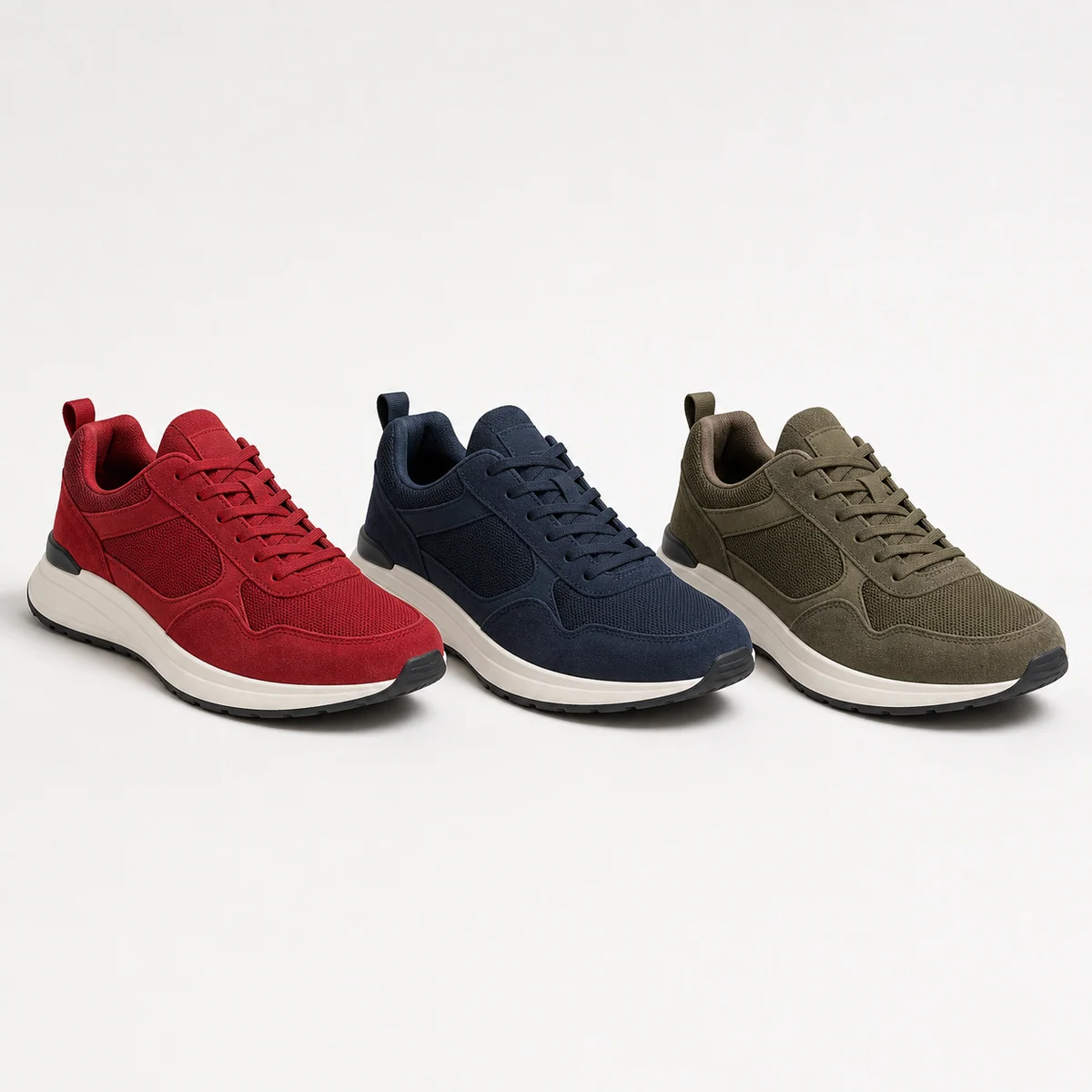
Generate three colorway variations of this sneaker — red, navy, and olive — keeping the exact shape, angle, and lighting consistent across all three. Clean catalog background.

Add promotional labels to this drink product shot: a round 'NEW' badge in the top-left corner and a clear 'Buy 1 Get 1' line of small text along the bottom, styled to match the packaging.
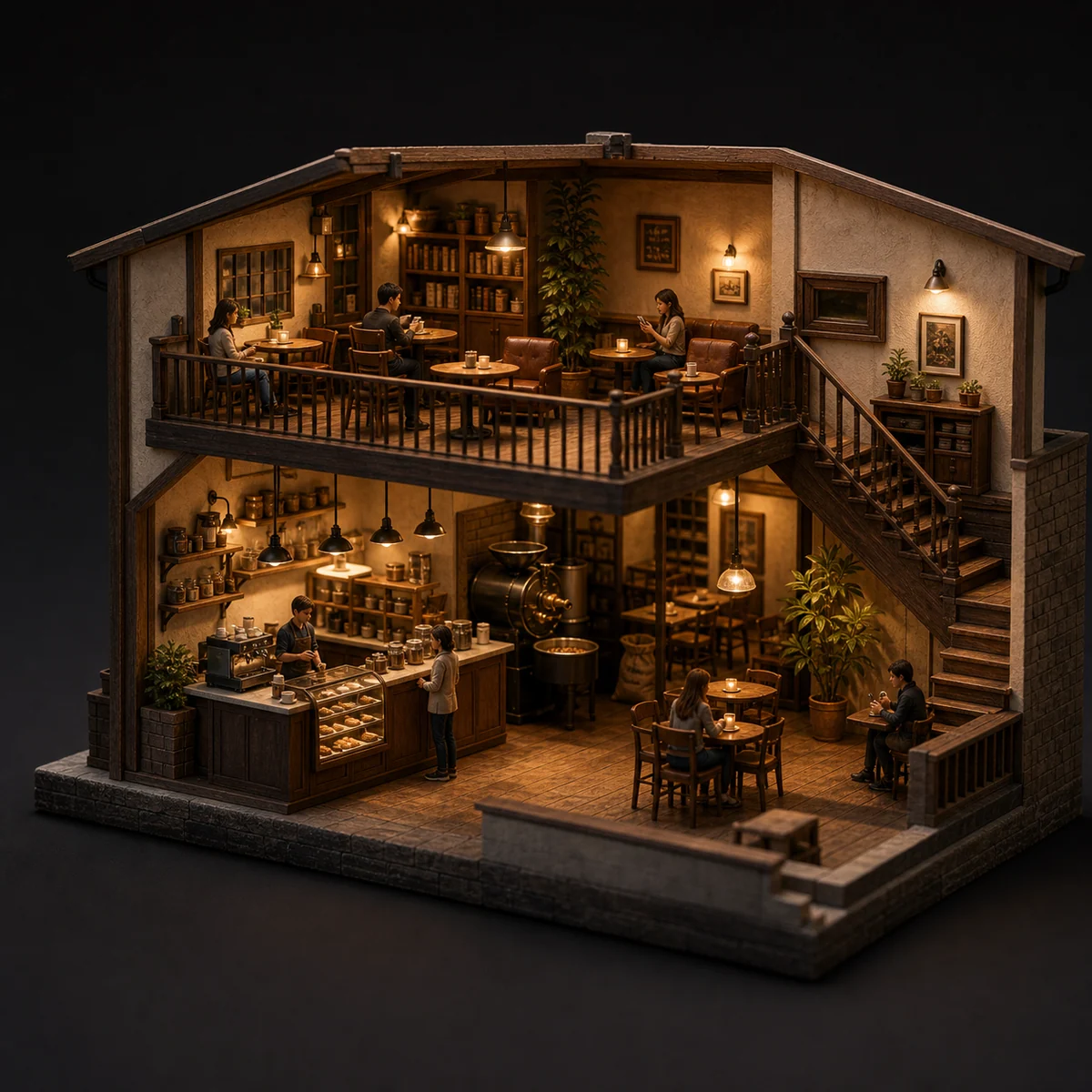
3D miniature cross-section of a cozy two-floor coffee shop — counter, roasting area, and seating all visible at once. Warm lighting, tilt-shift, highly detailed.
無論從文字還是參考圖開始,用的都是同一個編輯器。
描述主體、場景、指定文字、版型、光照、材質、比例、主體關係和資訊層級。
要編輯或合成?上傳一張或多張參考圖(最多 14 張),說清楚保留哪些主體、改什麼、以及哪些必須忠於原圖。
草稿選 2K,要更多細節選 4K——無論哪種,每張都是同樣的 6 點數。
關於 Seedream 4.5,你可能想知道這些。
Seedream 4.5 是字節跳動的圖像模型,專為編輯與排版打磨。它相較 Seedream 4.0 全面升級——提示詞遵循更準、參考圖一致性更強、排版更乾淨。它最擅長多圖編輯,讓臉部、光線與色調忠於你的參考圖,也擅長設計師級的海報與 Logo,文字清晰易讀。在 Image 2 上,它在同一個編輯器裡同時支援文生圖與圖生圖。
支援。切到圖生圖,上傳一張或多張圖,再用日常口語描述改動——換材質、改穿搭、加元素,或在維持主體可辨識的前提下調整光線。單次請求最多可帶入 14 張參考圖,當你想讓結果同時參考或忠實於多張輸入時會很方便。
可以輸出 2K 或 4K。2K 適合快速草稿、社群貼文與螢幕瀏覽;4K 則為大尺寸排版、印刷,或之後要裁切的畫面提供更多細節。兩者每張同價,所以只要最終用途需要,隨時可以切到 4K,不會多花錢。
提供八種比例:1:1、4:3、3:4、16:9、9:16、2:3、3:2 與 21:9。涵蓋方形貼文、適合限動與海報的直式、一般橫圖與直圖,以及適合電影感主視覺的超寬 21:9。生成前先選好比例,構圖從一開始就框得準。
當任務是編輯或排版時,選 Seedream 4.5——多圖合成、忠於參考的修改、材質替換、海報、Logo 與圖內文字。想要 GPT Image 2 獨特的排版風格與參考處理時,就用它。兩者互補,很多人會同時備著。
每張圖 6 點數——文生圖、圖生圖同價,選 2K 還是 4K 也同價。此外每天都能領免費點數,放心多試。
這取決於 Image 2 的條款、模型本身的條款,以及你對所用提示詞、上傳內容、品牌與參考素材的權利。在用於客戶專案或商業付費作品前,建議先查閱相關條款。
大多數圖片不到一分鐘就能完成,實際取決於當前的請求量、提示詞複雜度與參考圖數量。圖片一旦就緒,結果面板會自動更新。
可以免費開始使用——新帳號註冊即送點數,馬上就能用。之後還能透過購買點數包、每日簽到、或邀請好友來補充點數。每張 Seedream 4.5 圖片消耗 6 點數,免費額度足夠你充分試用各種提示詞,再決定要不要購買。
兩者都在同一個編輯器裡使用,文生圖和參考圖編輯的用法也一樣,日常體驗非常接近。最明顯的差別在解析度:Seedream 4.5 最高可輸出 4K,適合印刷尺寸與大幅畫面;Seedream 5.0 Lite 則是更輕量、更新的版本,最高到 3K。拿不定主意時,用同一則提示詞各跑一遍,留下你更喜歡的那版就好。
還有問題嗎? 聯絡我們 [email protected]
只用文字,或在需要貼合既有圖片時再加一張參考圖。
Seedream 4.5 結果