プロンプト
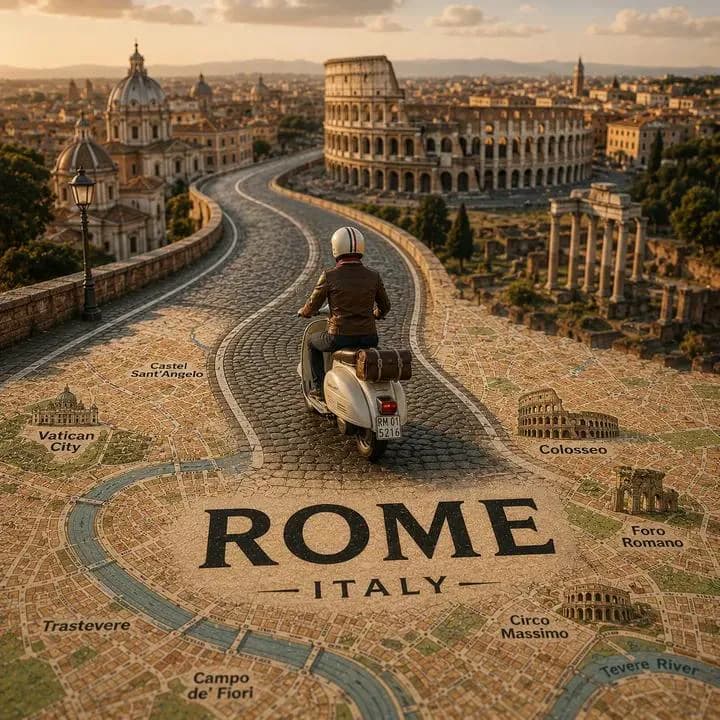
446 文字[都市名]を舞台にした、非常に精細でシネマティックなミニチュア風チルトシフトの旅行シーンを作成してください。リアルな[車両名]が、印刷されたヴィンテージ風の市街地図から自然に立ち上がる、曲がりくねった高架道路を走っている。道路は[都市名]の背景のスカイラインやランドマークに向かってドラマチックにカーブし、車両は前景で明確な主役であり続ける。 実際の街並みとイラストの地図面をシームレスに融合させ、道路が地図そのものに組み込まれているように見せる。[都市名]ならではのランドマーク、水辺、建築、植生、空気感を盛り込みつつ、構図はすっきりと整理されたものに保つ。 前景の地図上に「[都市名]」の大きな太字タイポグラフィを直接印刷して見せる。温かなゴールデンアワーの光、浅い被写界深度、リアルな質感、シネマティックな影、空気遠近法、フォトリアルなディテールを使う。全体の雰囲気は、プレミアムなInstagramの旅行ポスターとミニチュアジオラマを掛け合わせたような仕上がりにする。 アスペクト比1:1。
このプロンプトについて
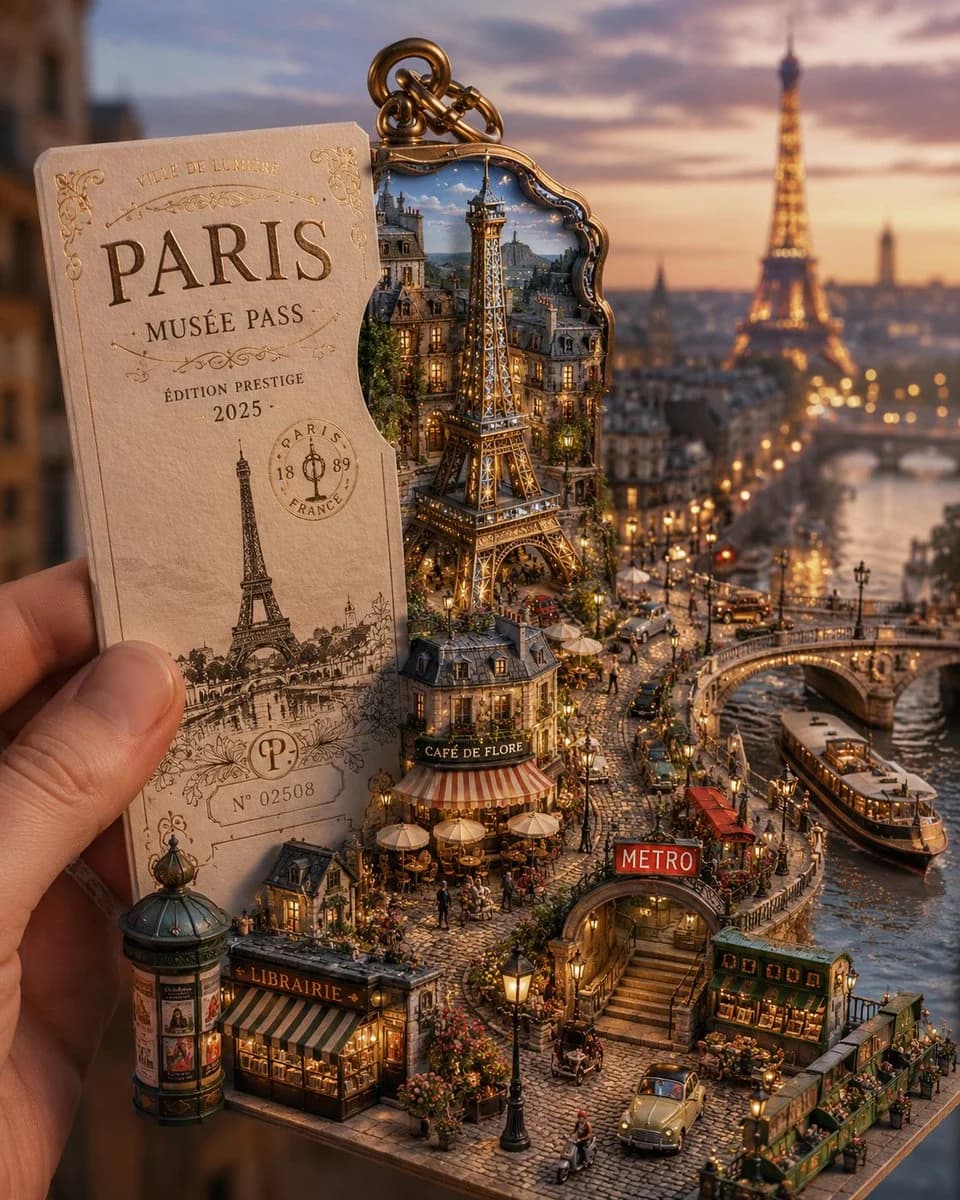
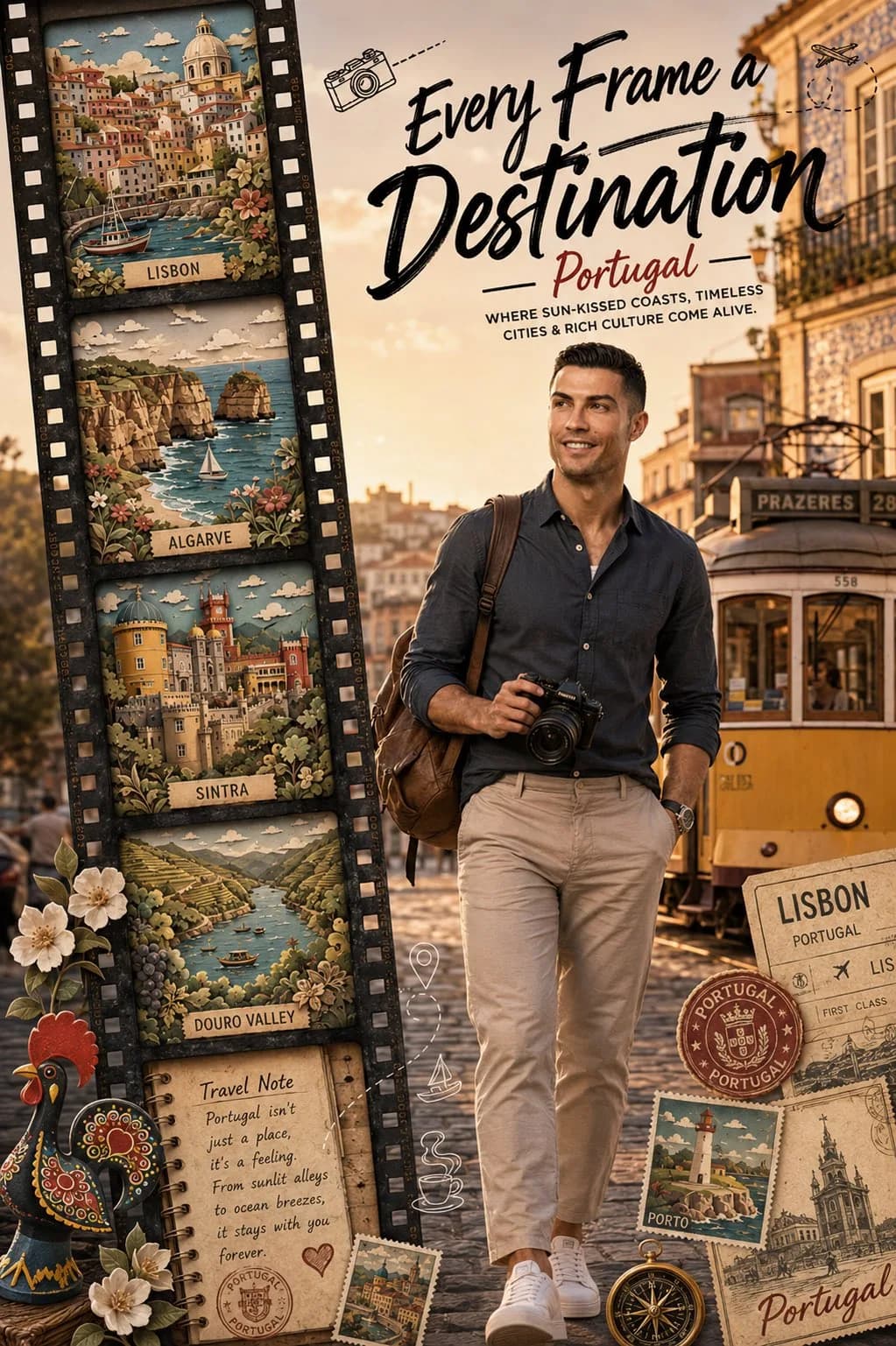
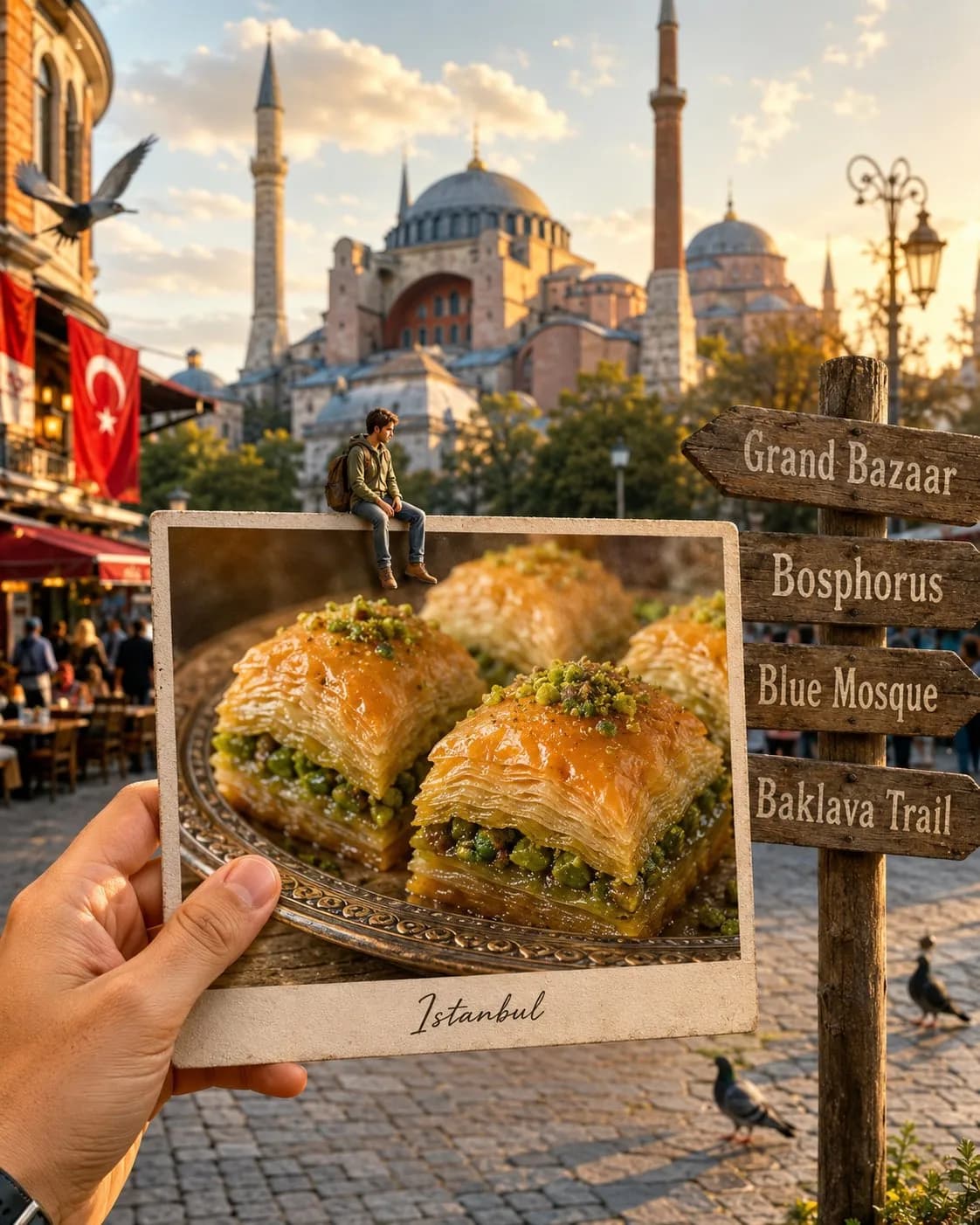
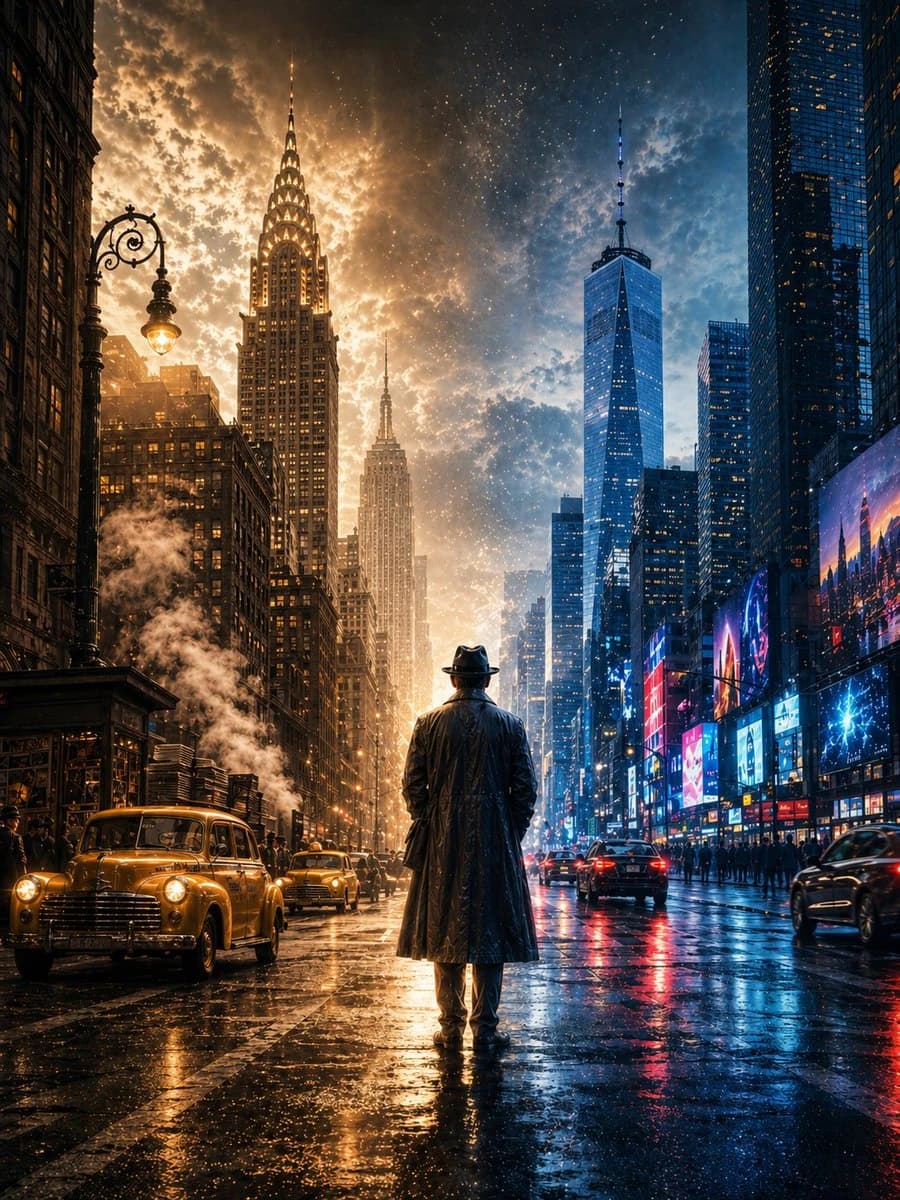
ティルトシフト都市地図トラベルポスター は、Image 2でGPT Image 2にそのまま使えるポスタープロンプトです。下の446文字をコピーして作成フォームに貼り付けると、上のプレビューに近い画像を生成できます。 SNS, ポスター, 旅行 タグを調整すると、別の方向性にも展開できます。
出発点として使い、被写体、ライティング、構図を変えながら仕上げてください。そのまま使ってもリミックスしても、生成コストは同じです。
用途
ポスター制作の起点に使いやすいプロンプト
ティルトシフト都市地図トラベルポスター に近い ポスター の画像を作りたいときは、この GPT Image 2 プロンプトから始めるとスムーズです。画面の方向性と構成はすでに整っているので、被写体、商品、色、シーンの細部だけを自分の内容に差し替えられます。
まず調整しやすいところ
- 被写体 人物、商品、場所、オブジェクトを自分の内容に差し替え、構図はそのまま活かします。
- 雰囲気 ライティング、配色、カメラ角度、質感をブランドや用途に合わせます。
- 仕上がり 生成前にアスペクト比、背景、文字、レイアウト指定を整えます。
近いテーマのプロンプトを探す
スタイル、用途、テーマが近い GPT Image 2 プロンプトを続けて確認できます。
使い方
- ステップ 1
プロンプトをコピー
上のコピー ボタンで全文を取得します。
- ステップ 2
Image 2 Create を開く
作成フォームに移動して貼り付けます。
- ステップ 3
生成する
Generate を押すと、数秒であなたのバージョンが完成します。
自分用に調整
ワンクリックで作成フォームに読み込み、すぐに調整を始められます。